
DT27
18 presets for sport, art and travel. The looks I edit my races, trips and films with, in one pack.
 RawUltra 2
The presets I actually edit with.
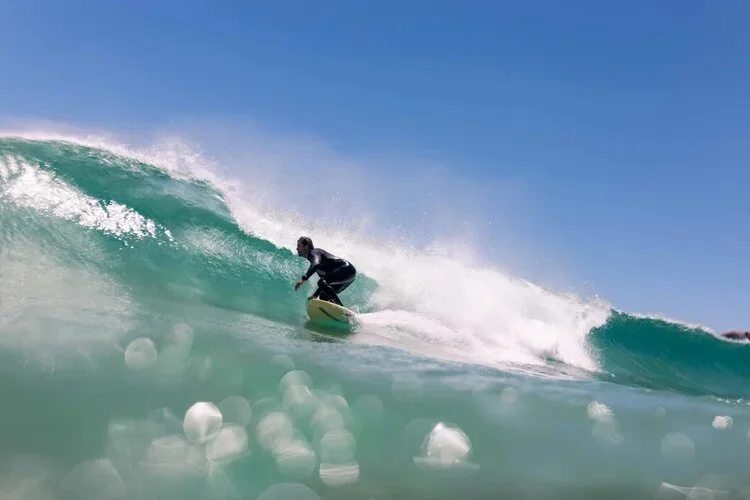
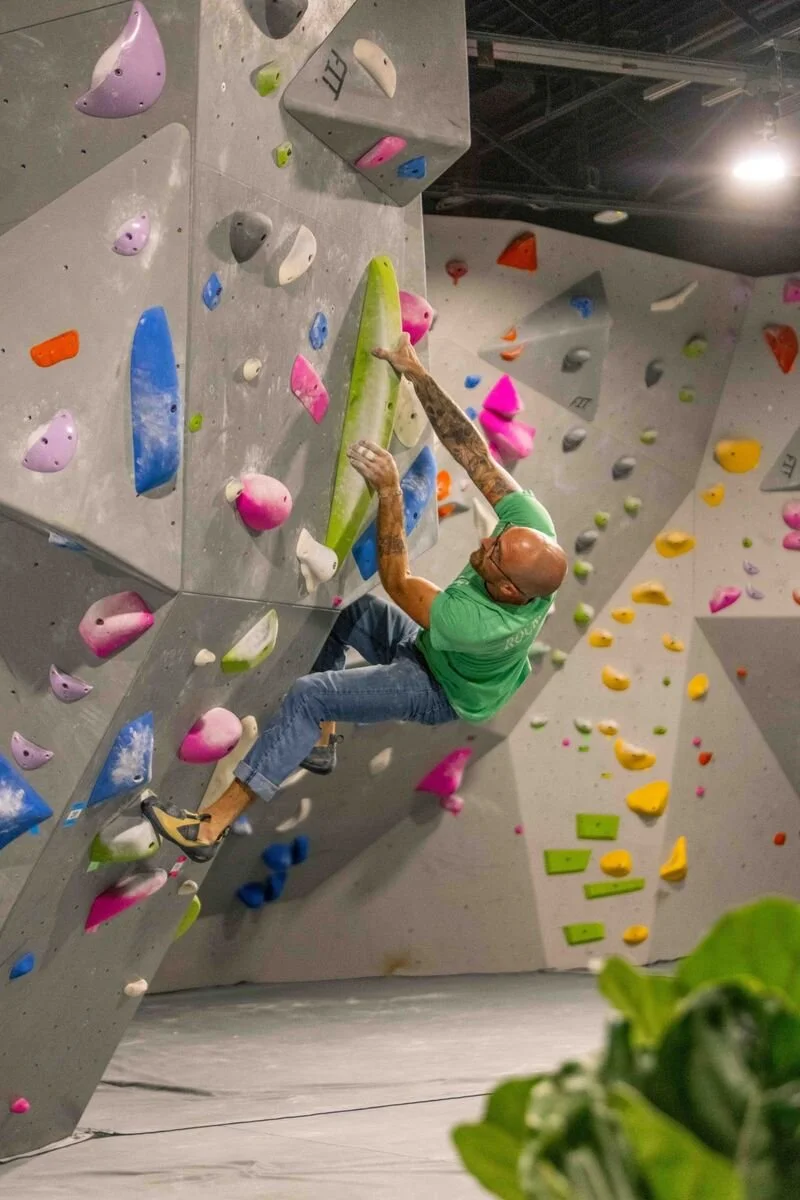
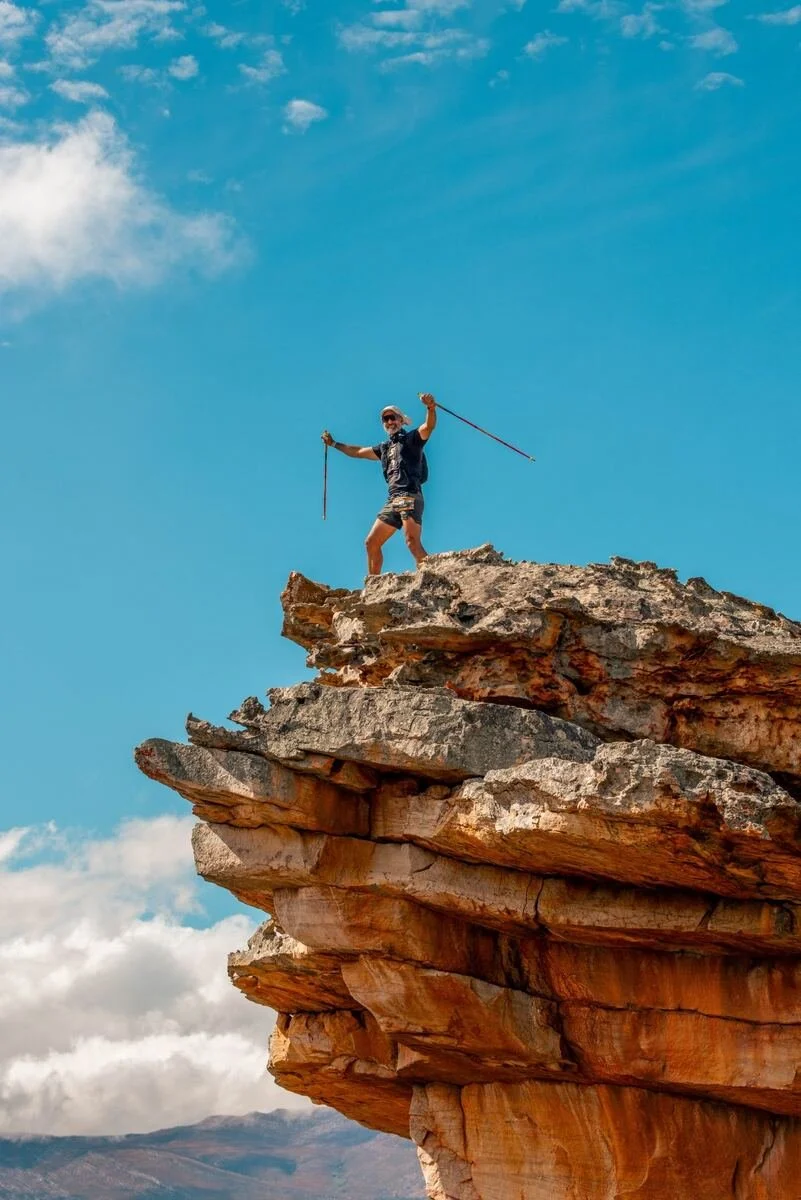
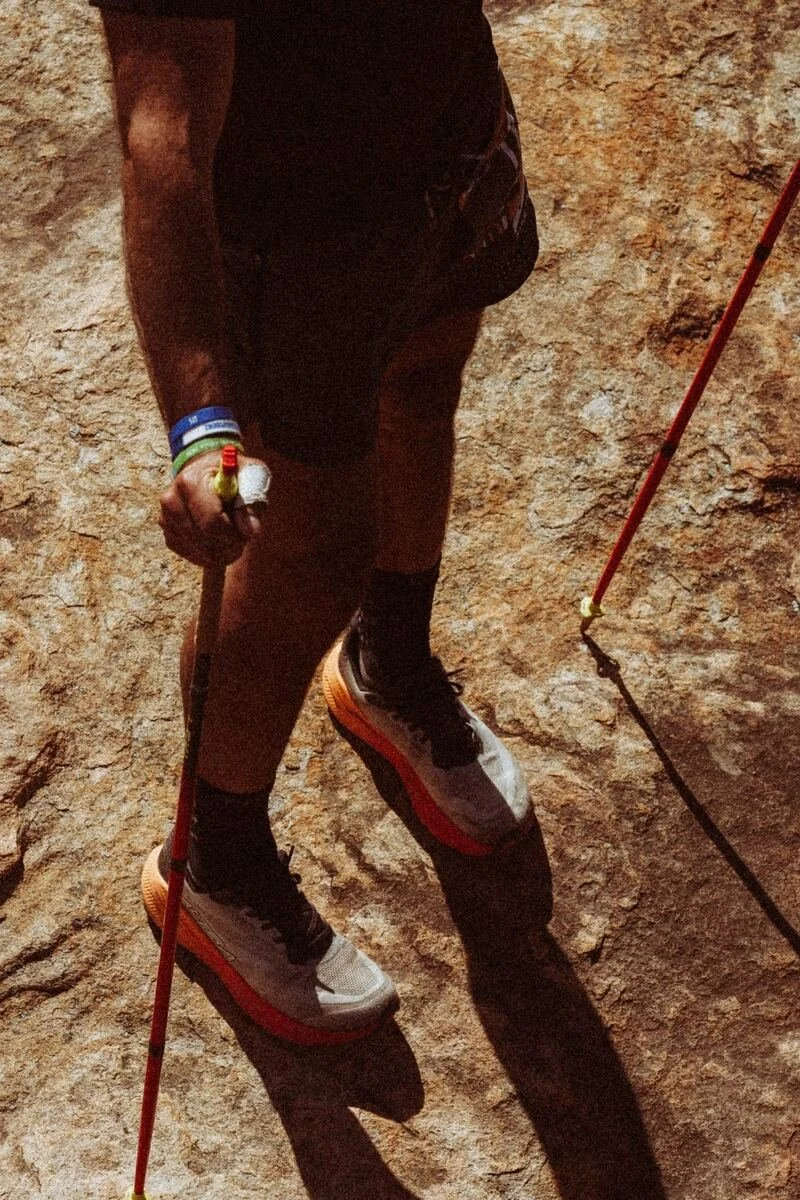
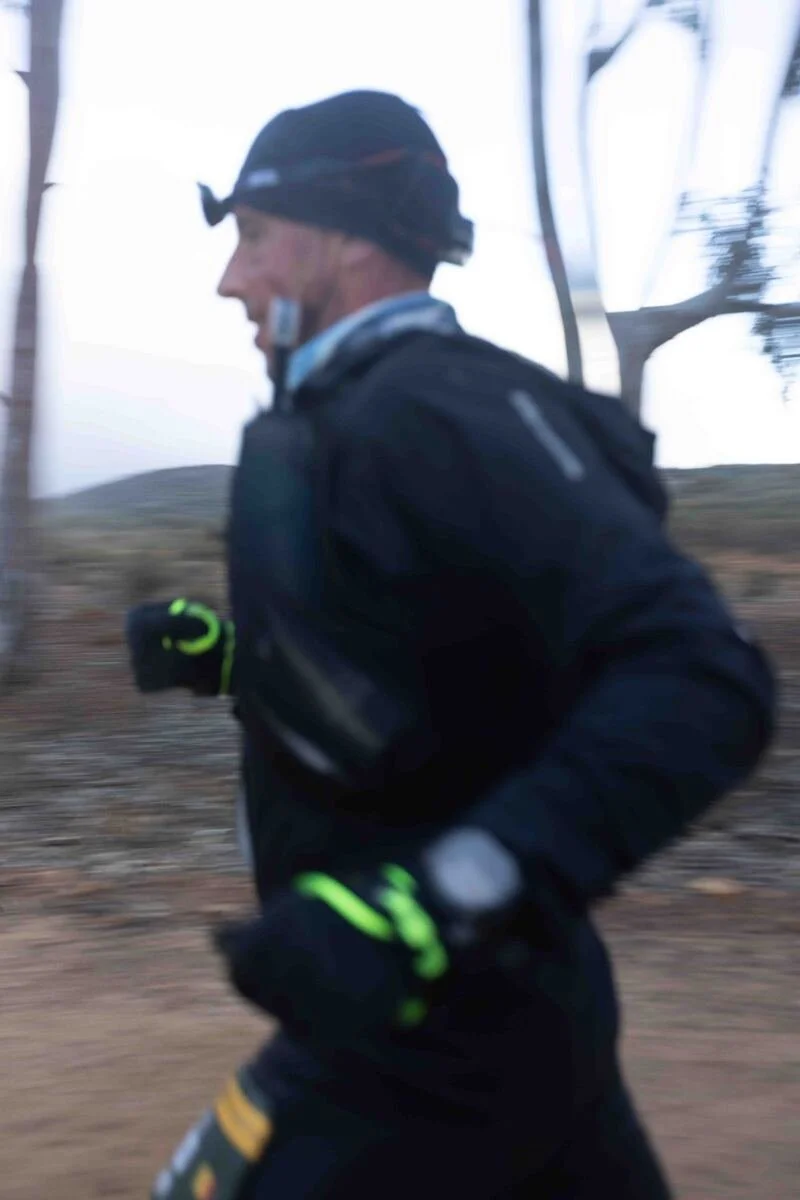
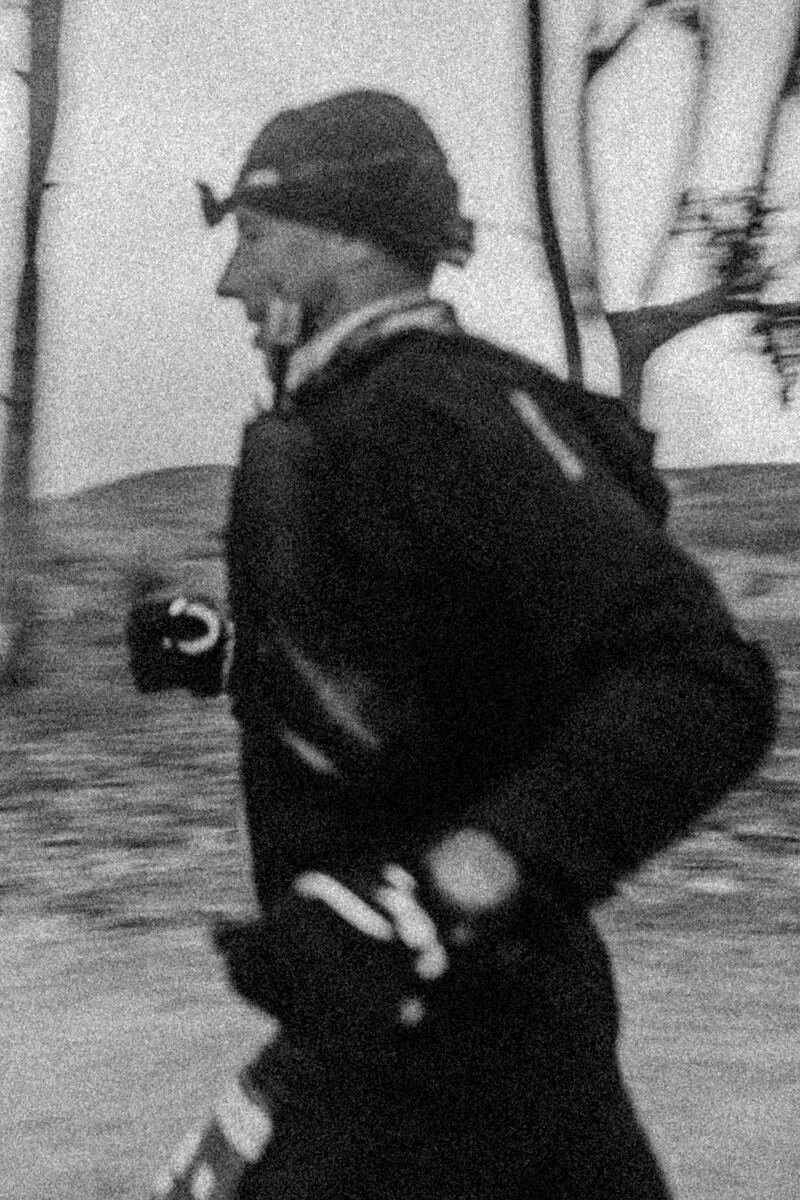
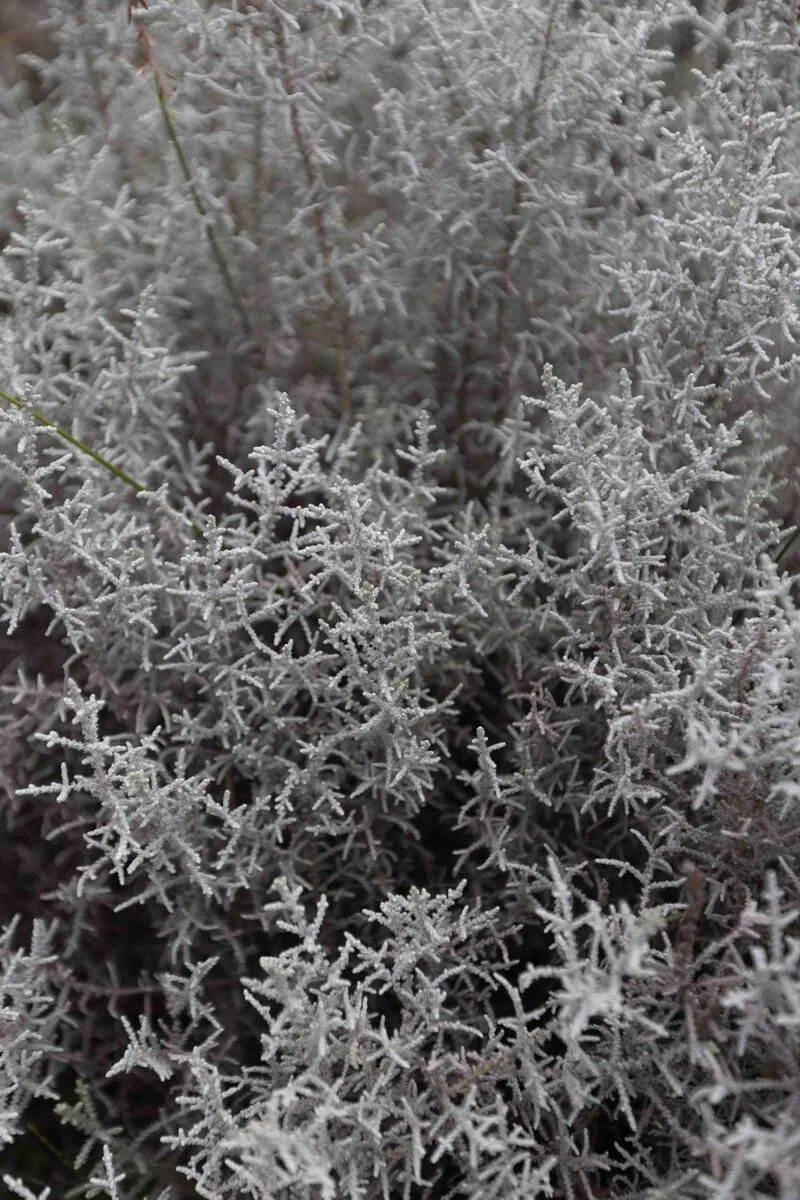
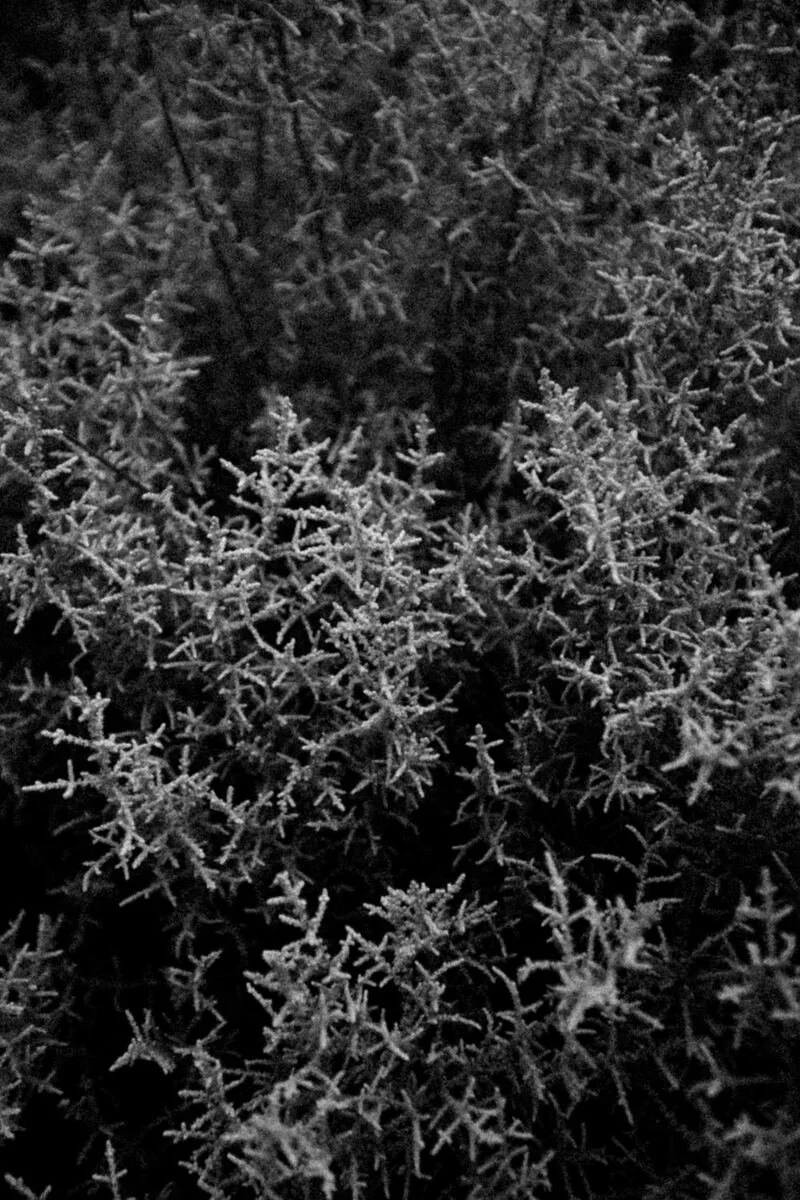
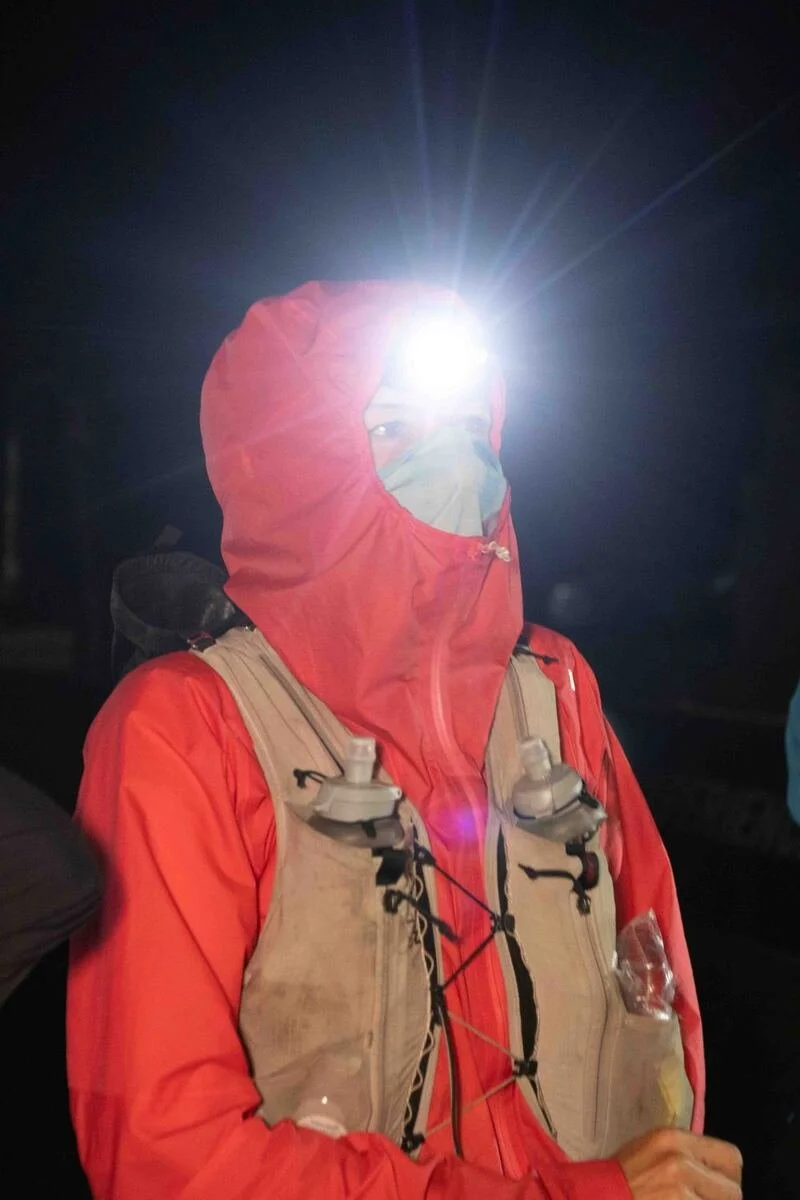
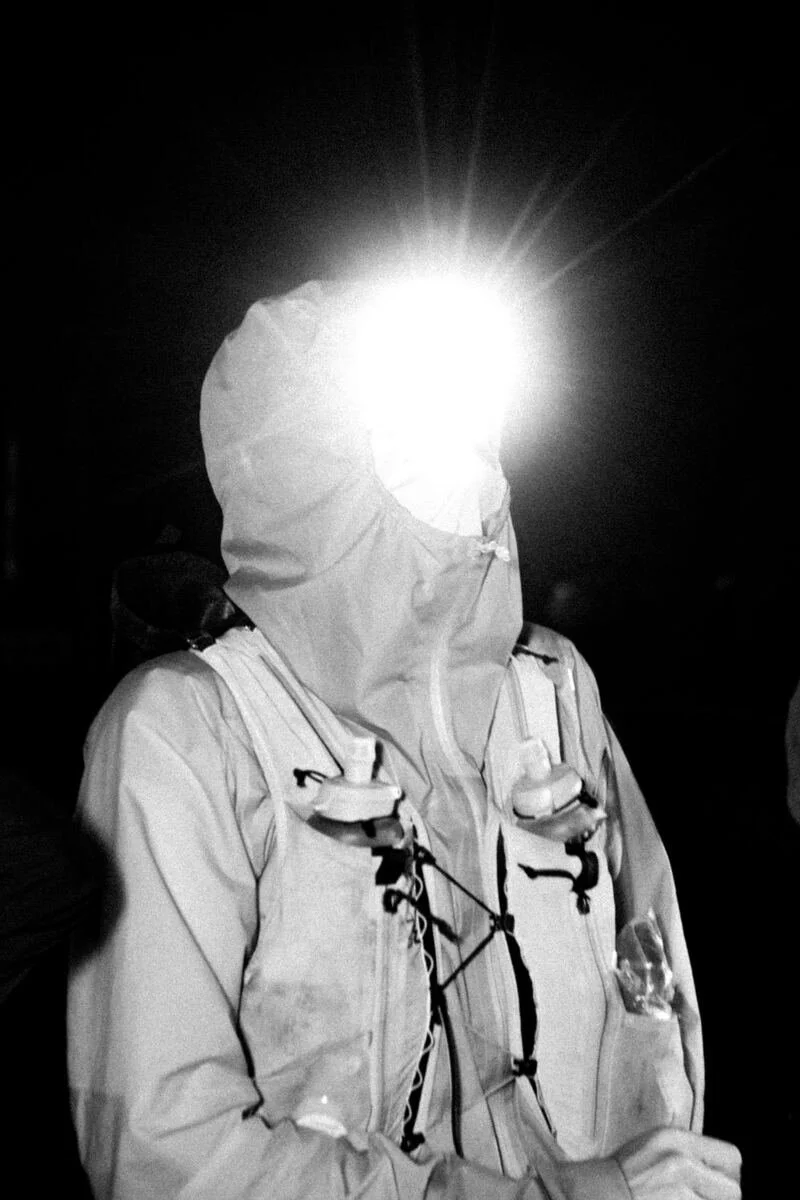
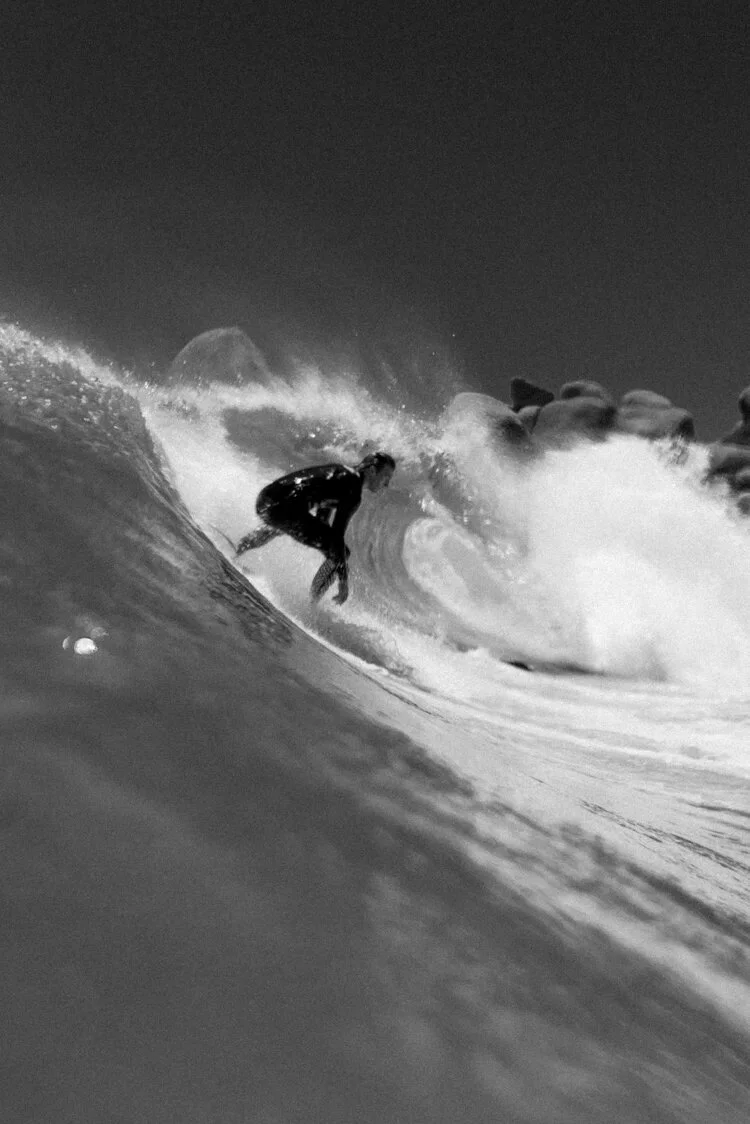
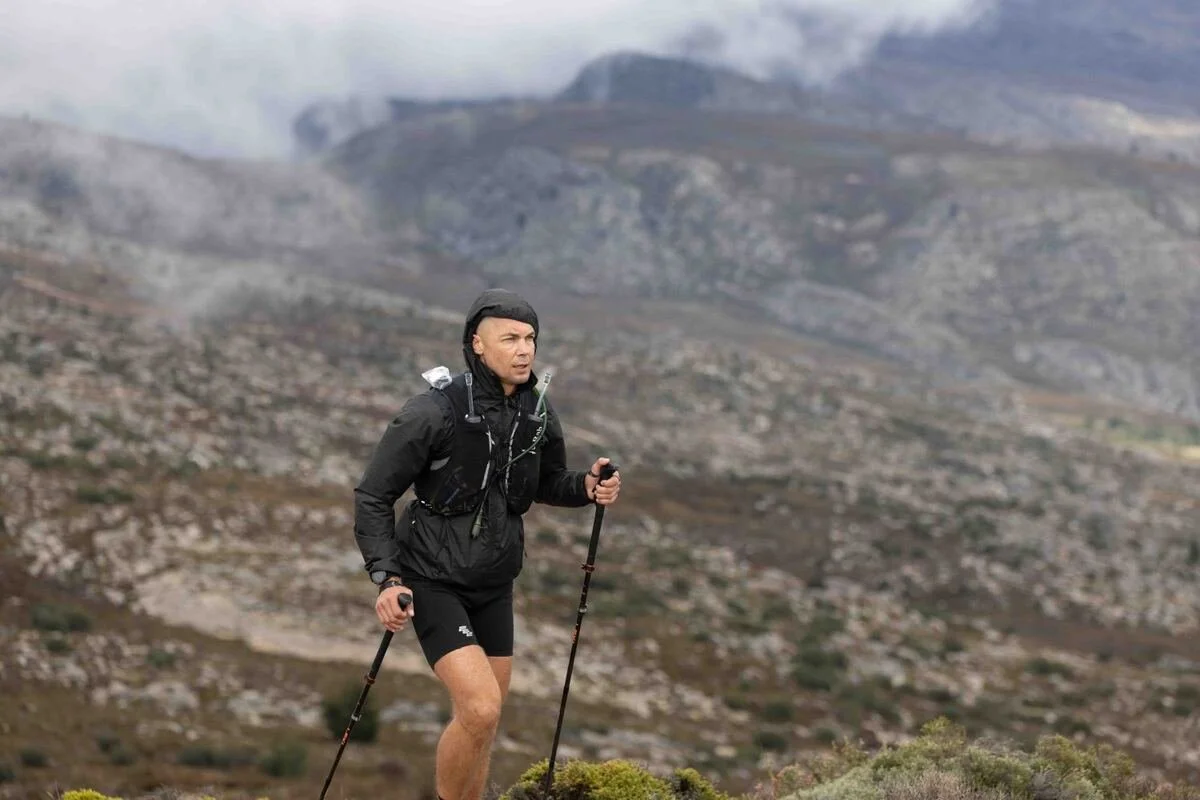
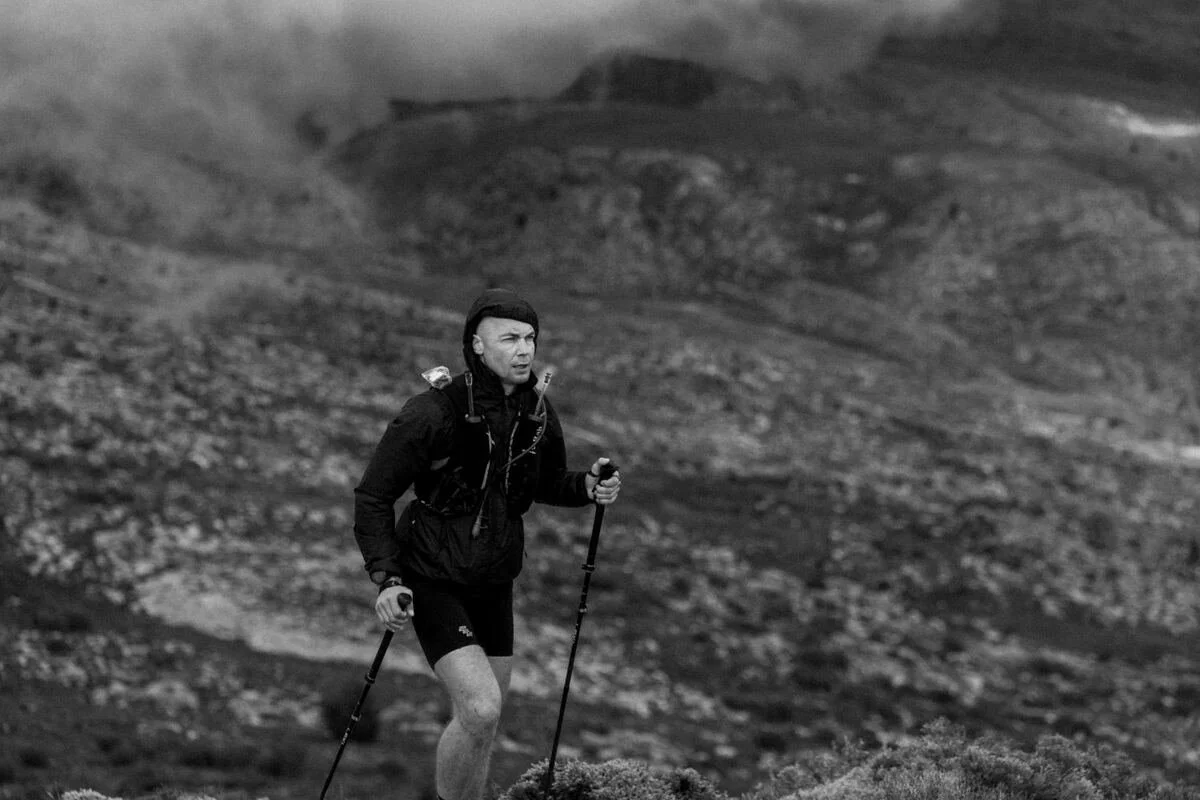
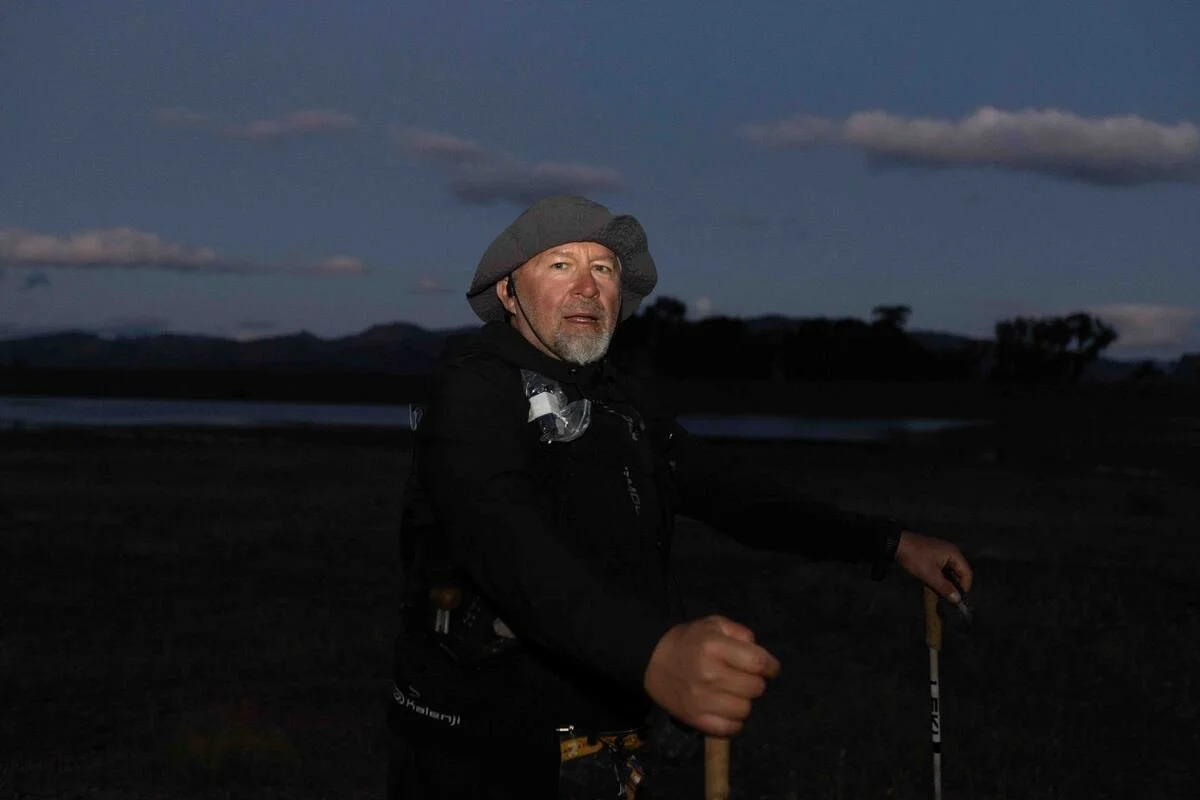
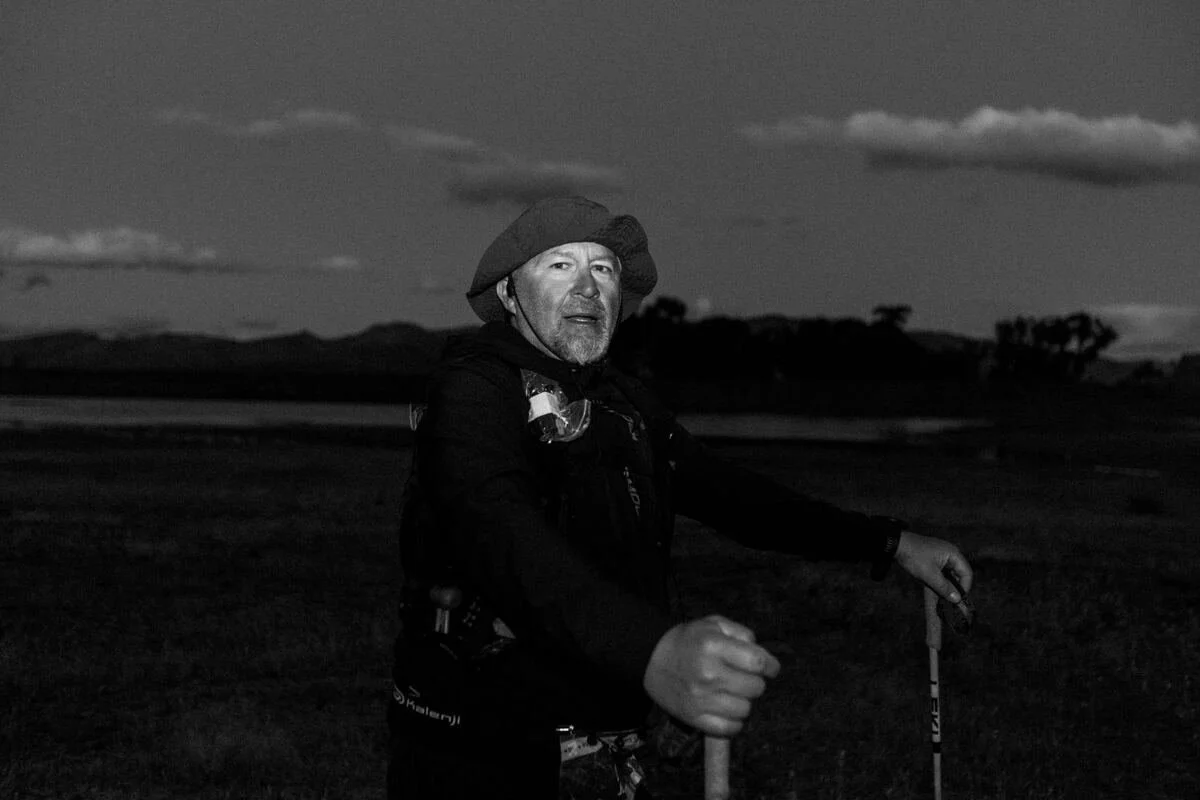
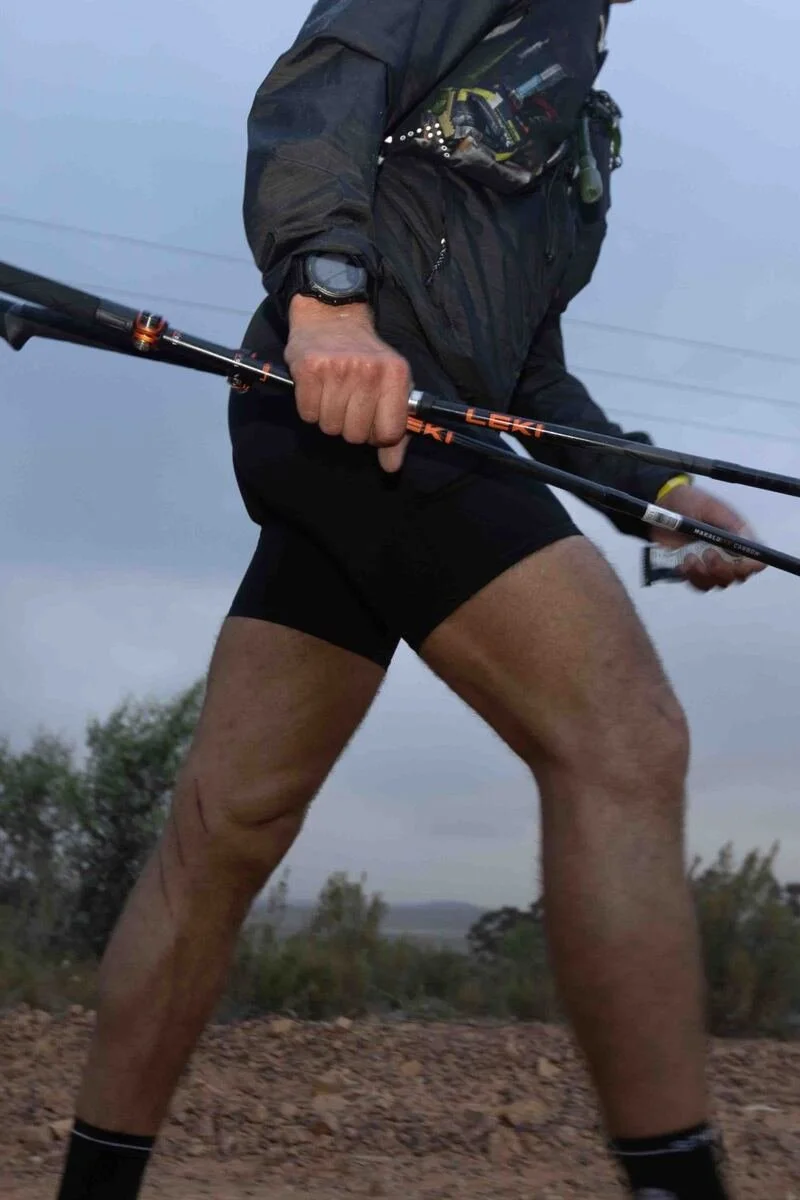
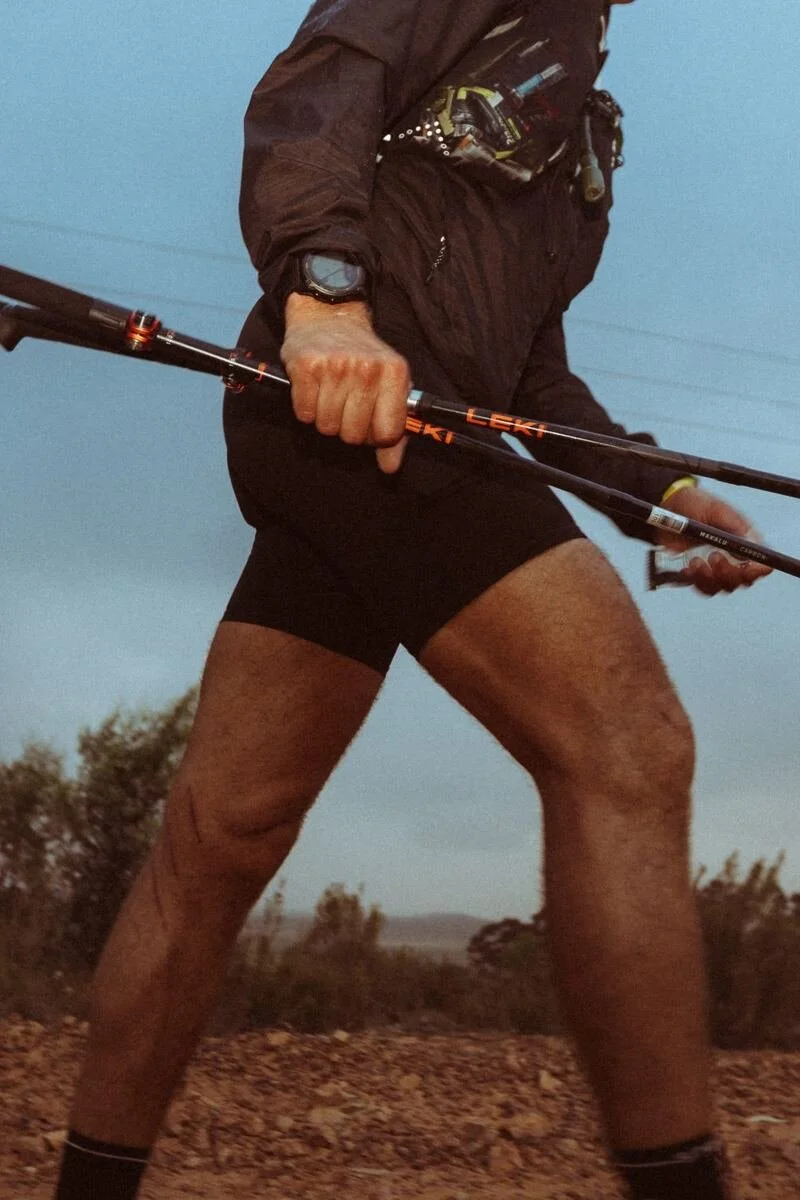
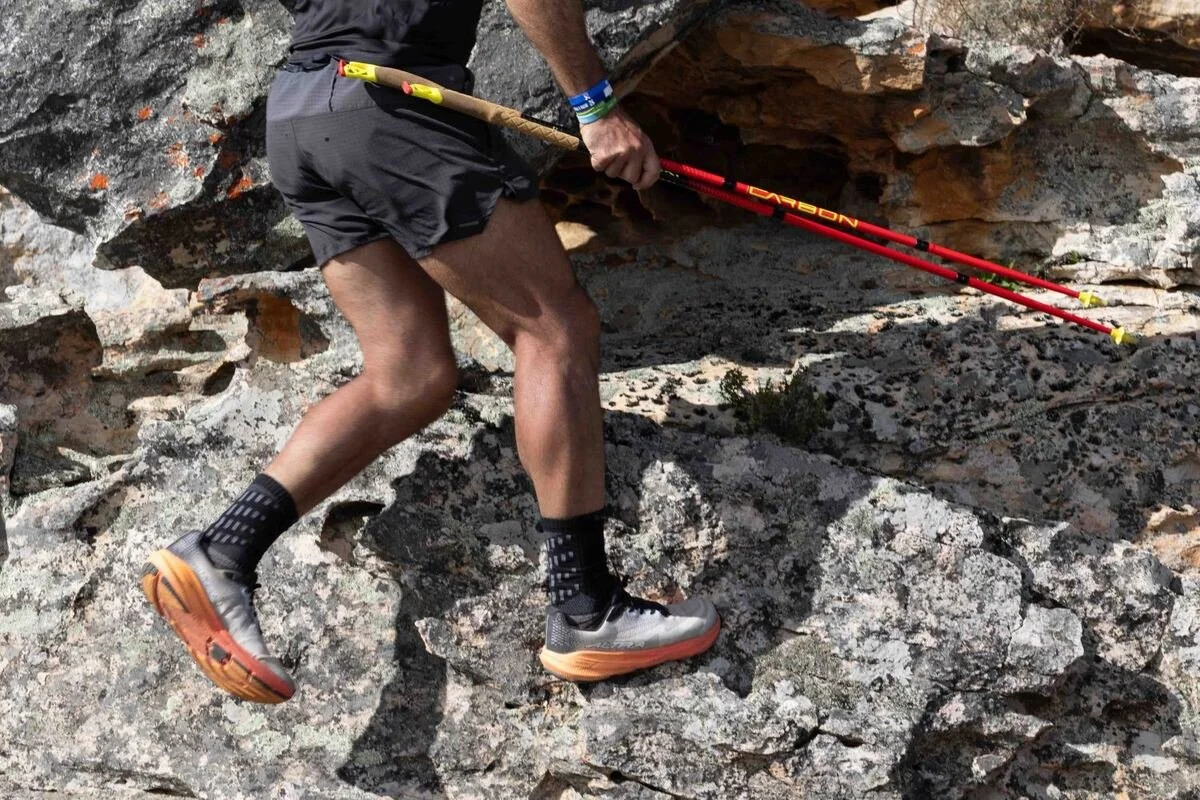
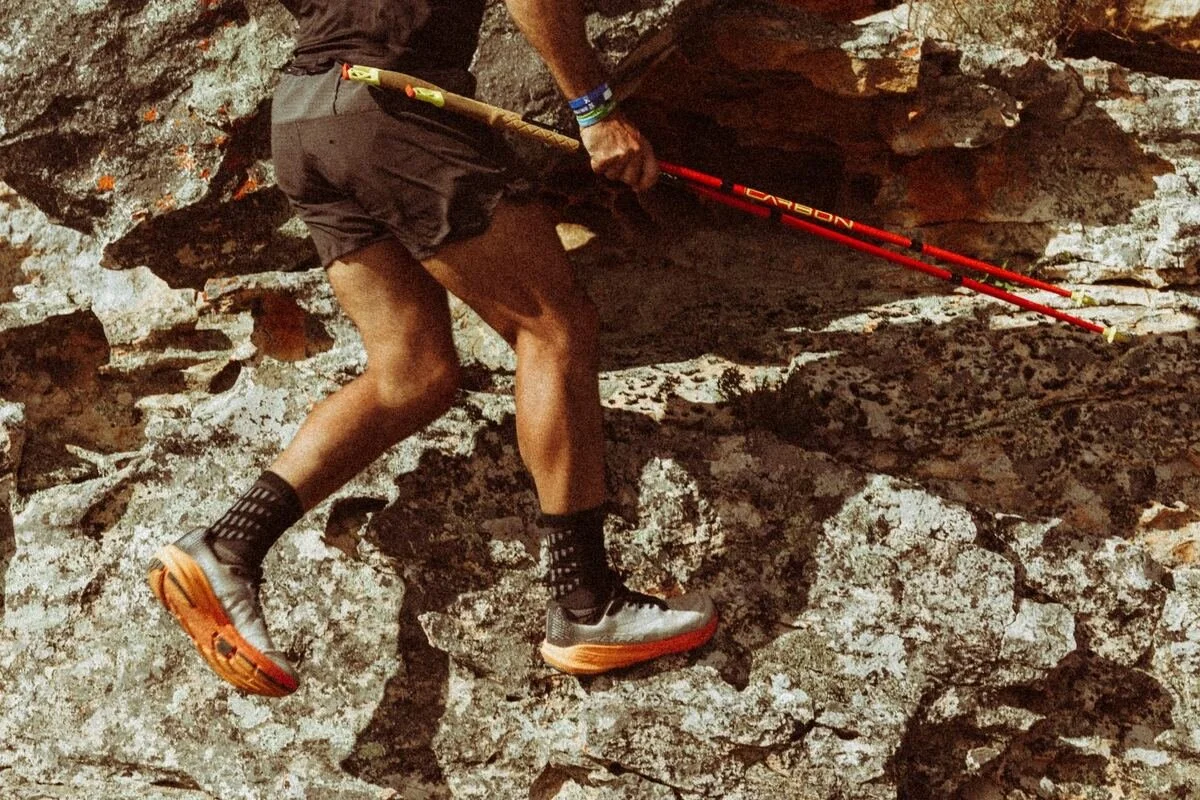
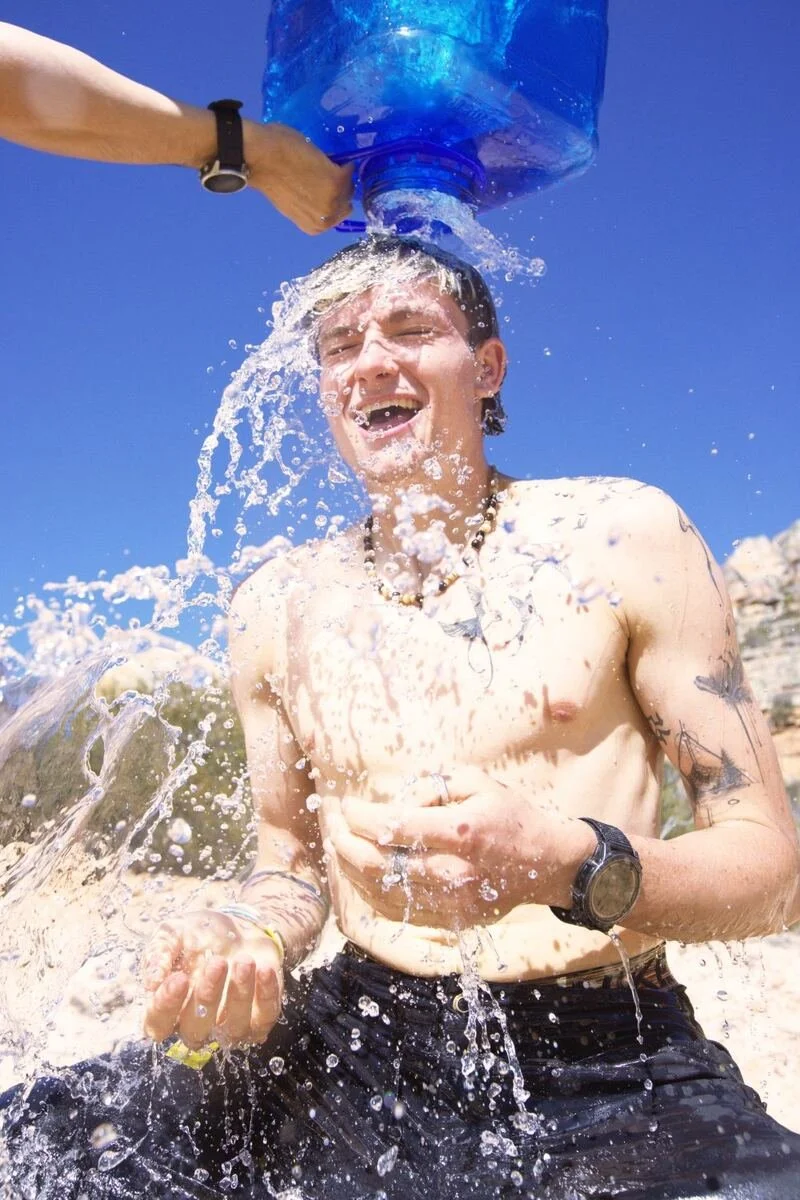
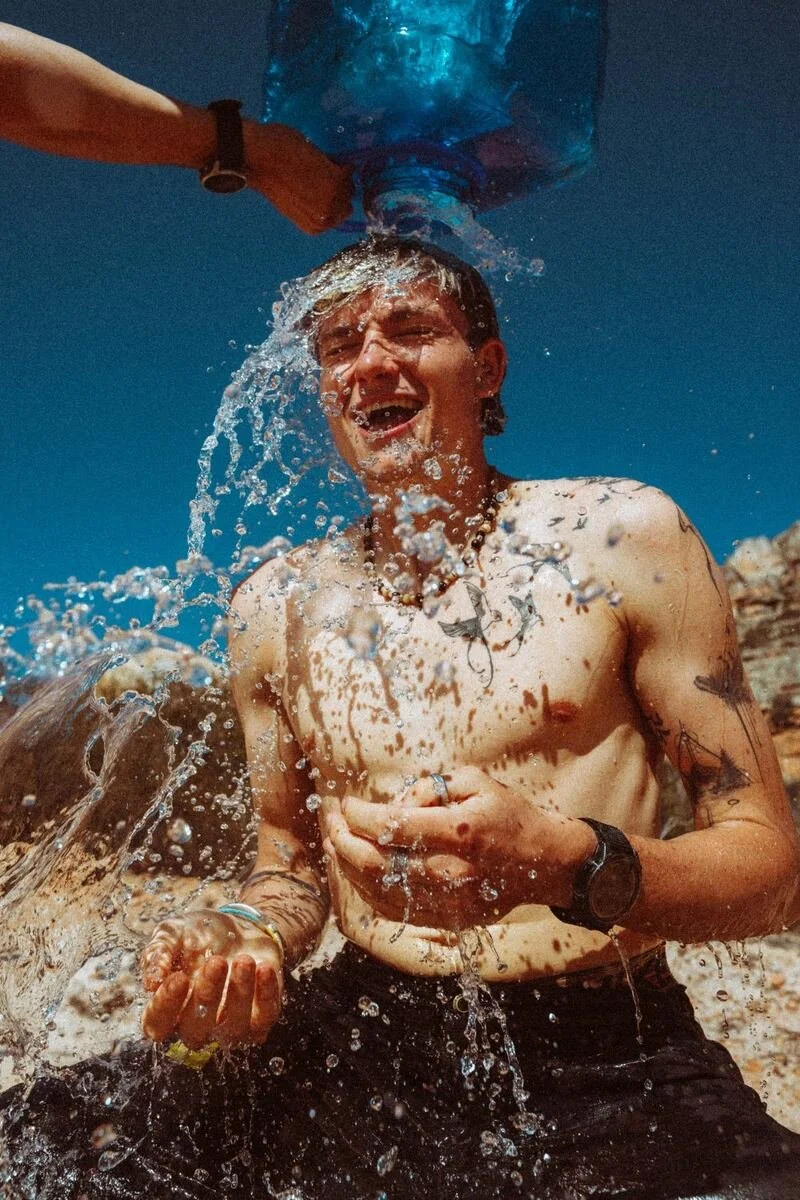
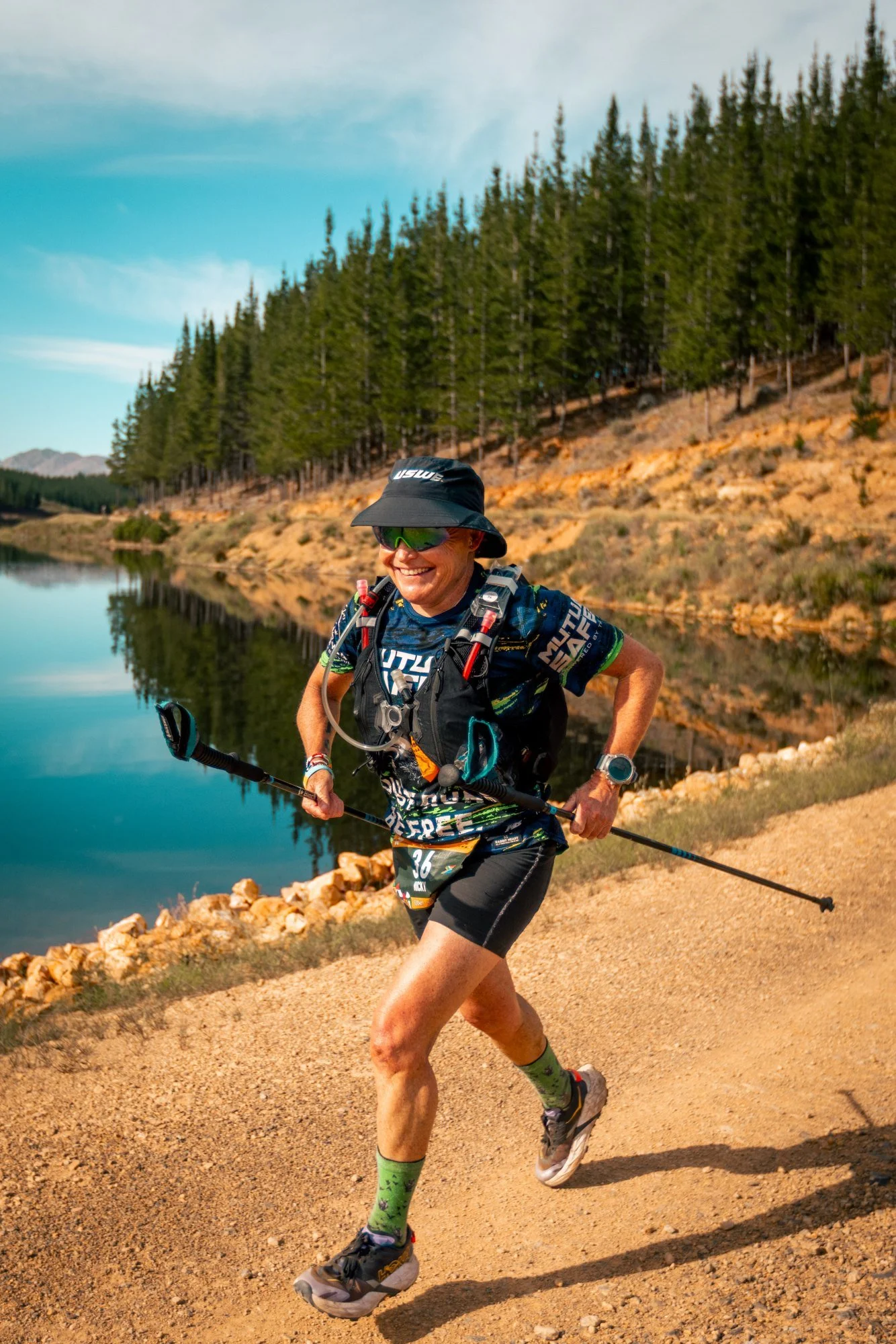
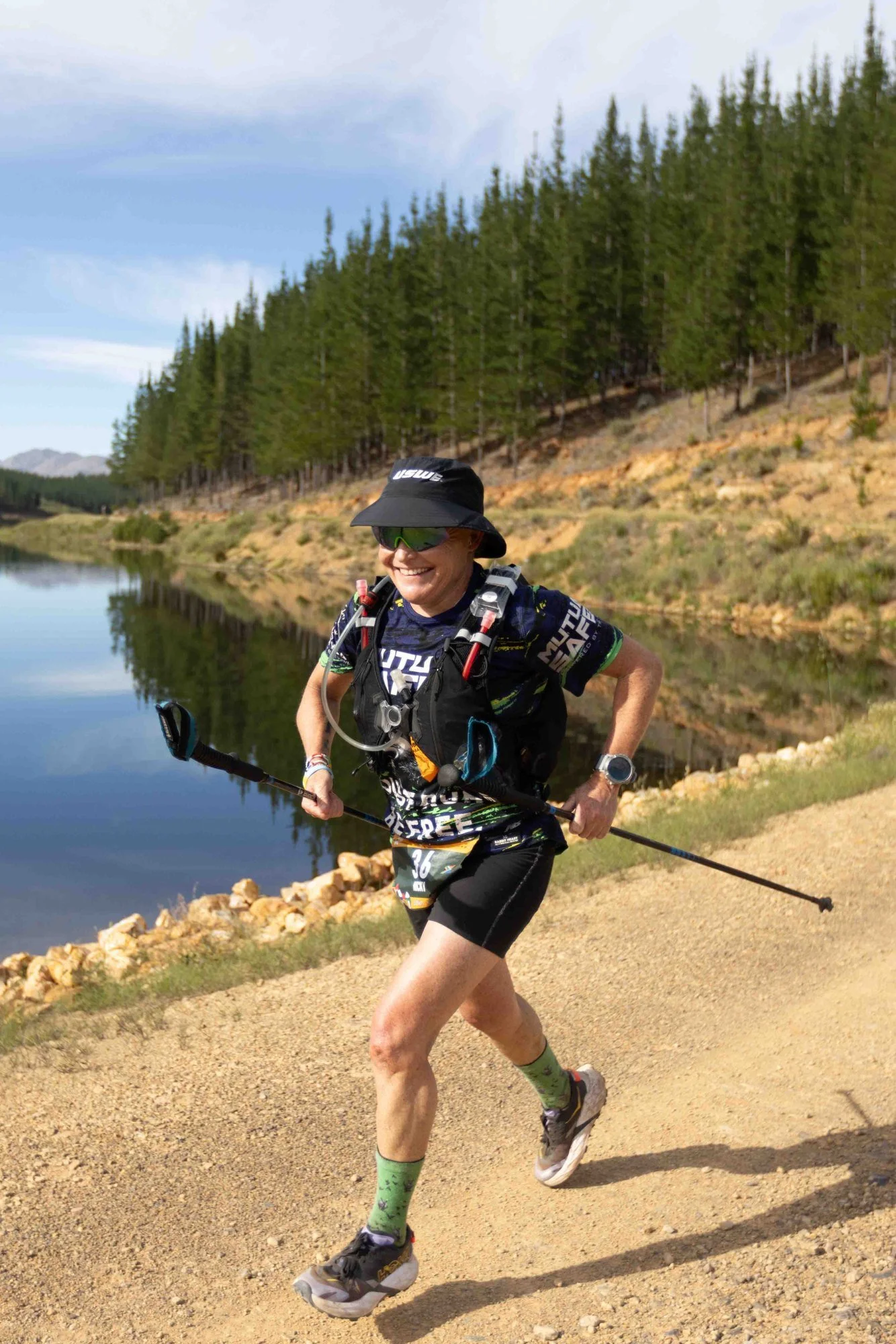
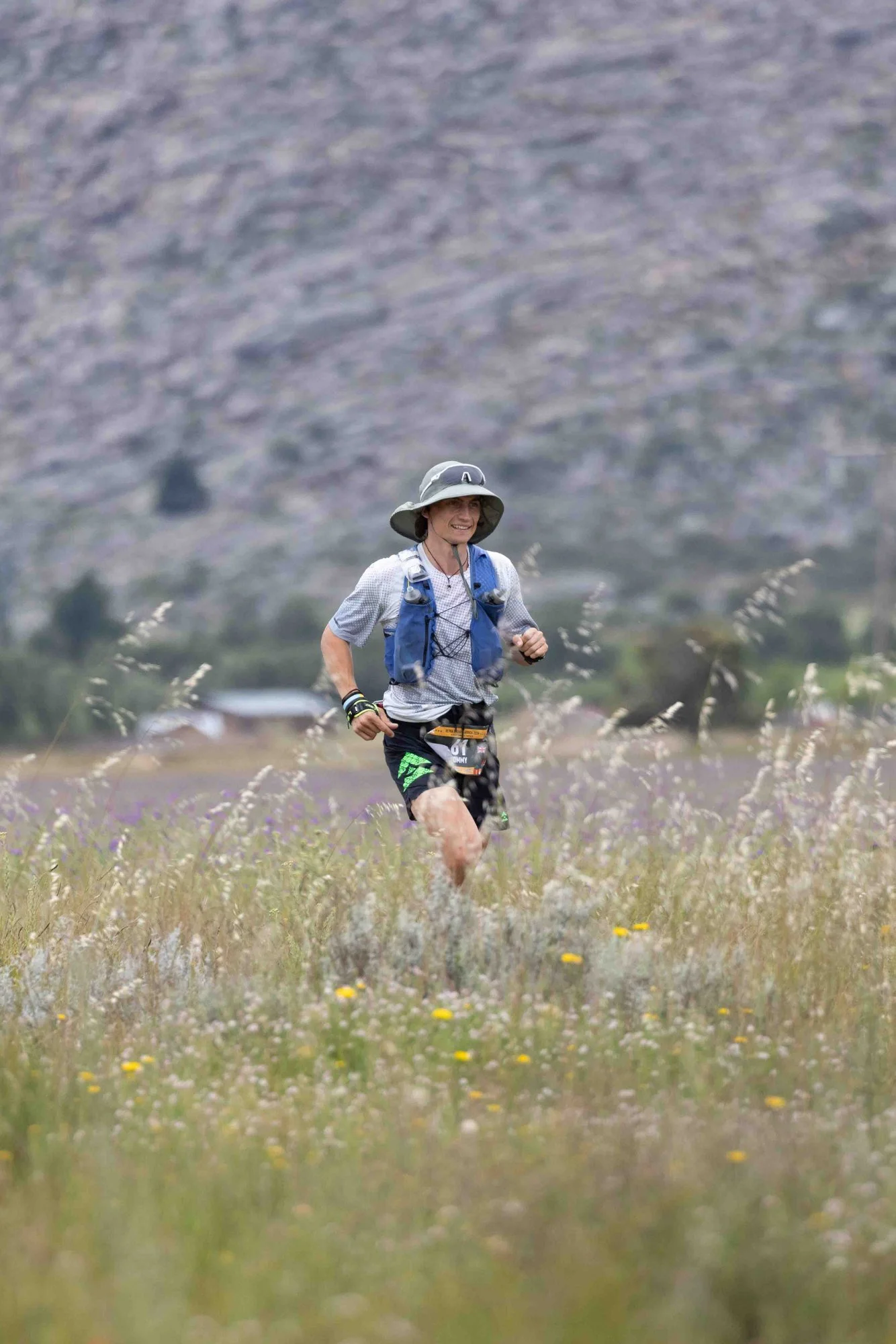
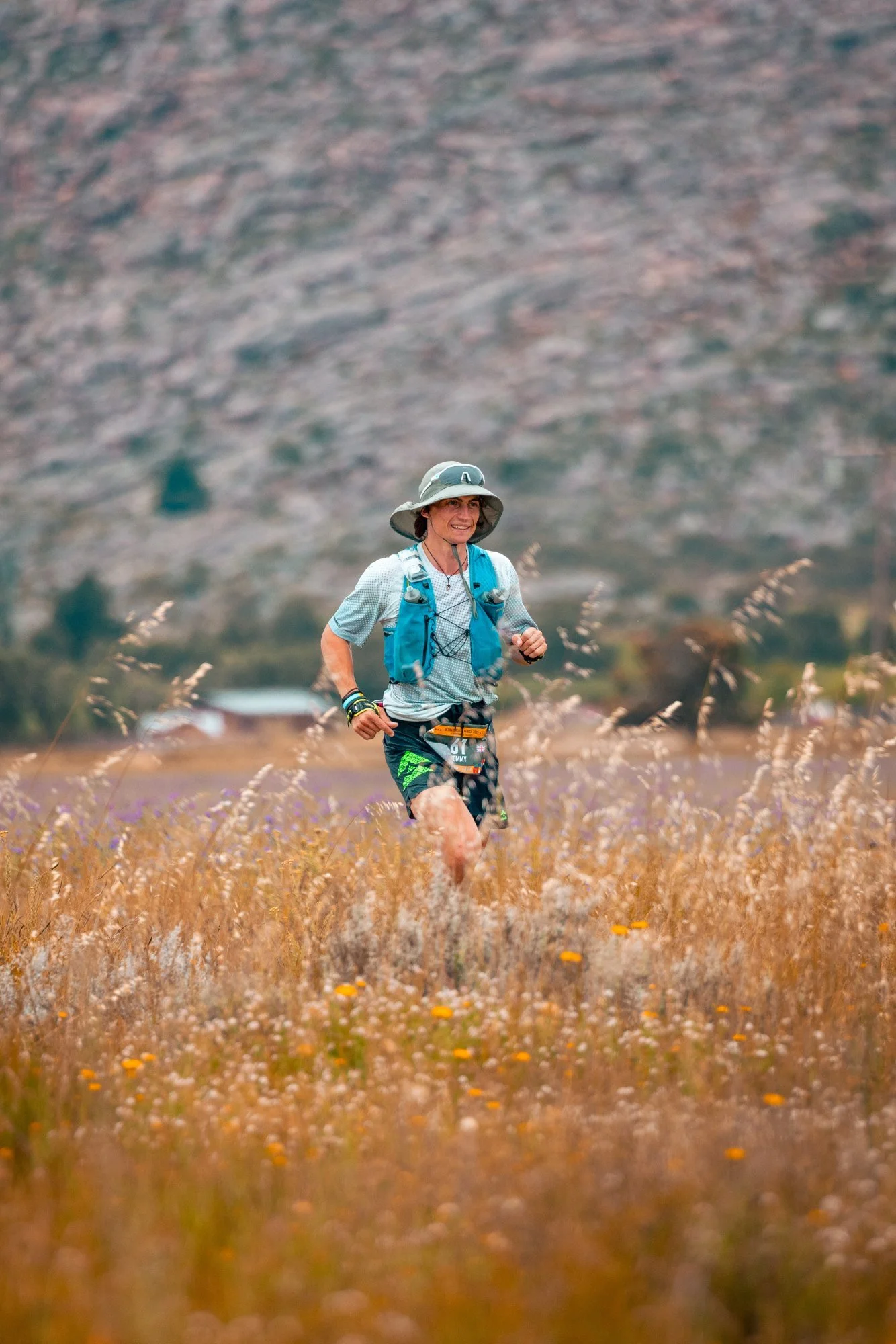
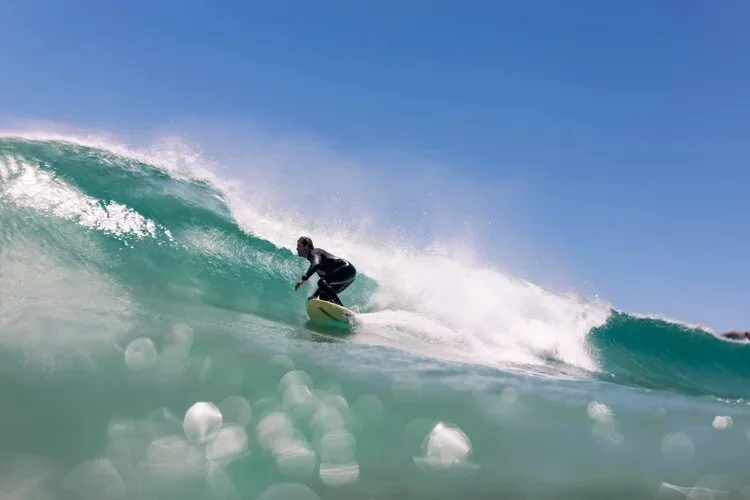
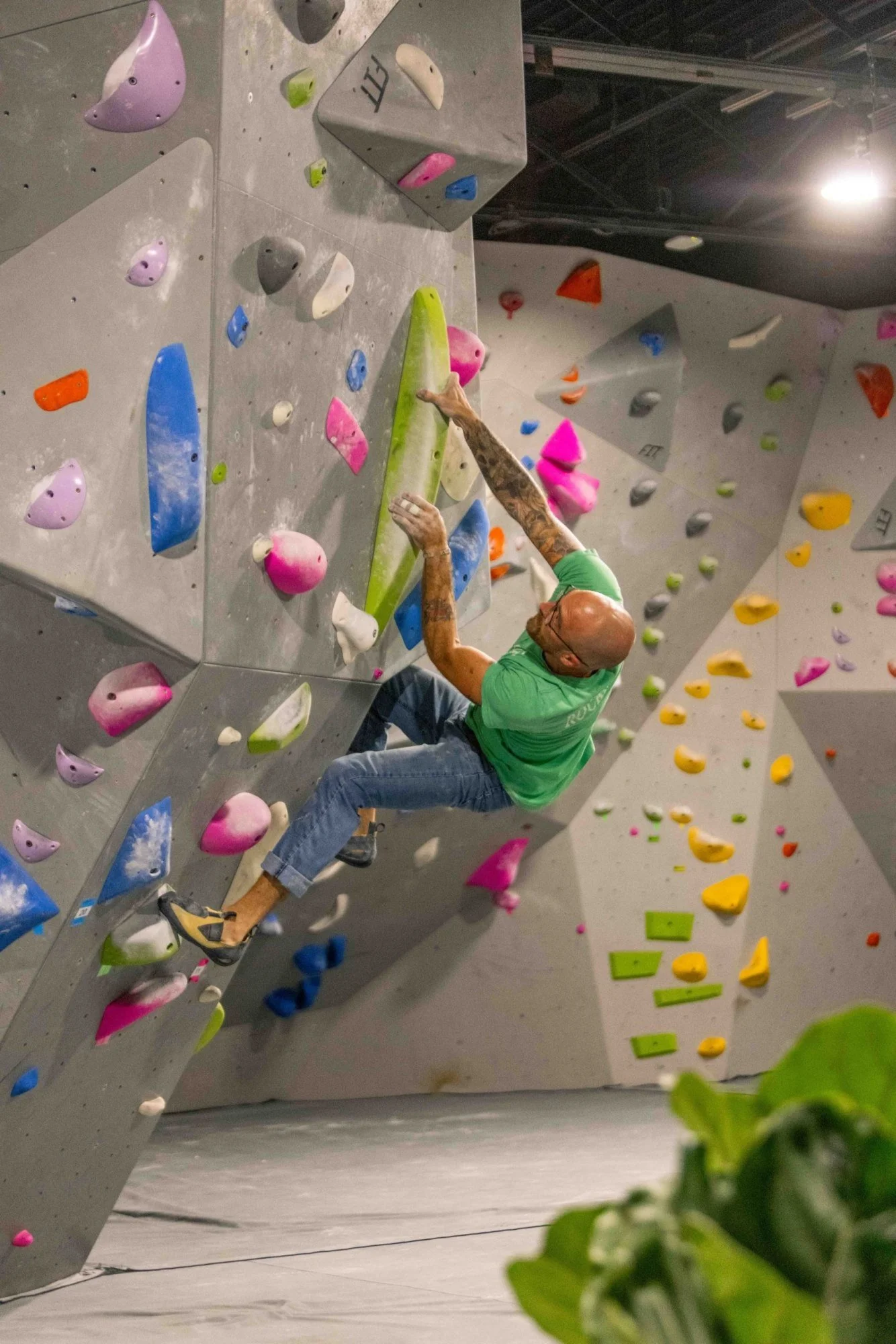
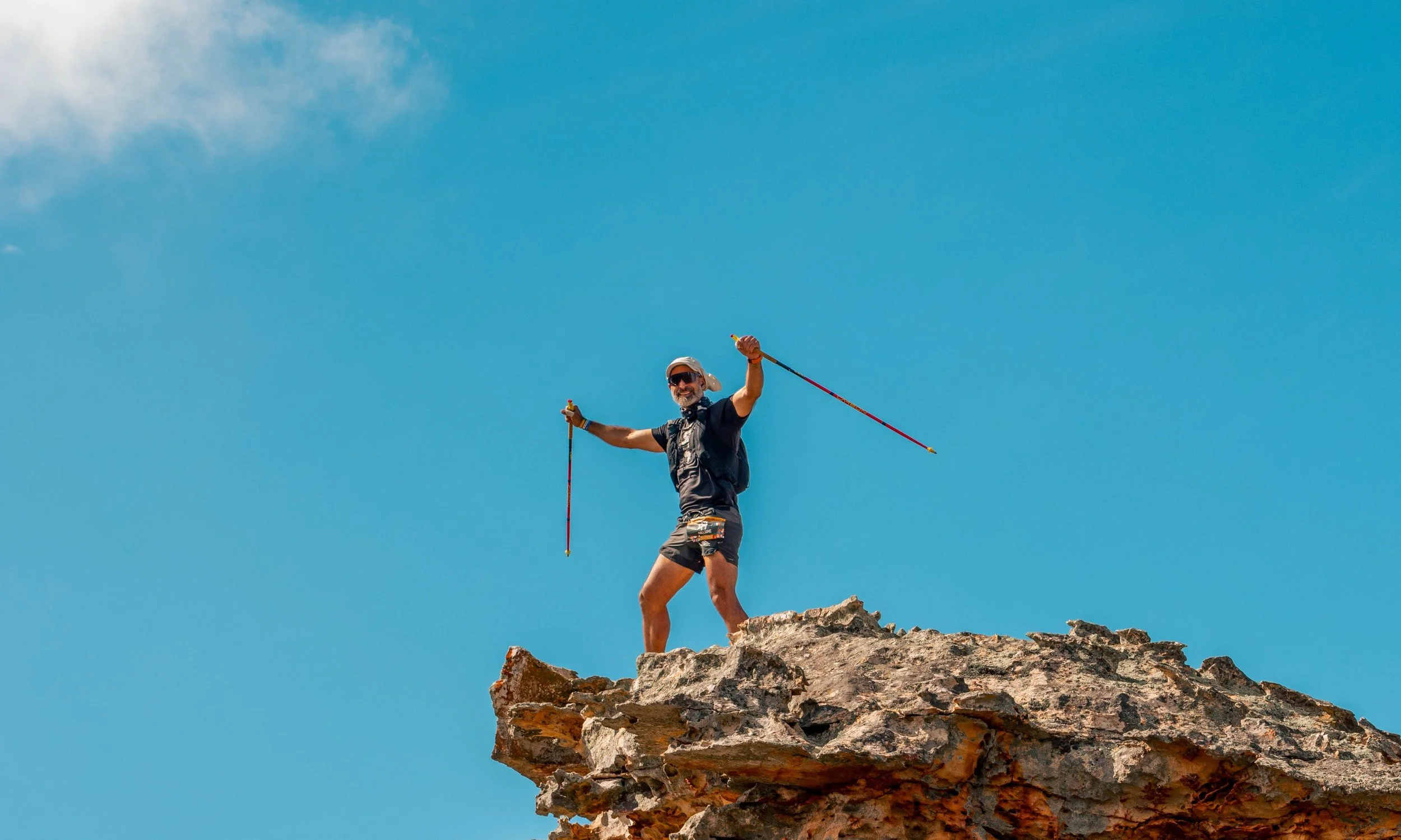
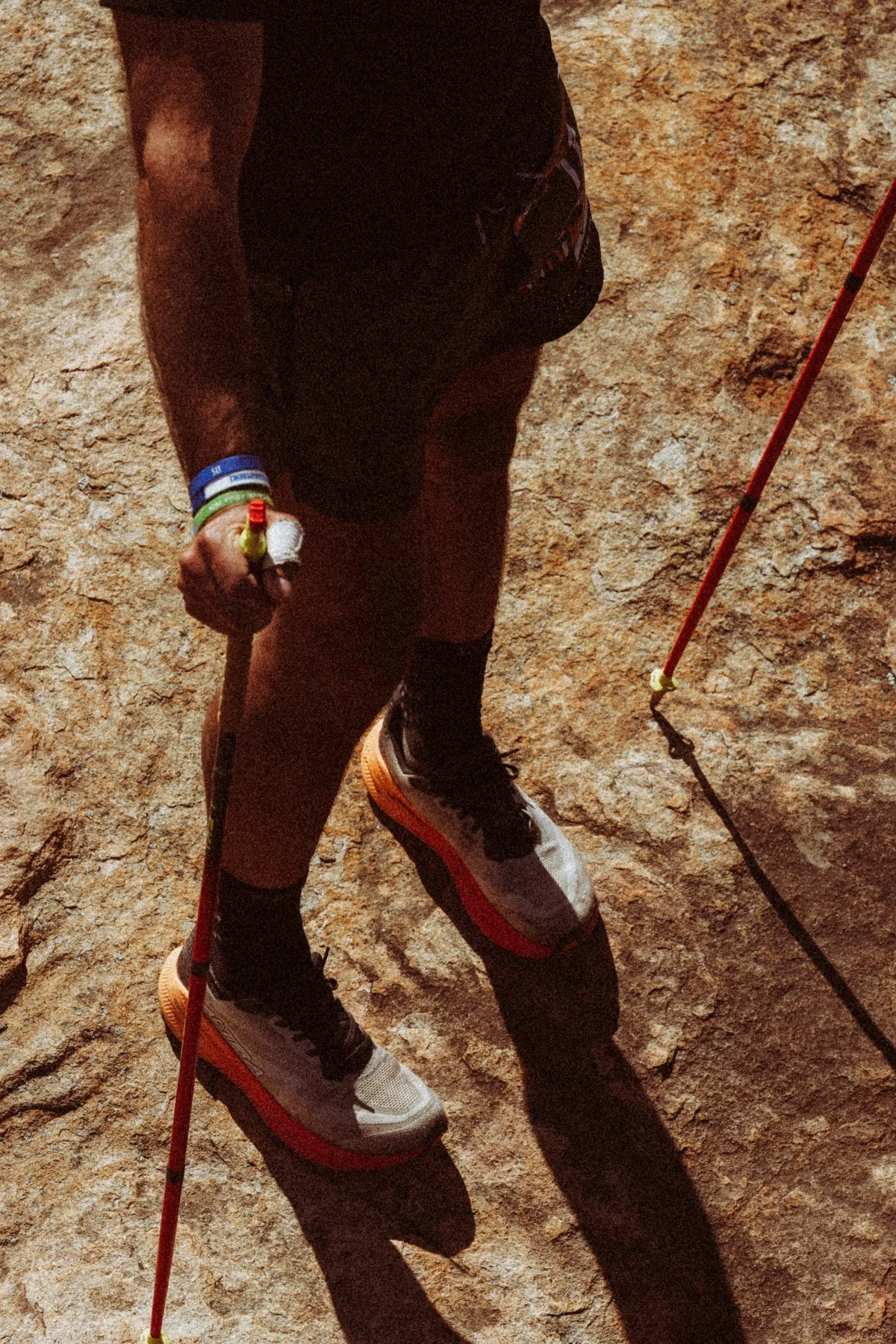
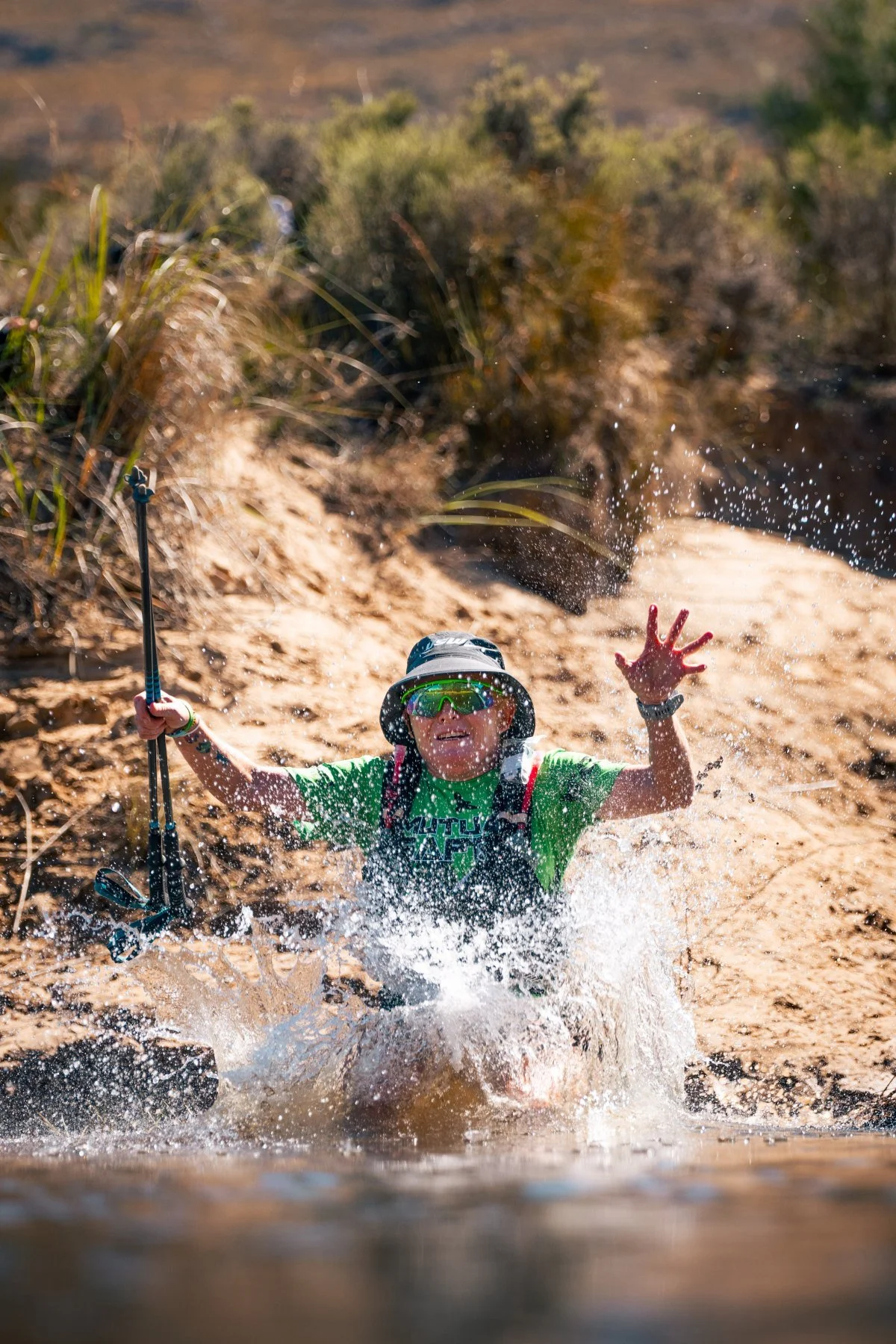
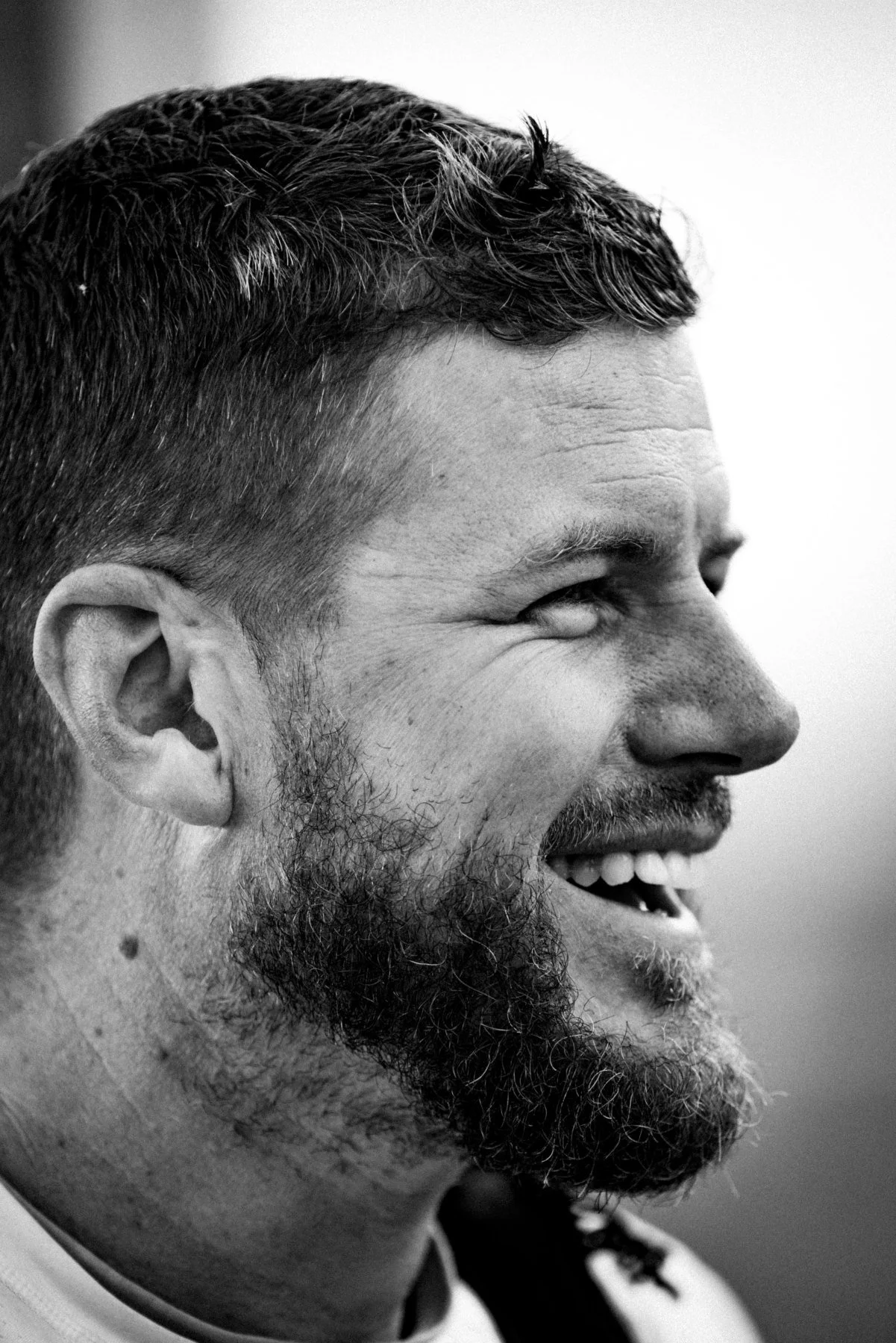
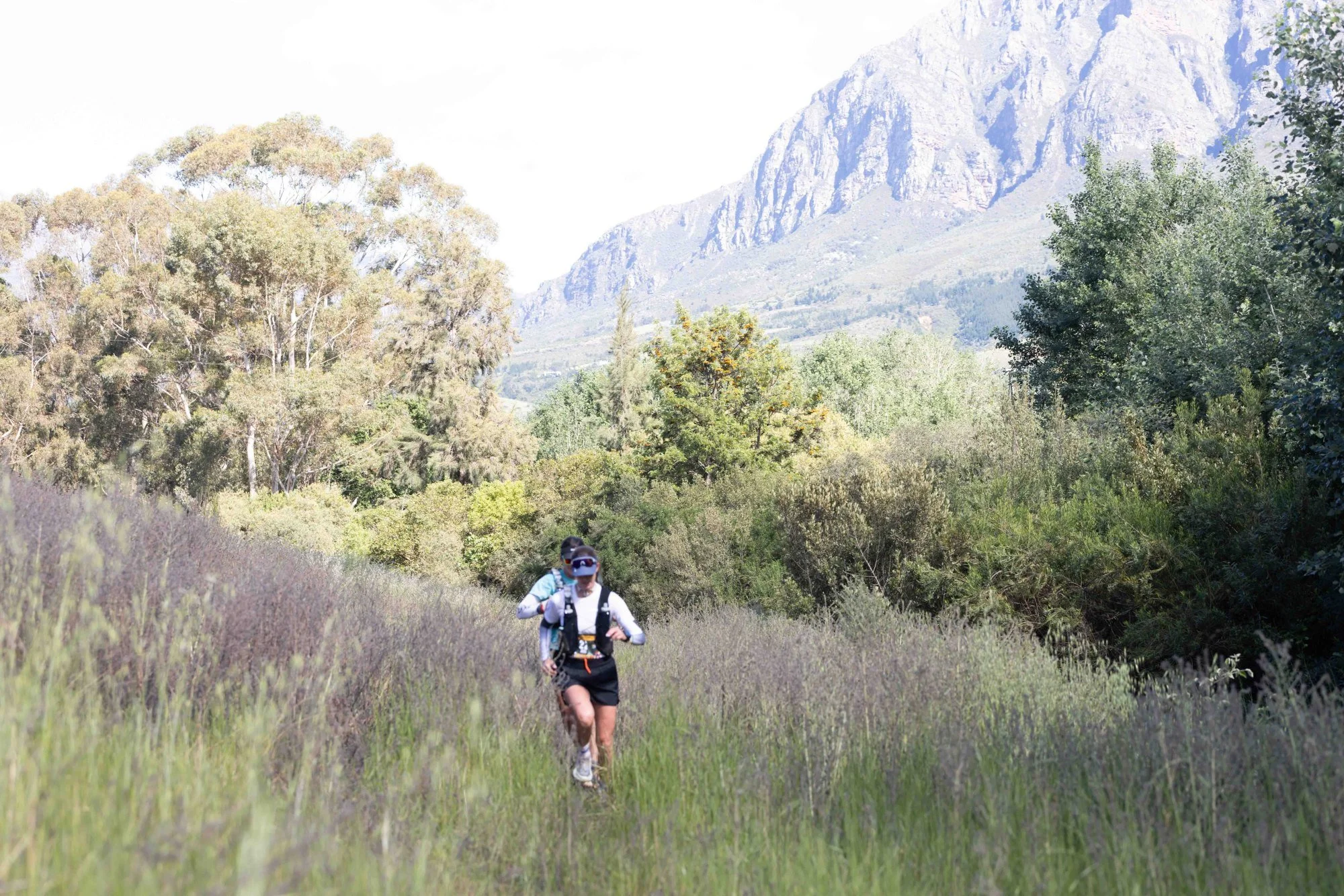
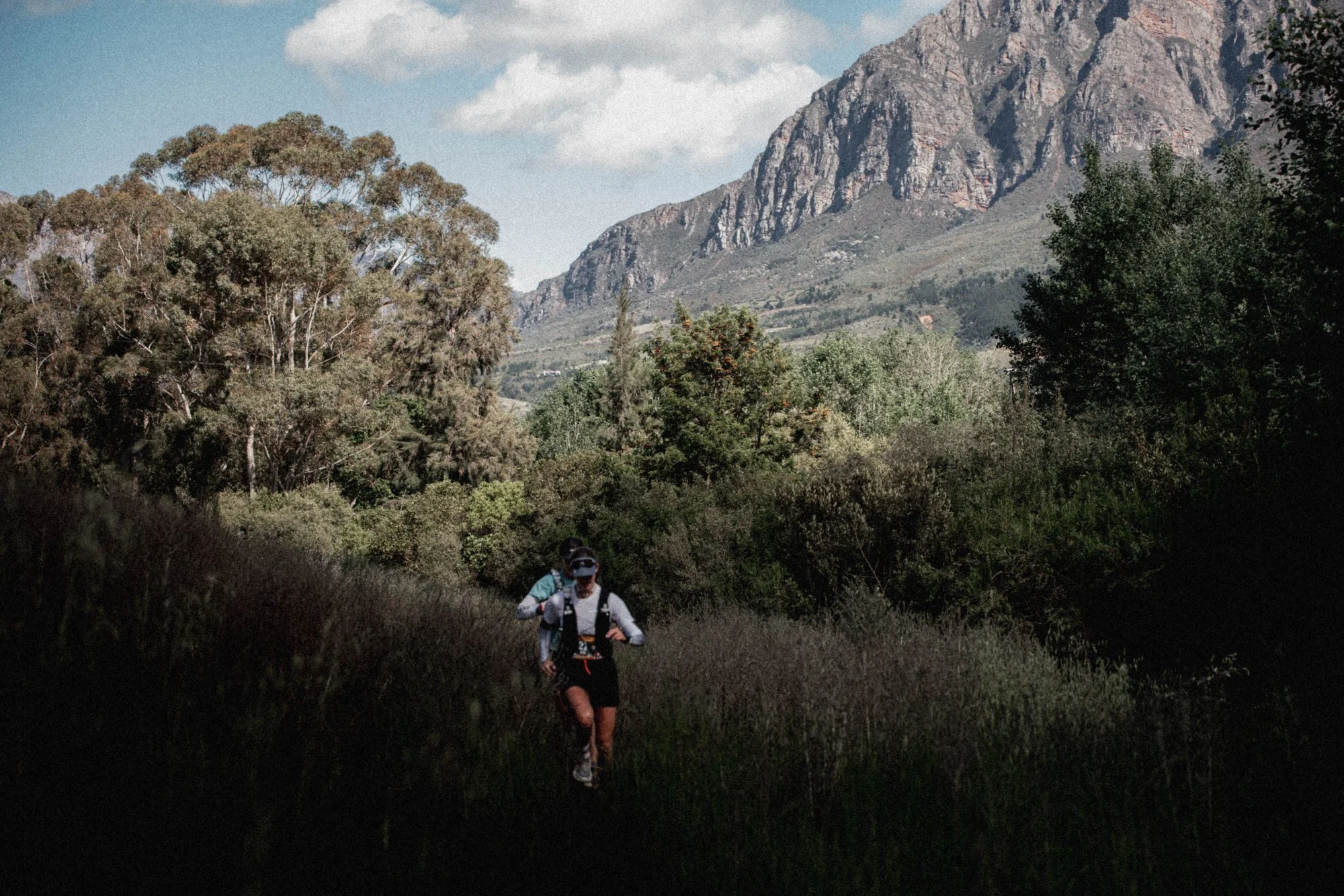
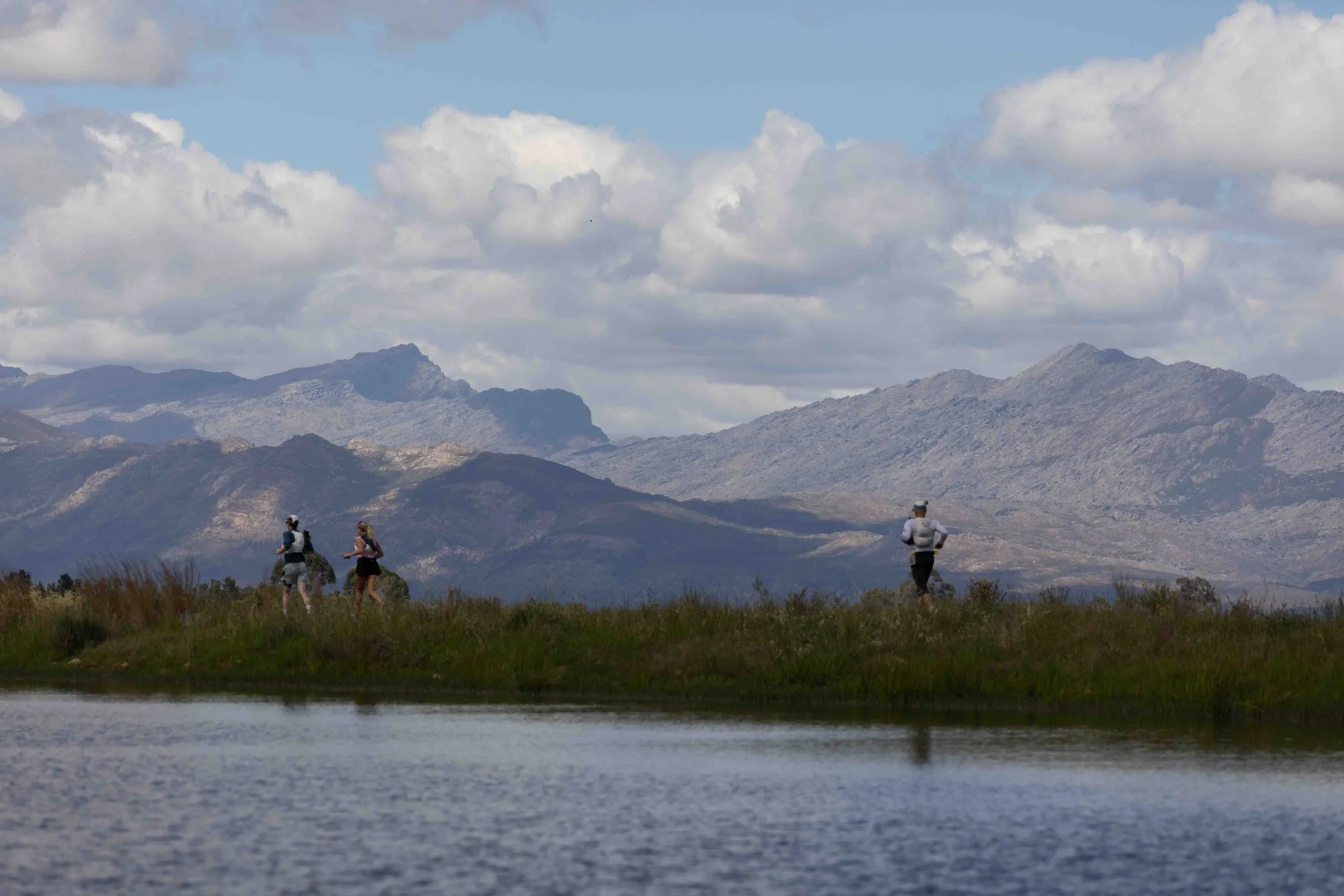
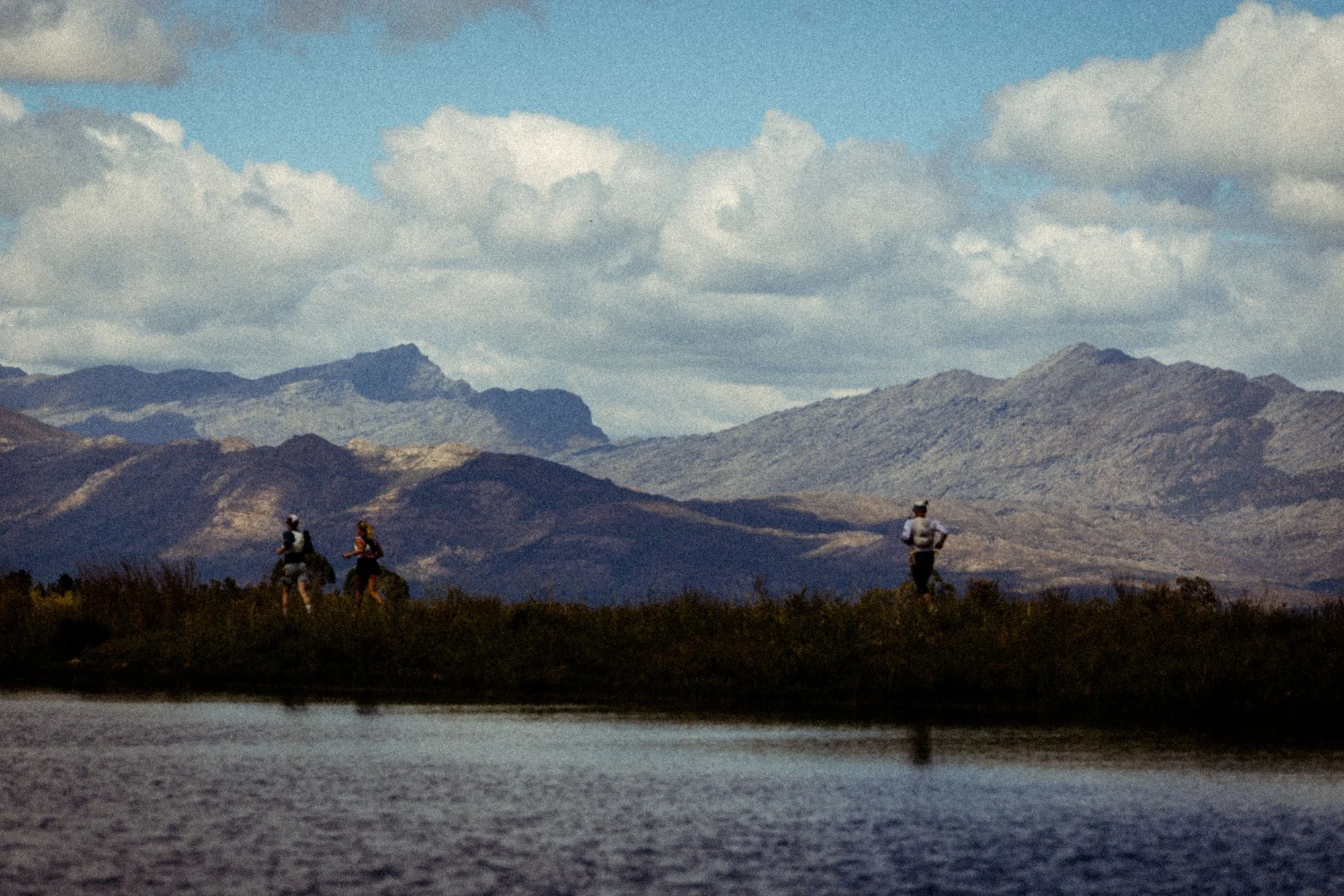
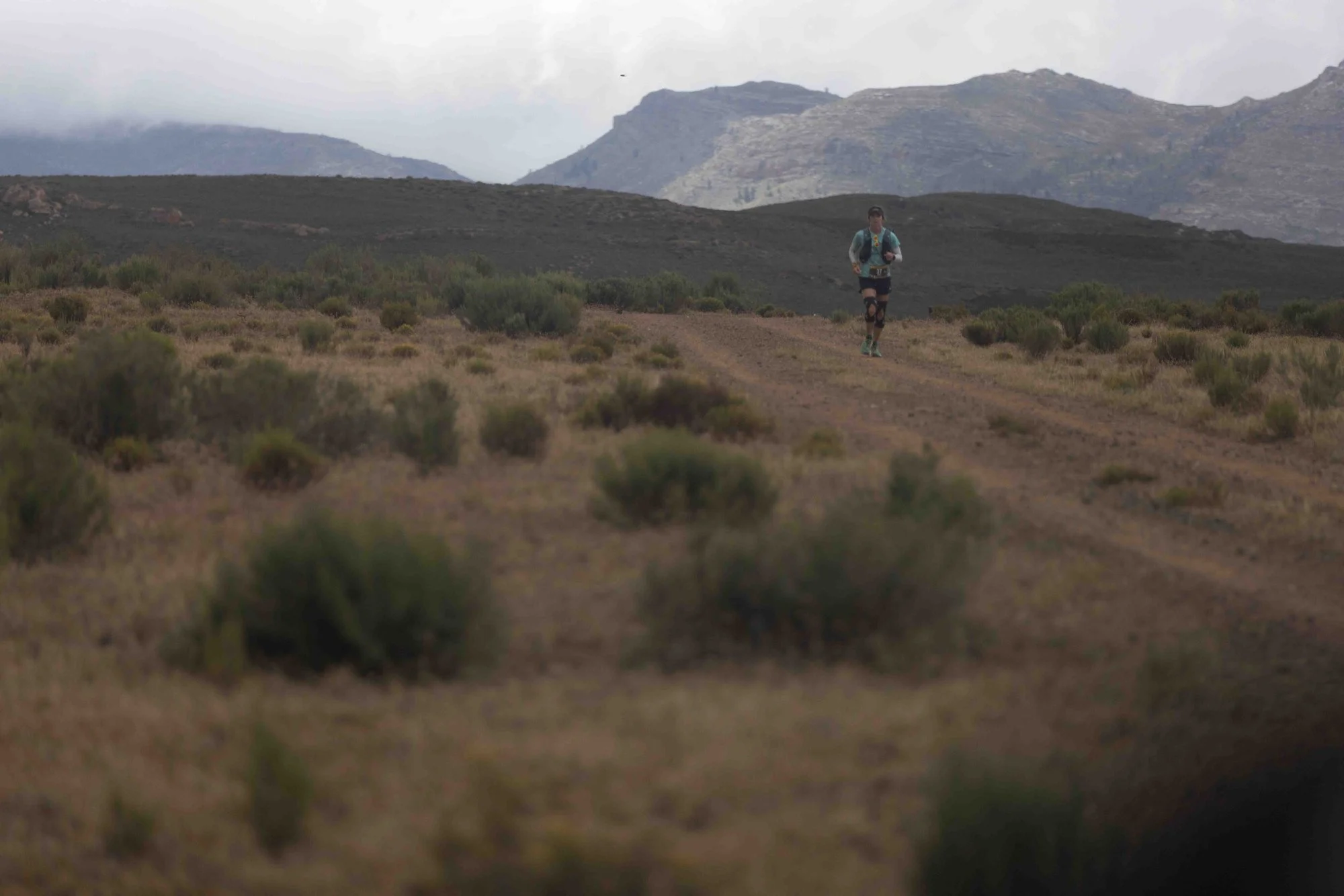
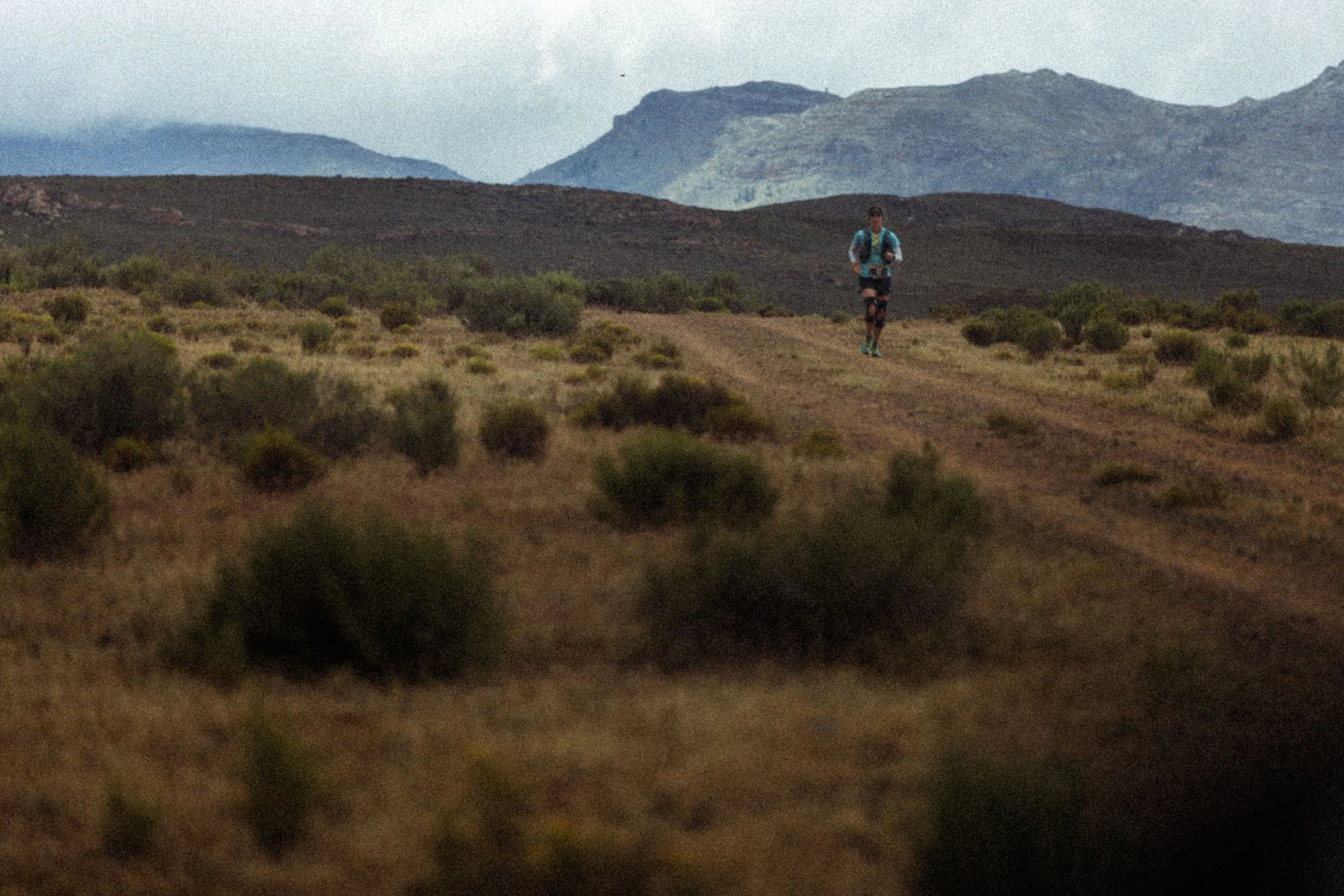
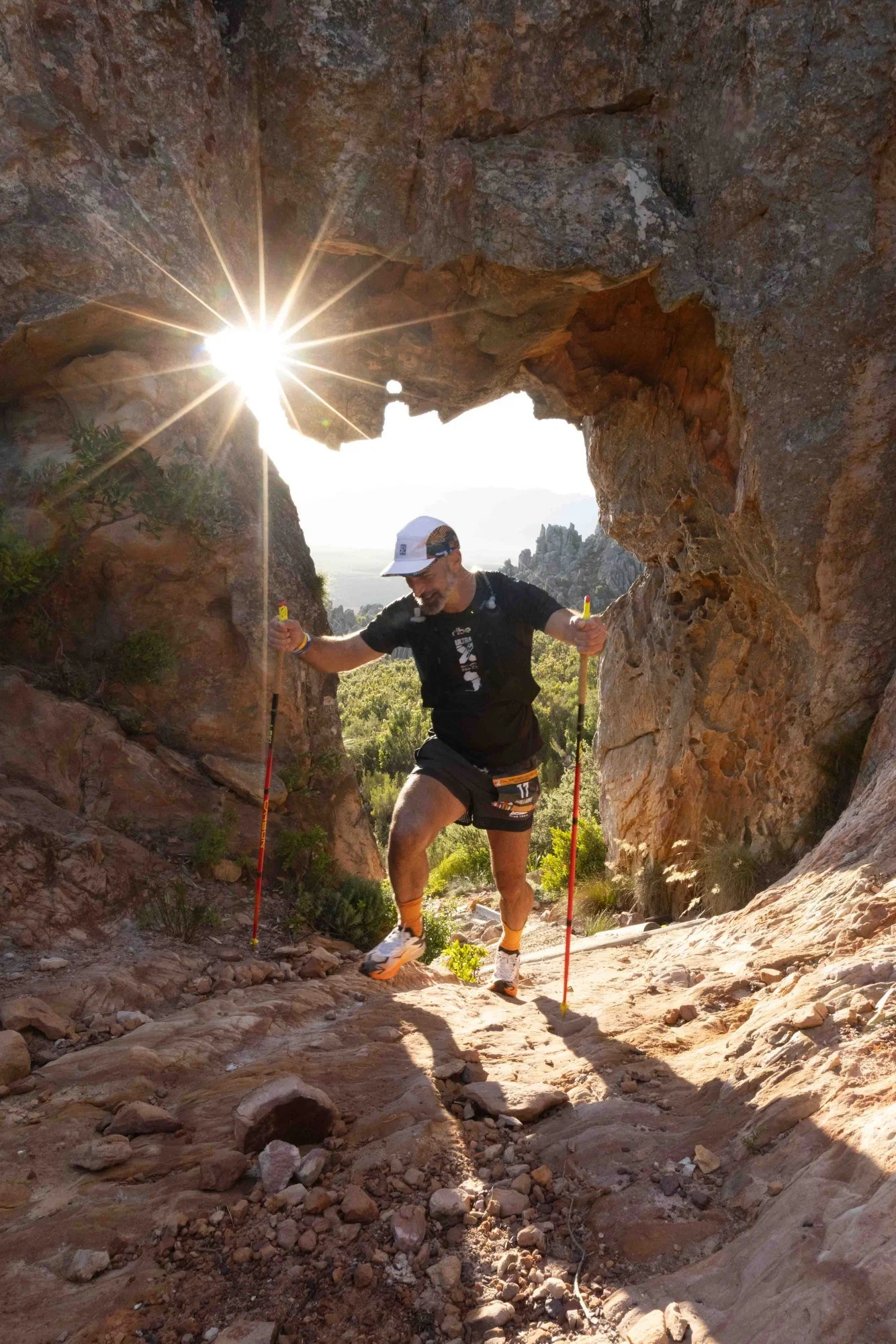
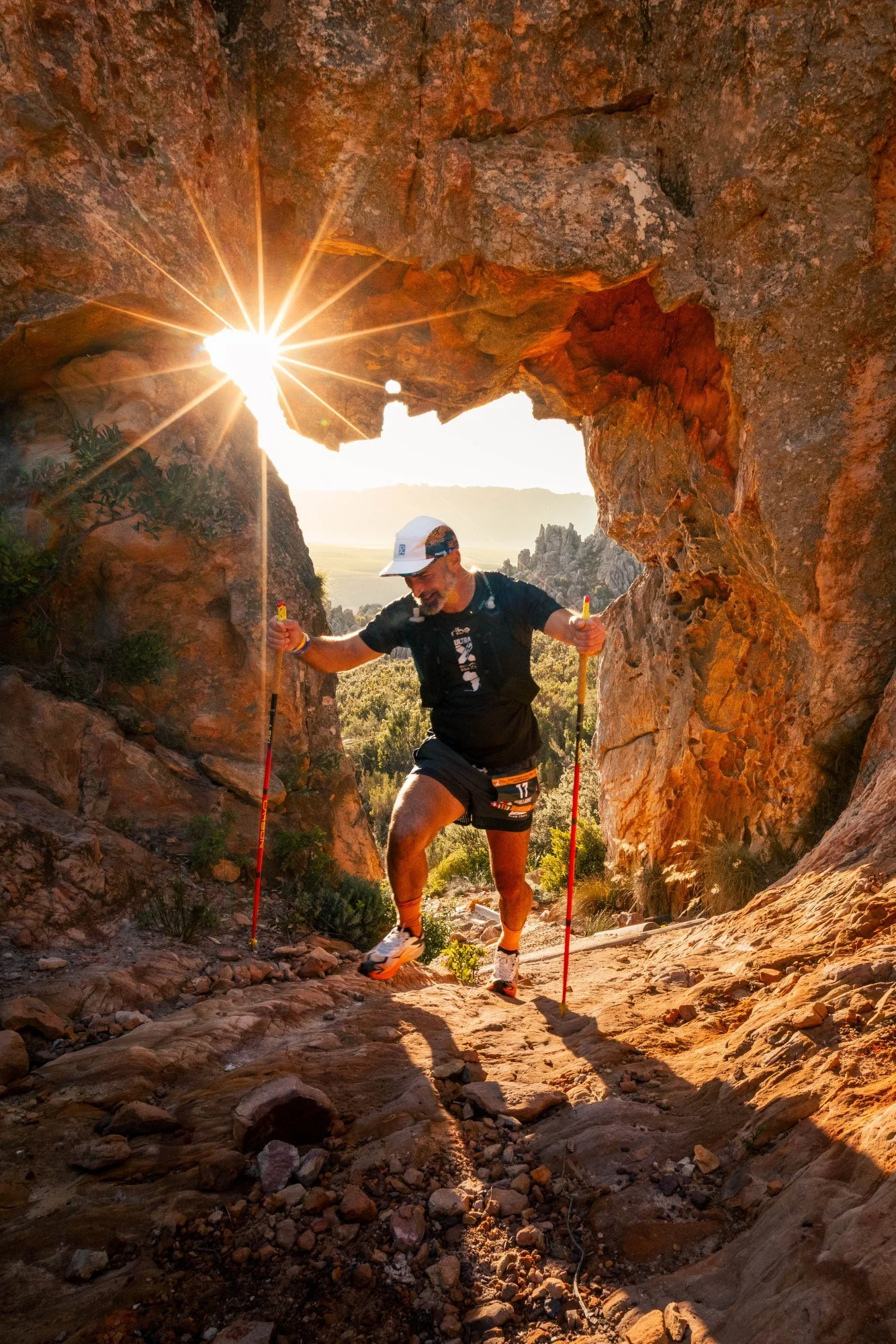
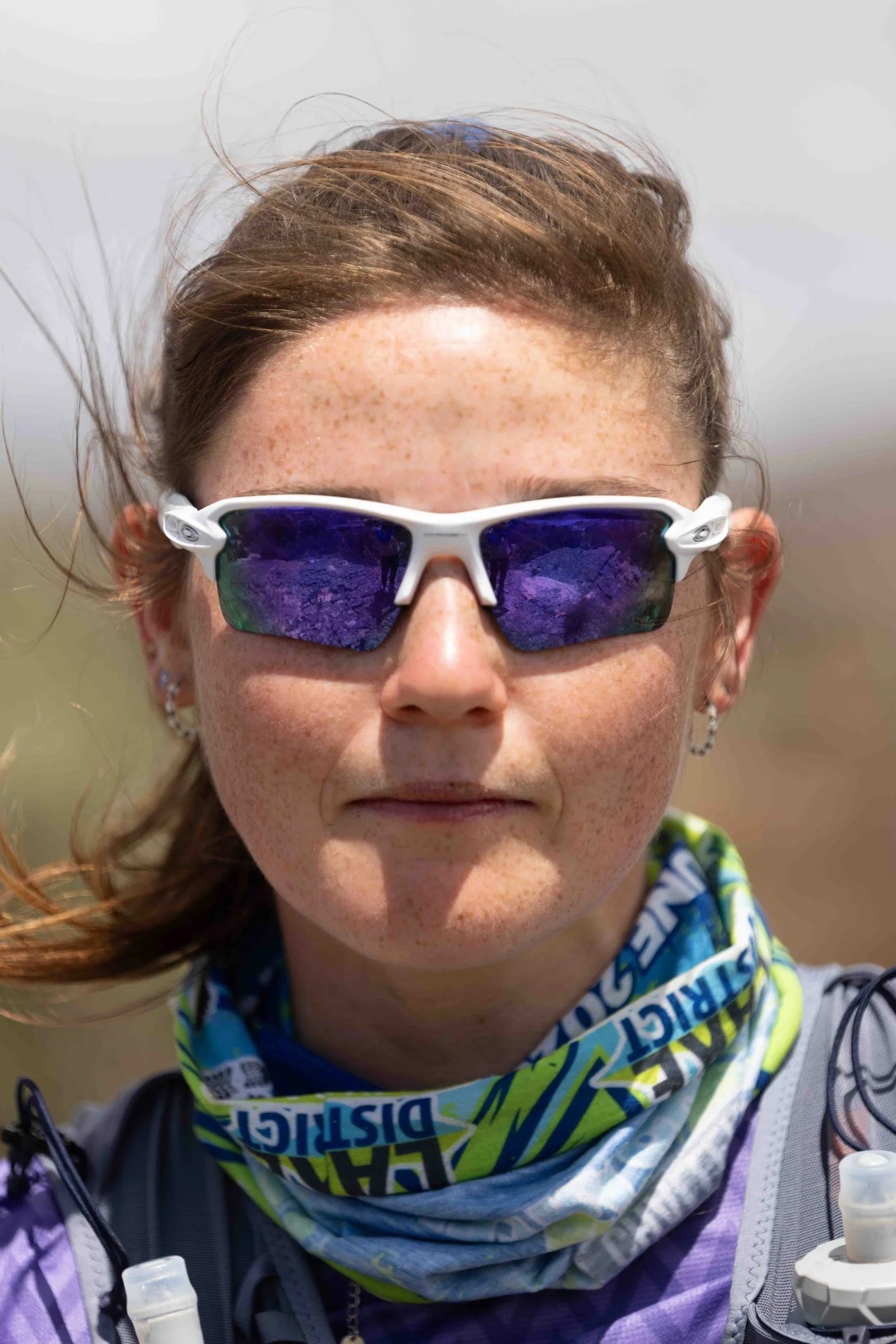
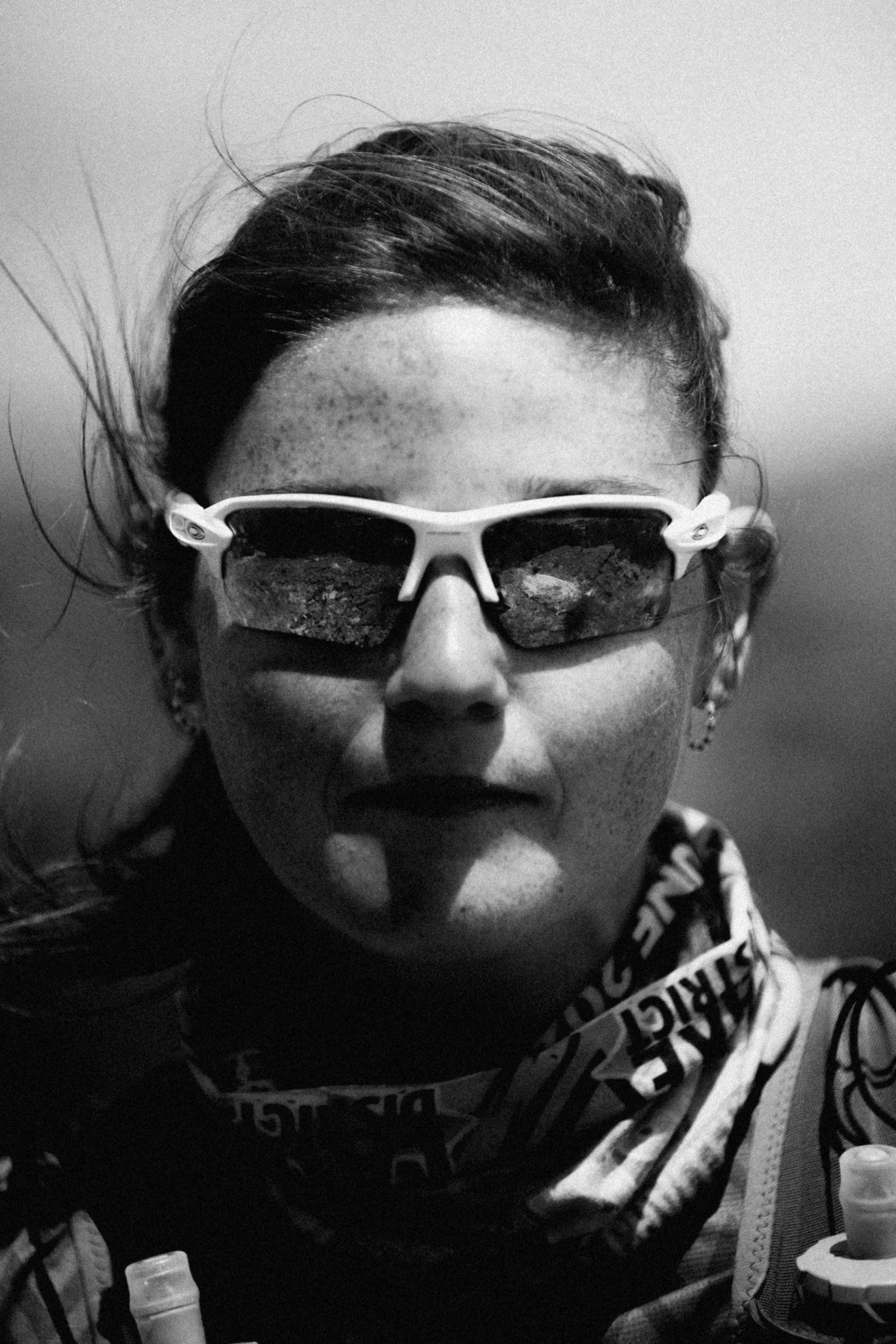
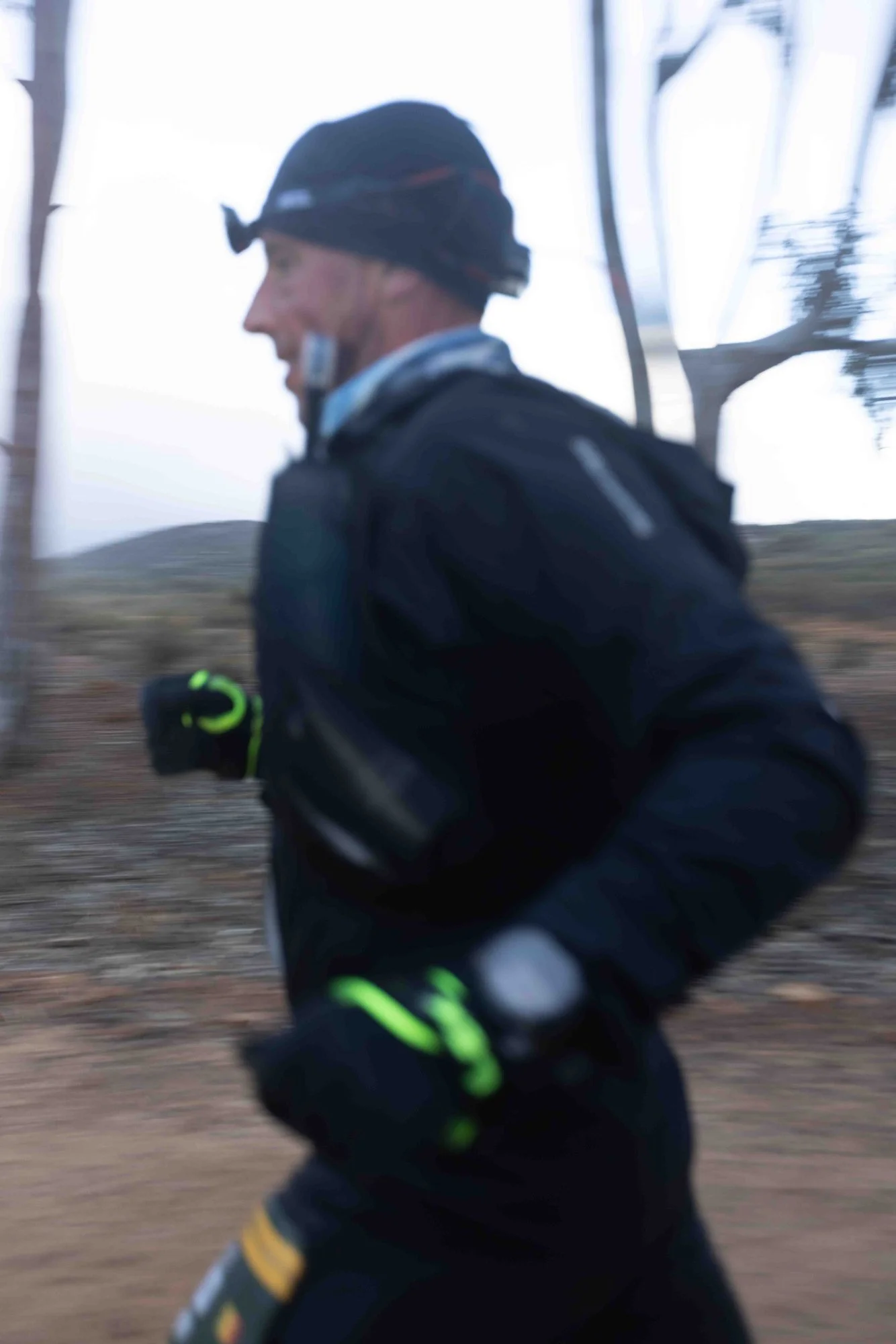
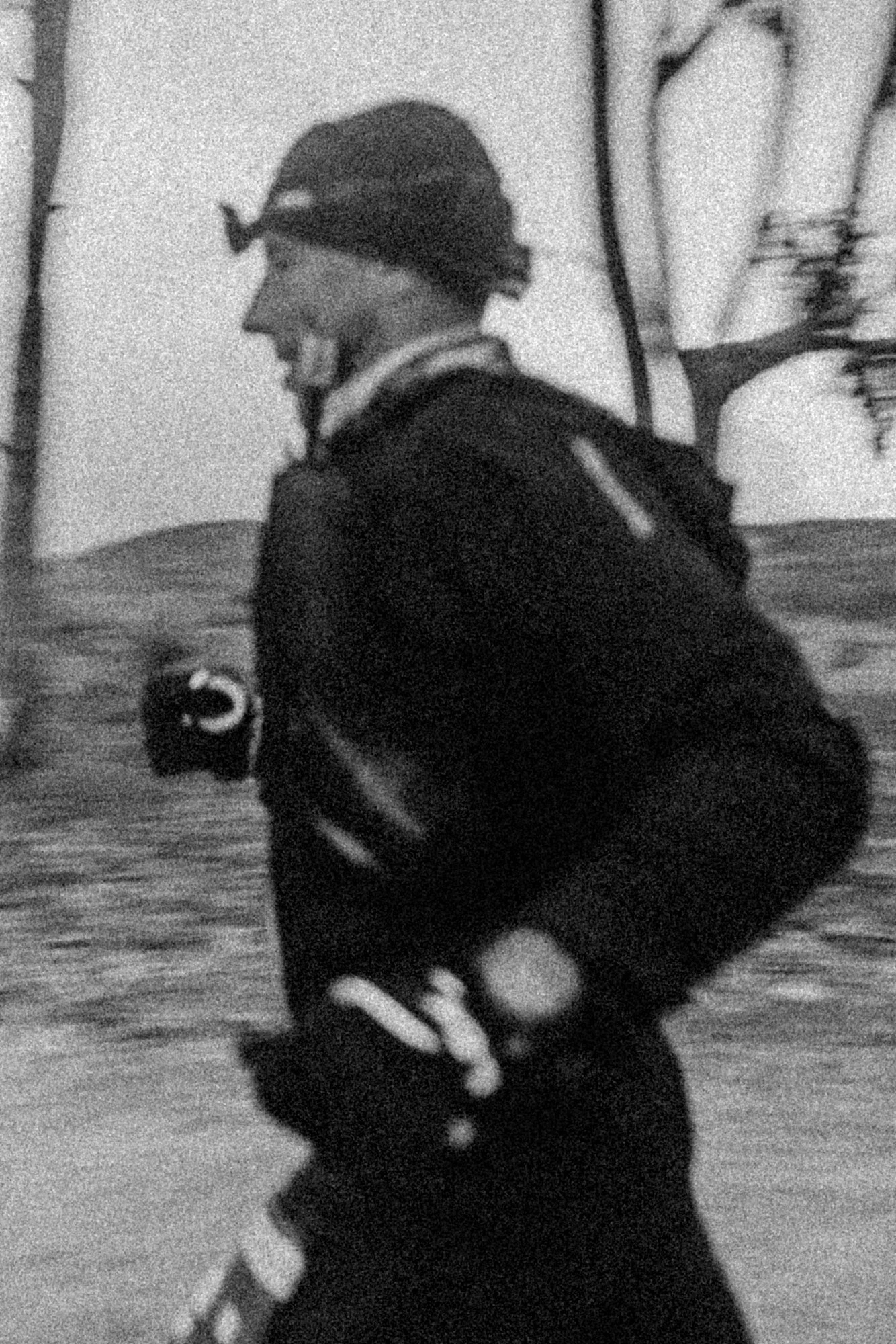
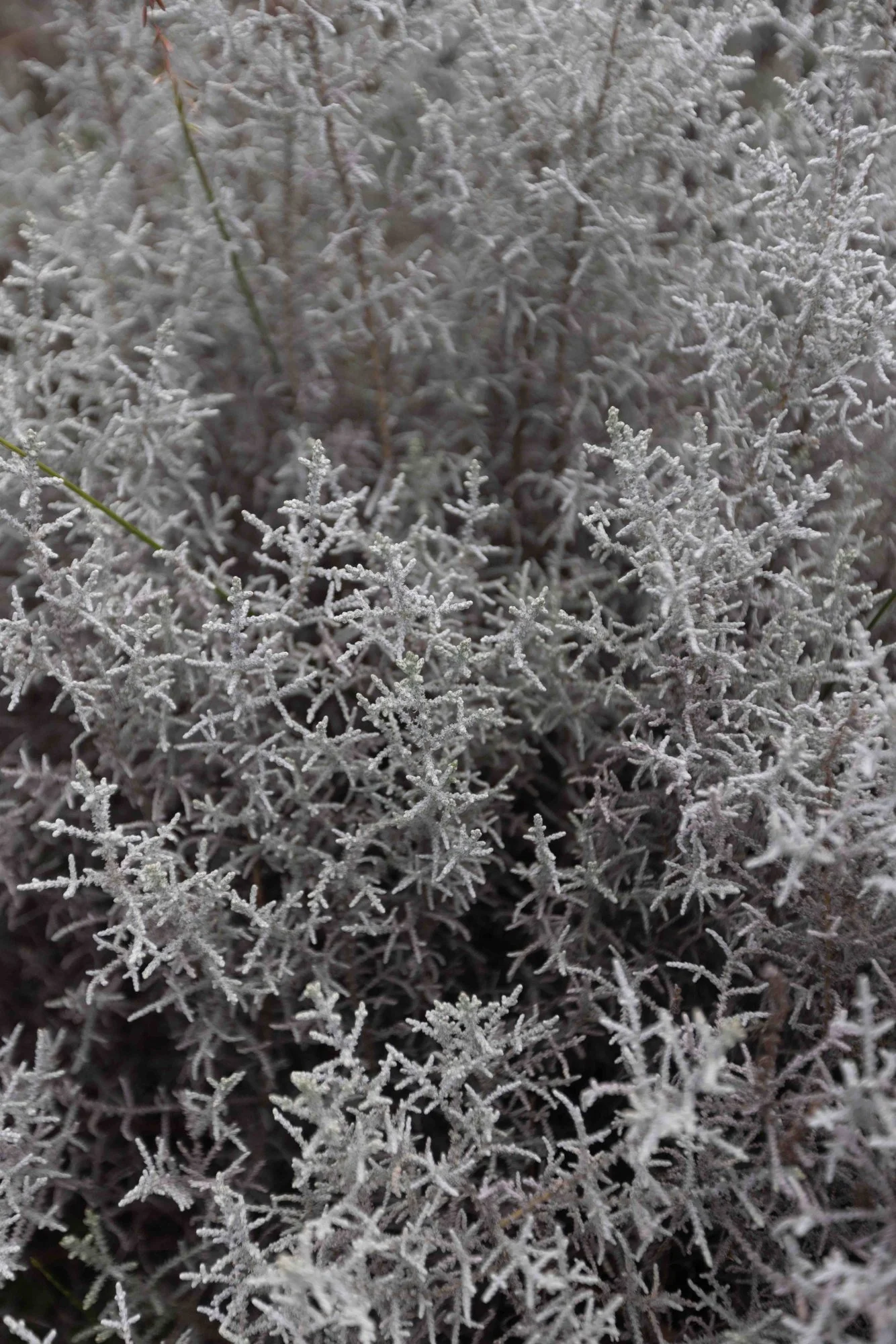
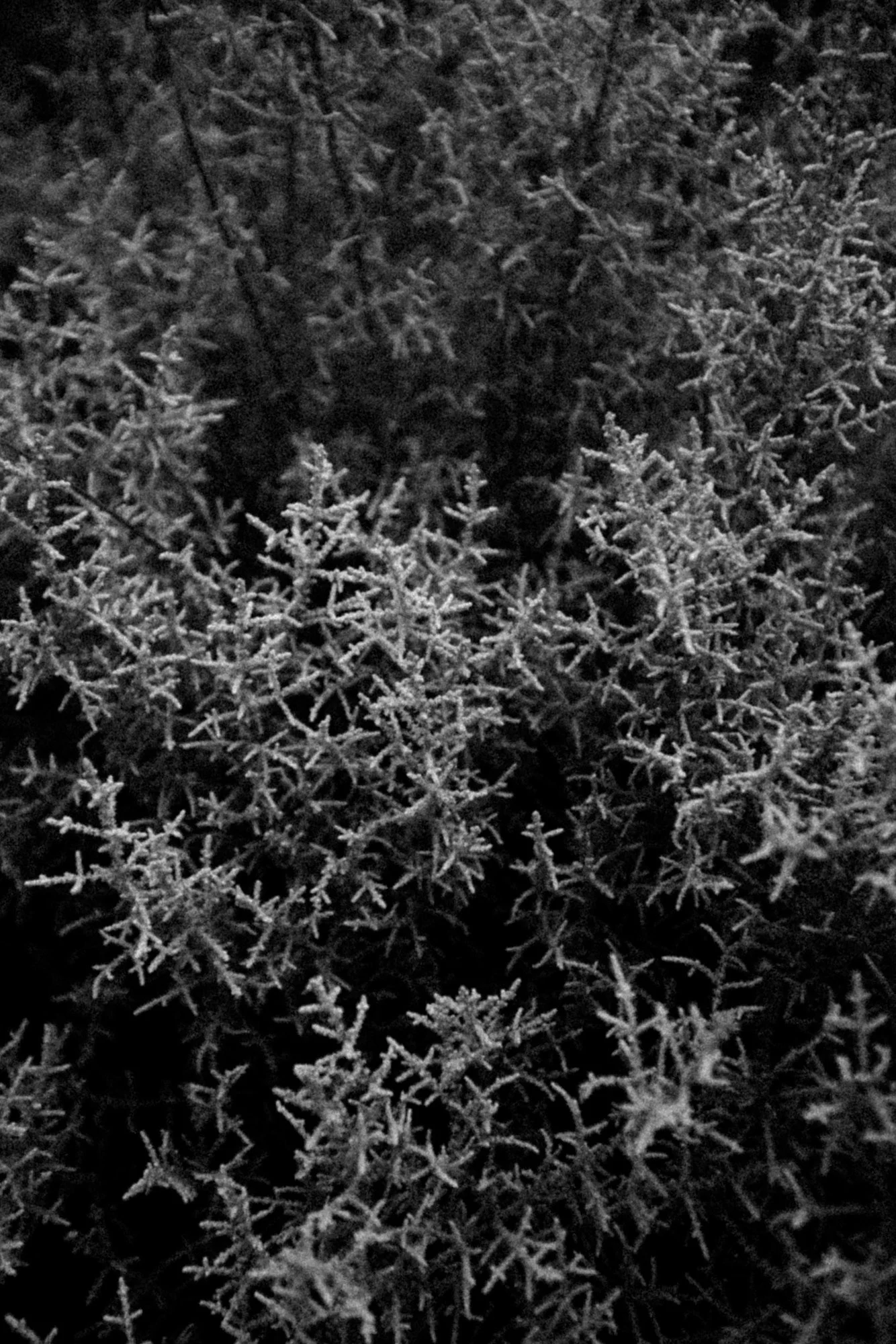
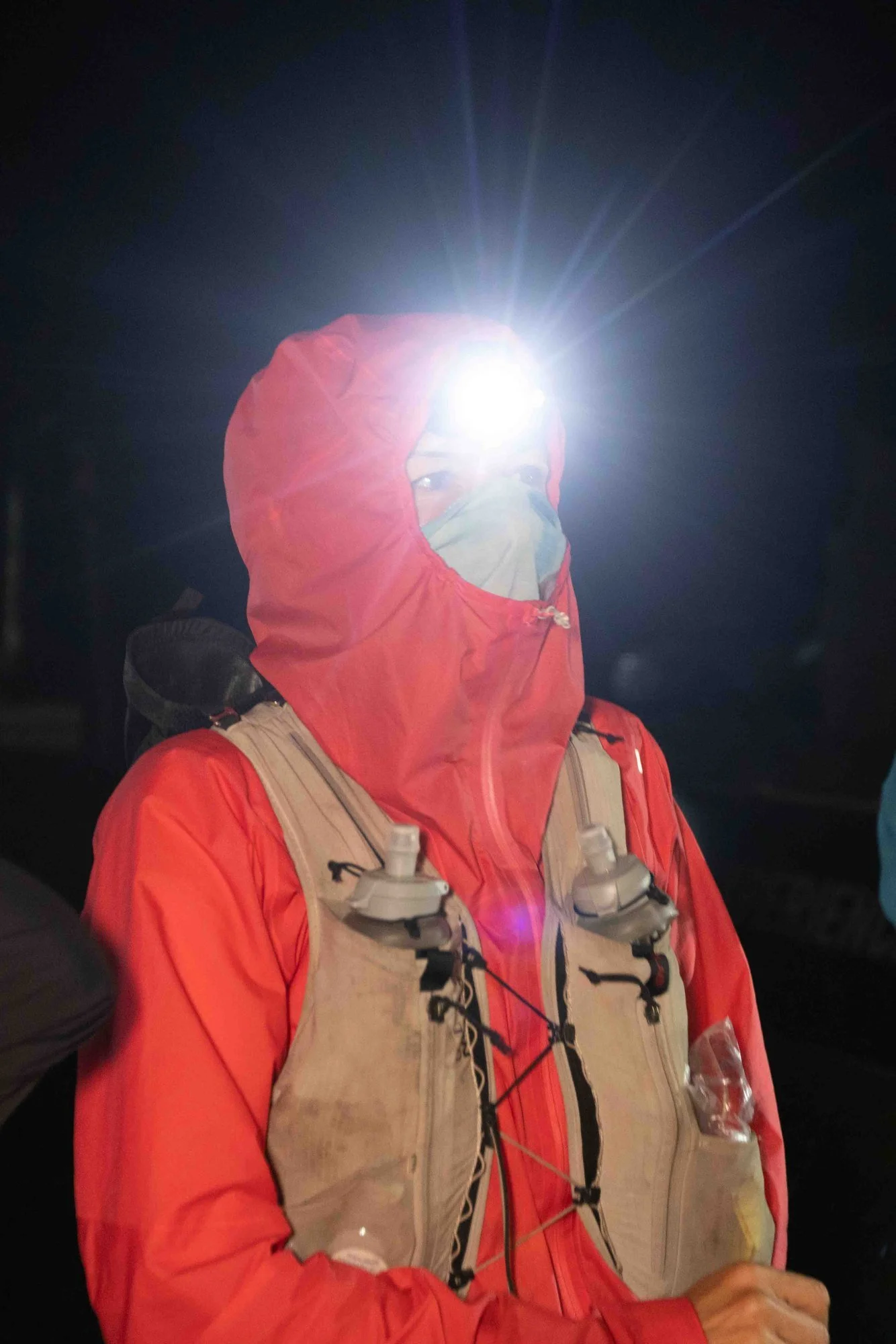
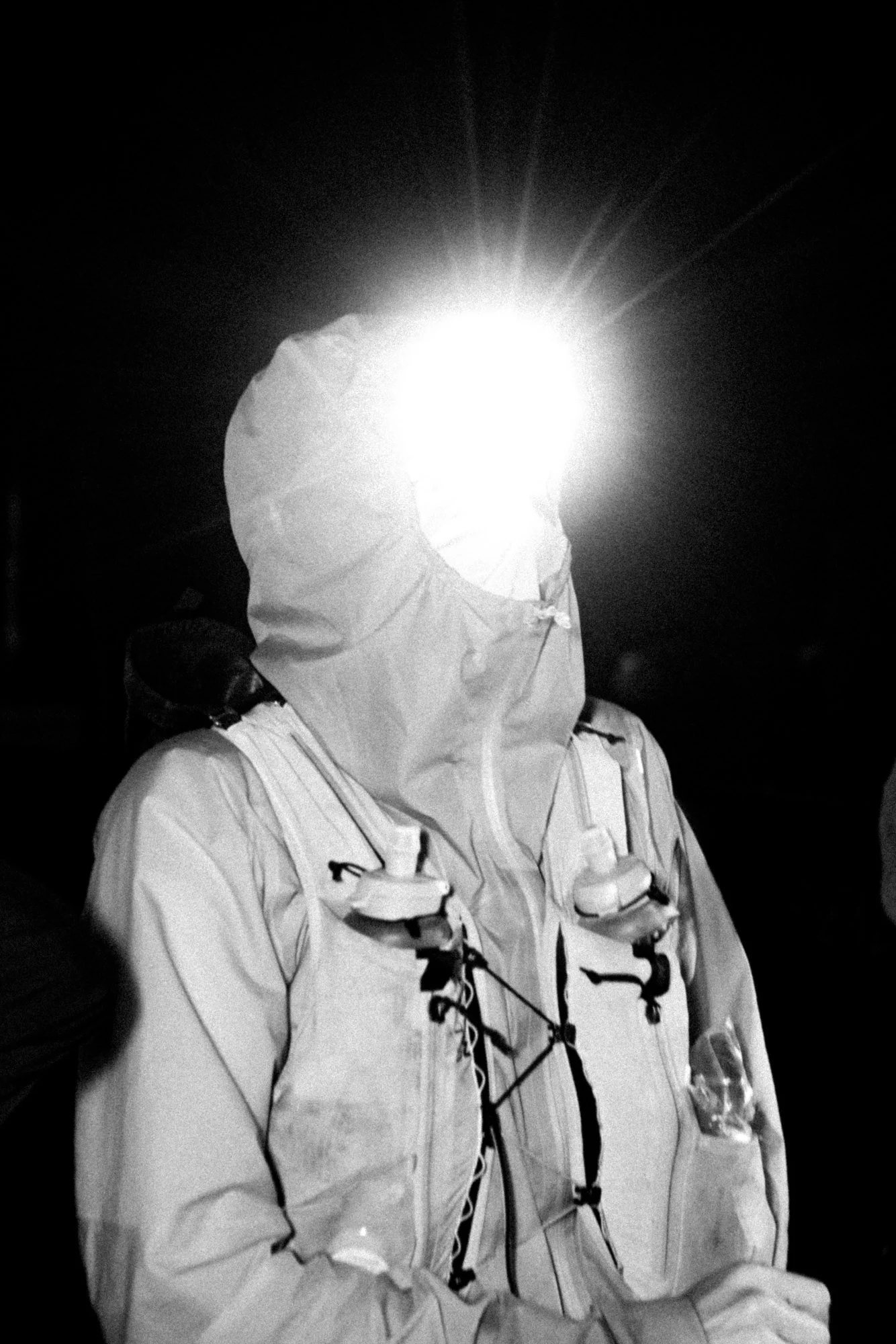
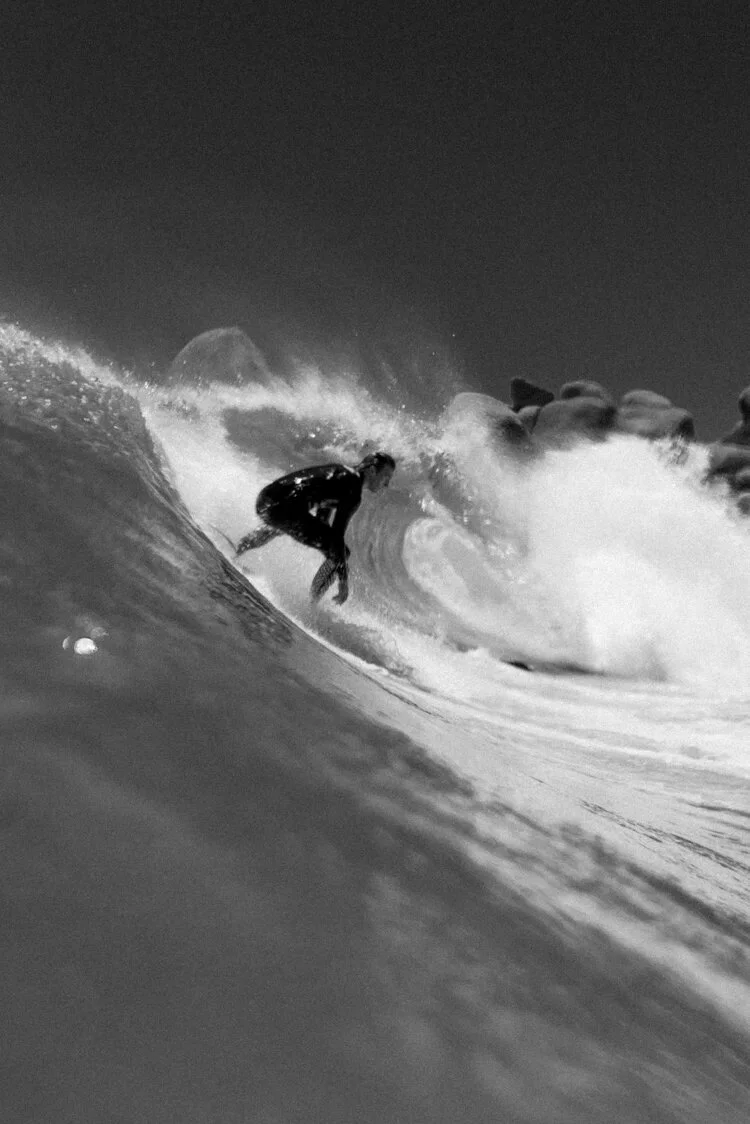
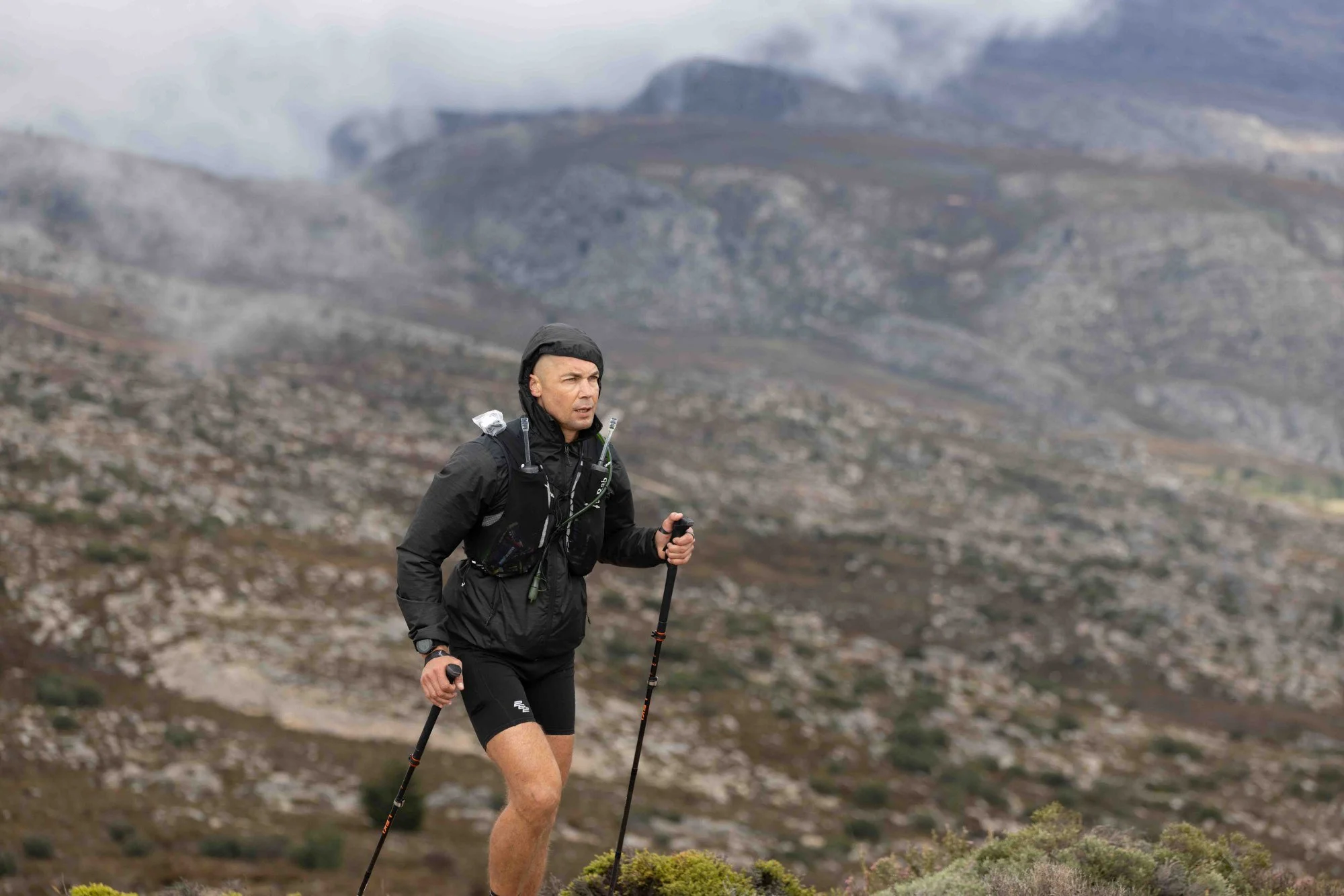
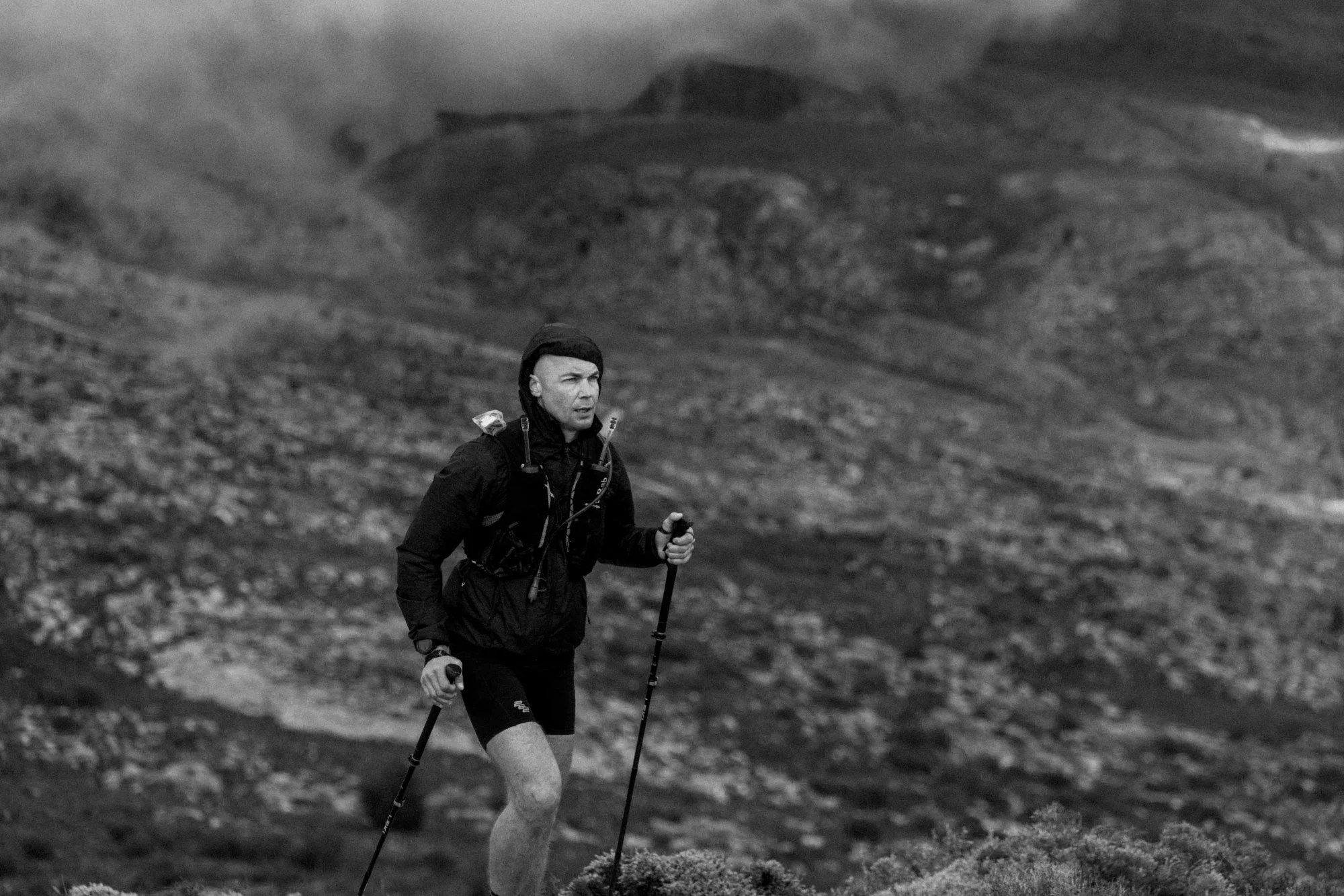
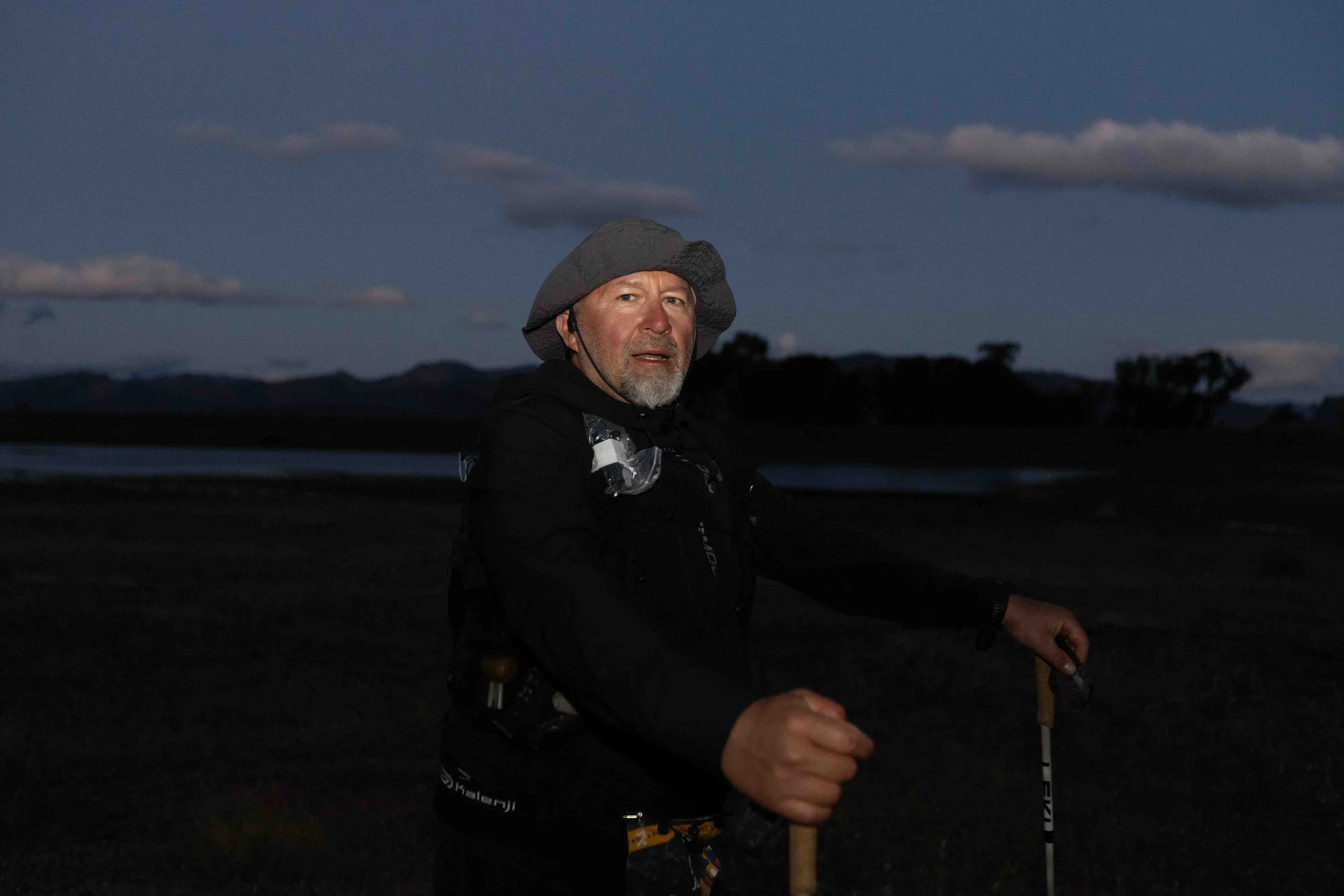
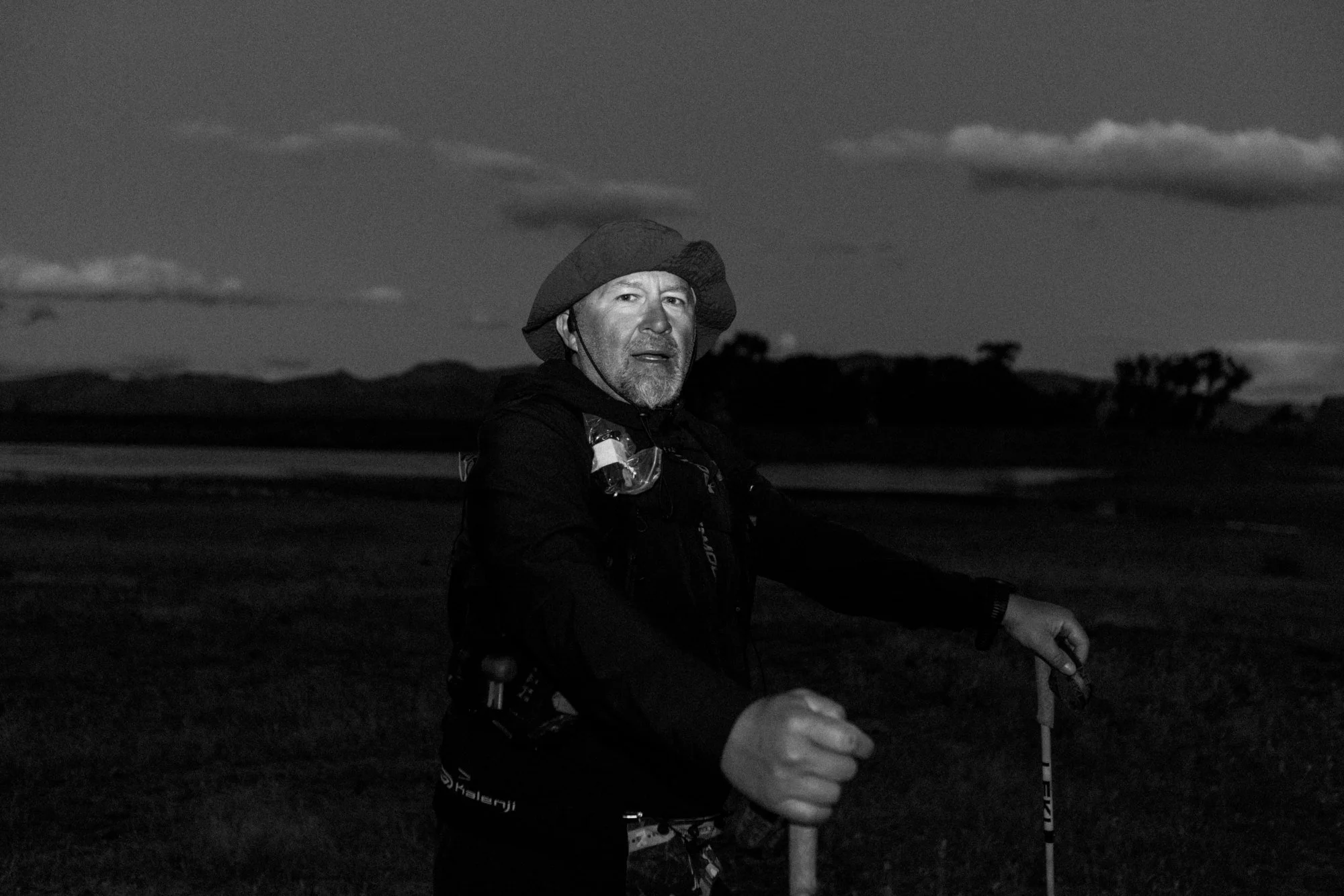
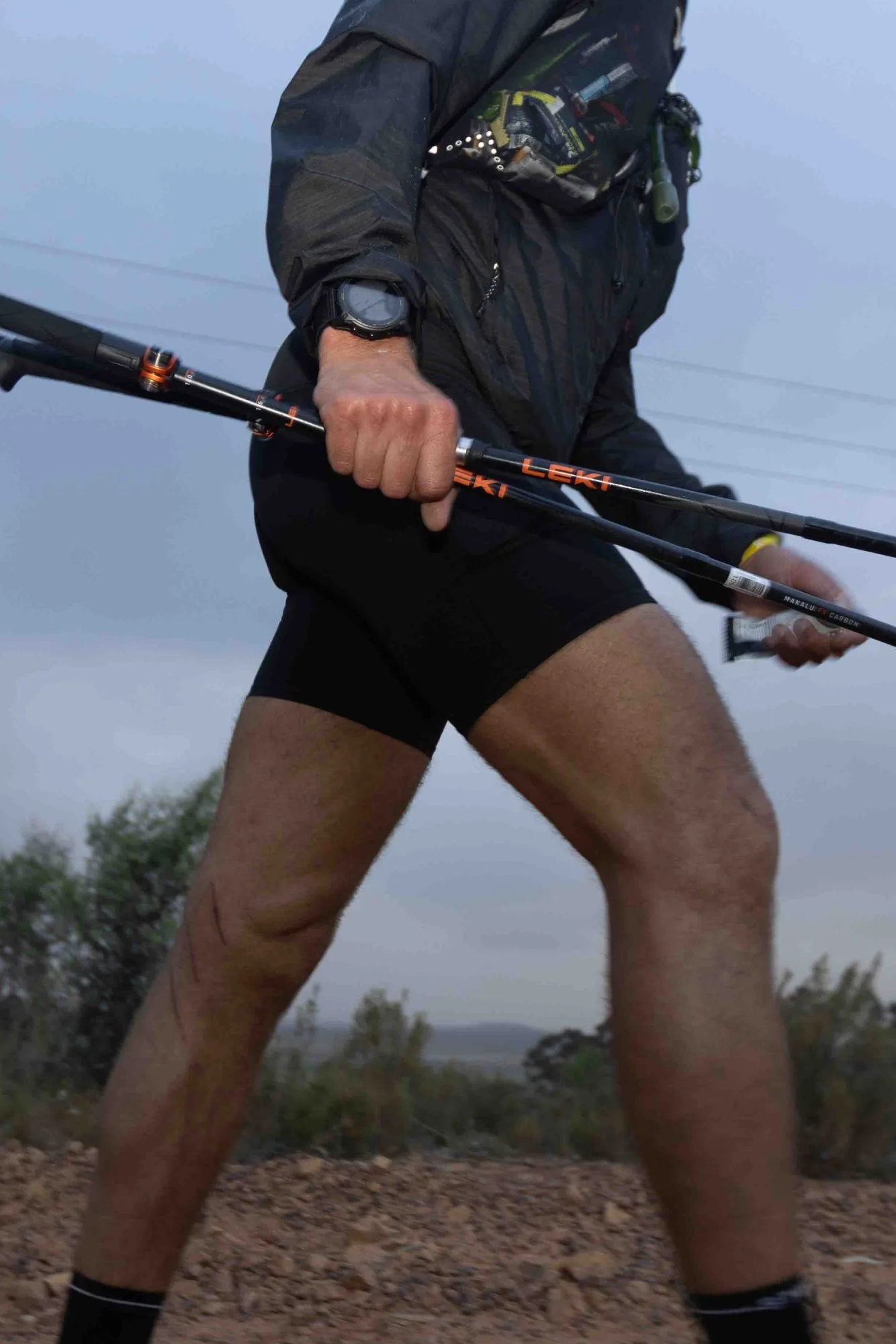
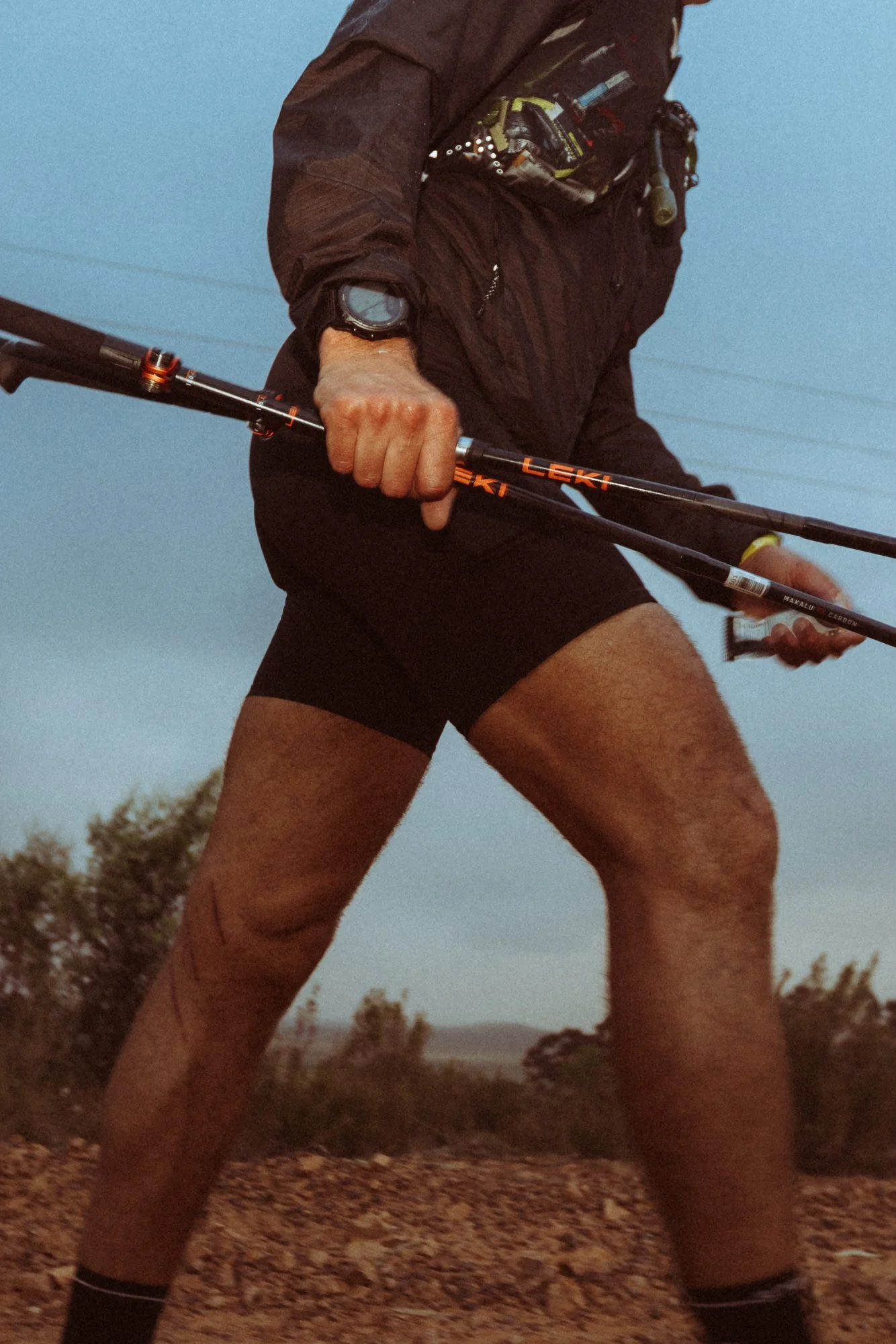
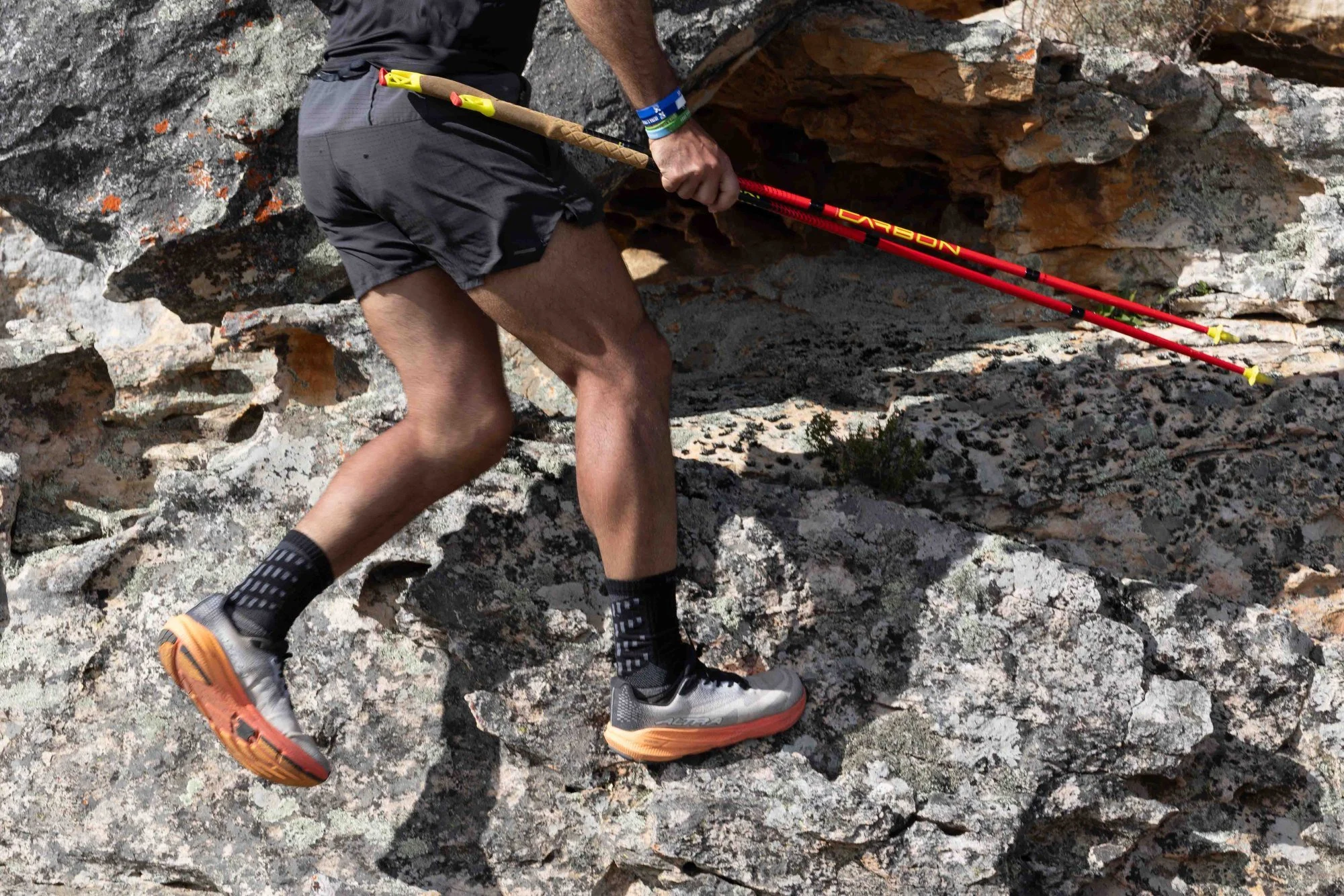
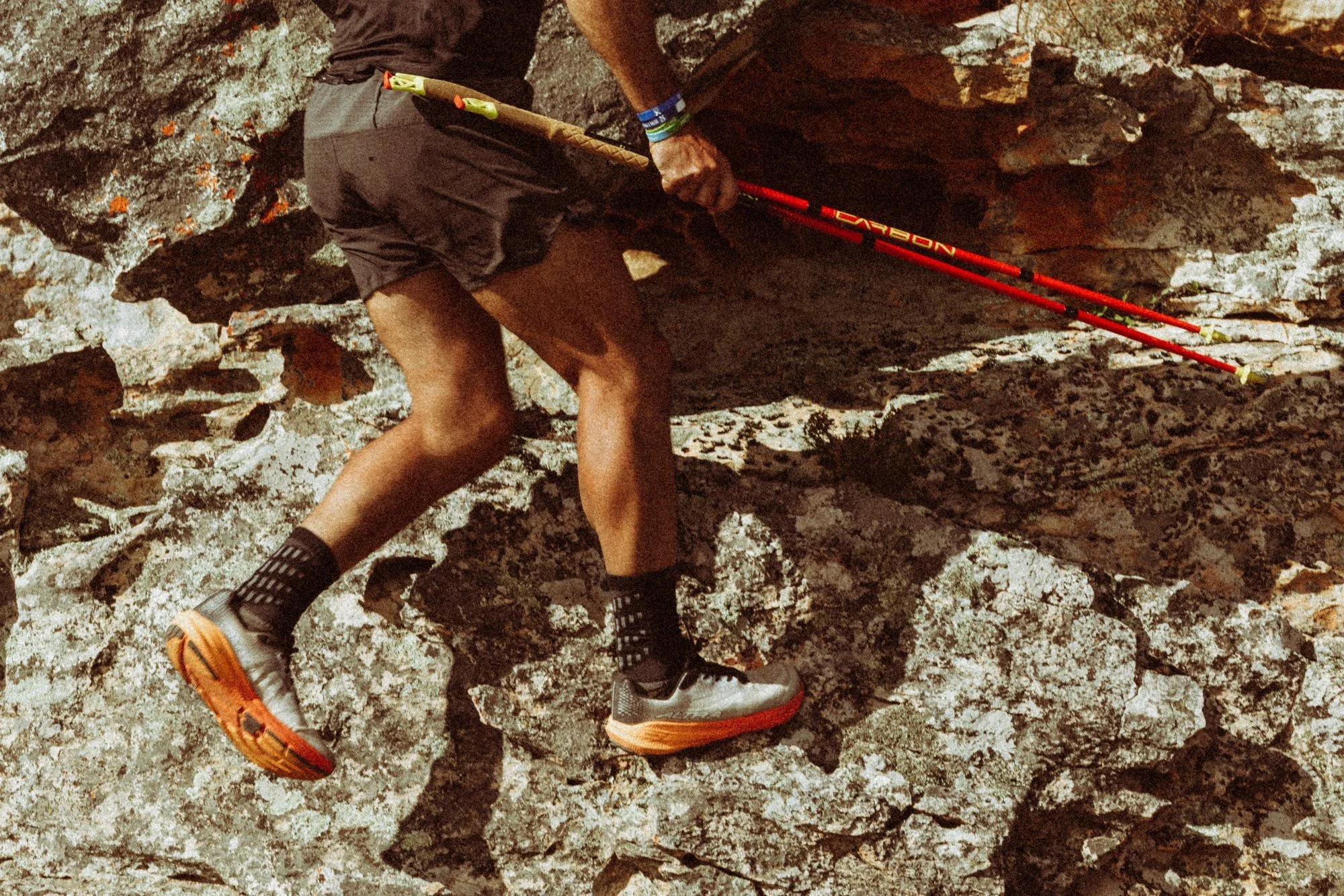
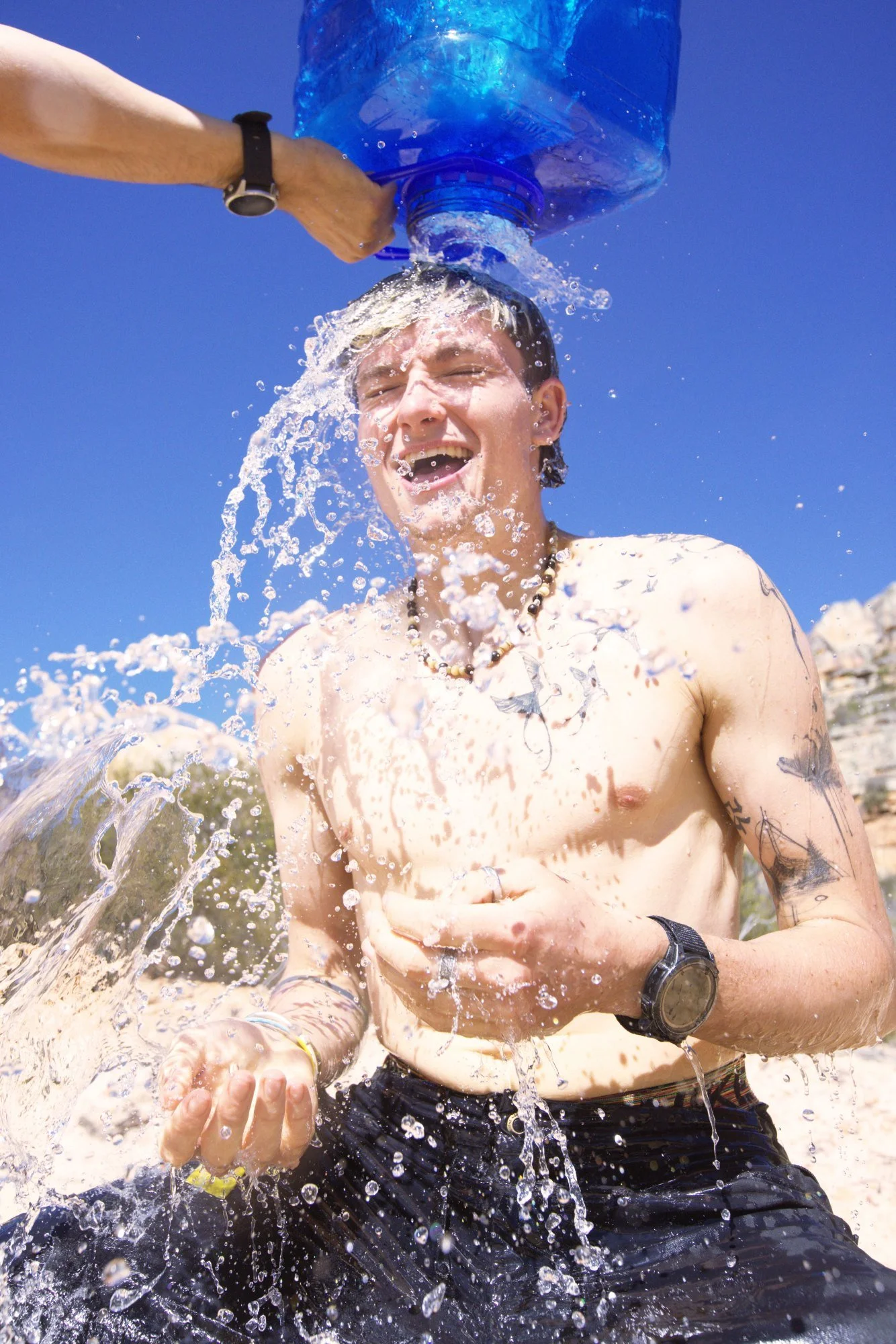
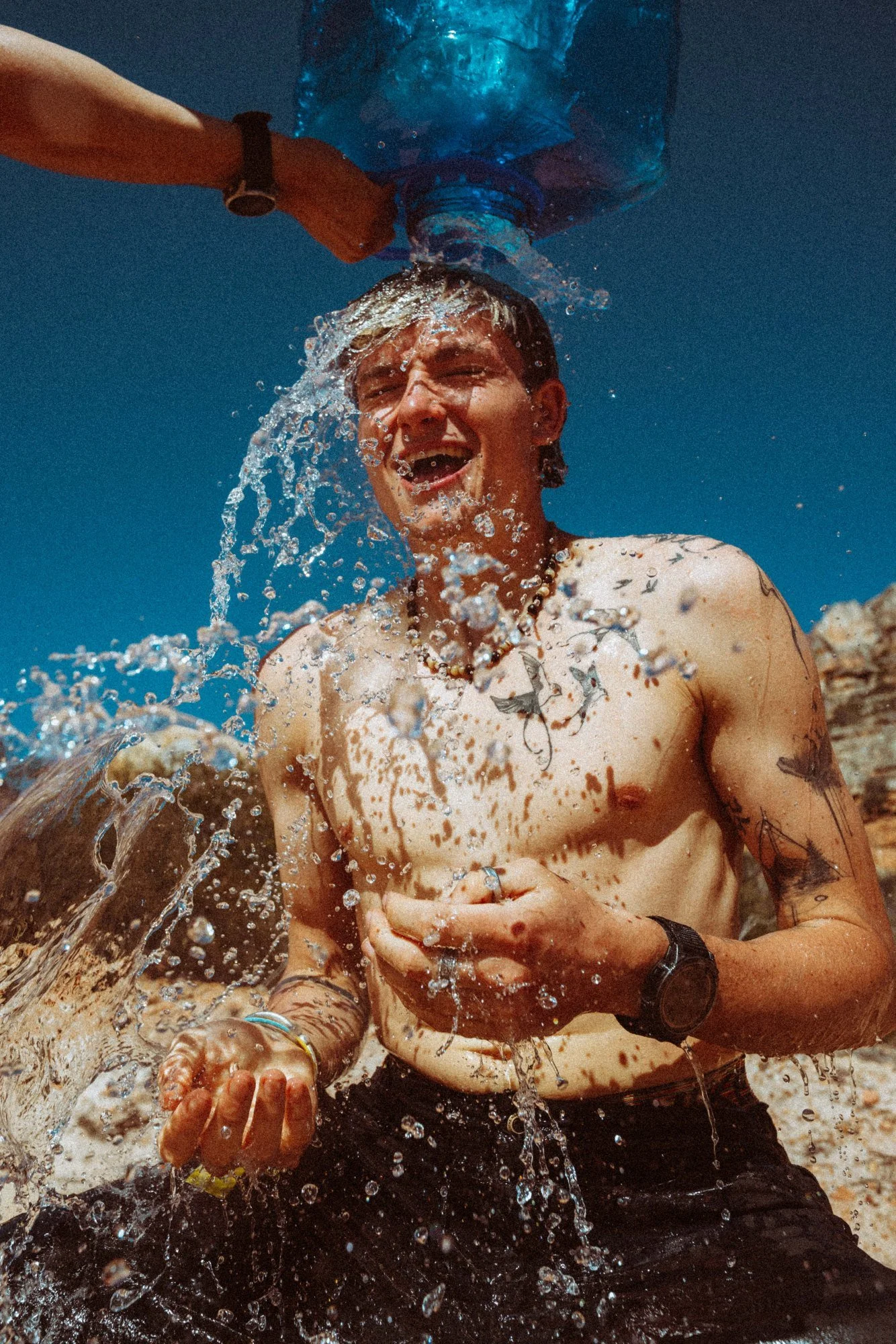
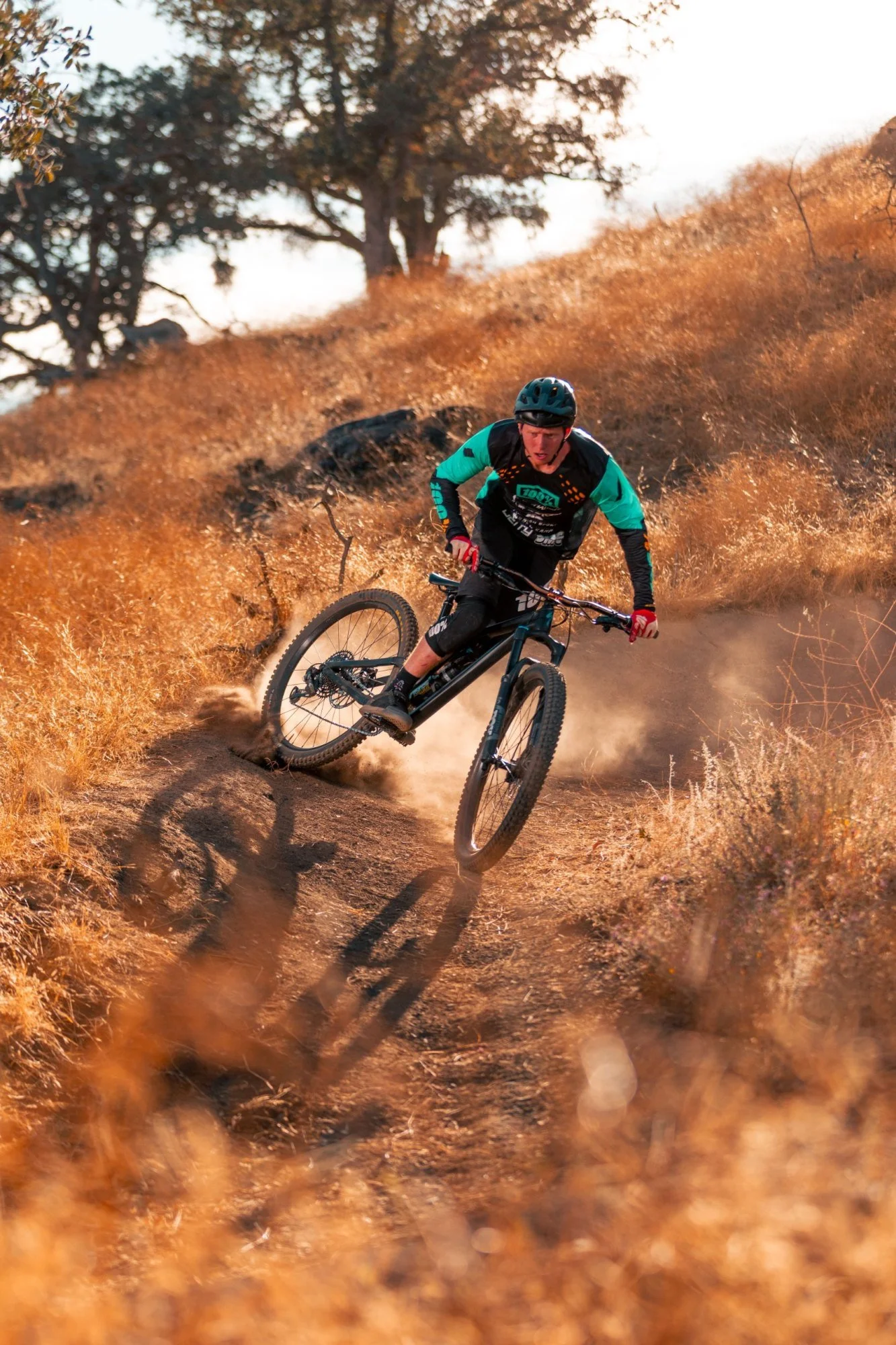
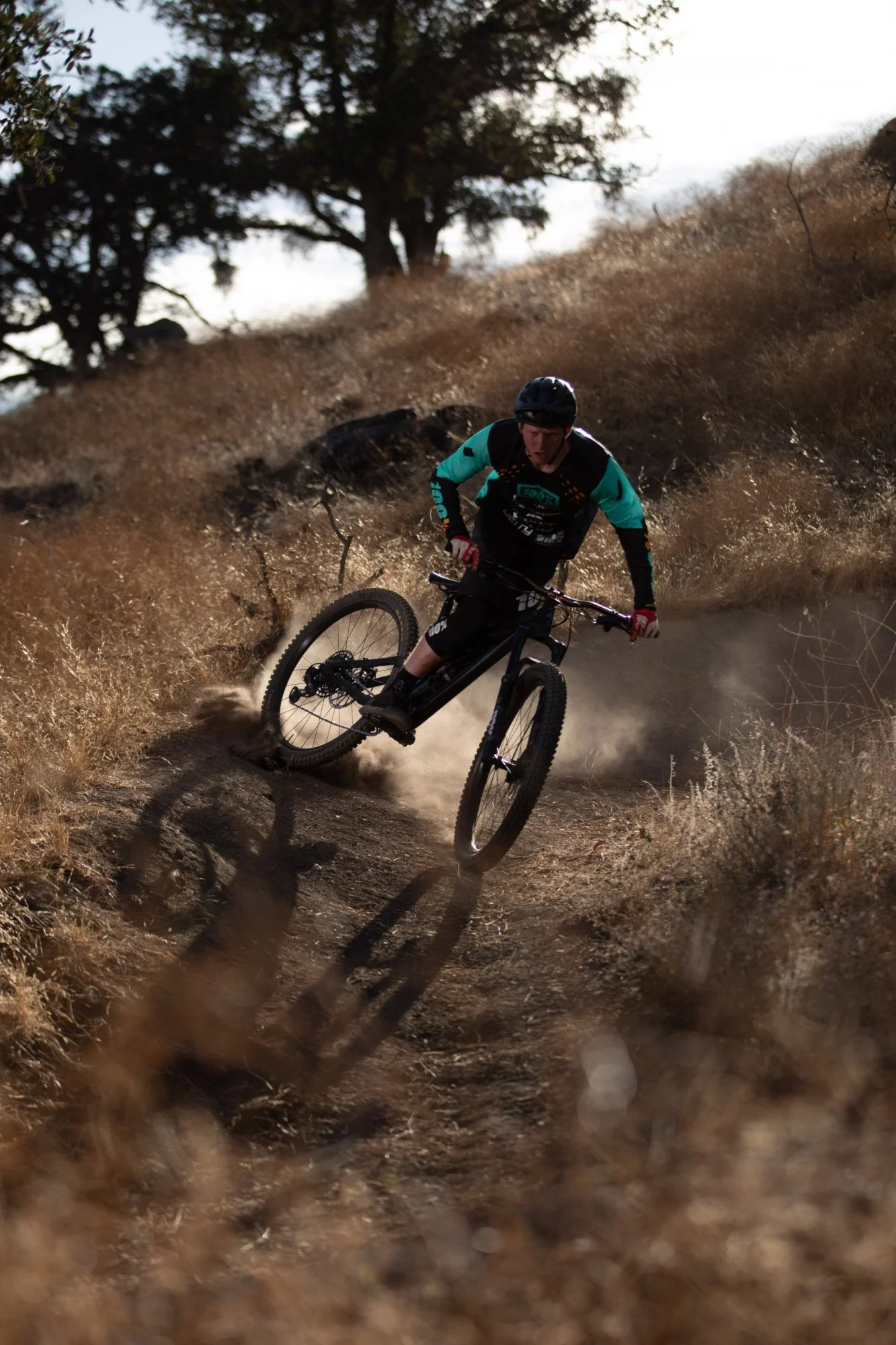
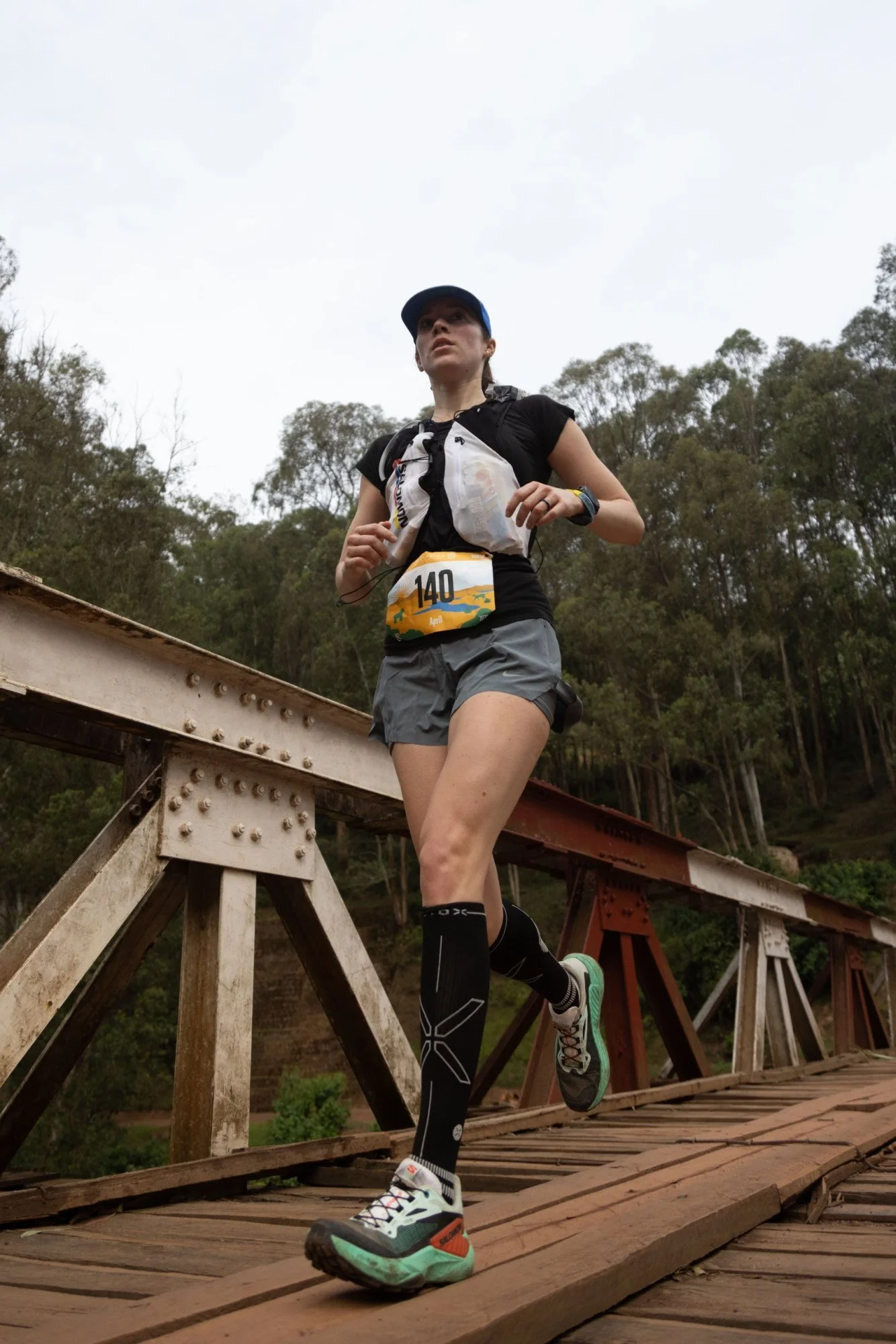
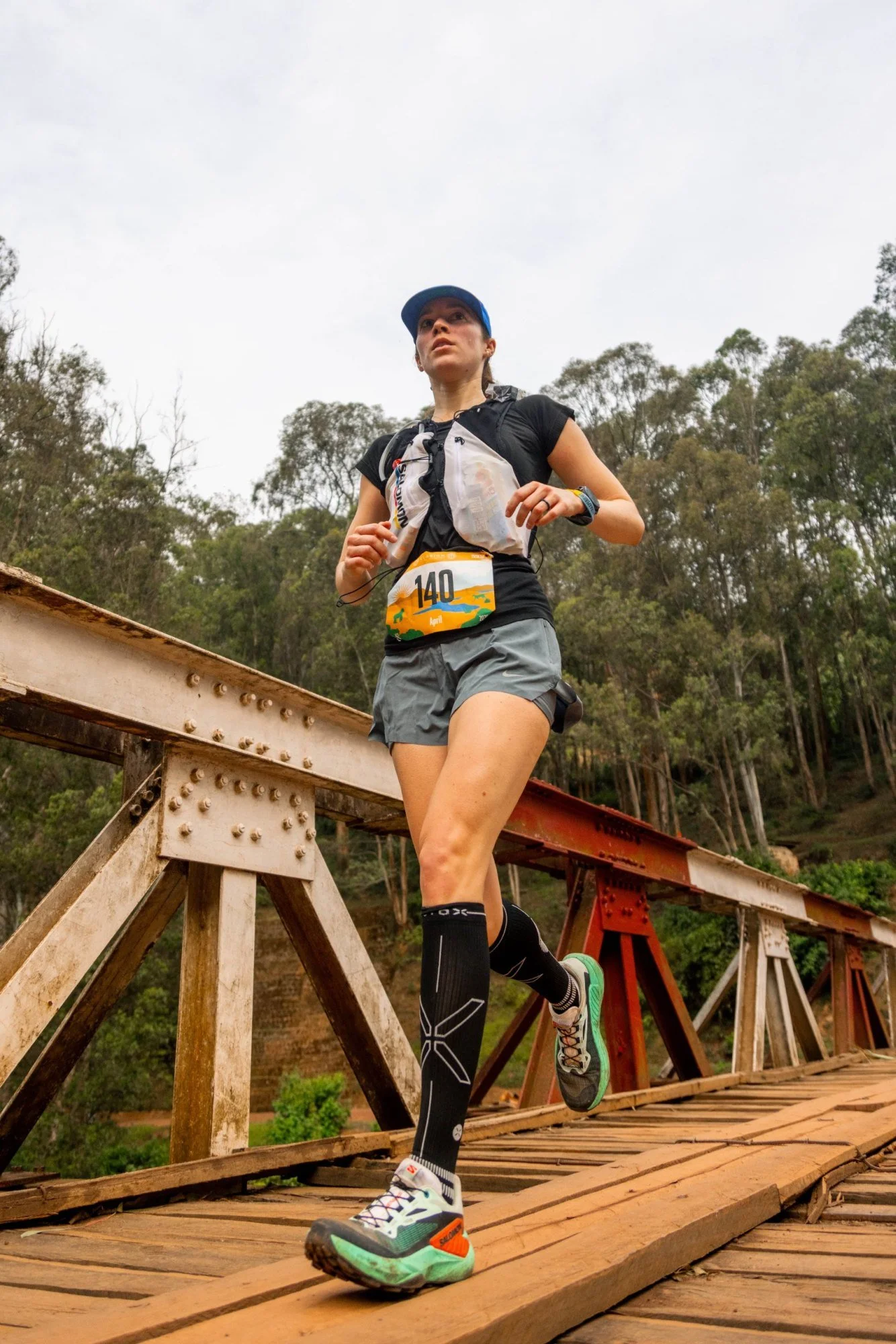
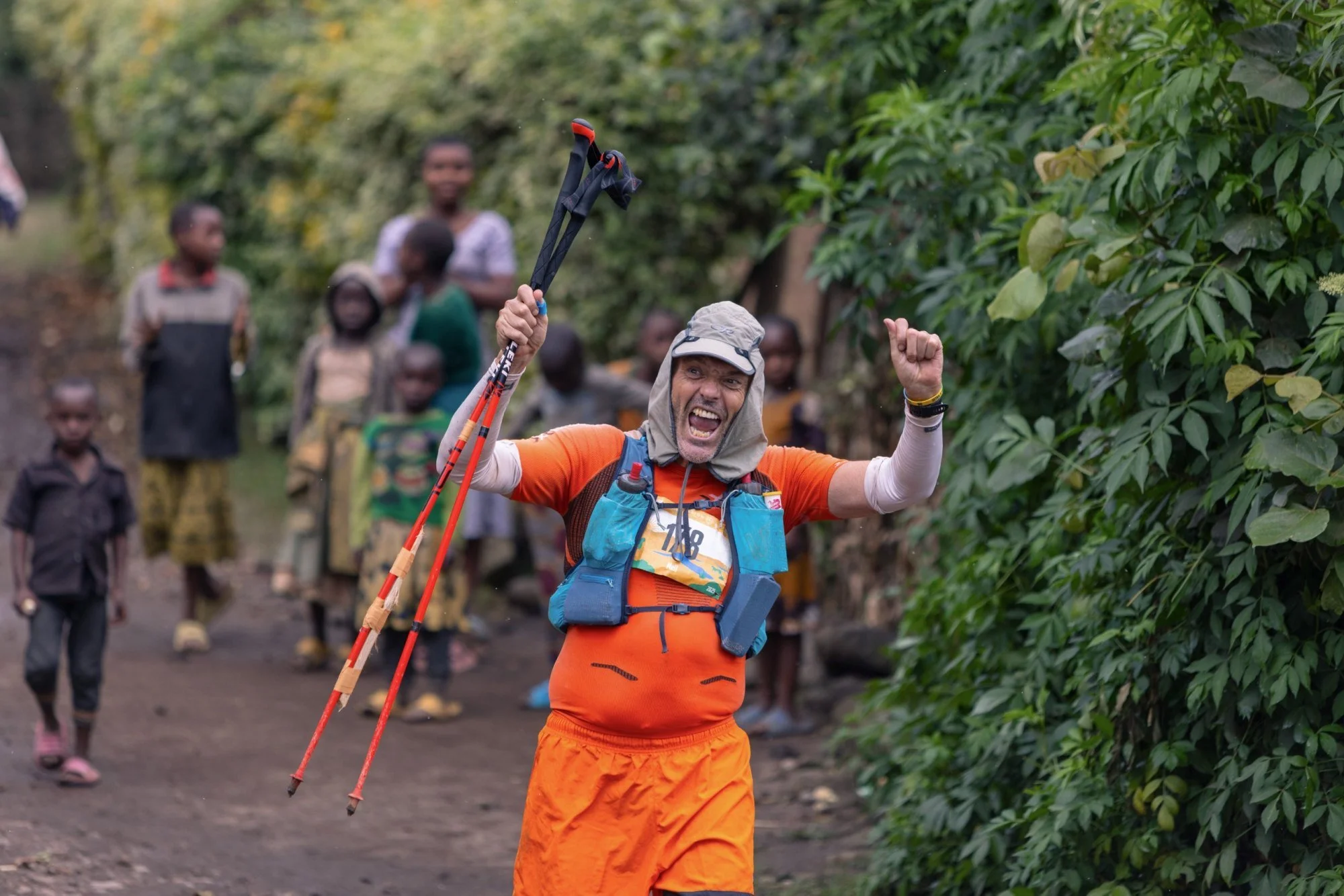
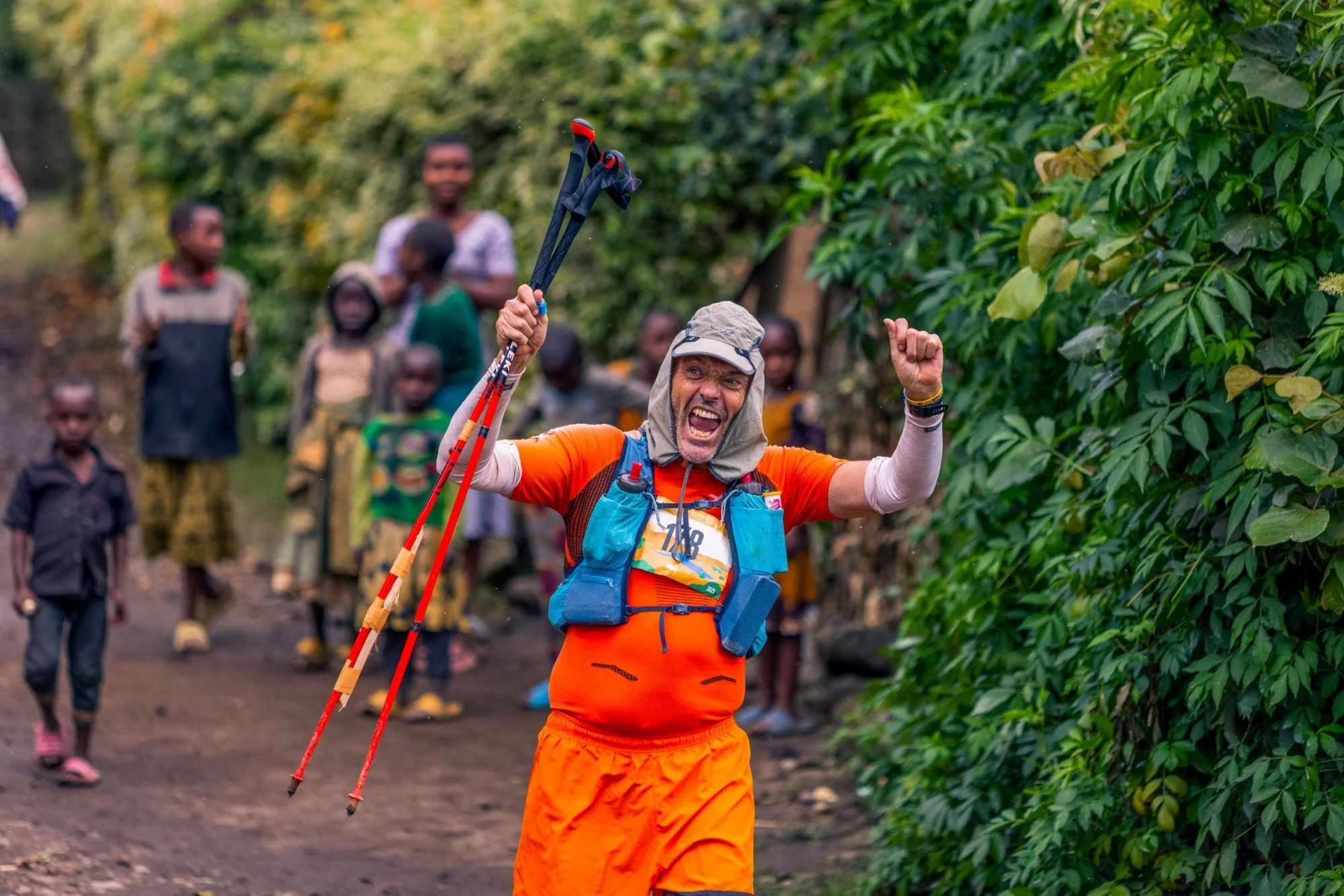
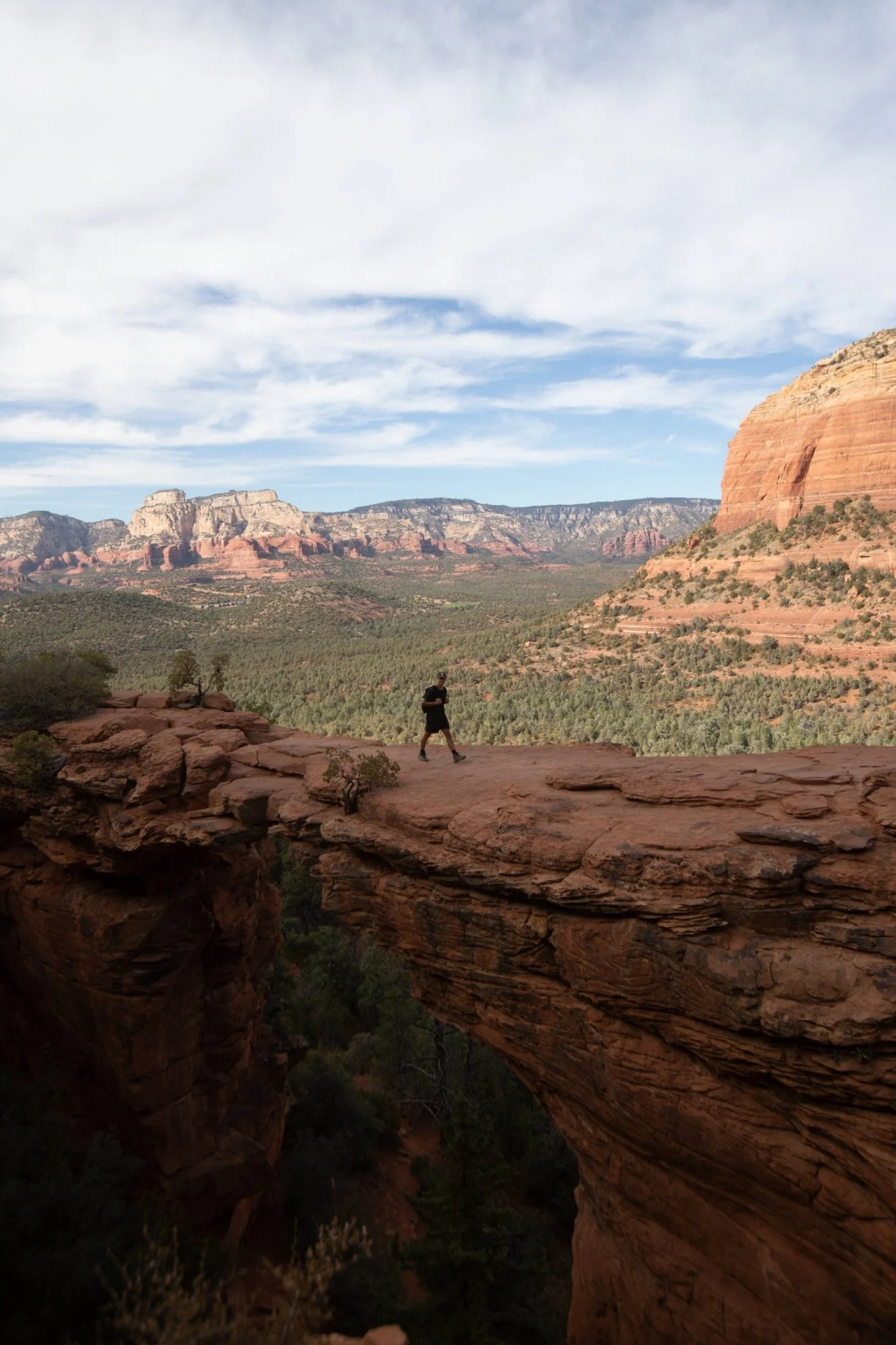
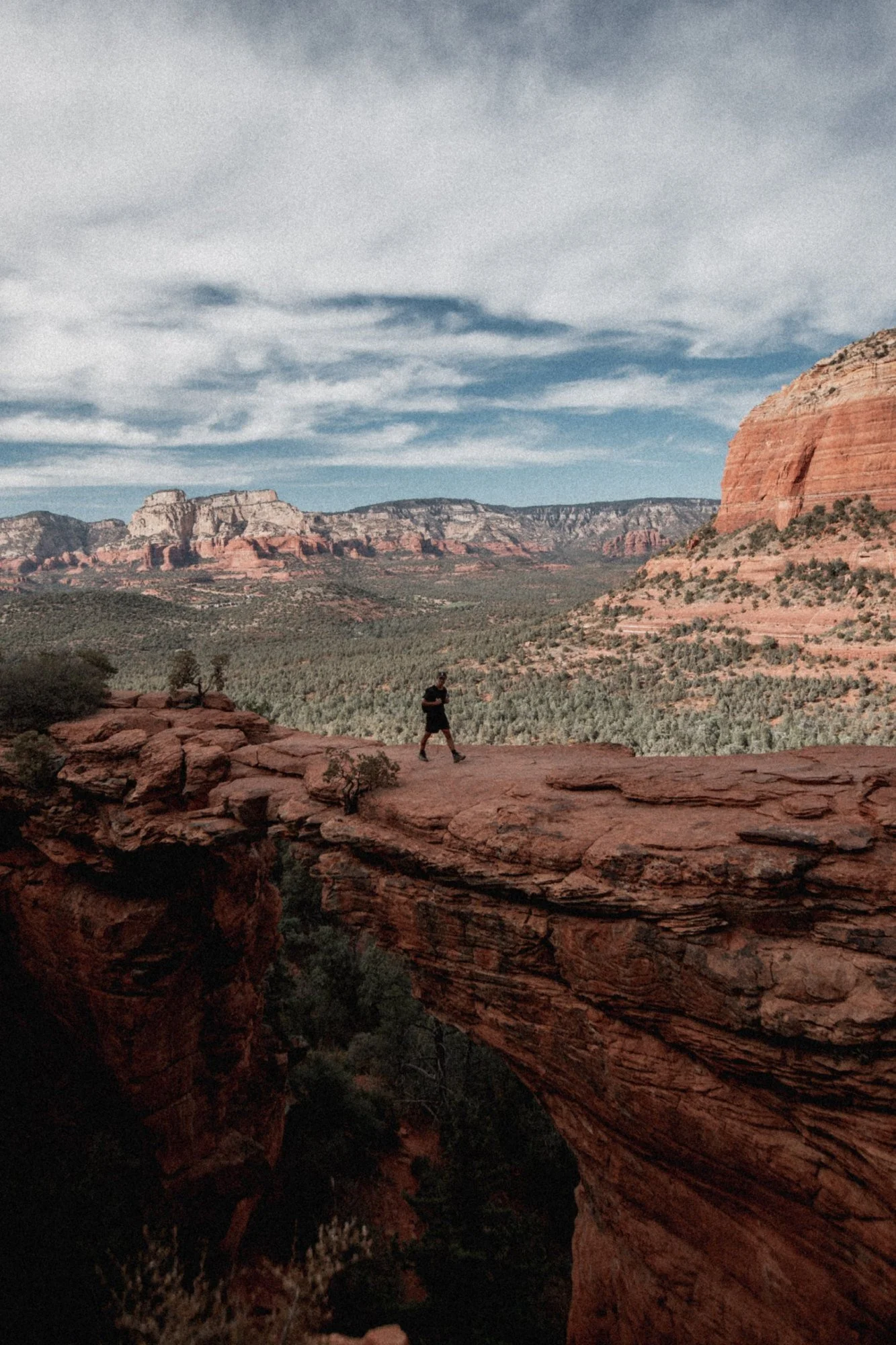
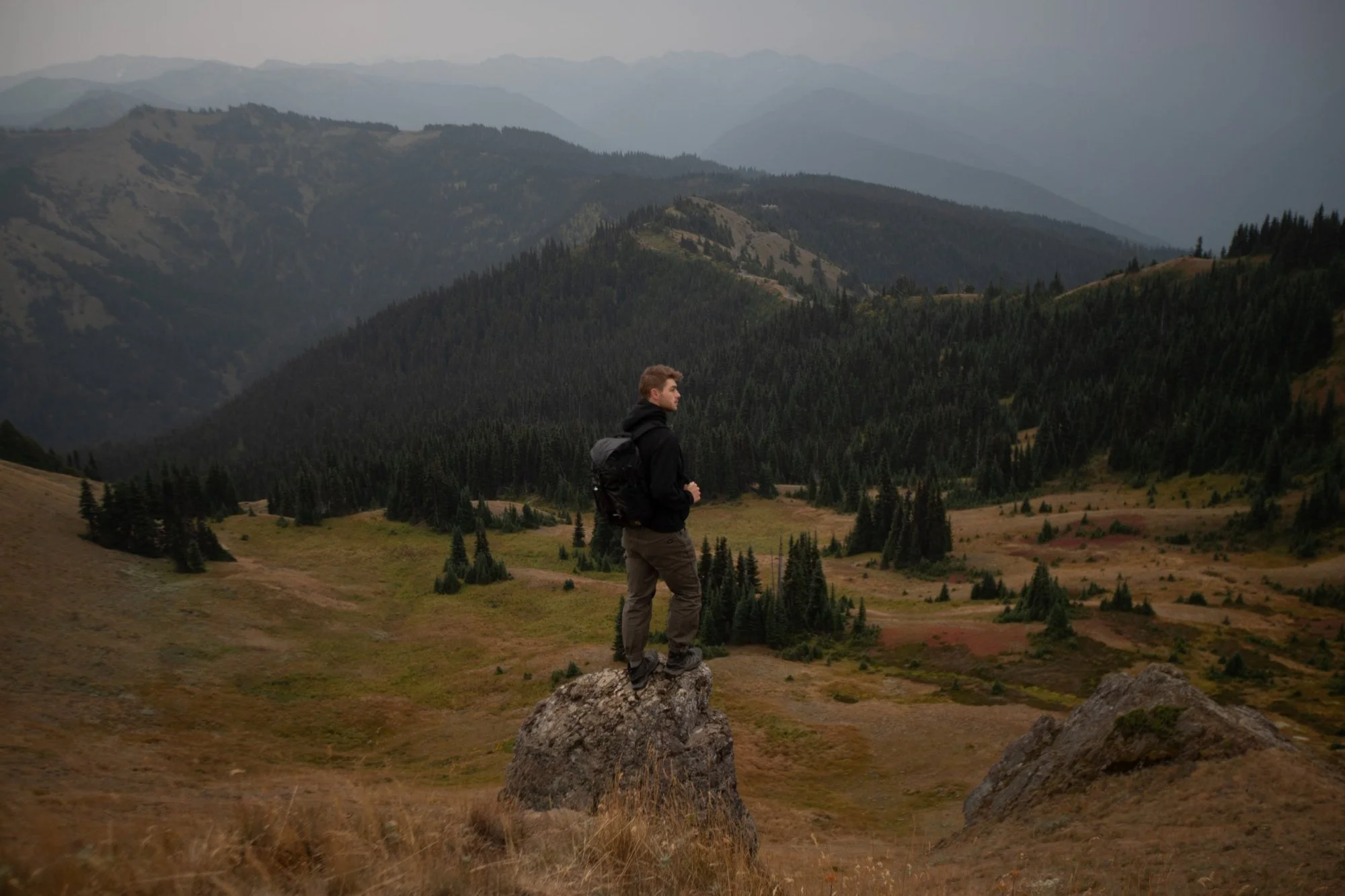
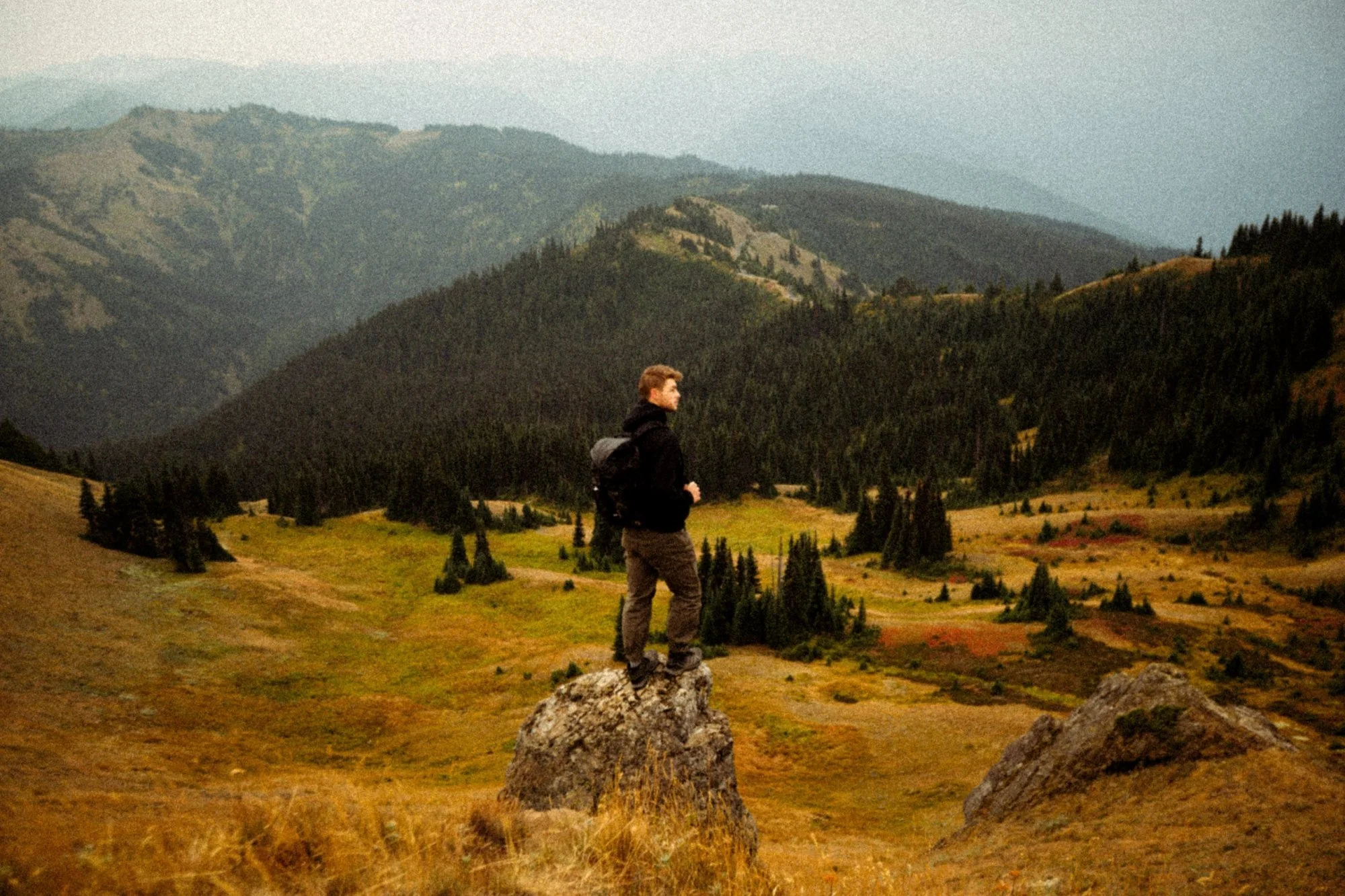
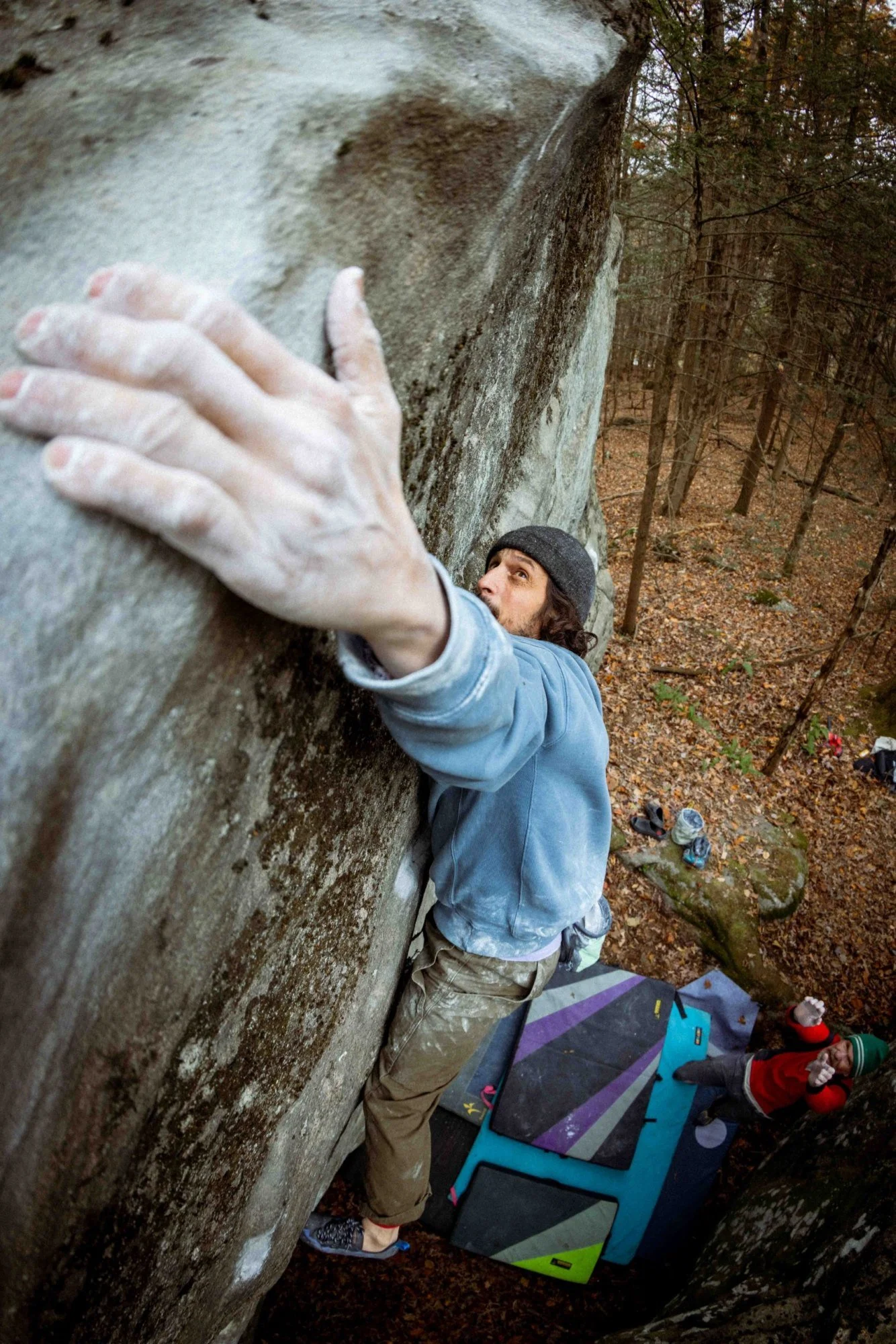
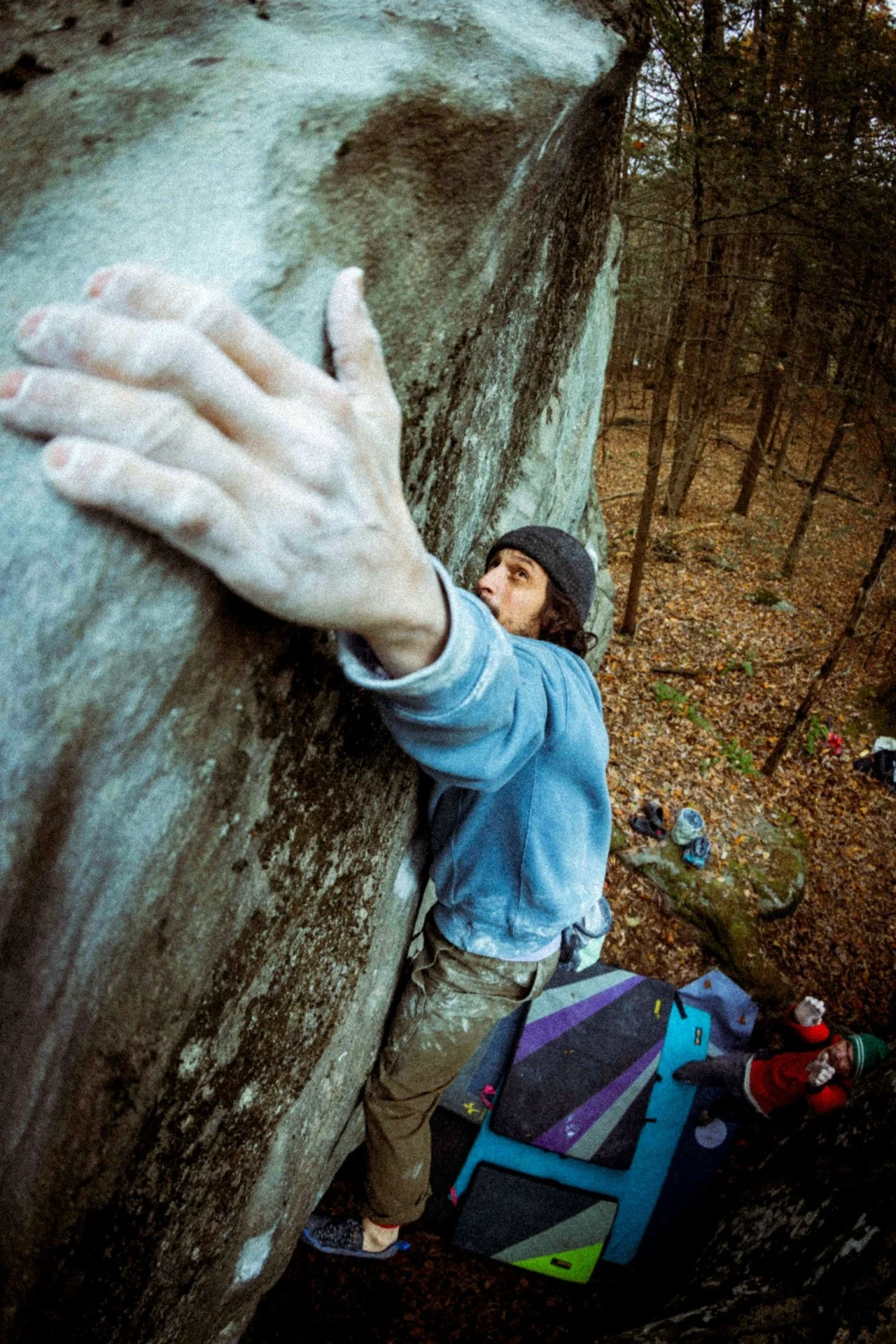
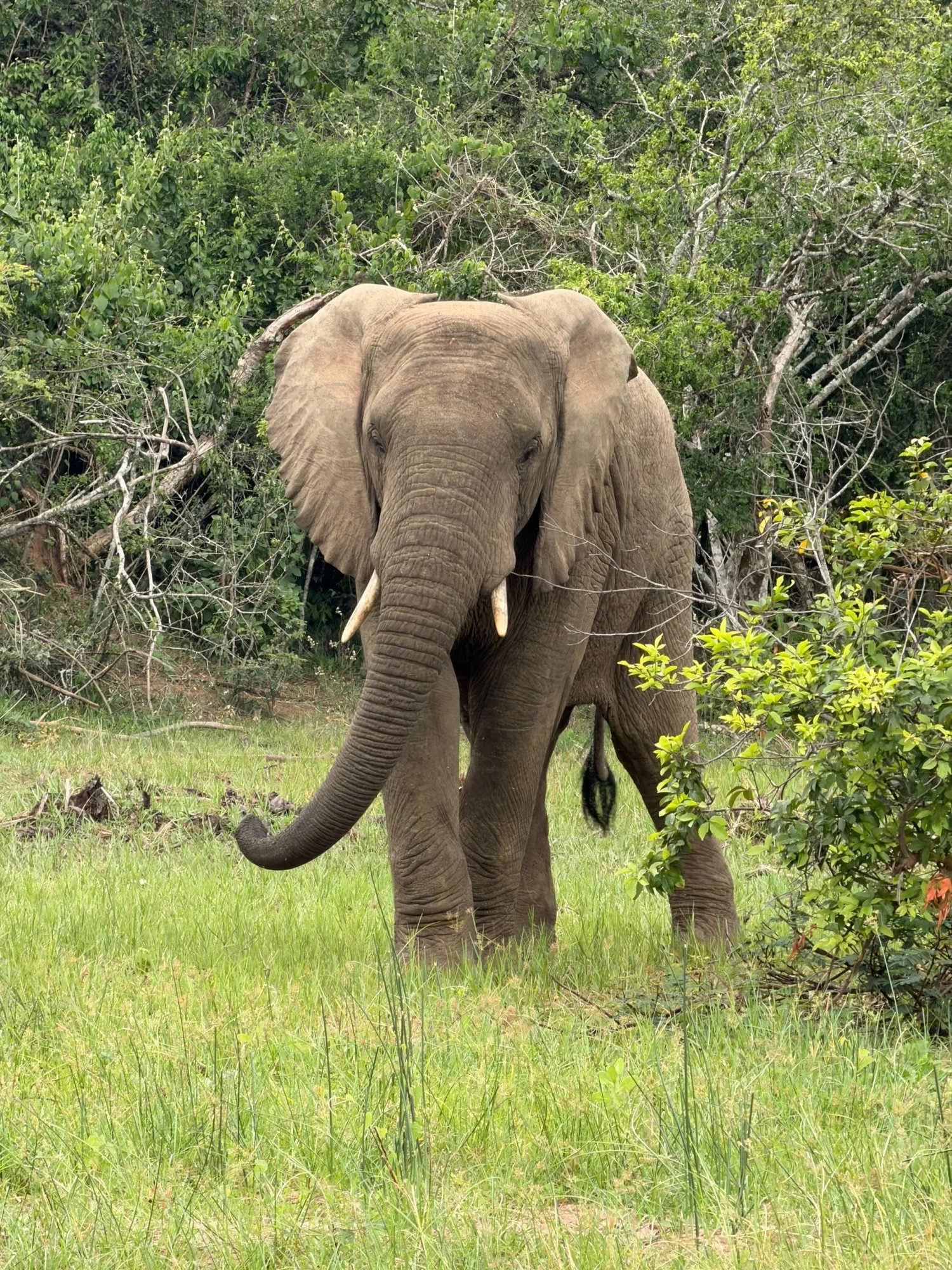
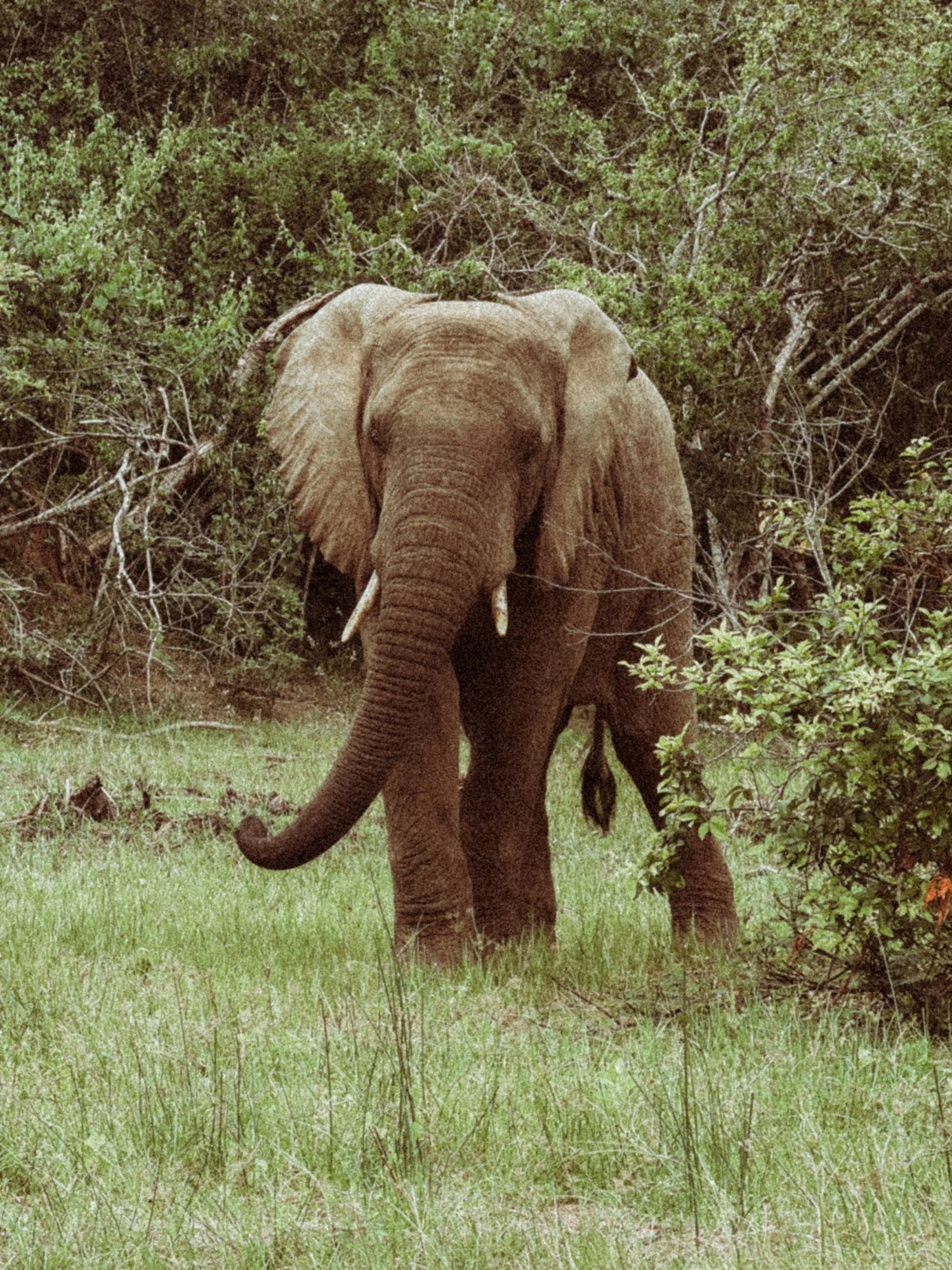
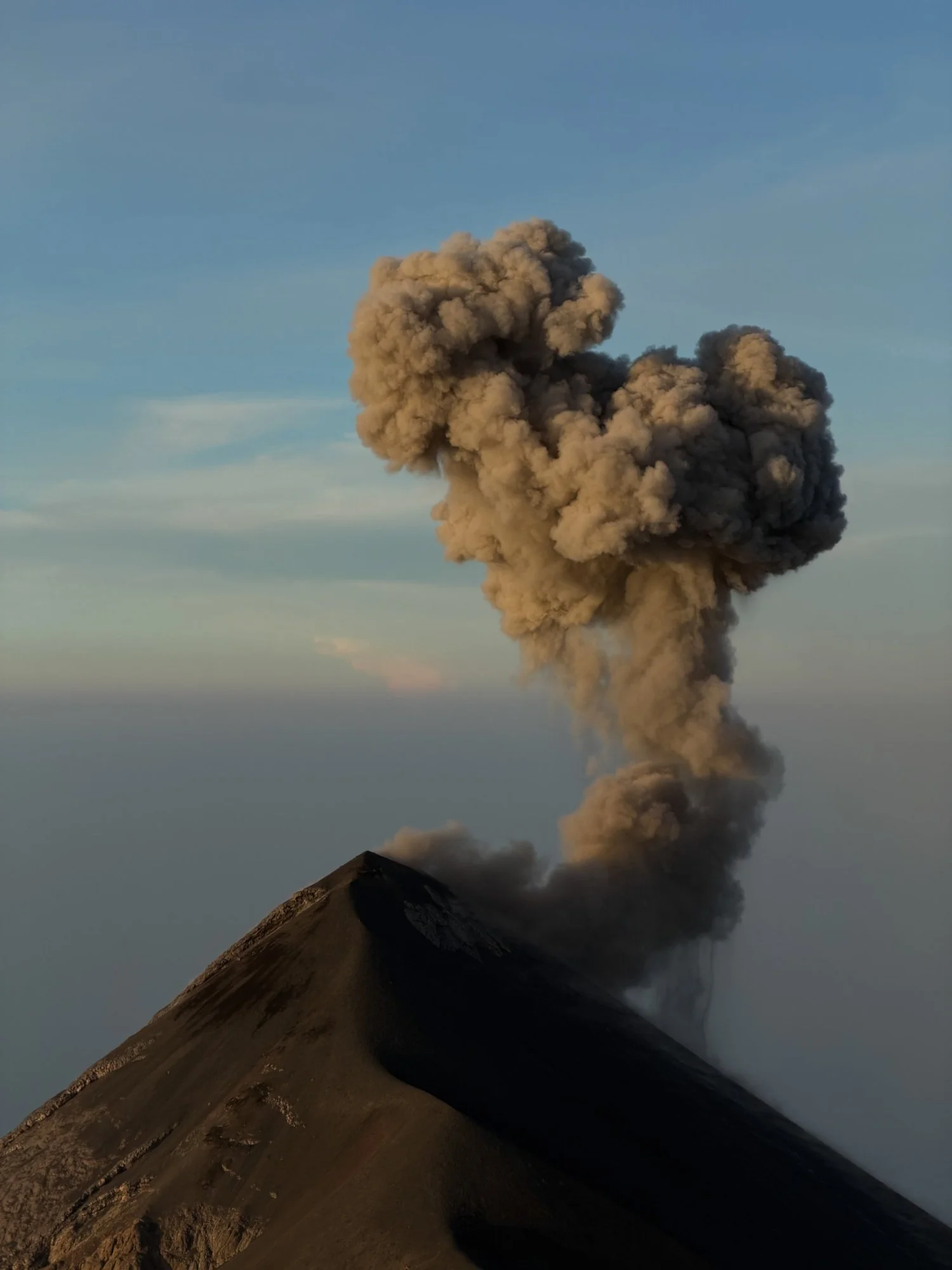
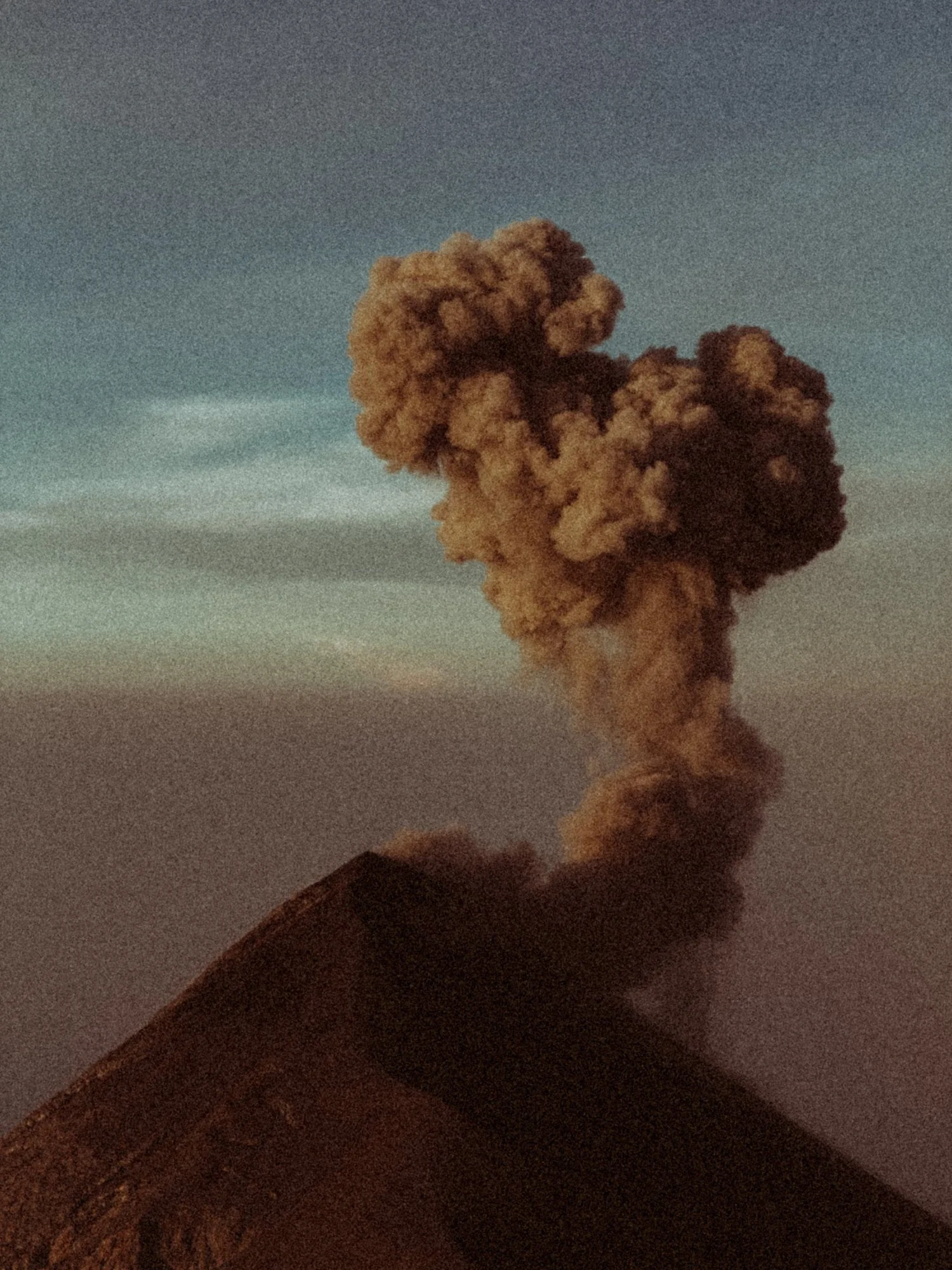
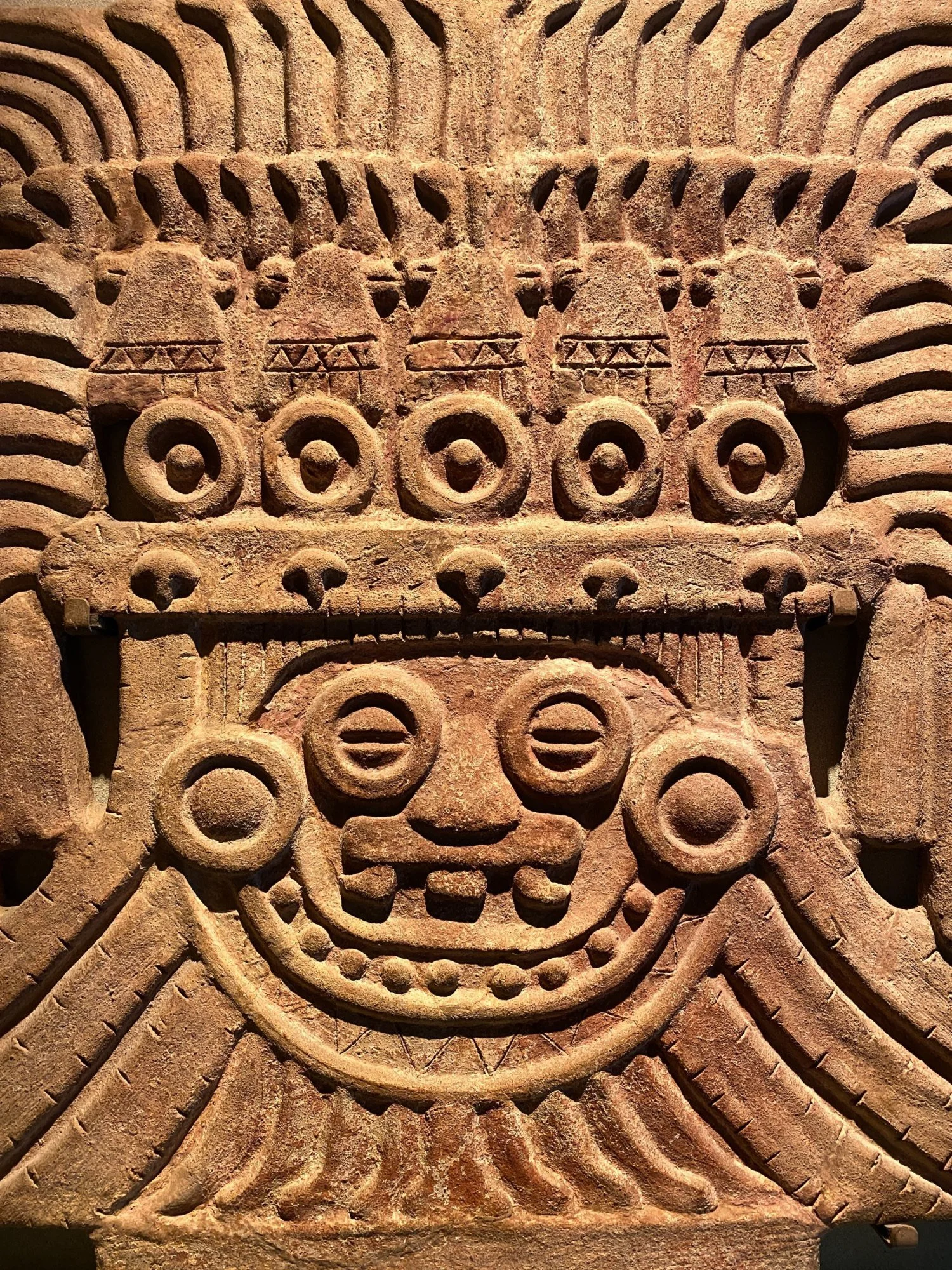
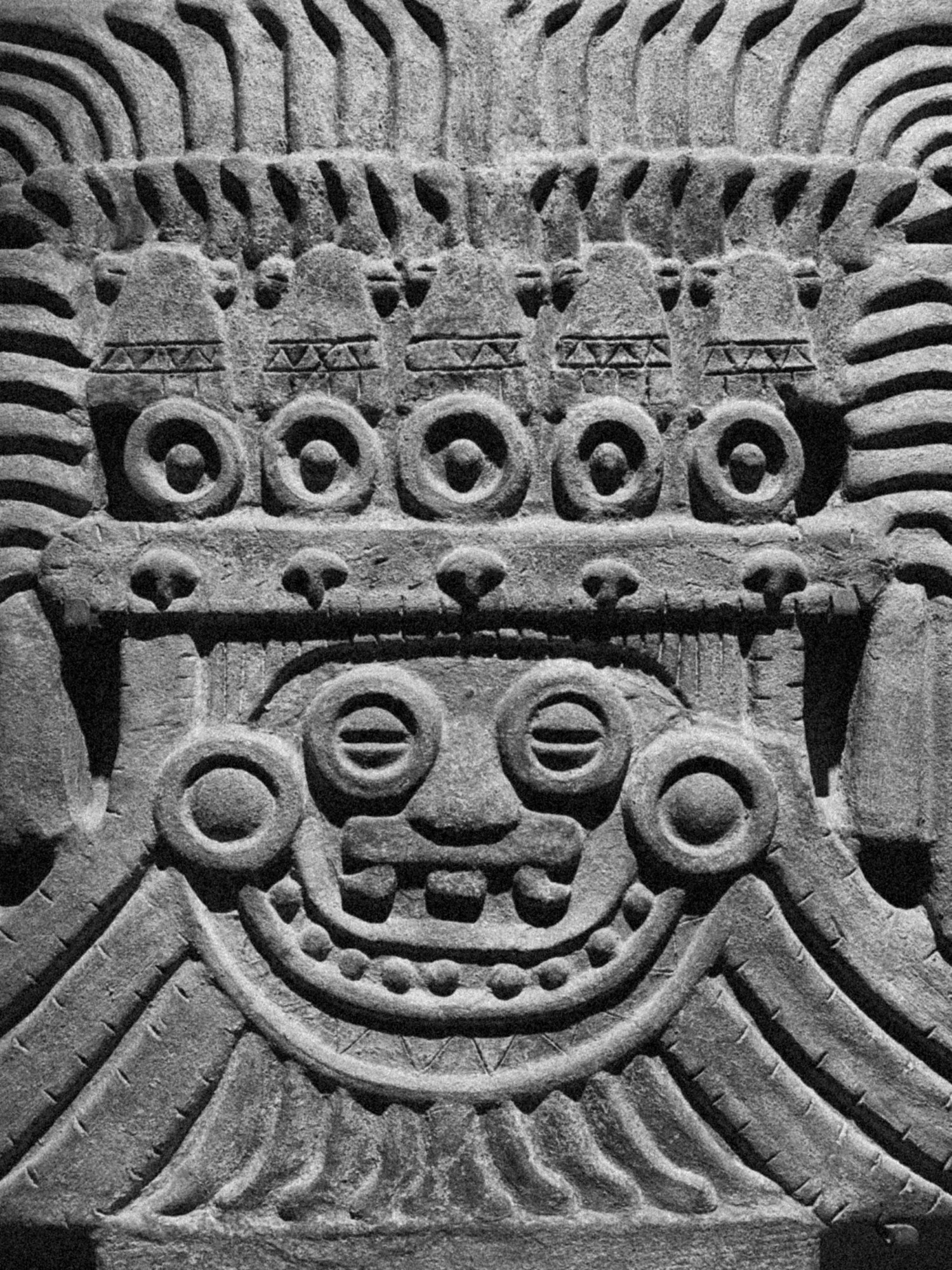
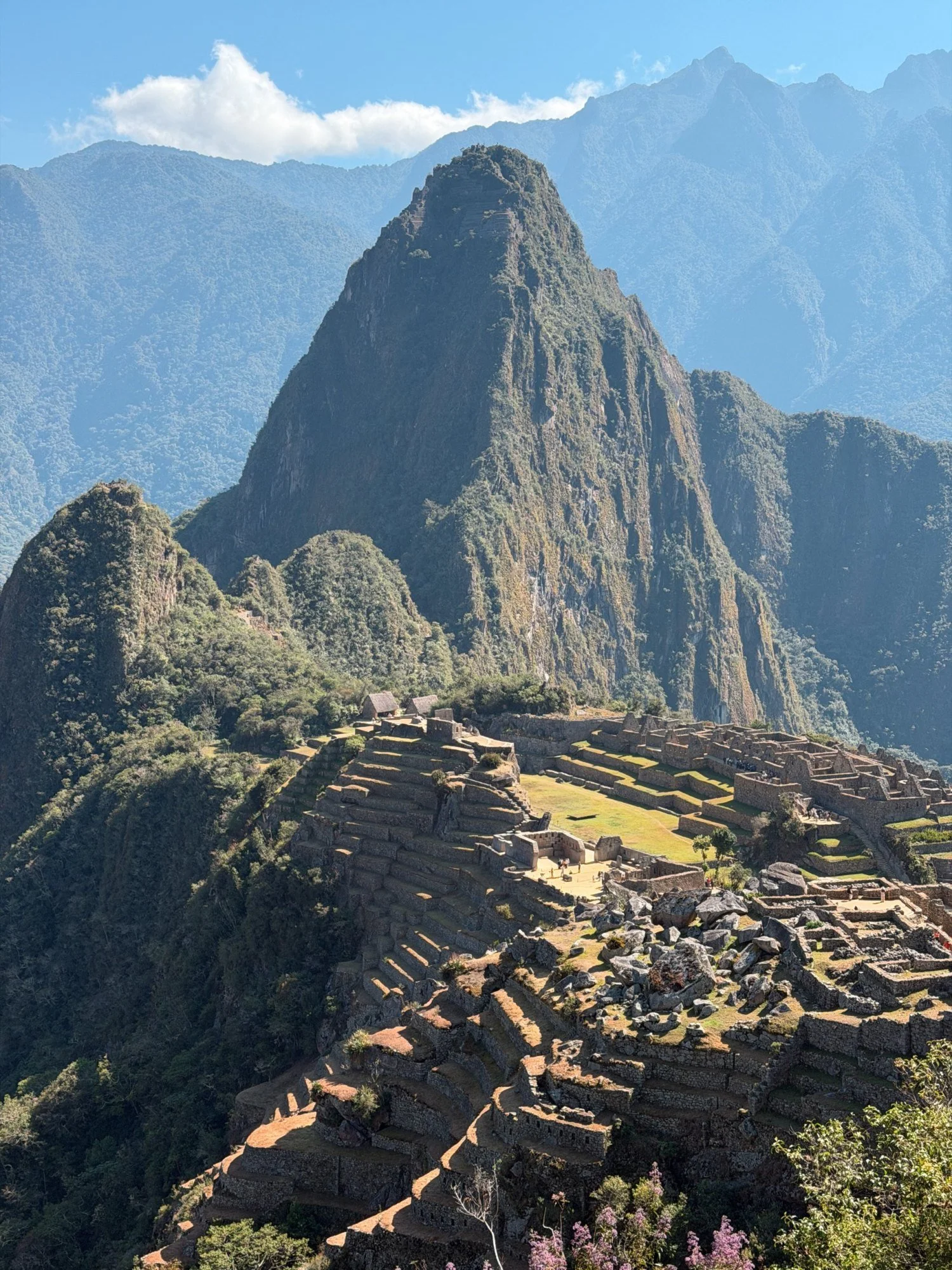
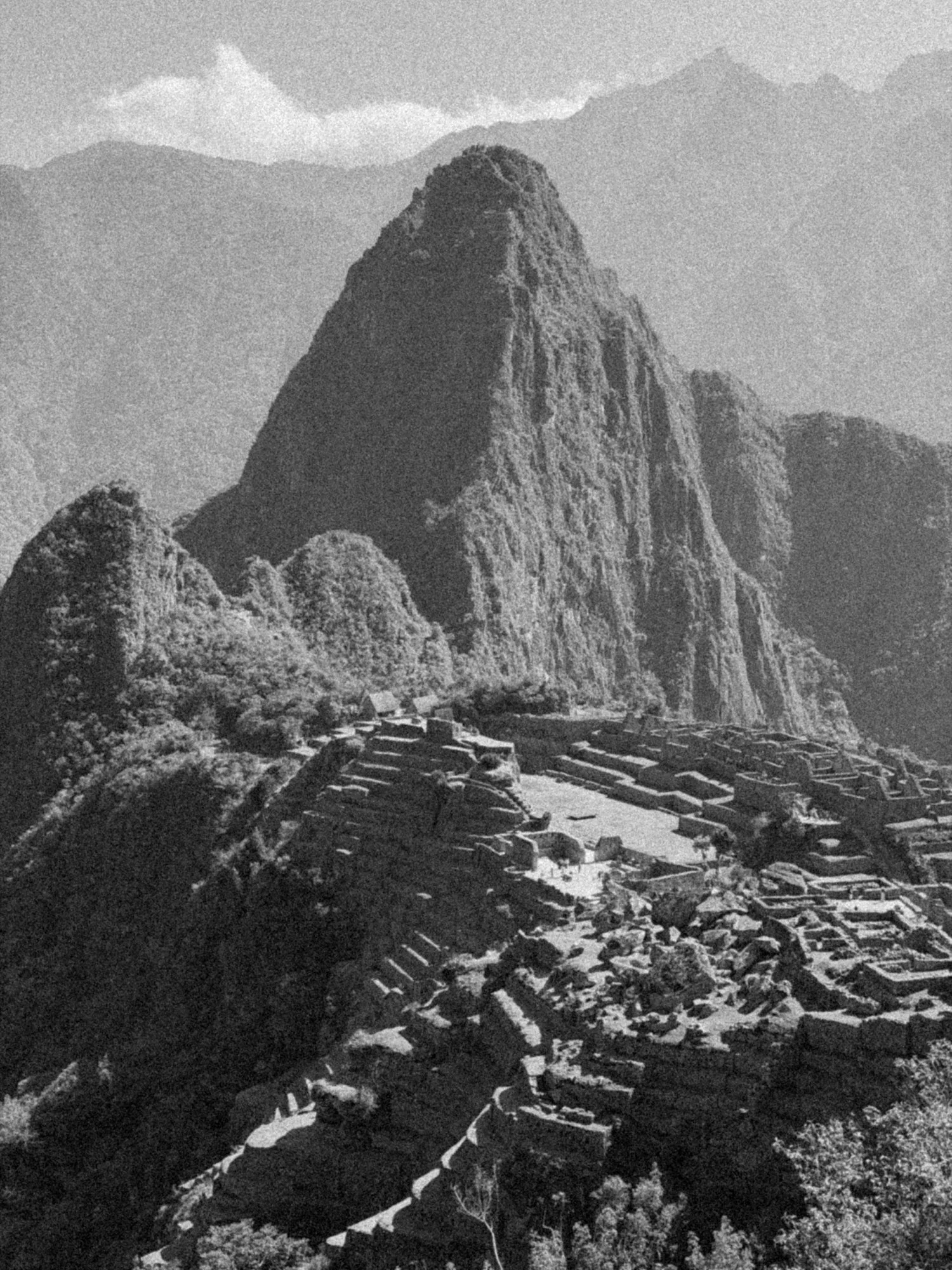
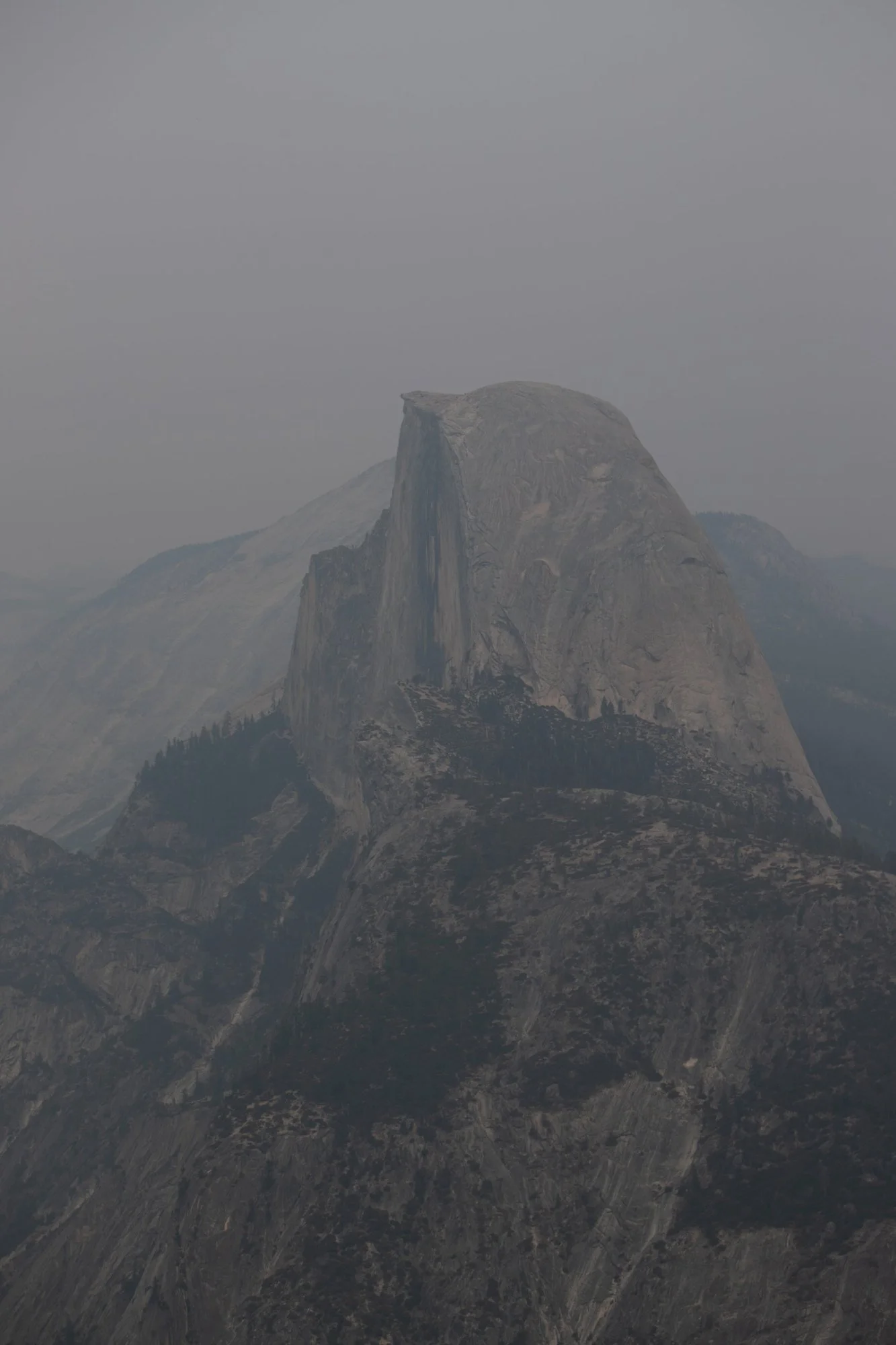
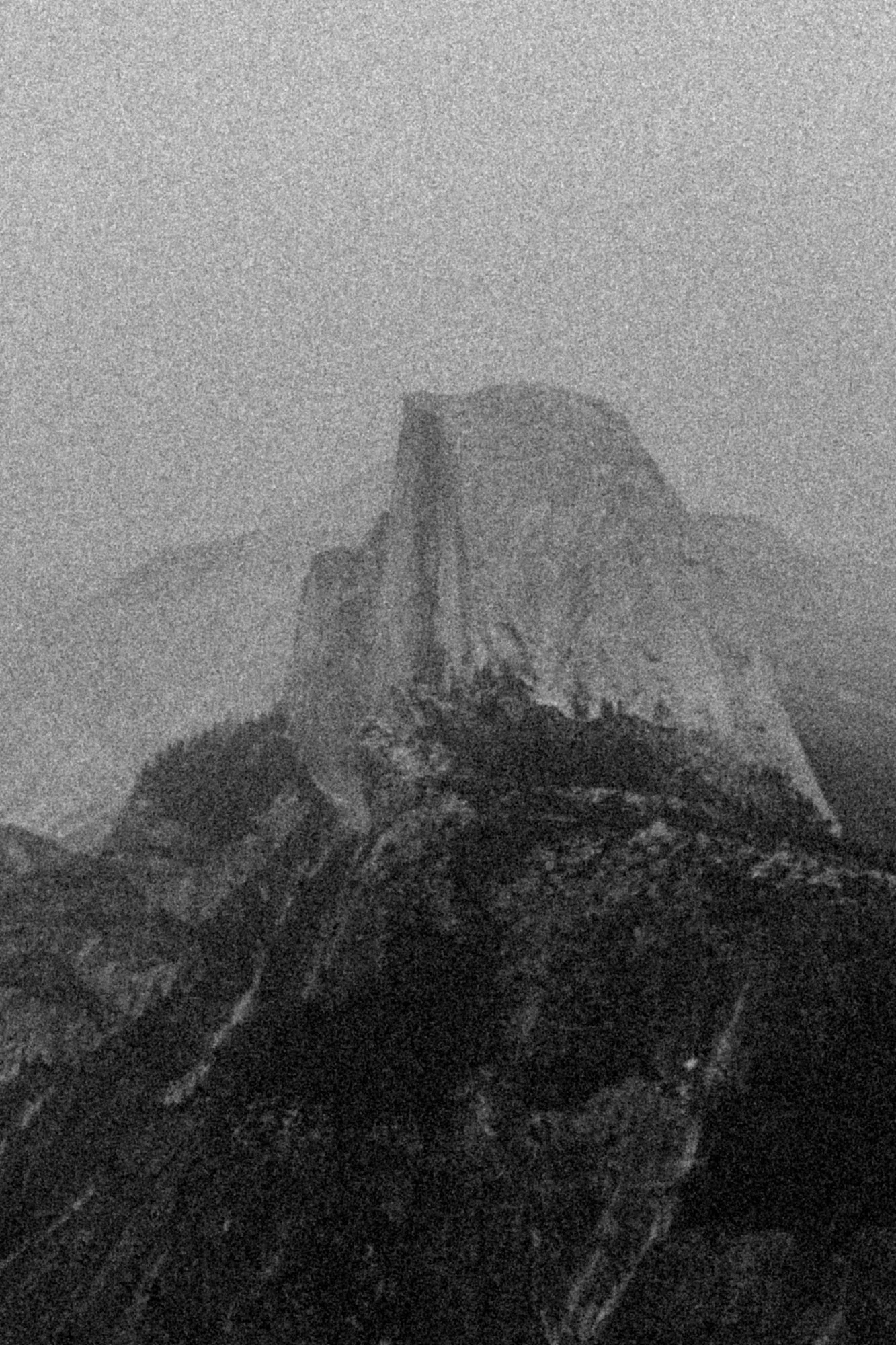
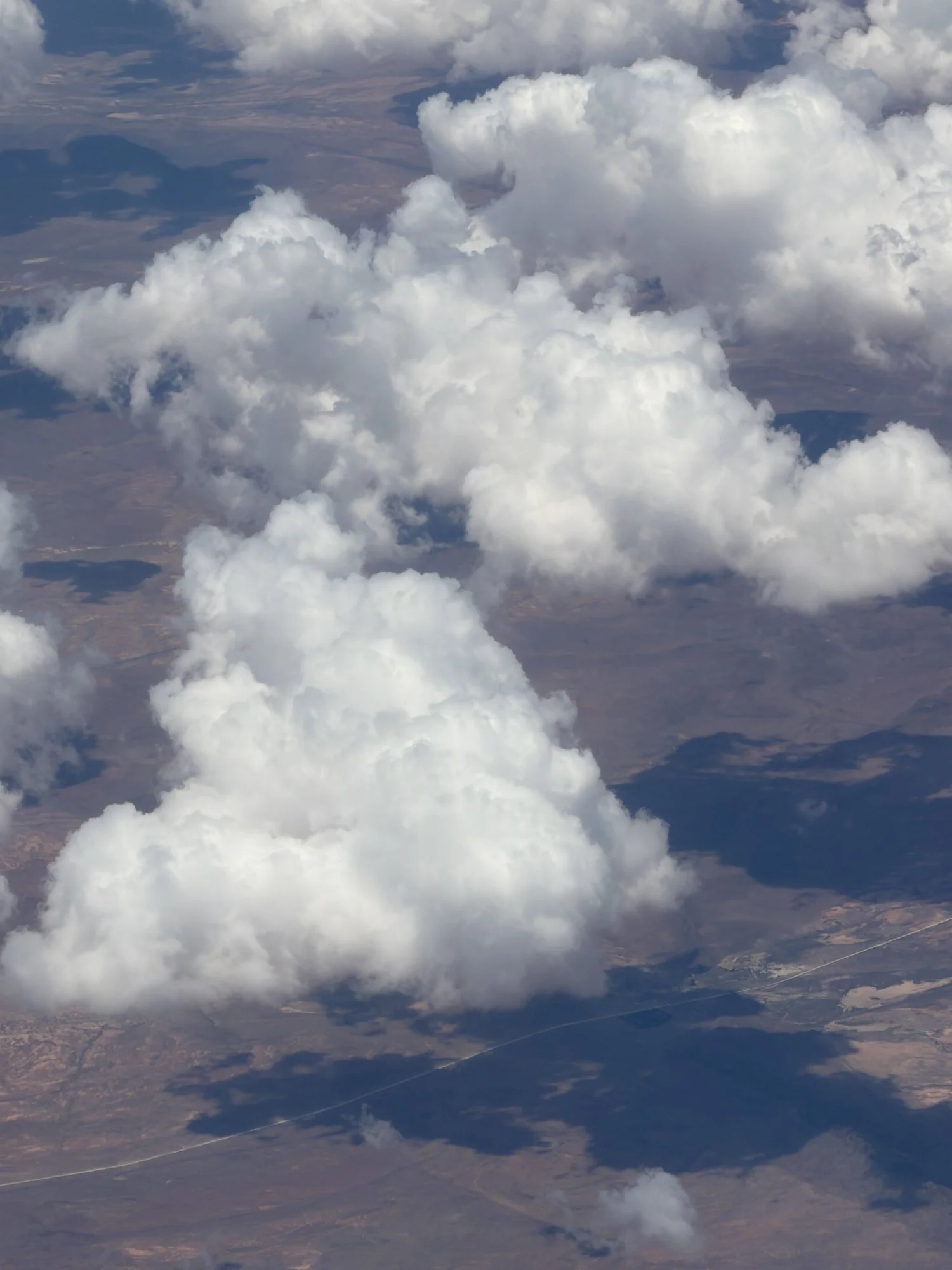
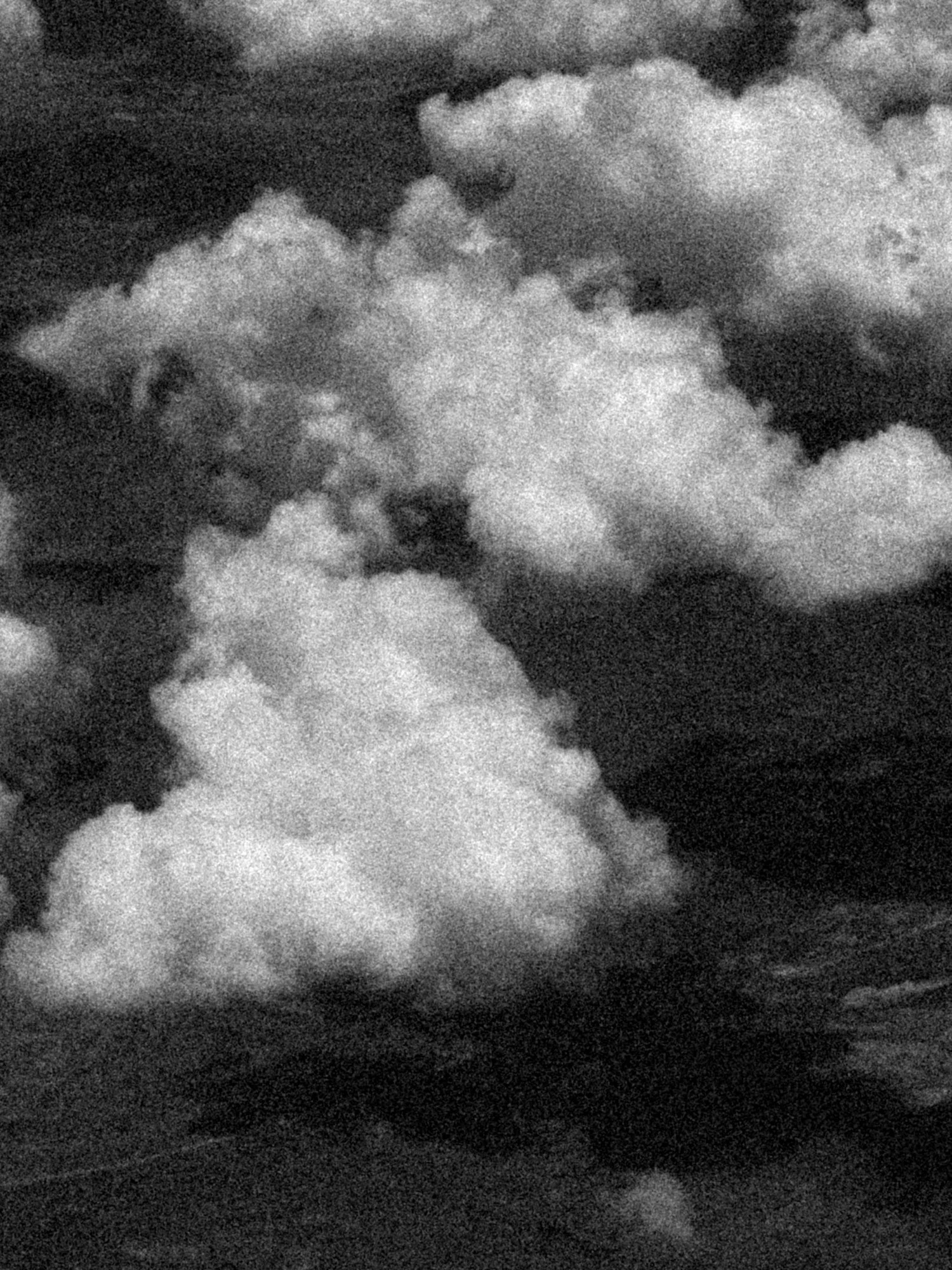
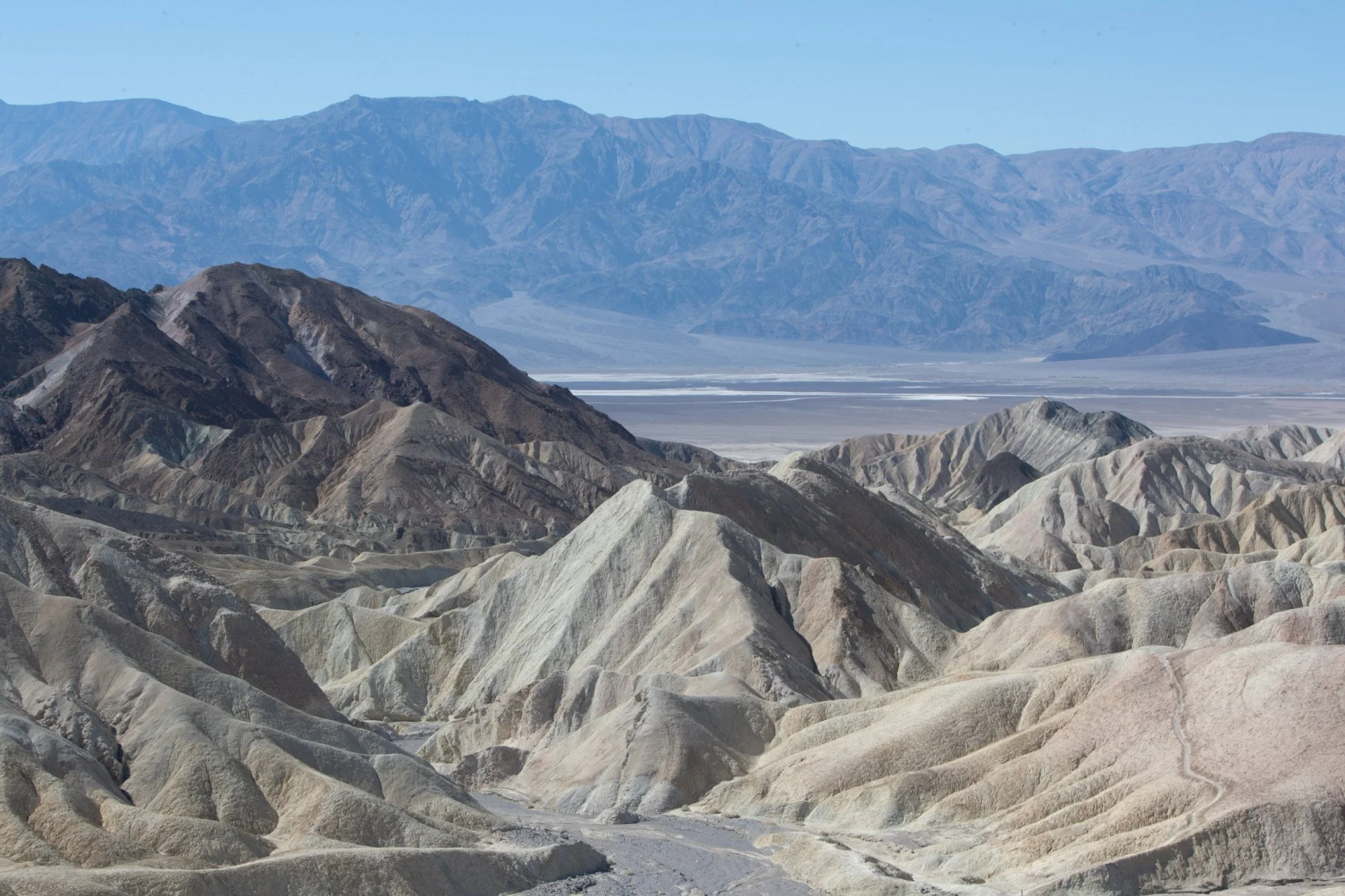
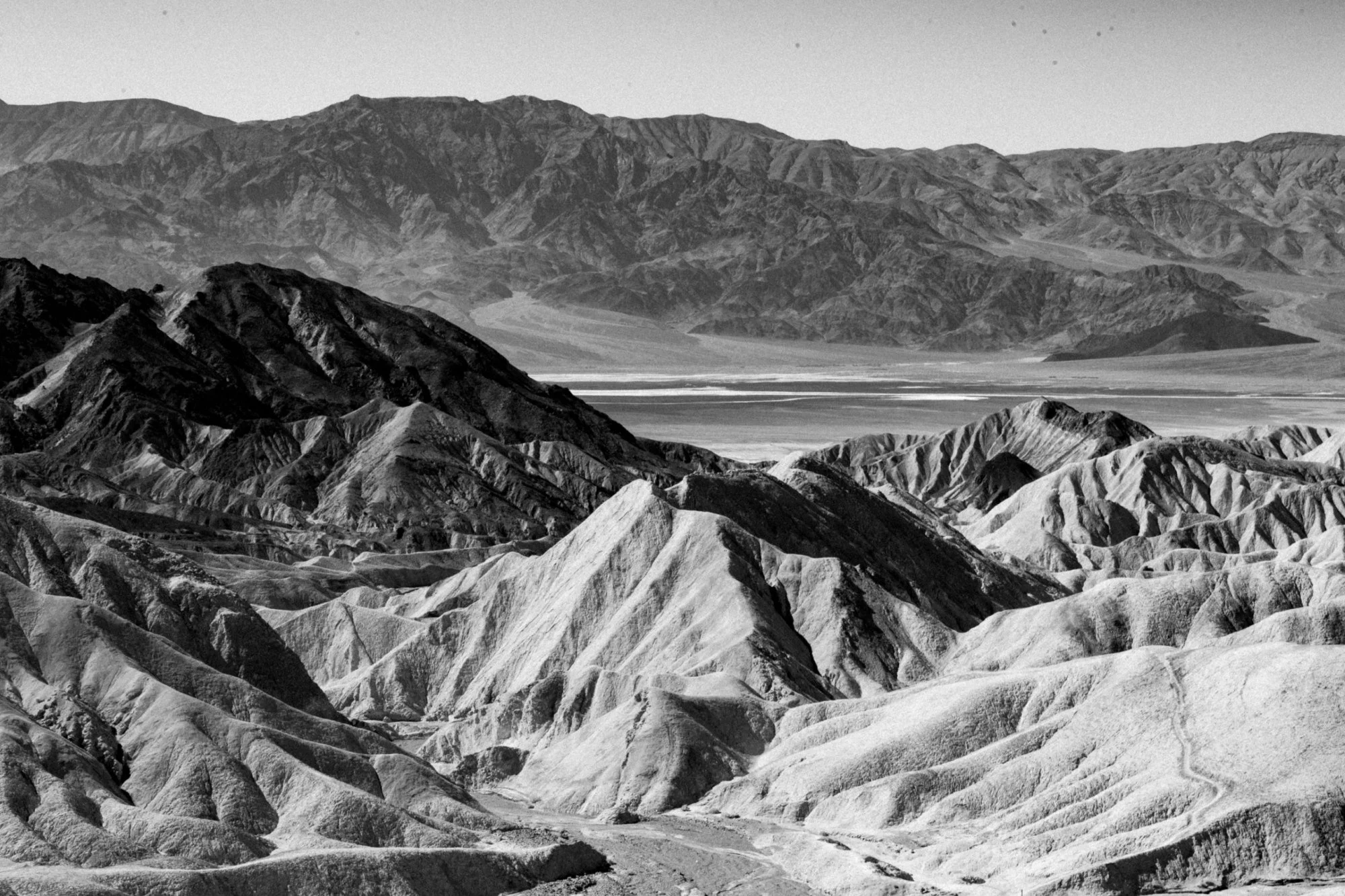
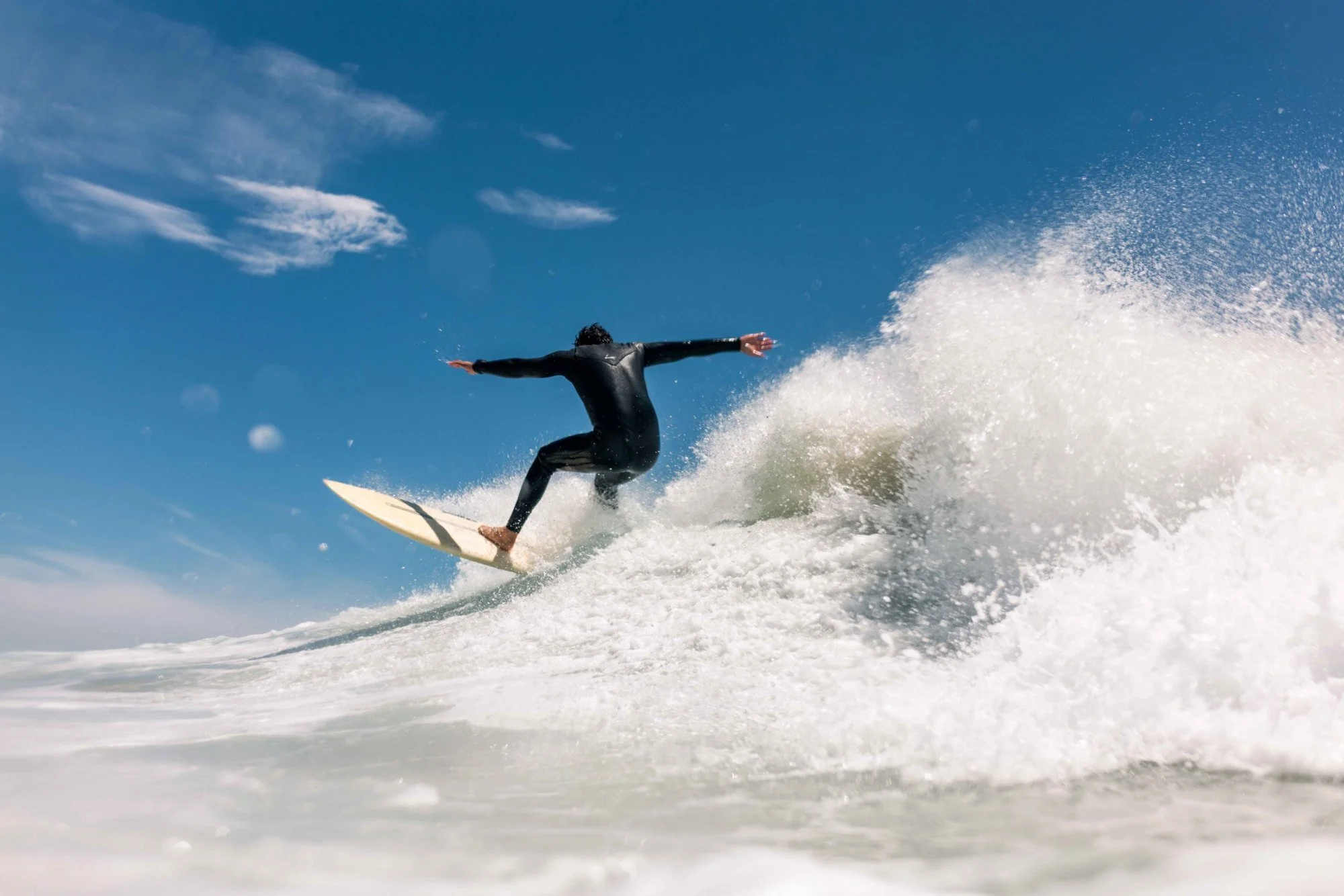
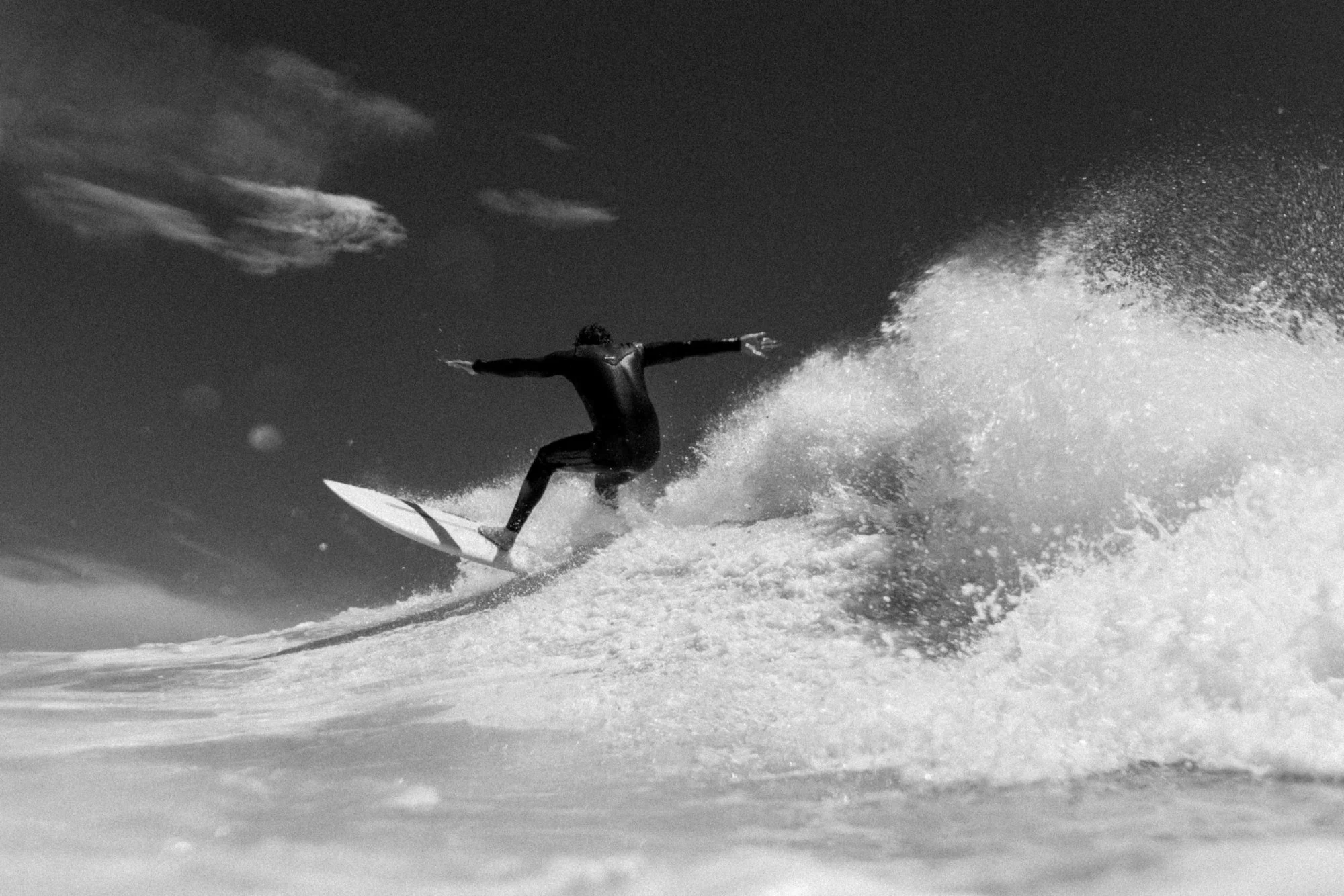
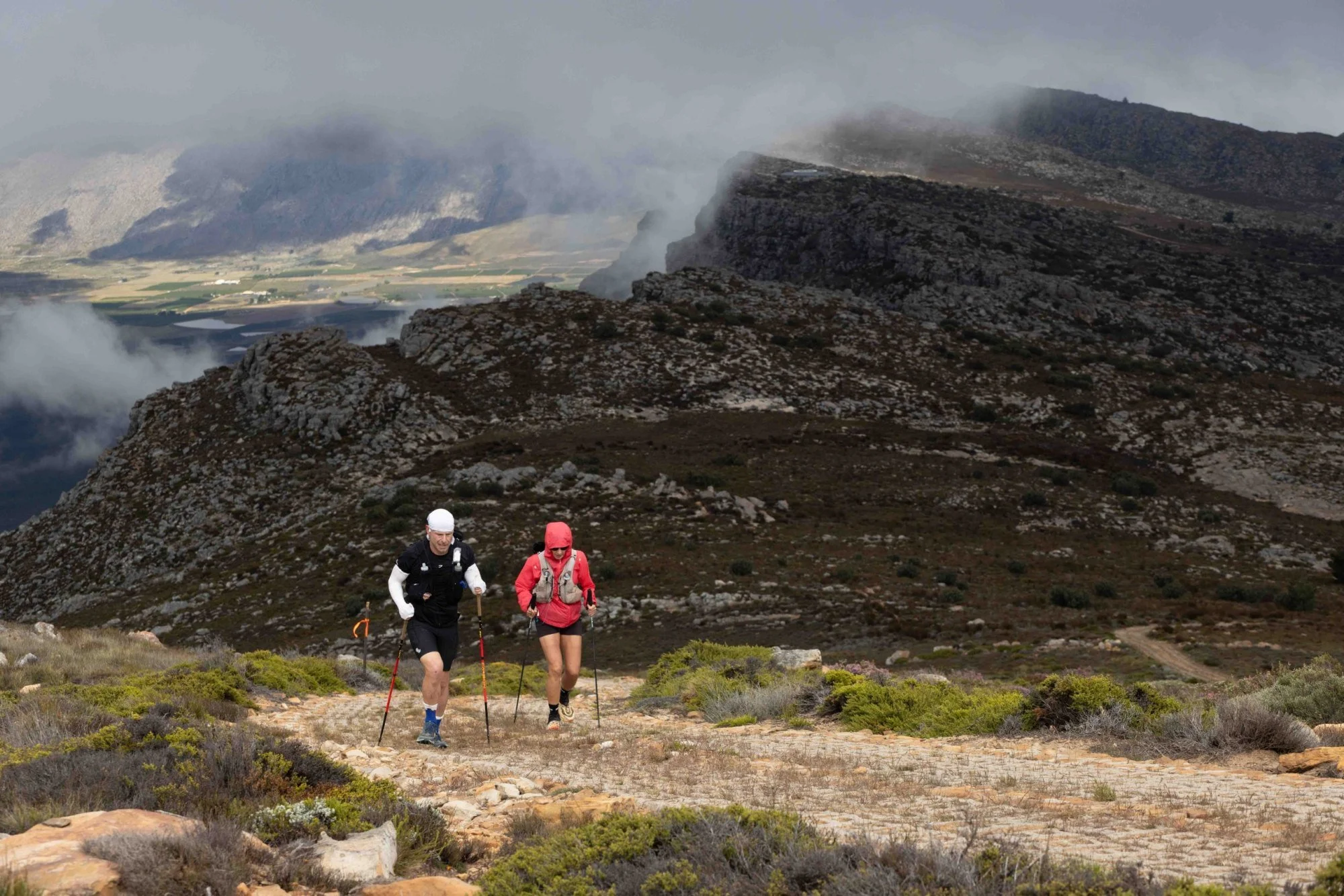
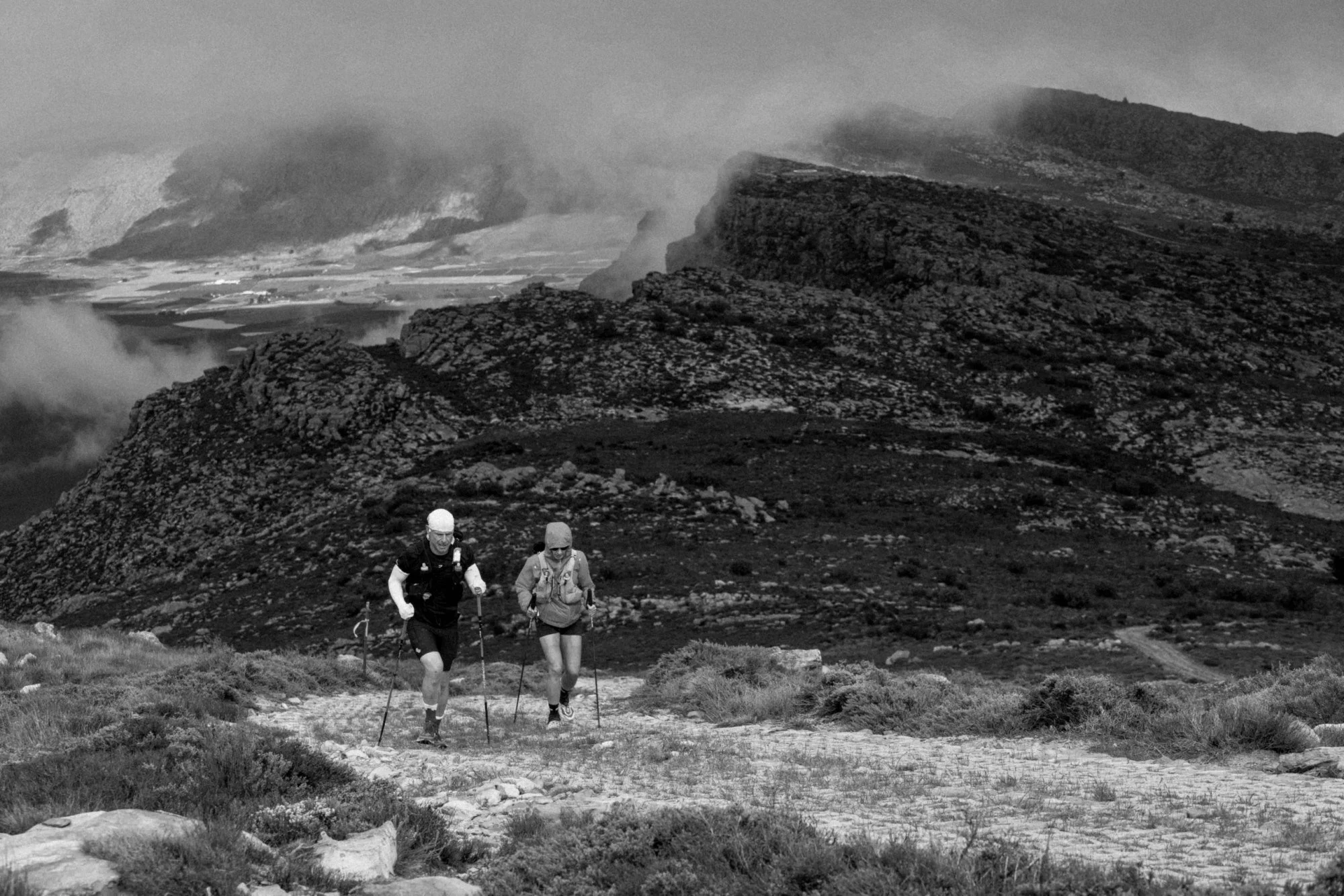
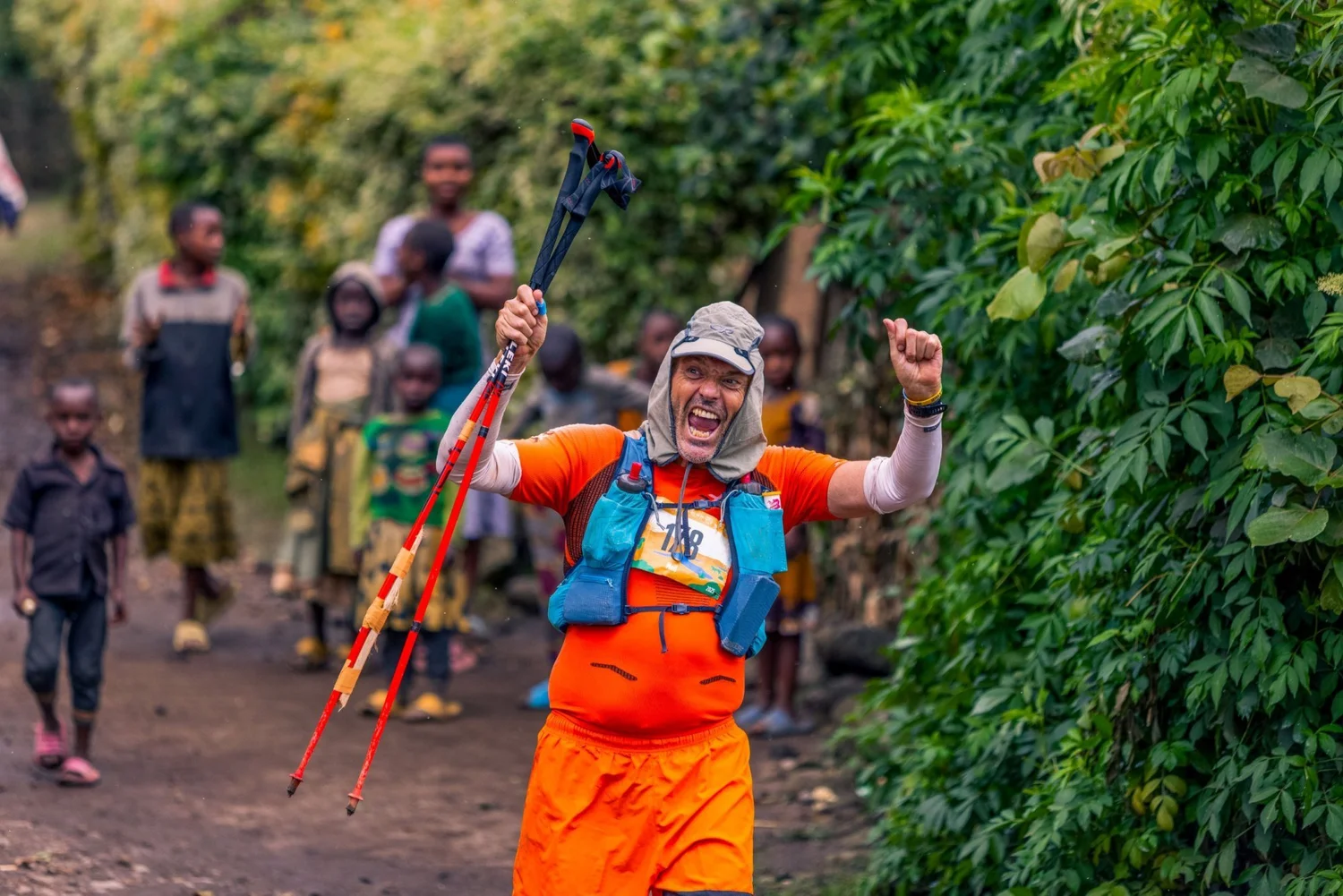
These are the presets I really use, on my professional shoots and my personal ones. They range from my sport looks to my travel looks to my more artistic black and white. Below, I've sorted them into three folders and shown each one on real photos I've taken.
Lightroom Classic, Lightroom desktop and mobile, Camera Raw.
Sport, art and travel
Pick the folder for what you shot, then the look you like. Every preset works across all three, and each one is a starting point you can tweak.
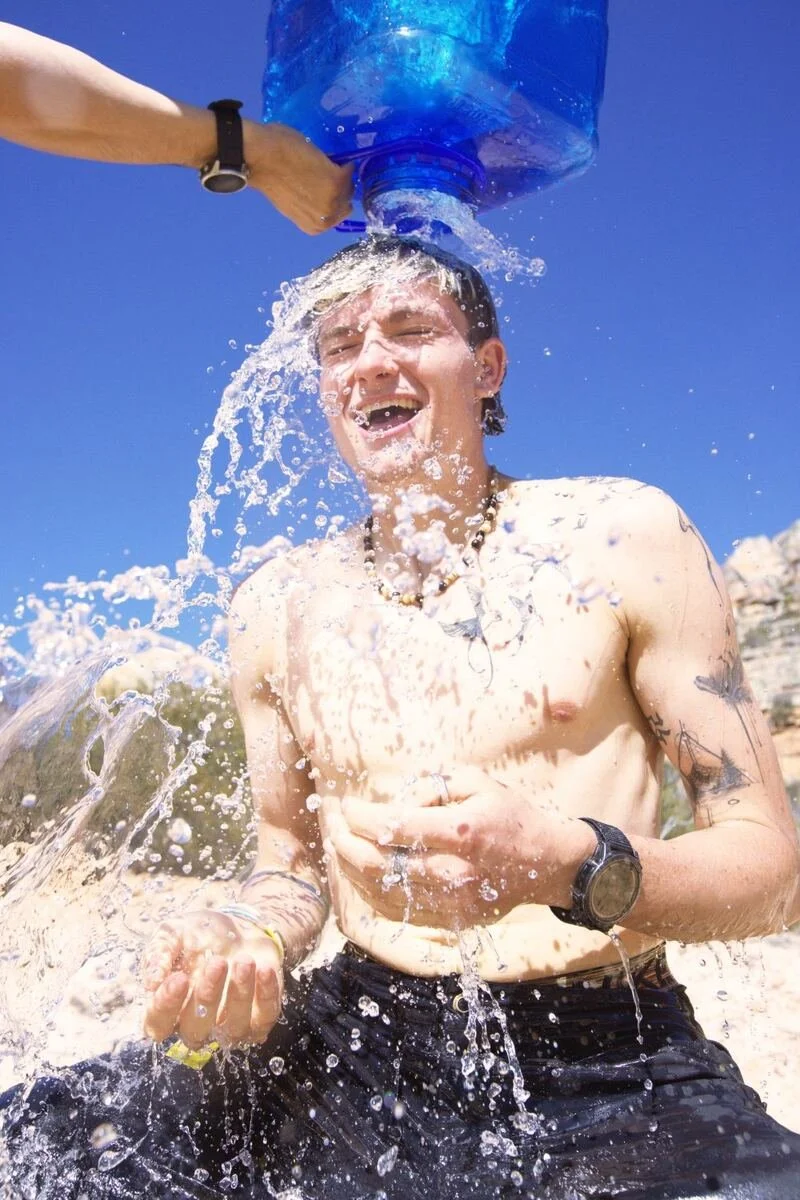
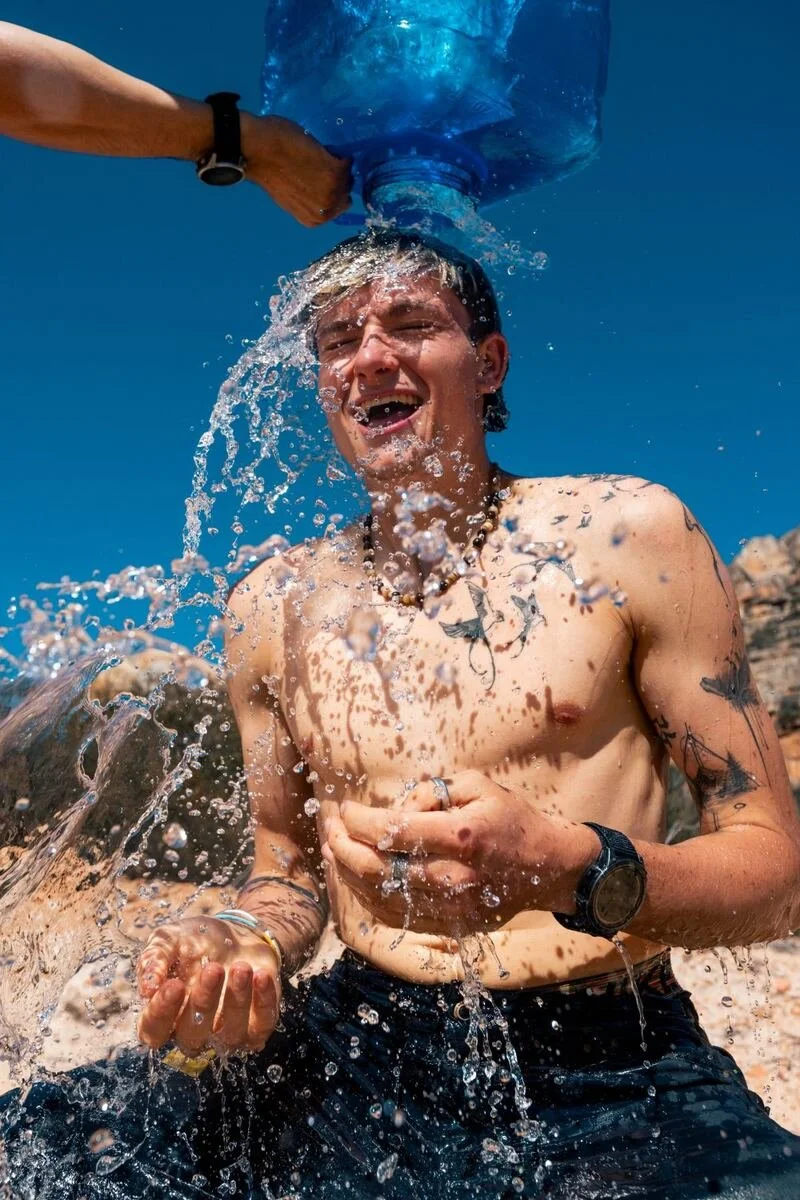
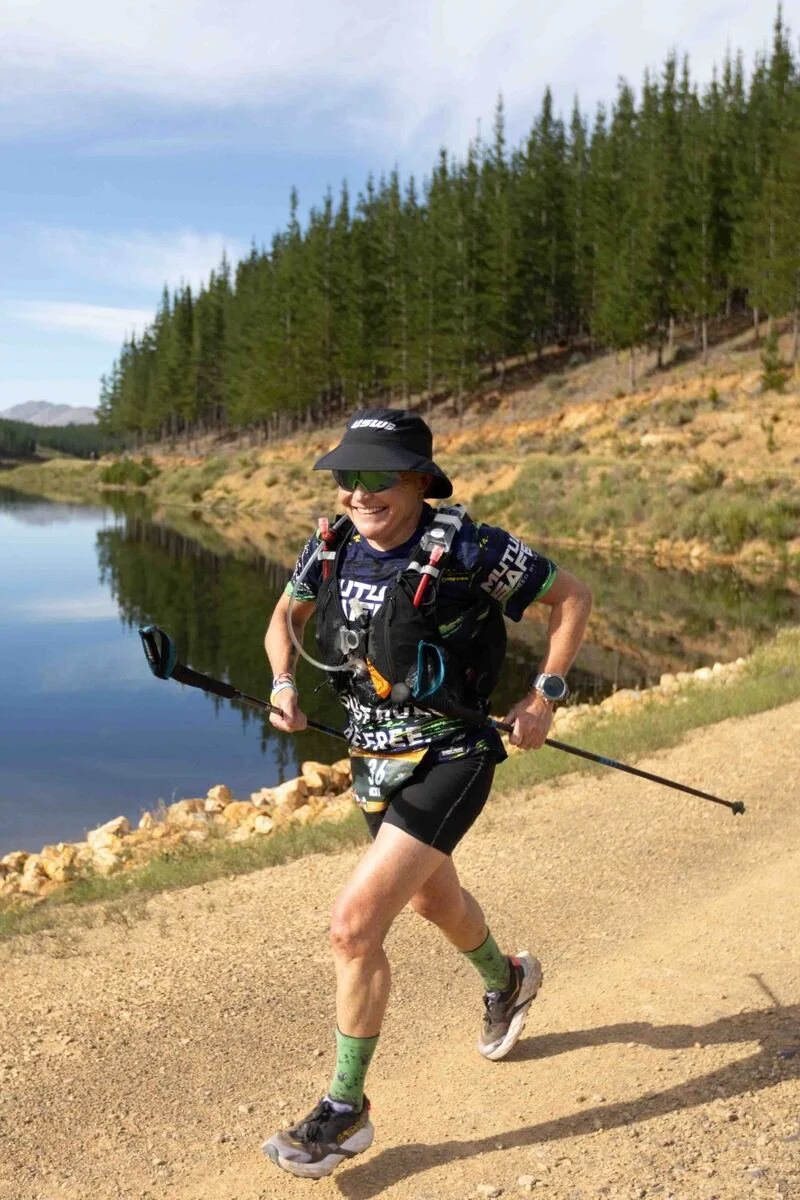
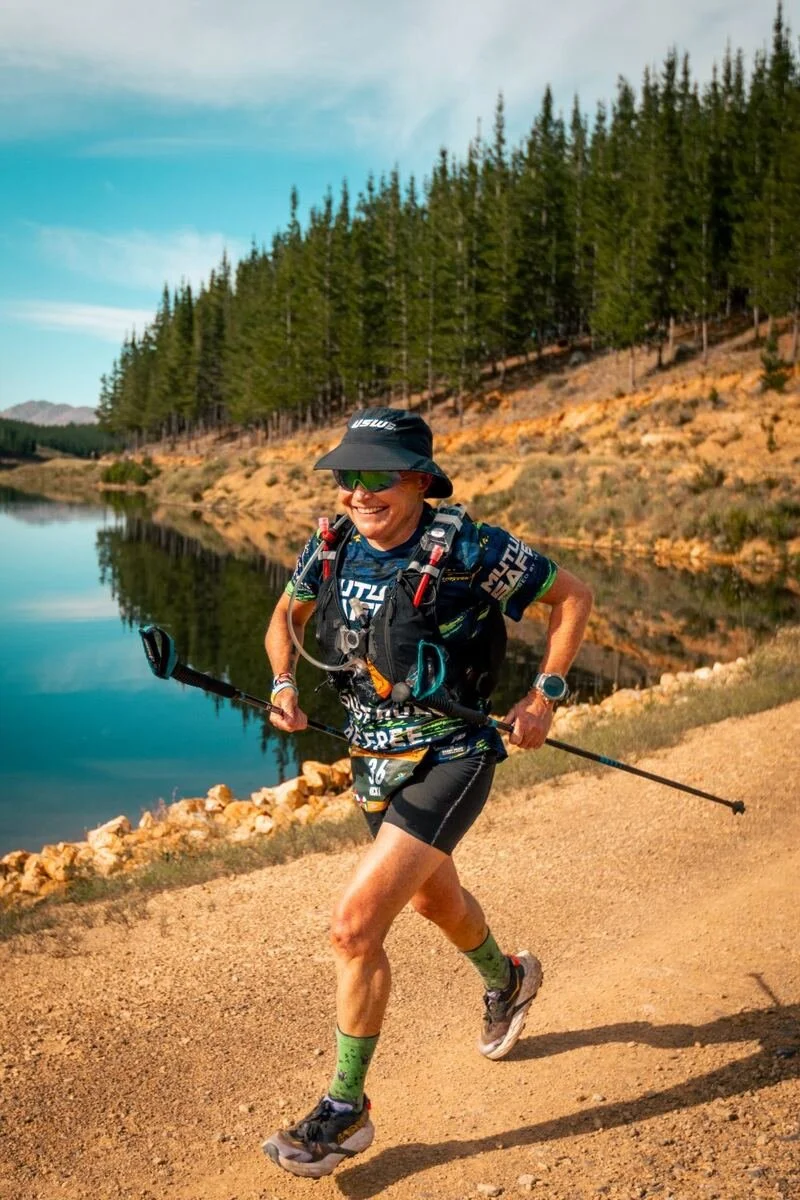
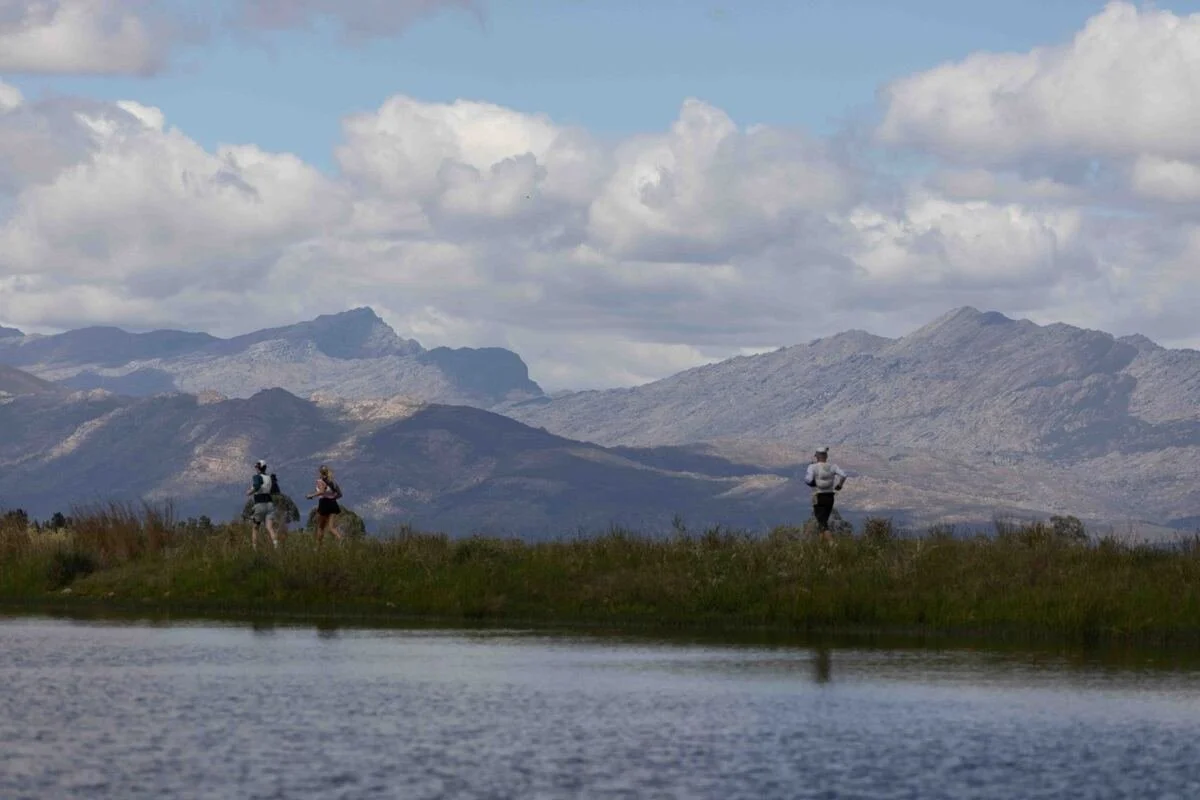
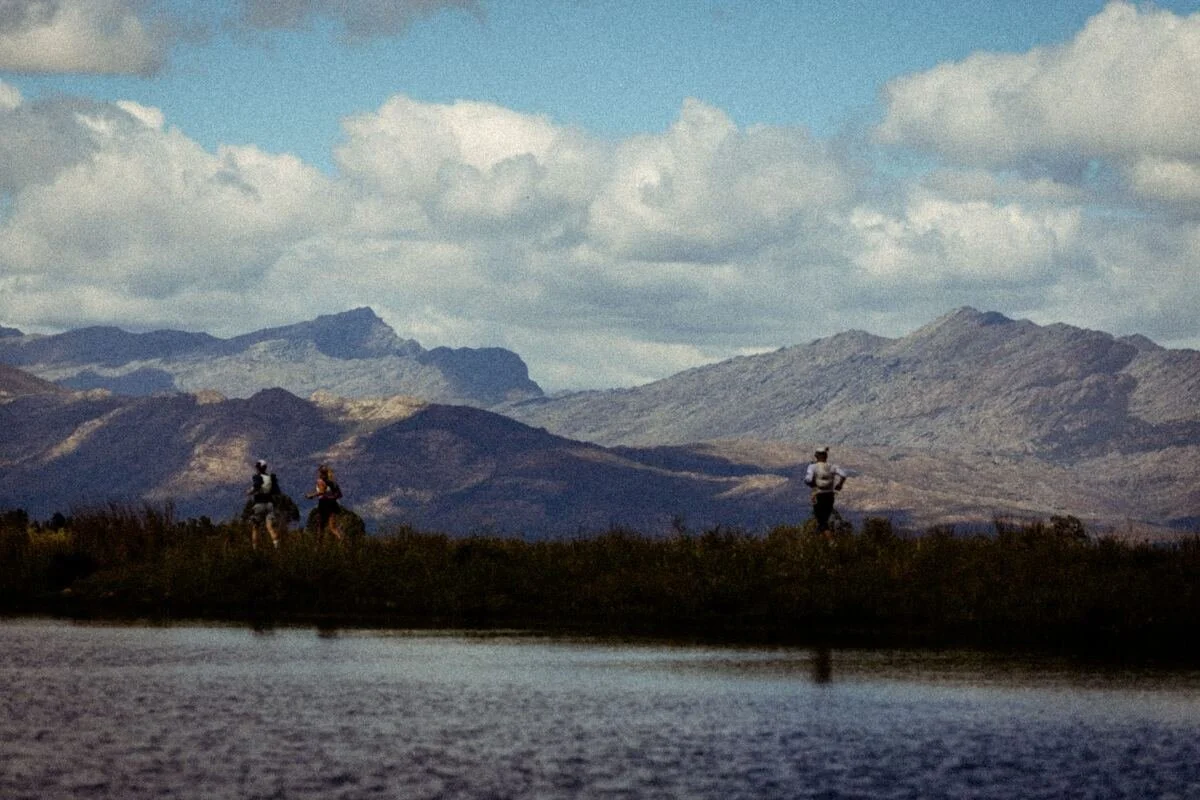
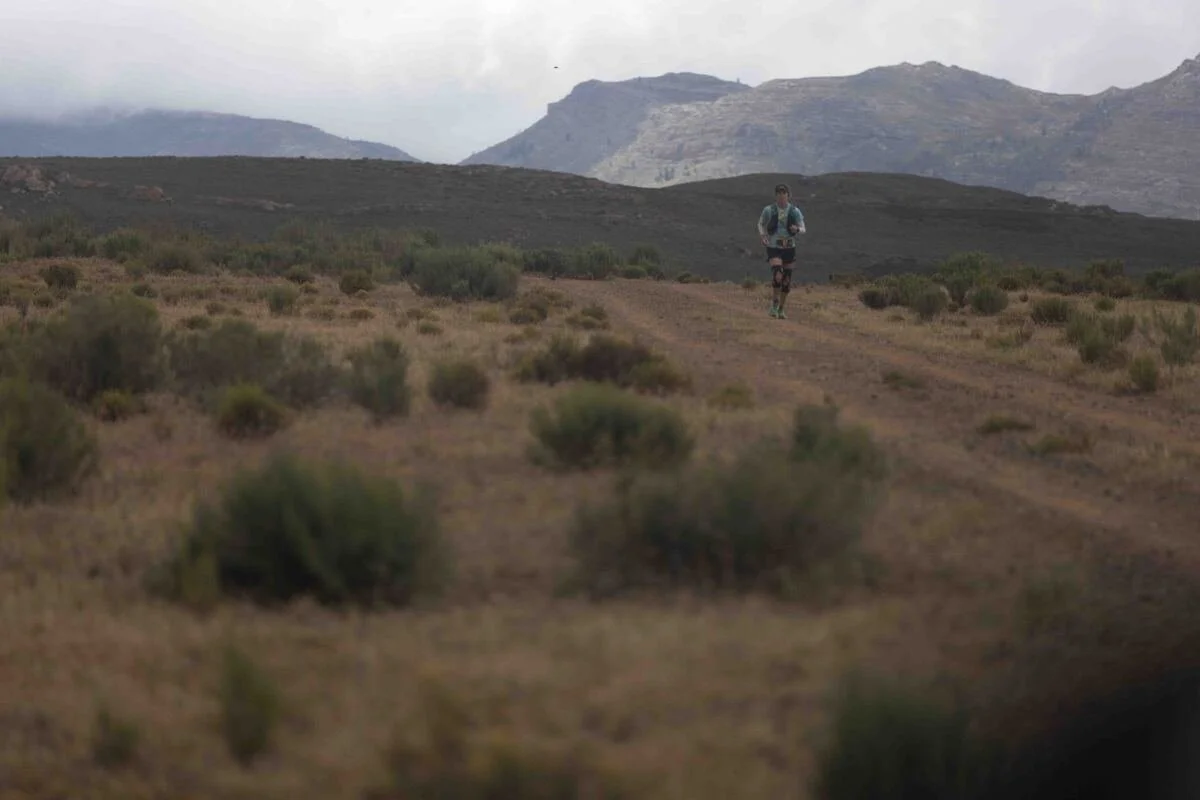
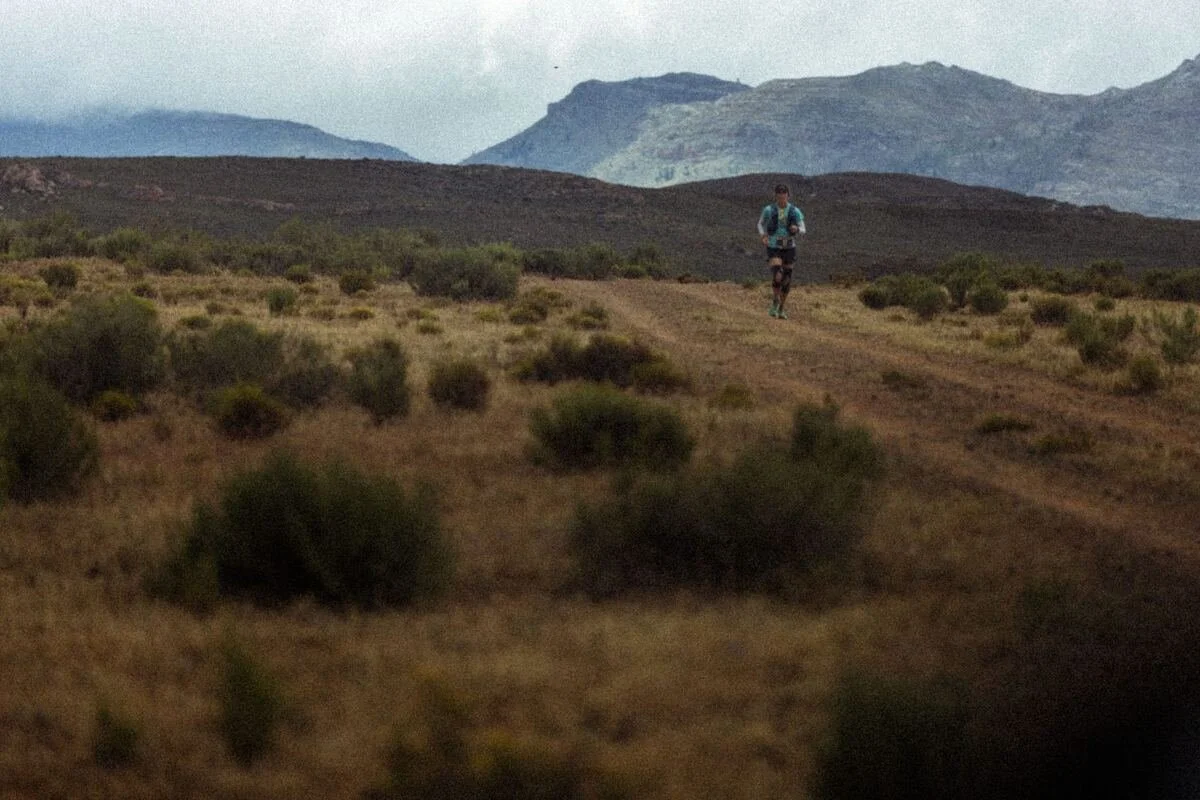
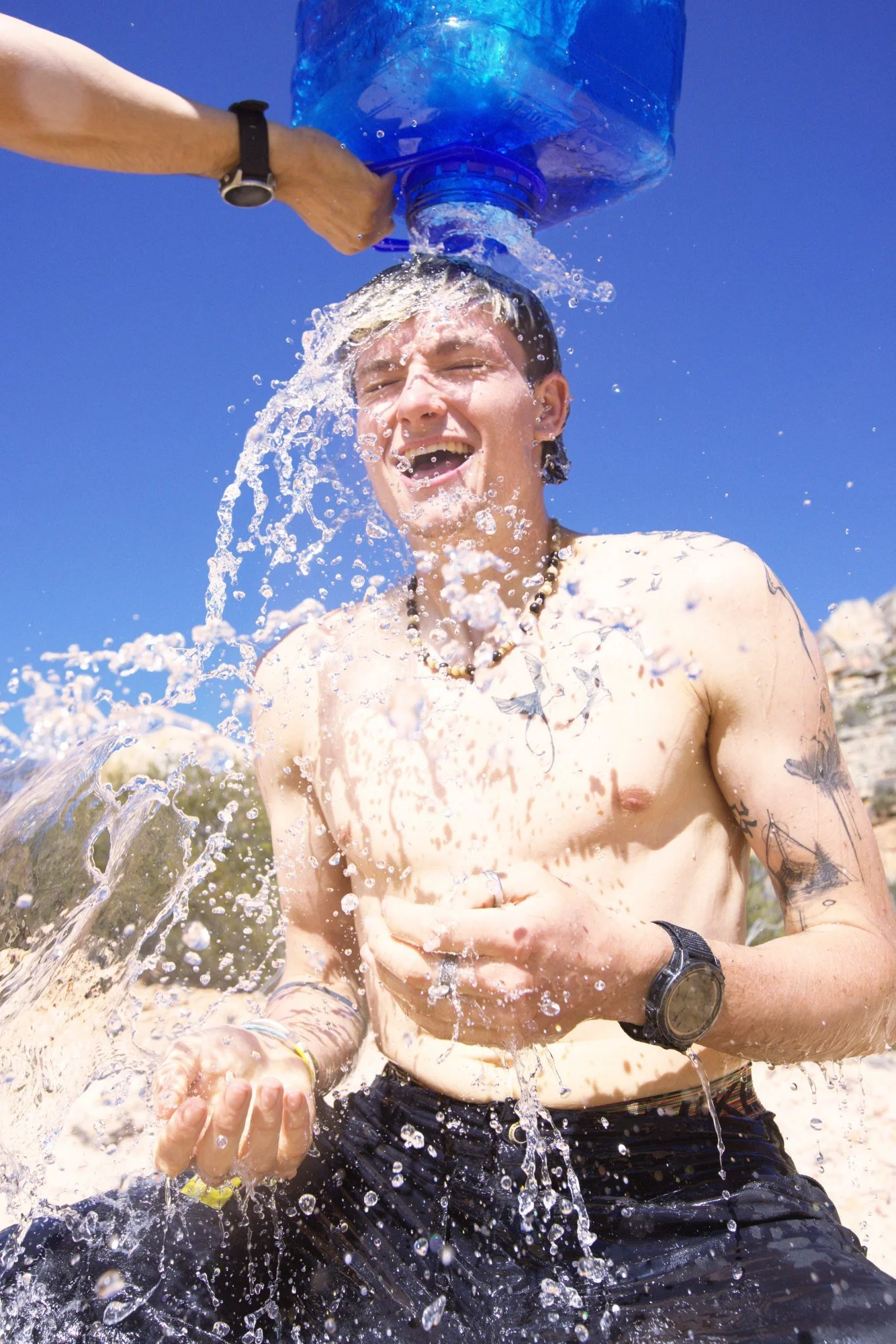
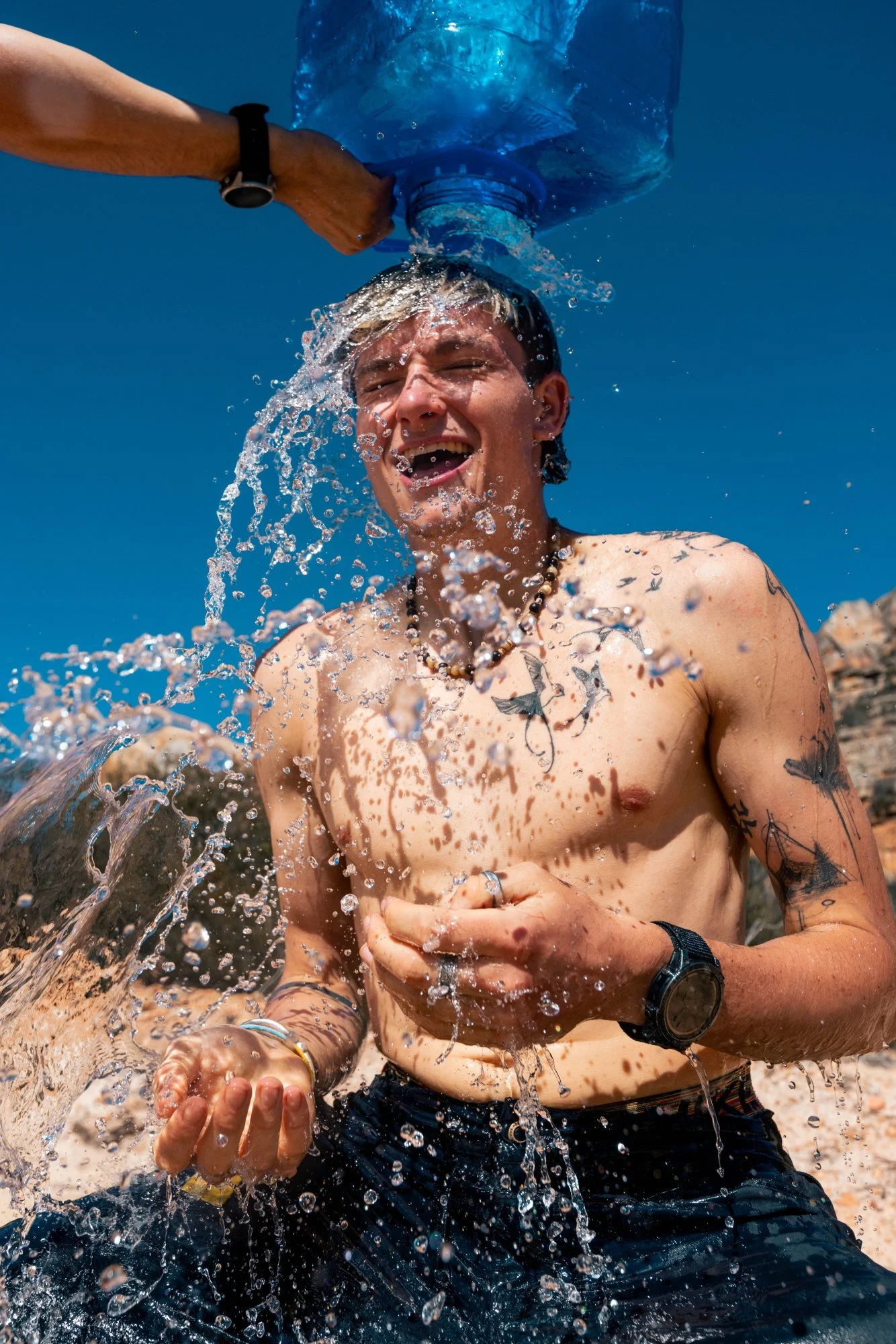
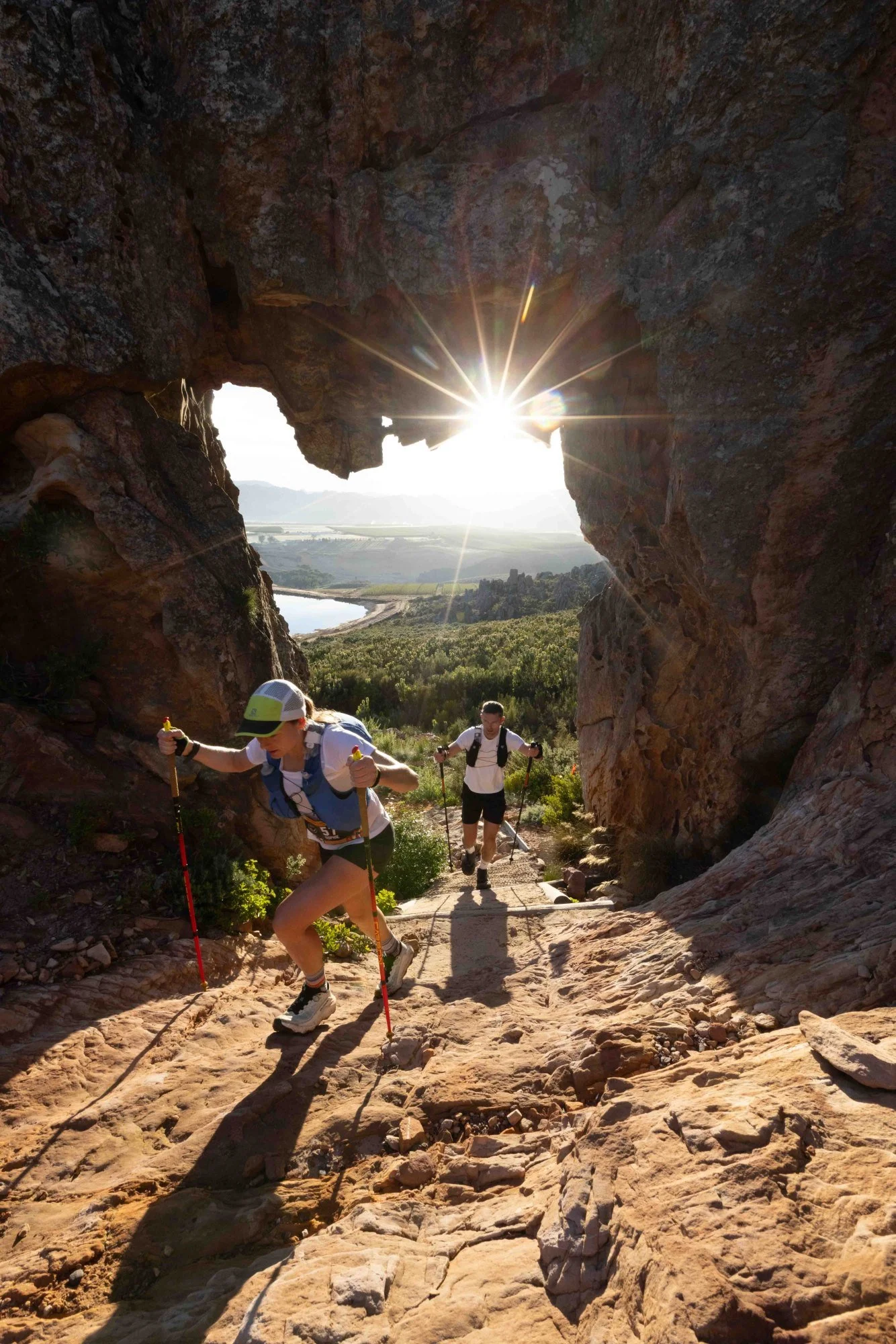
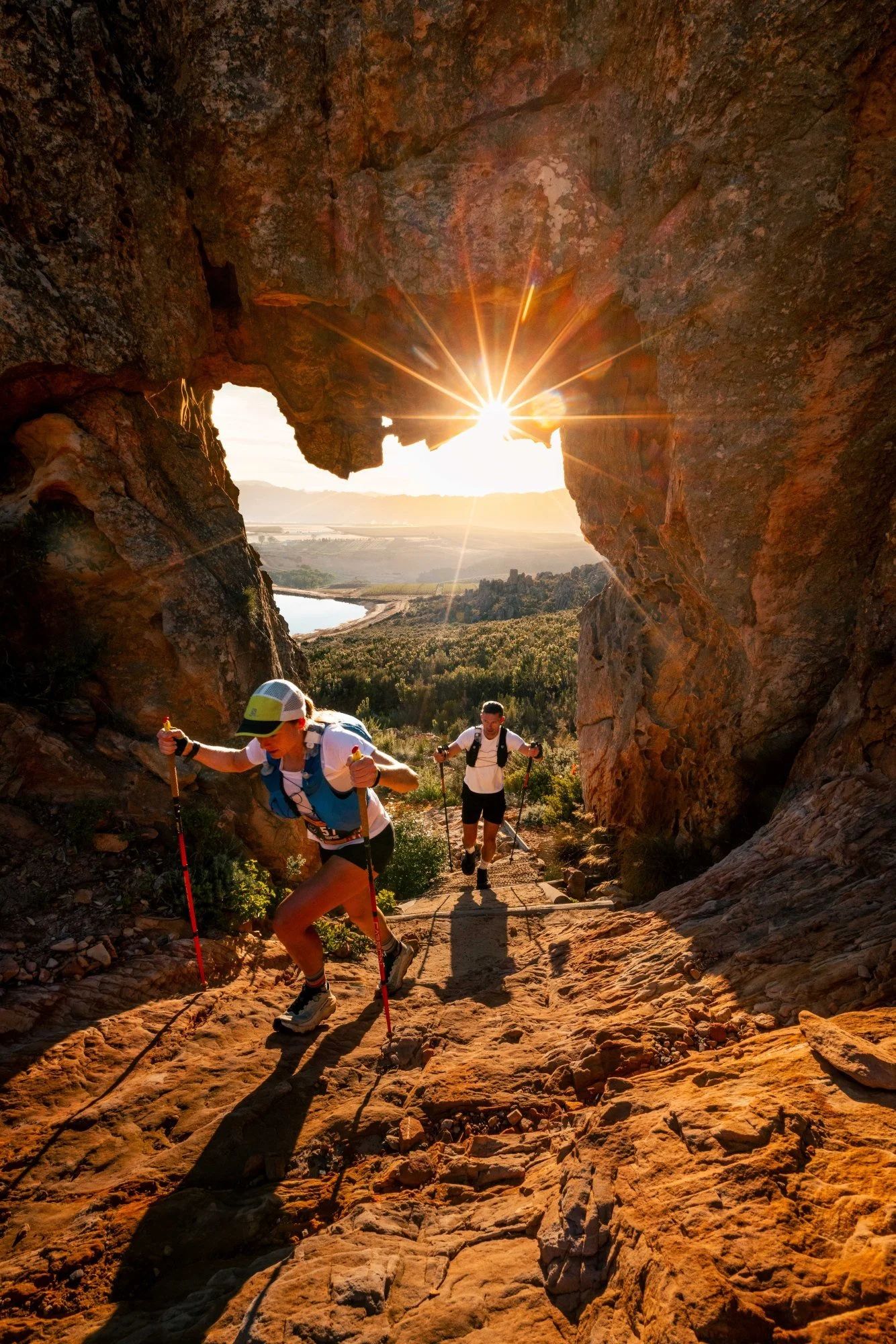
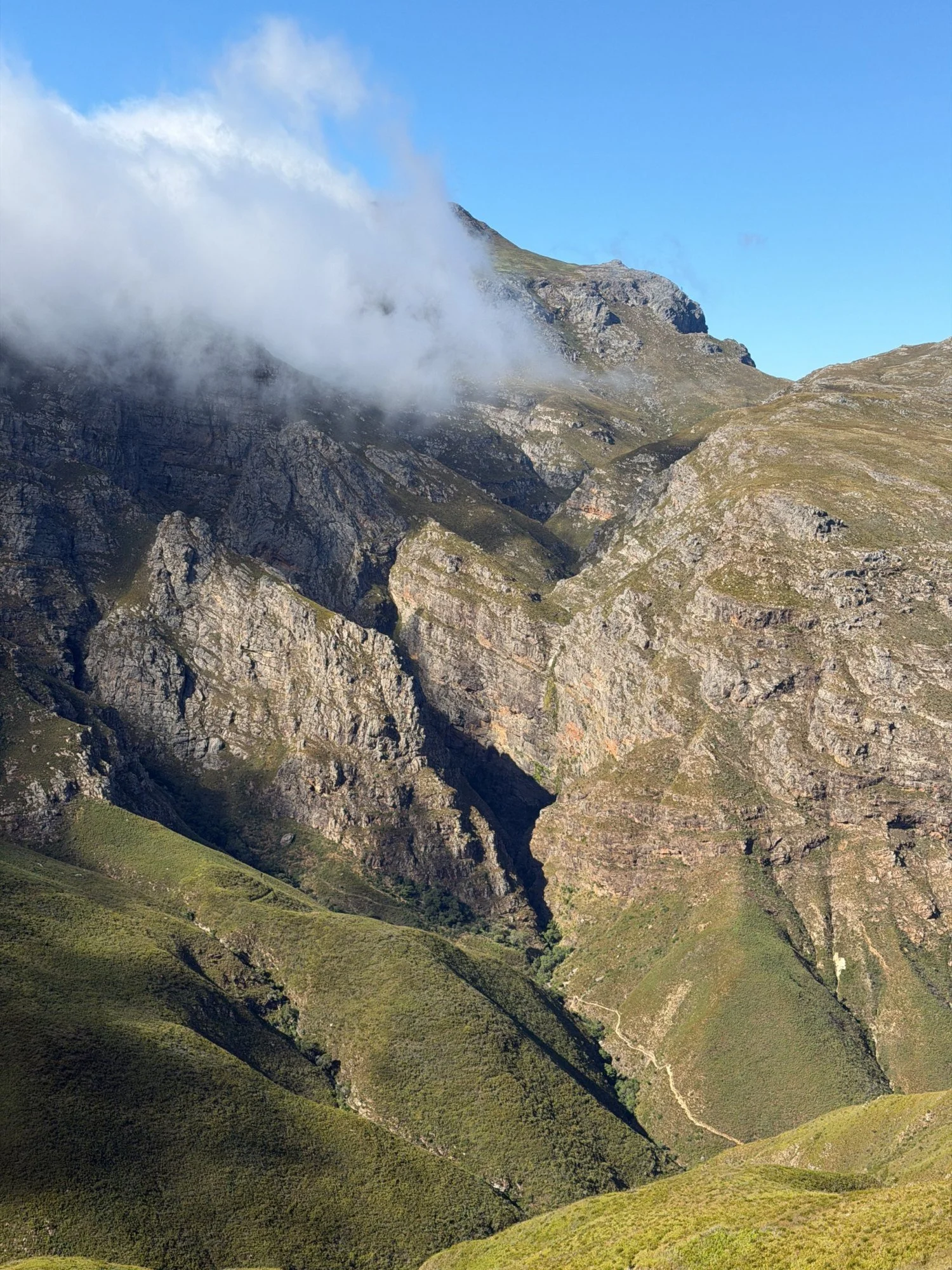
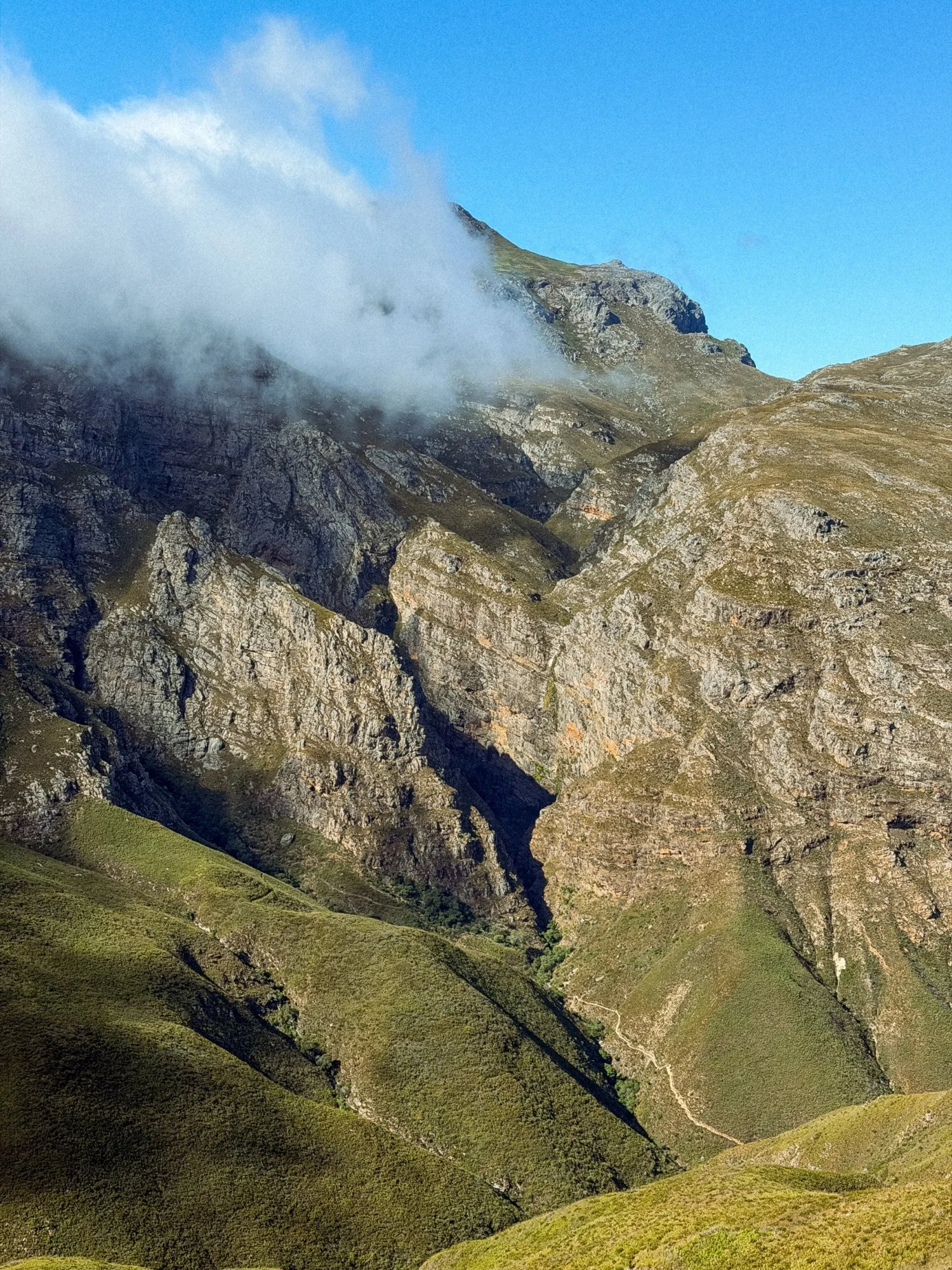
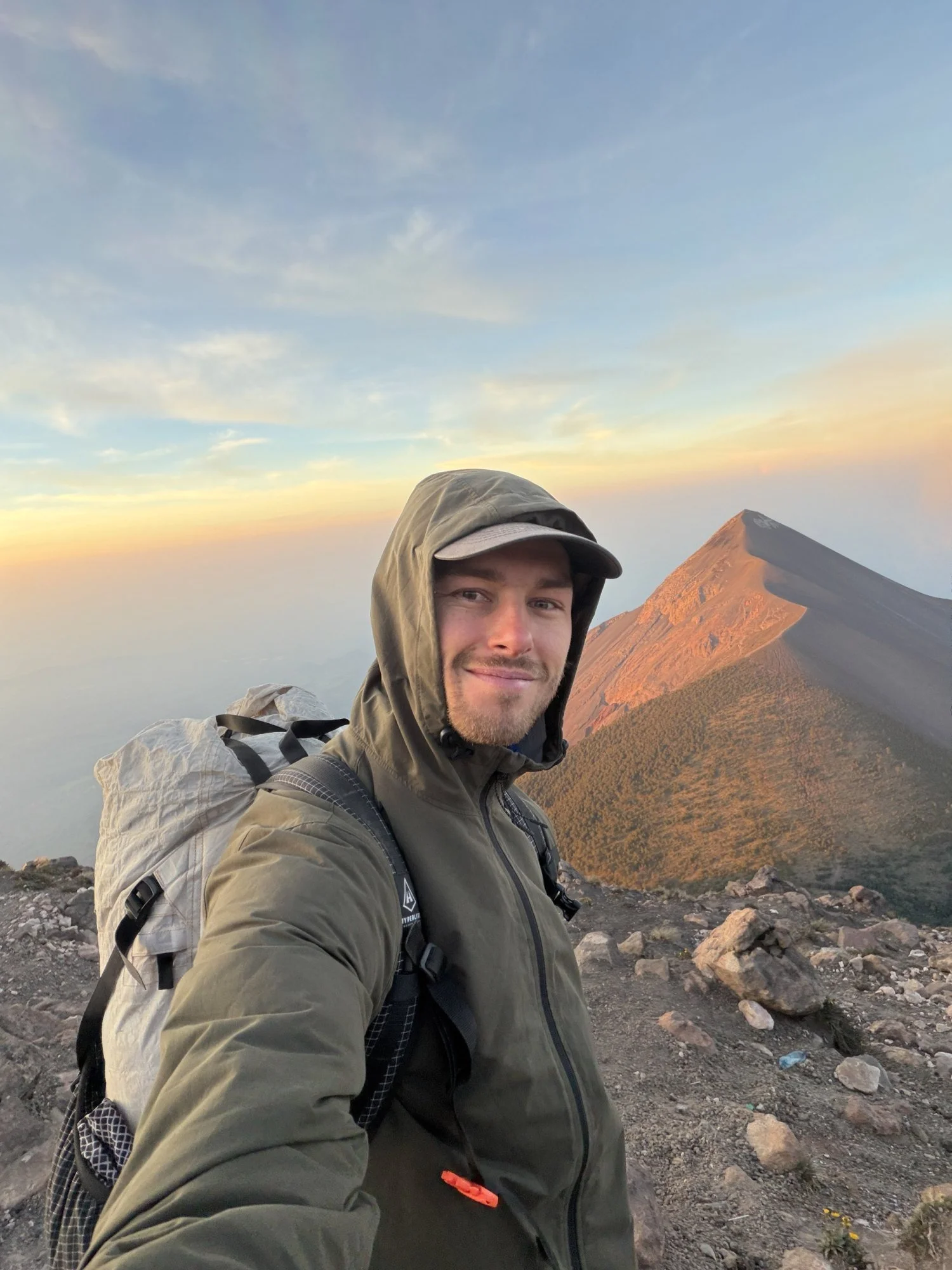
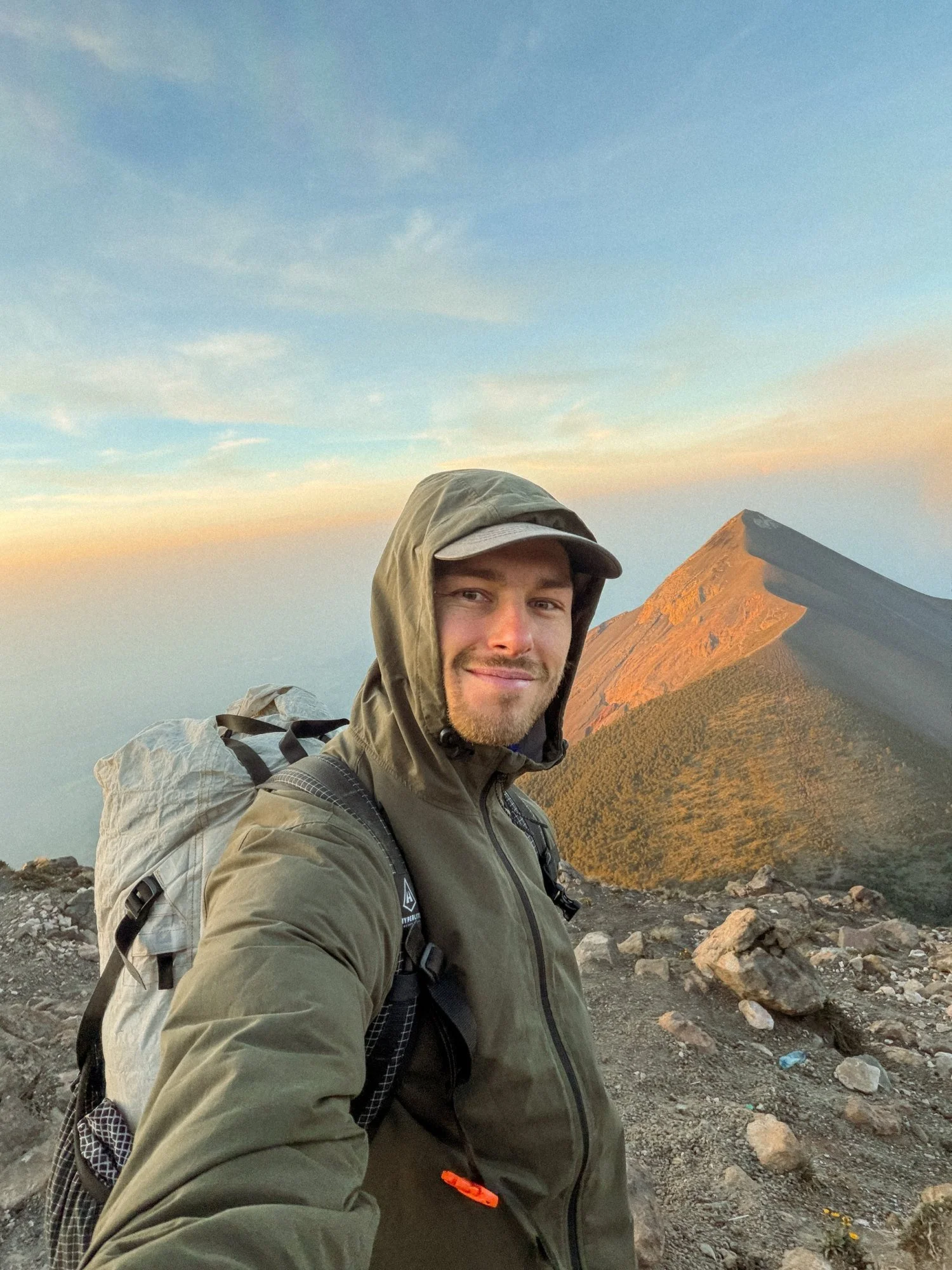
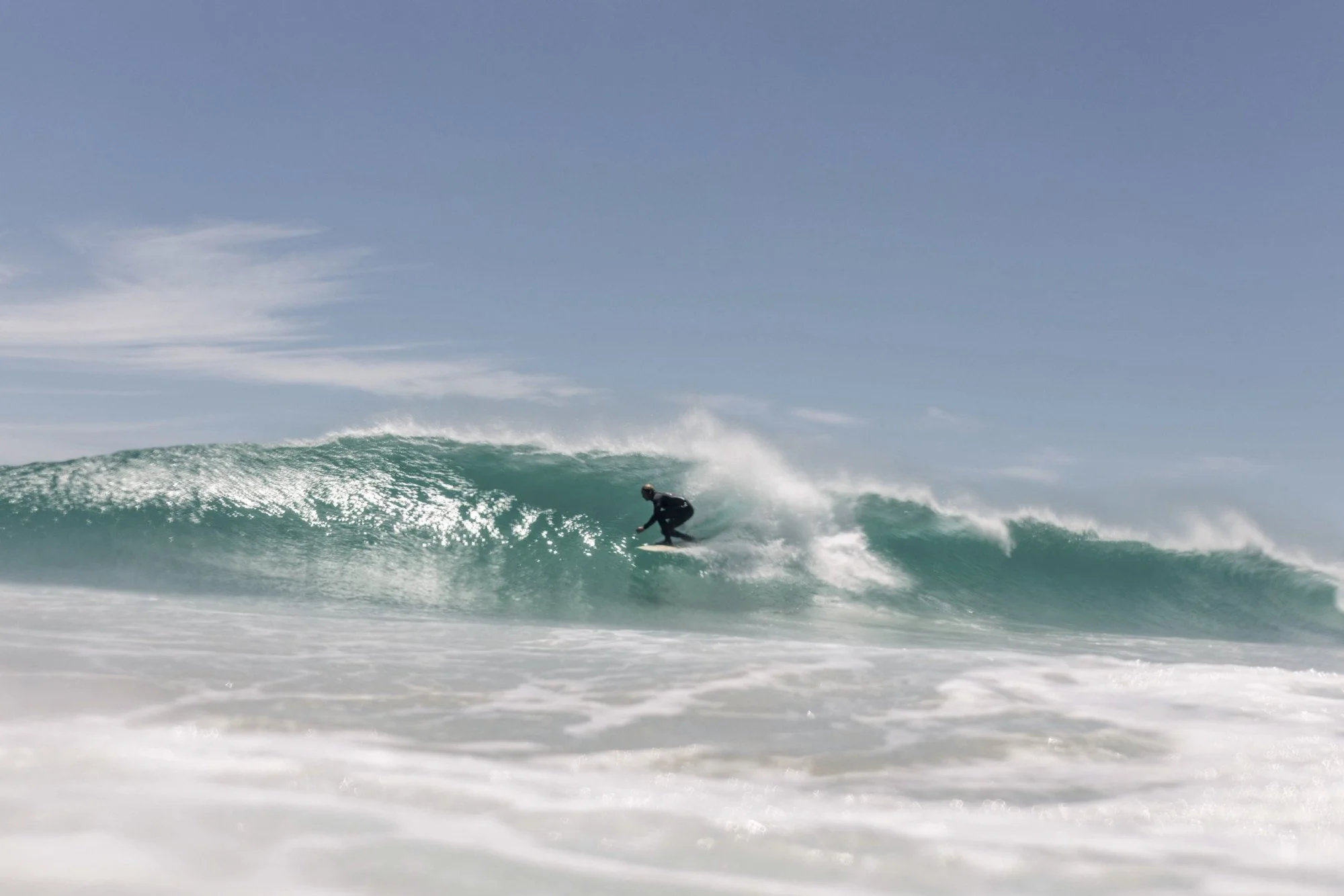
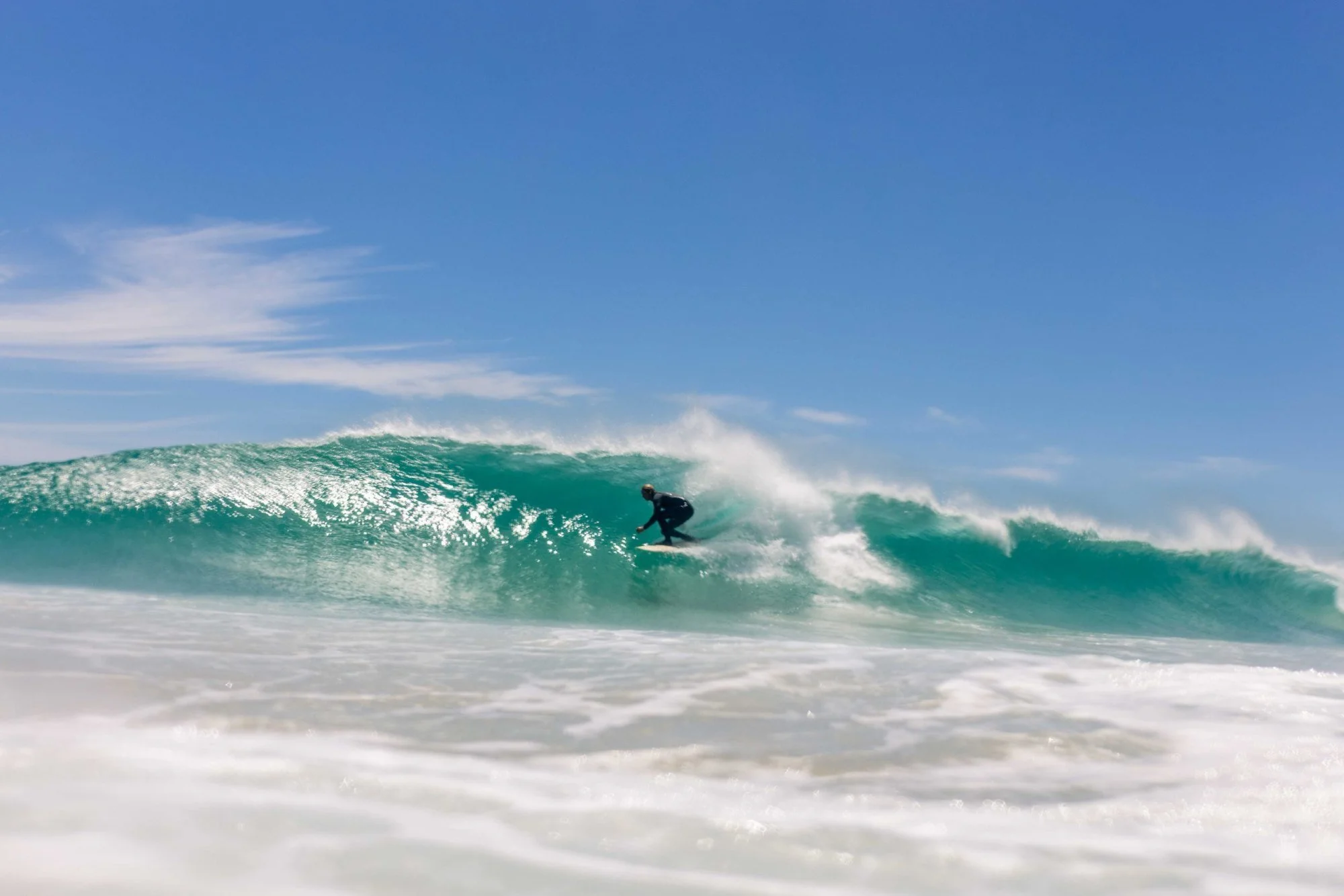
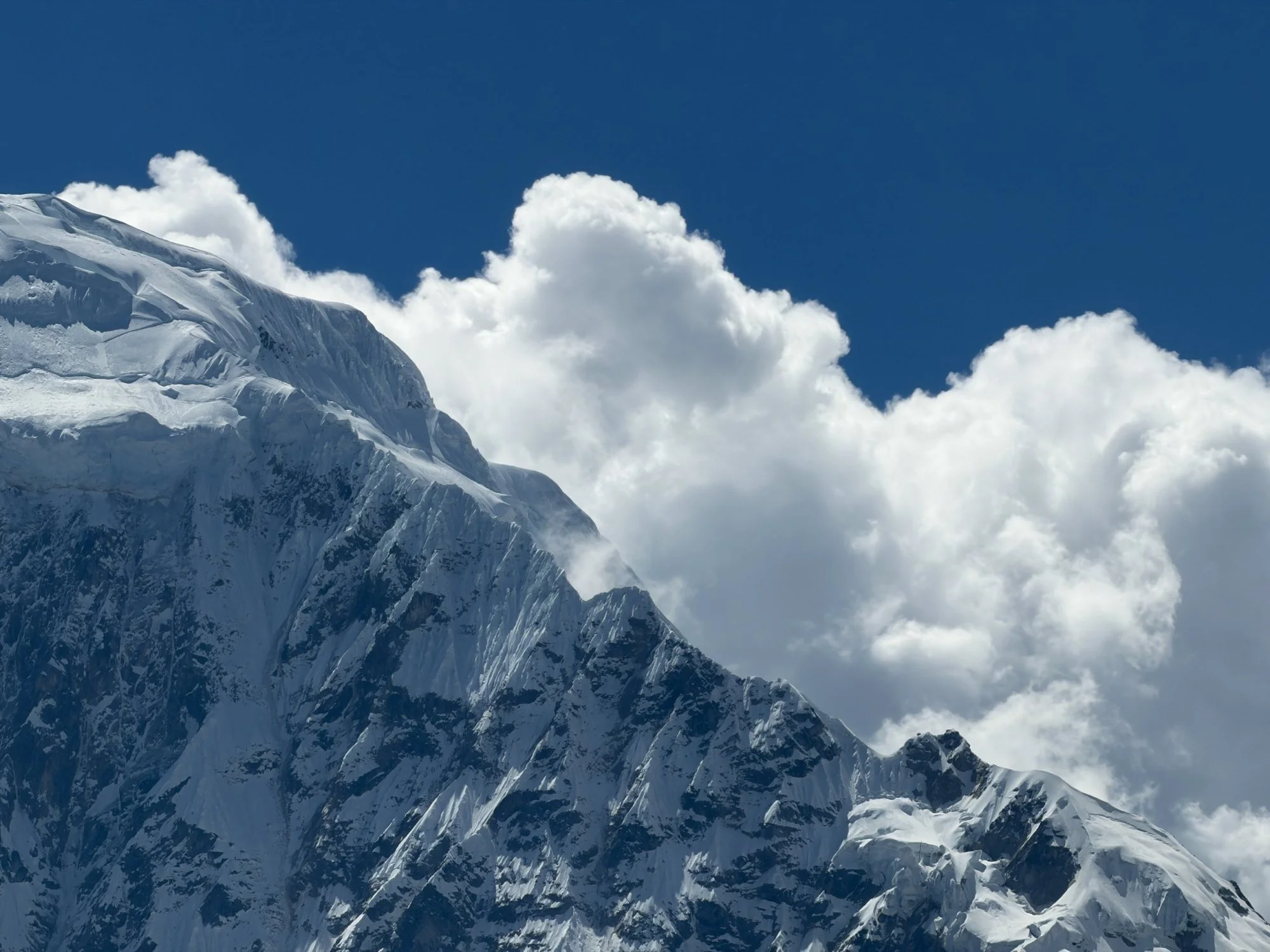
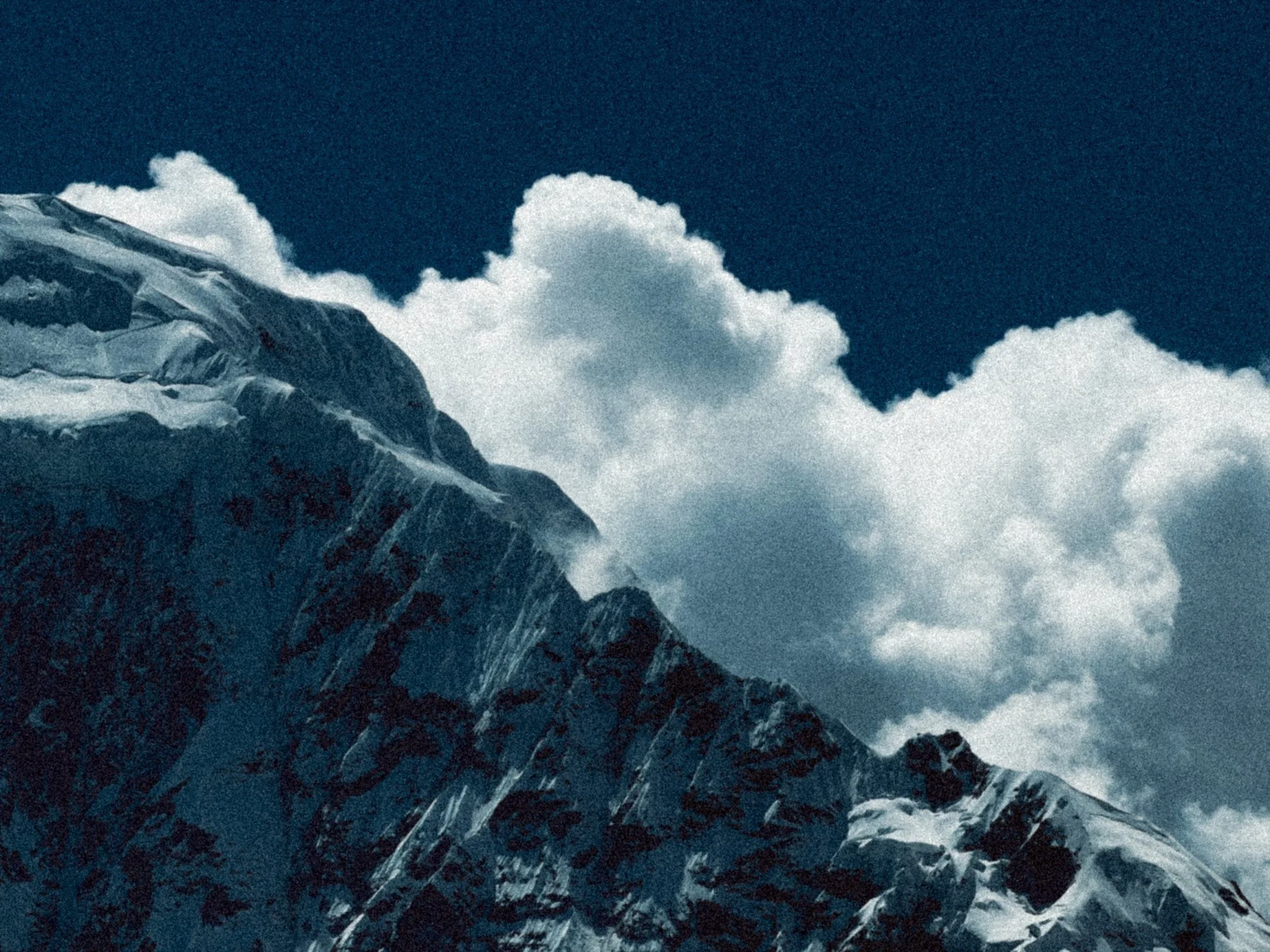
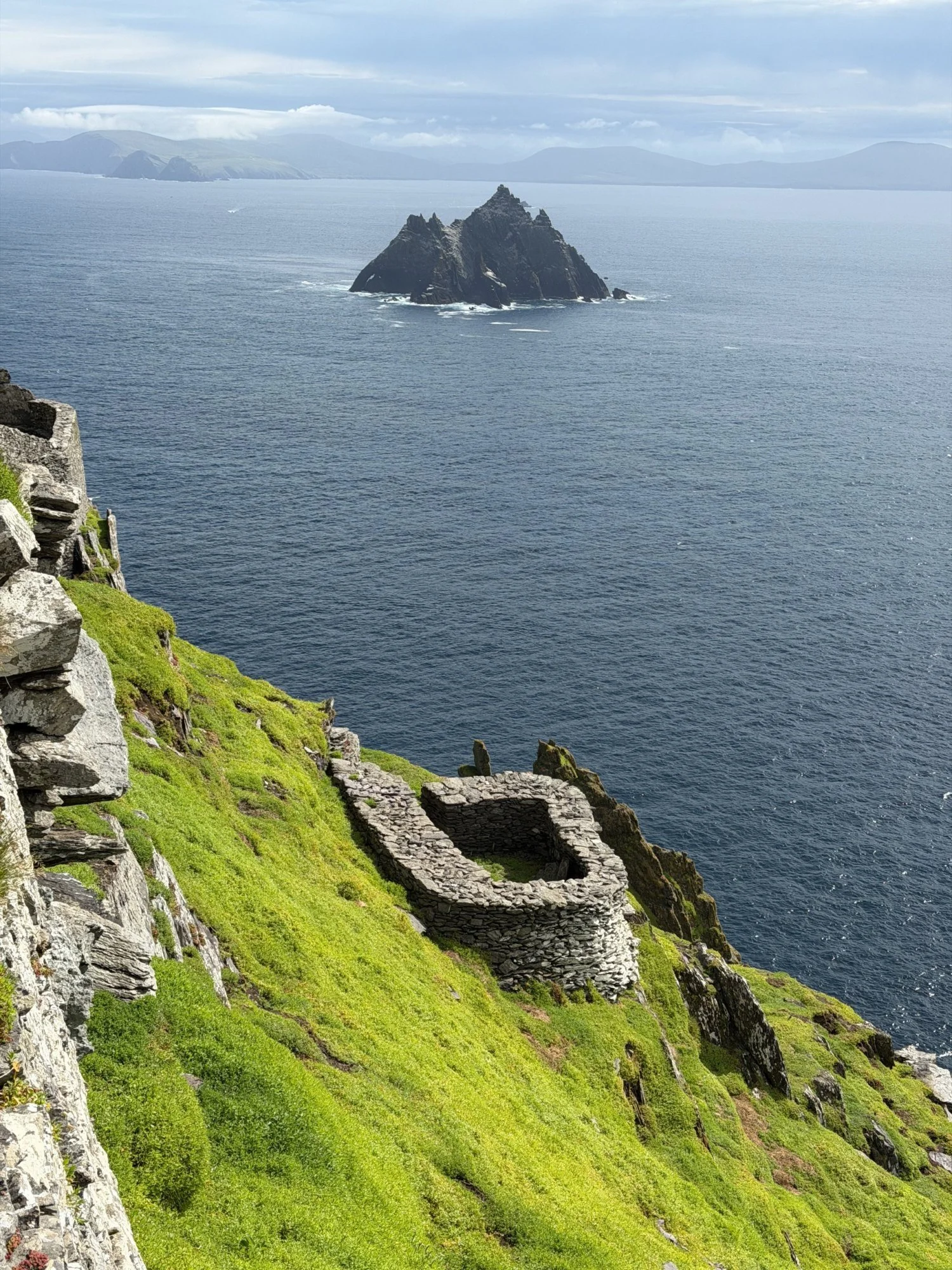
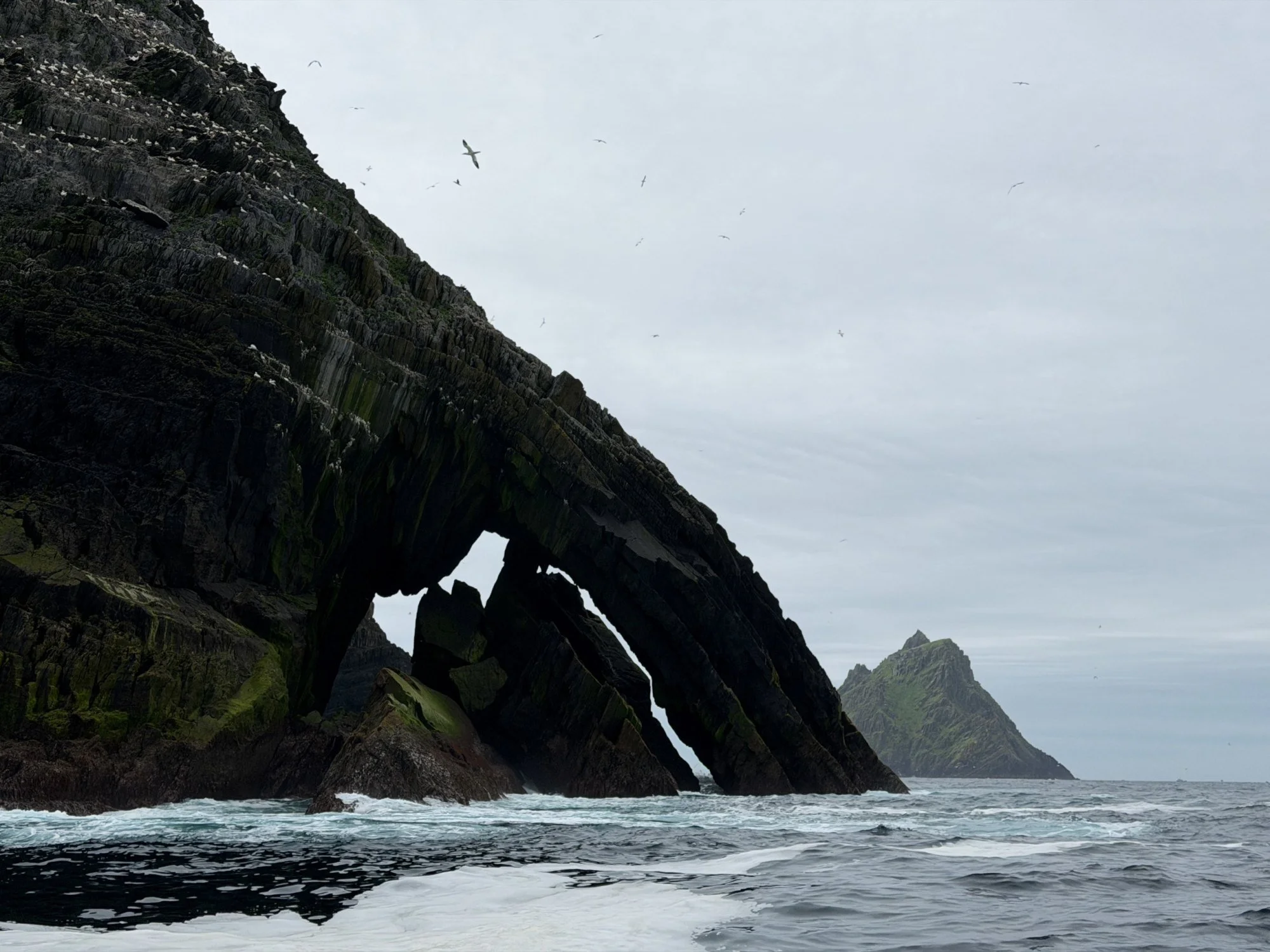
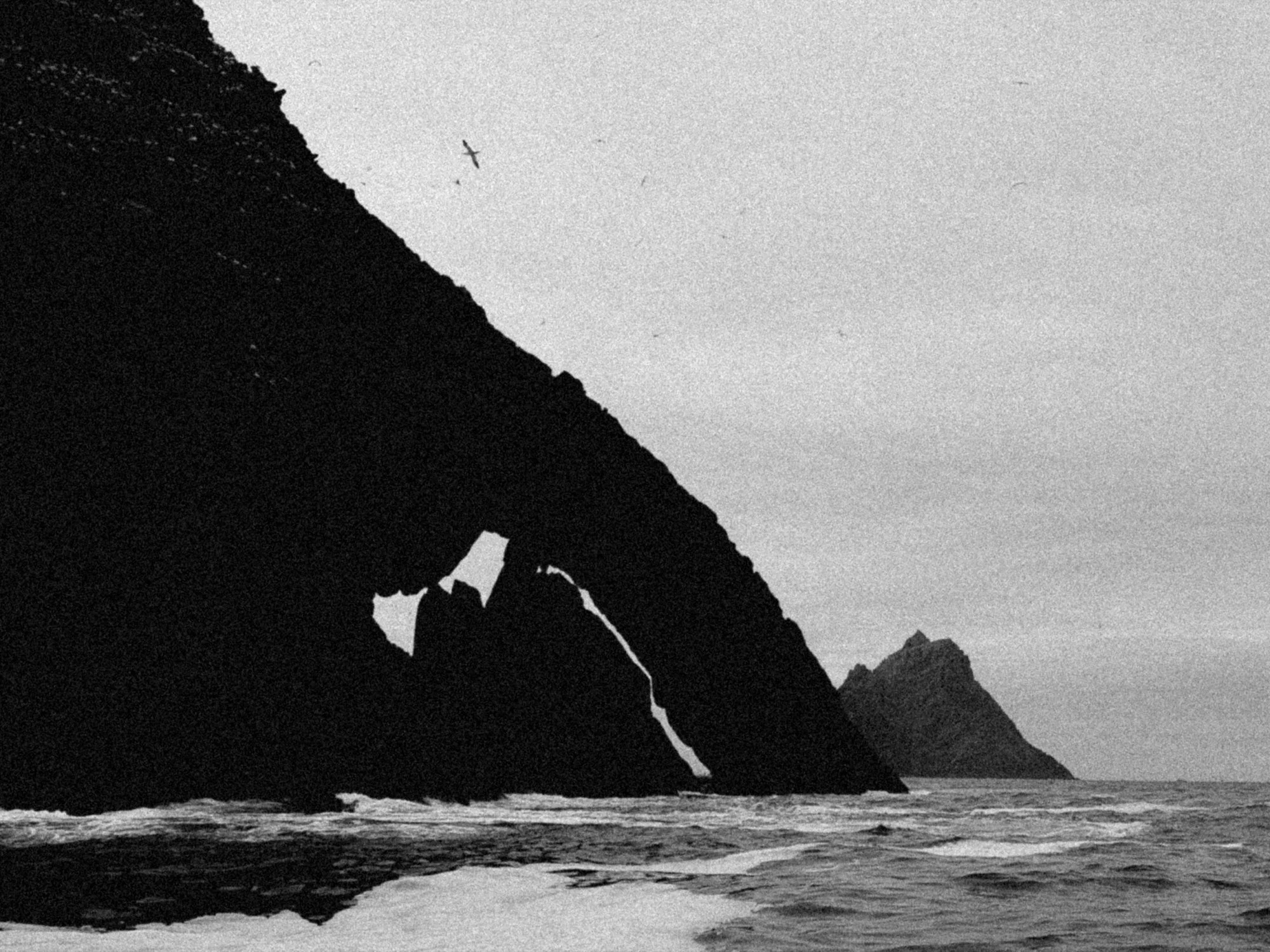
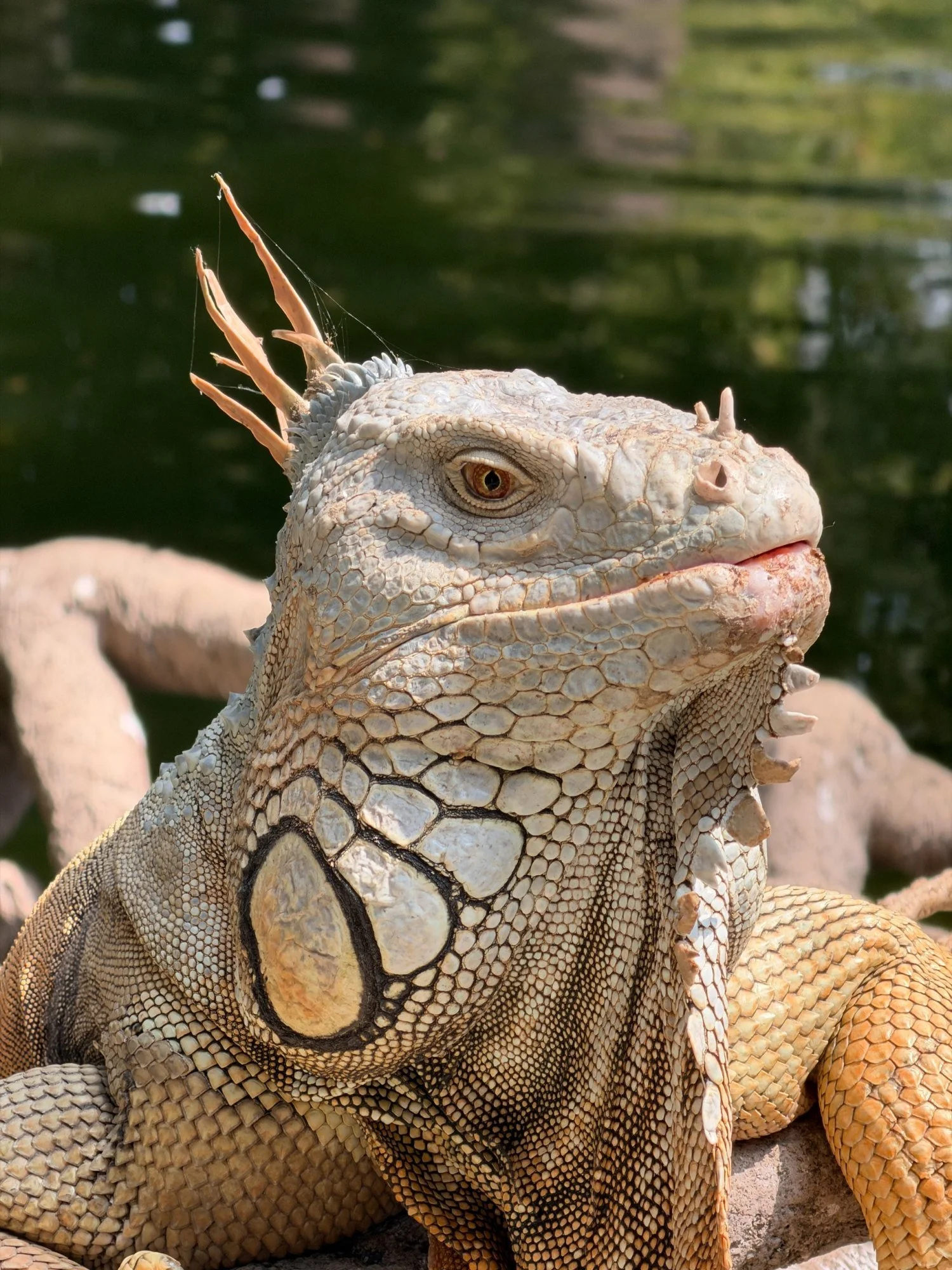
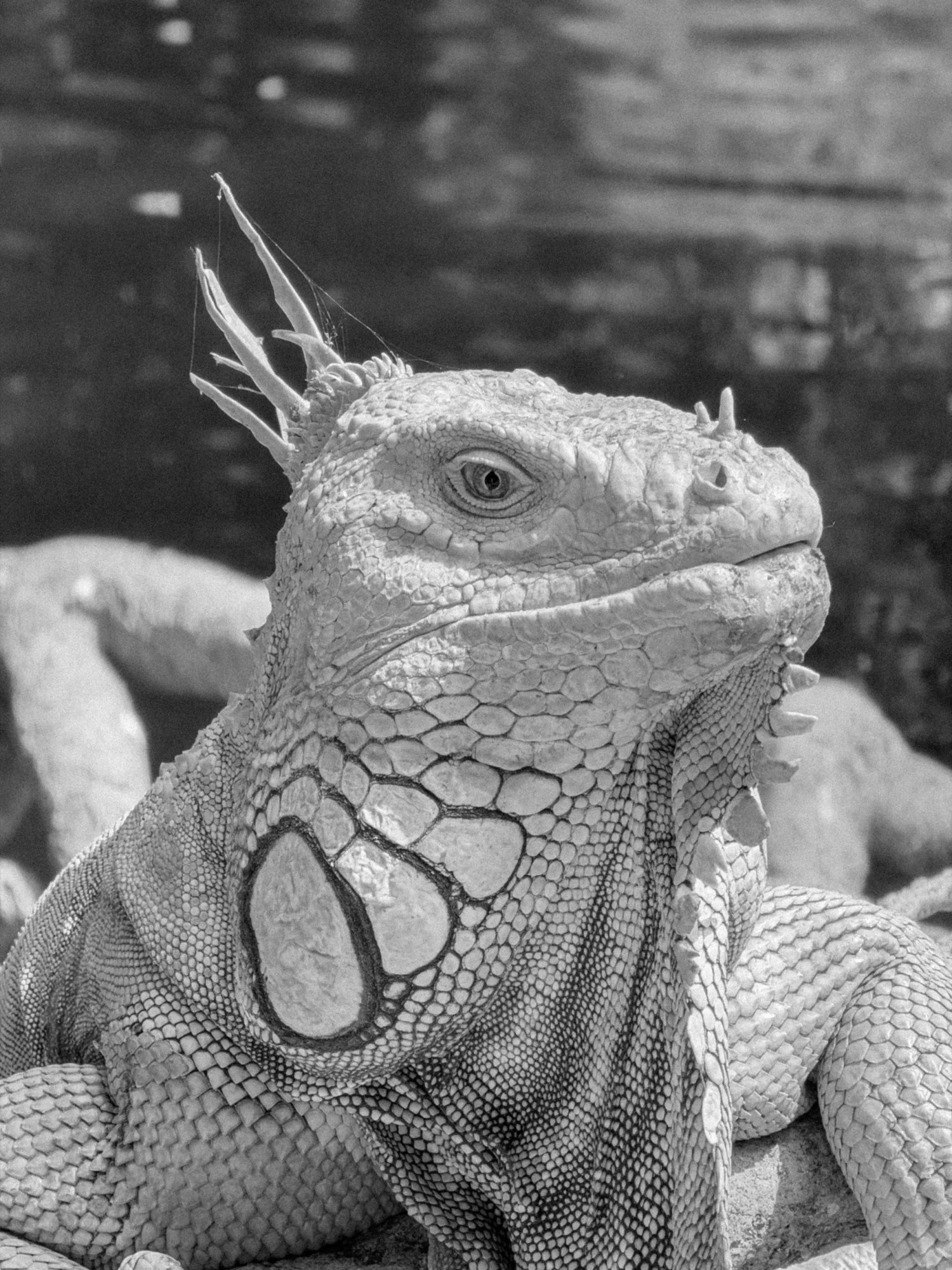
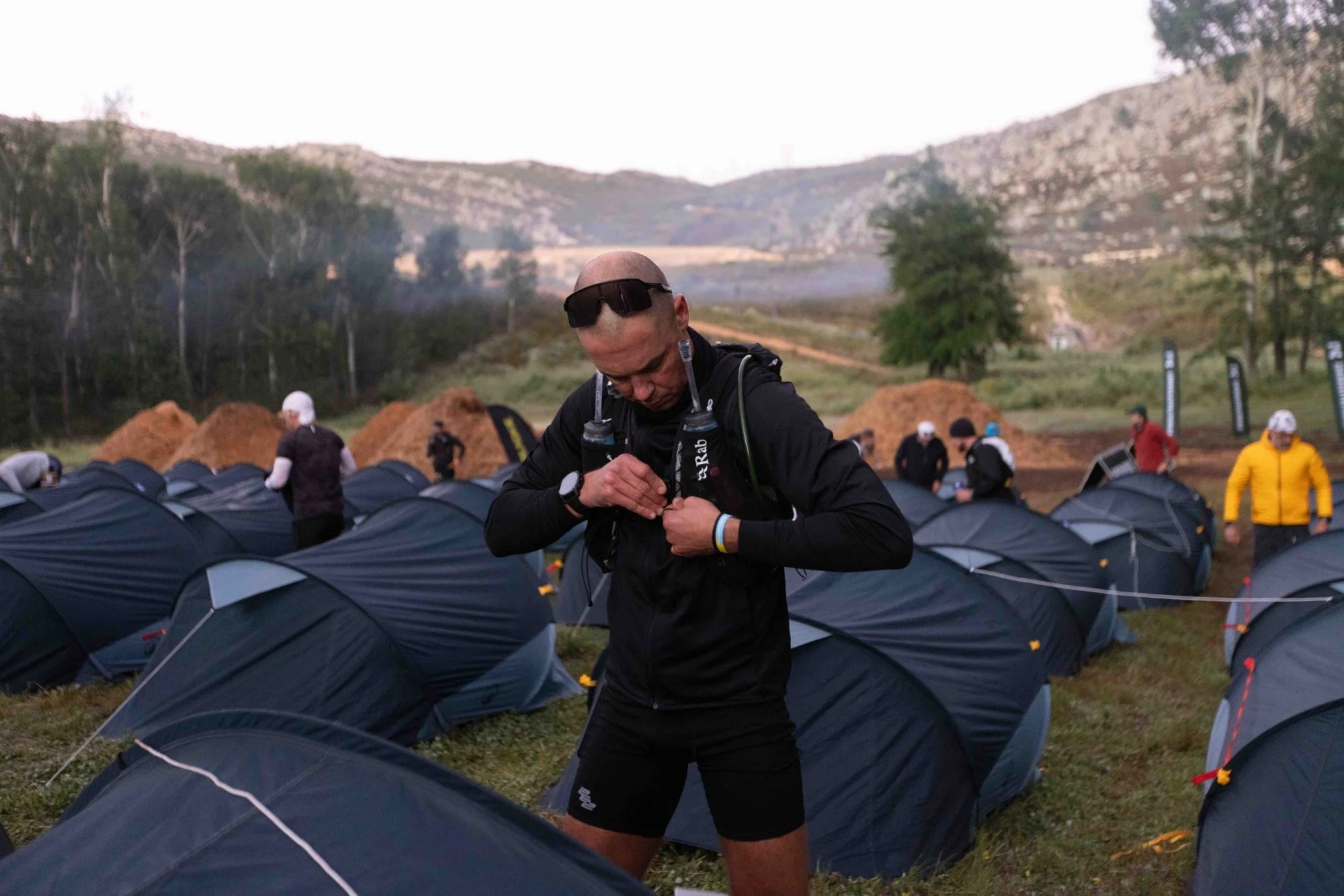
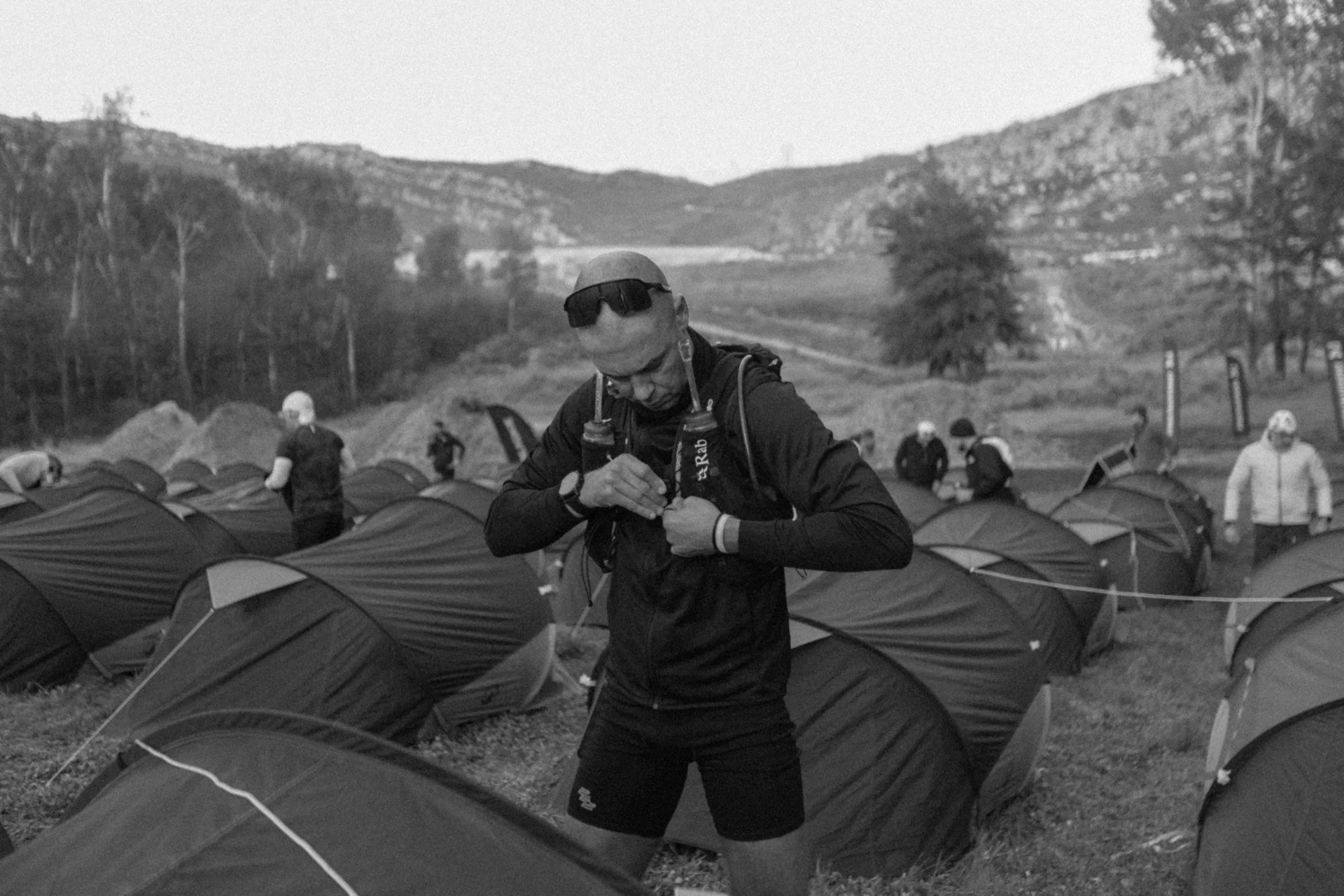
Before and after
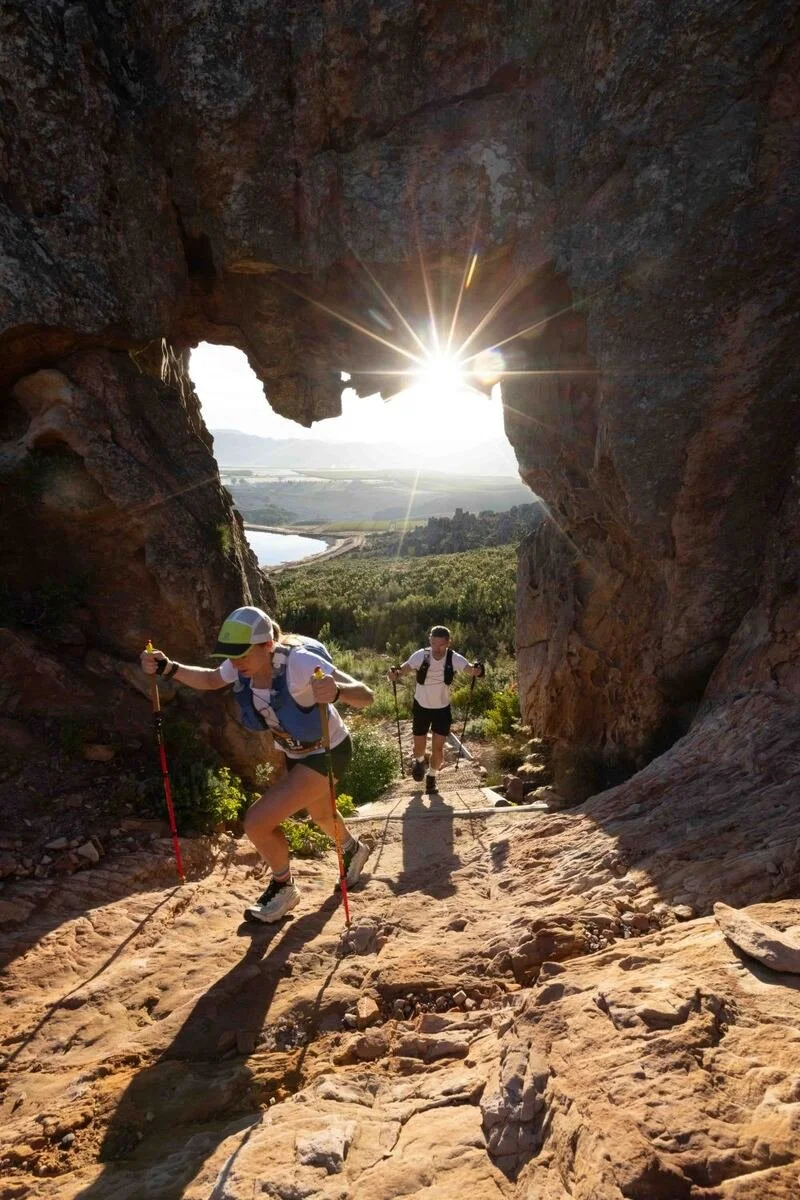
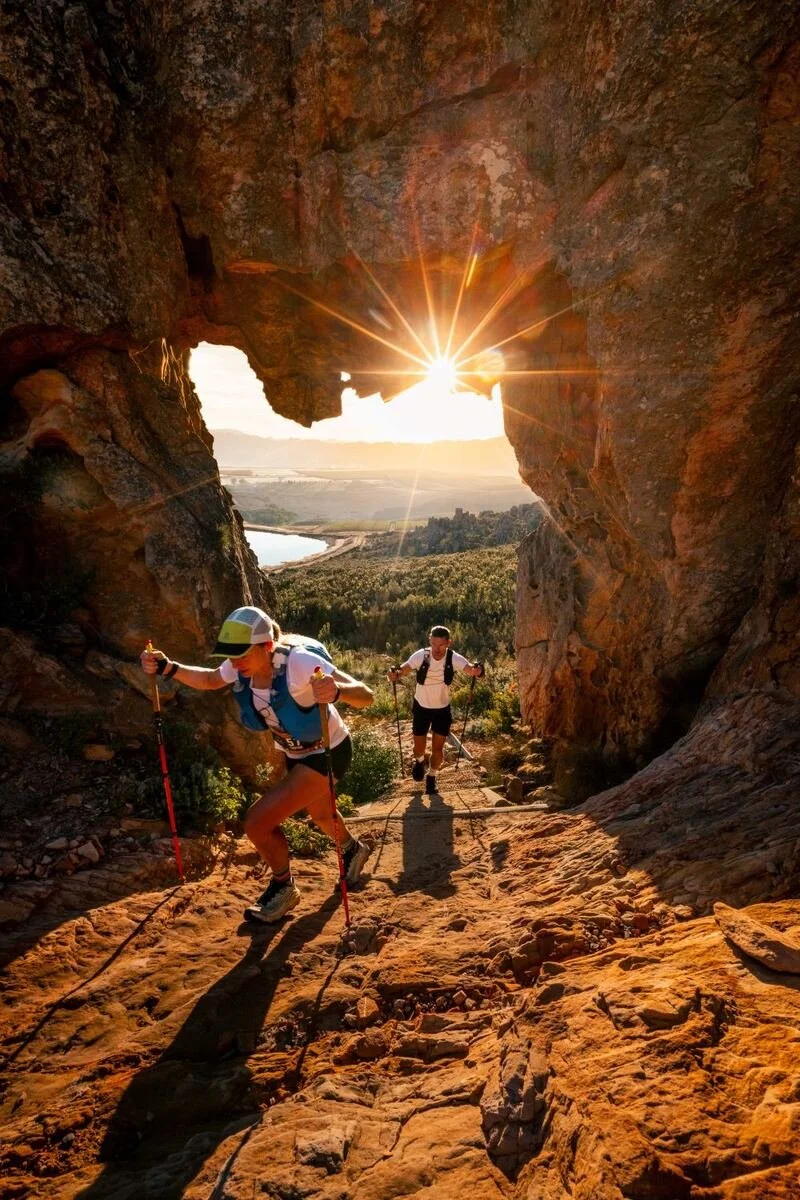
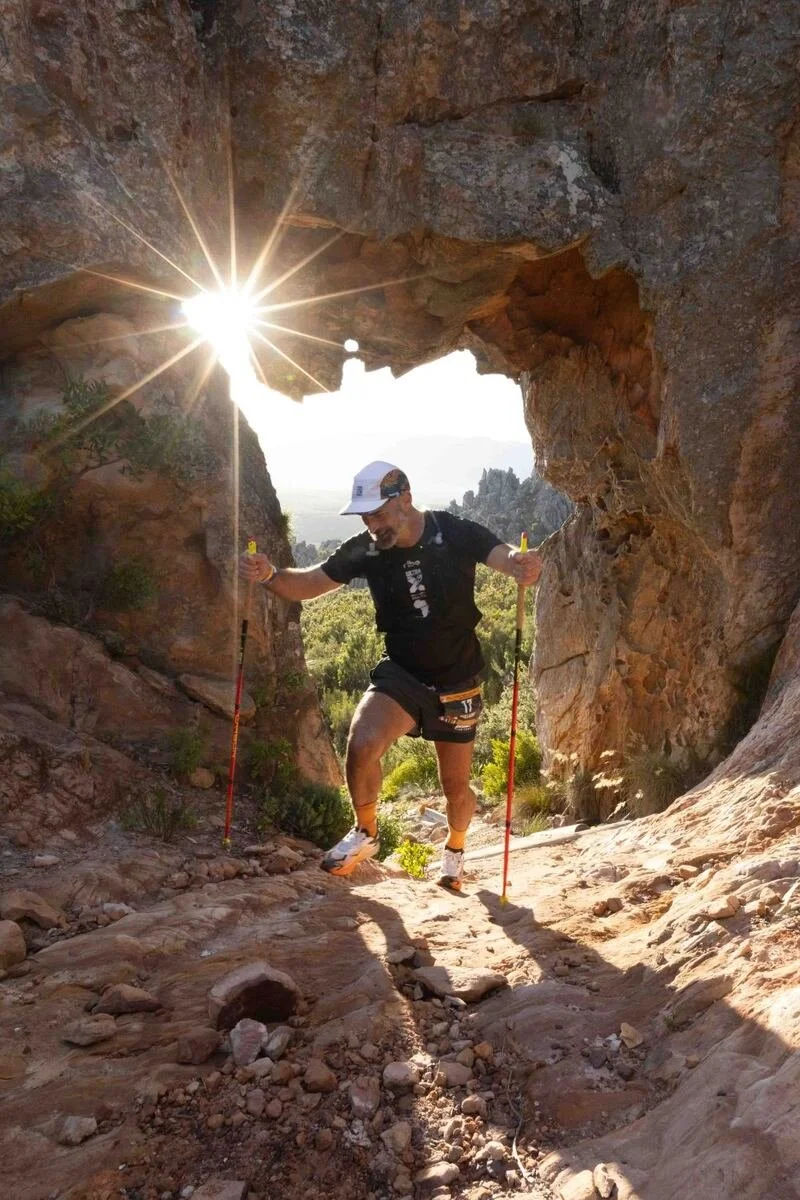
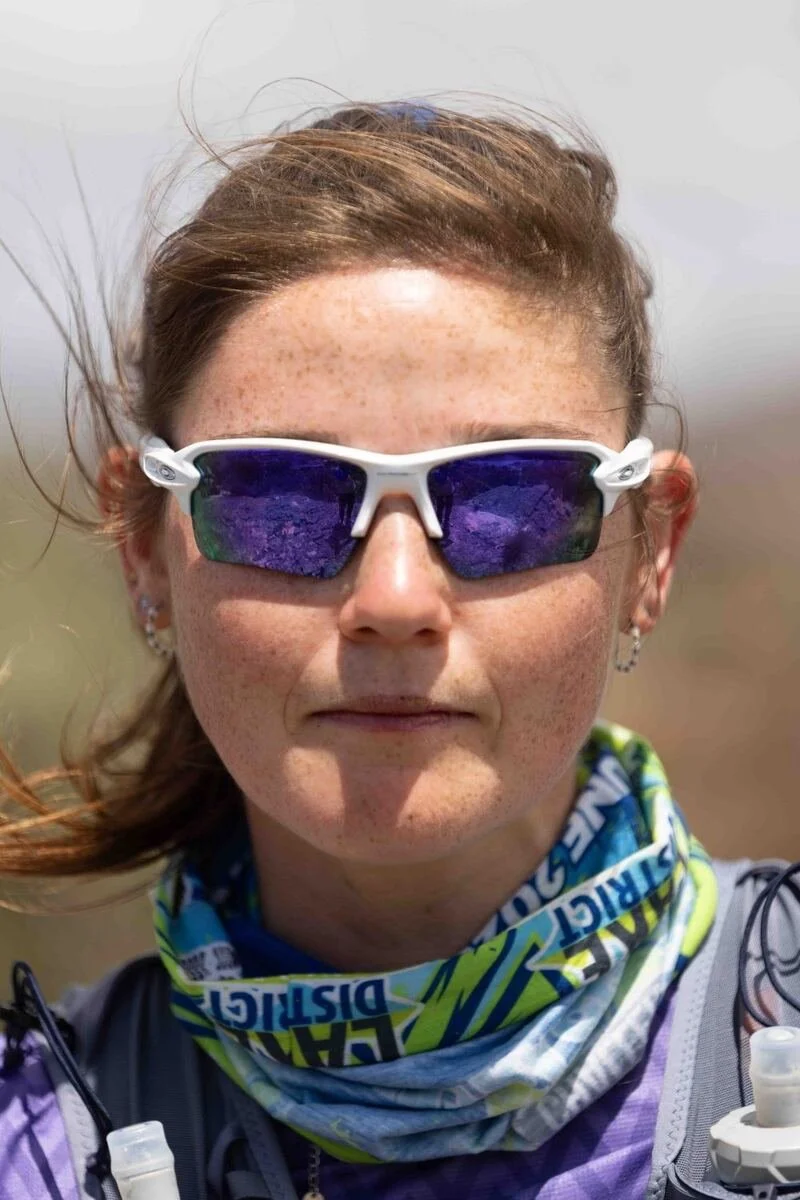
 RawUltra 1
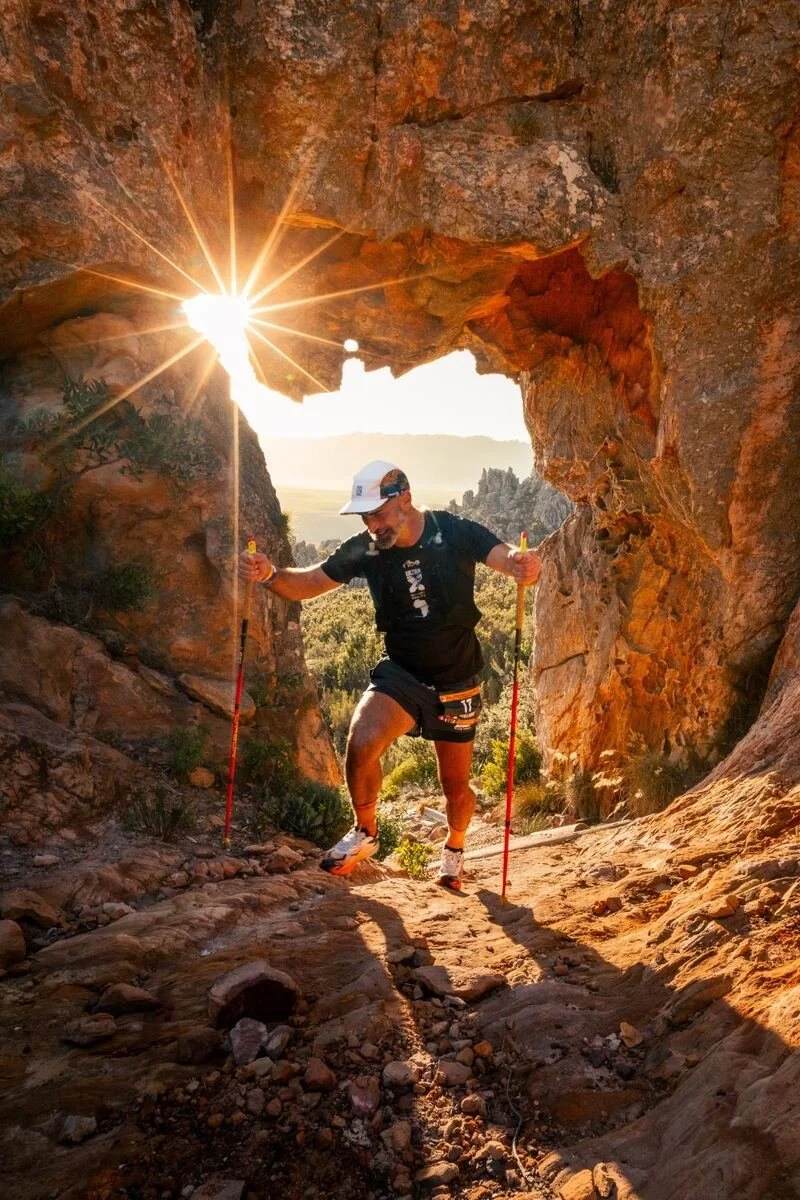
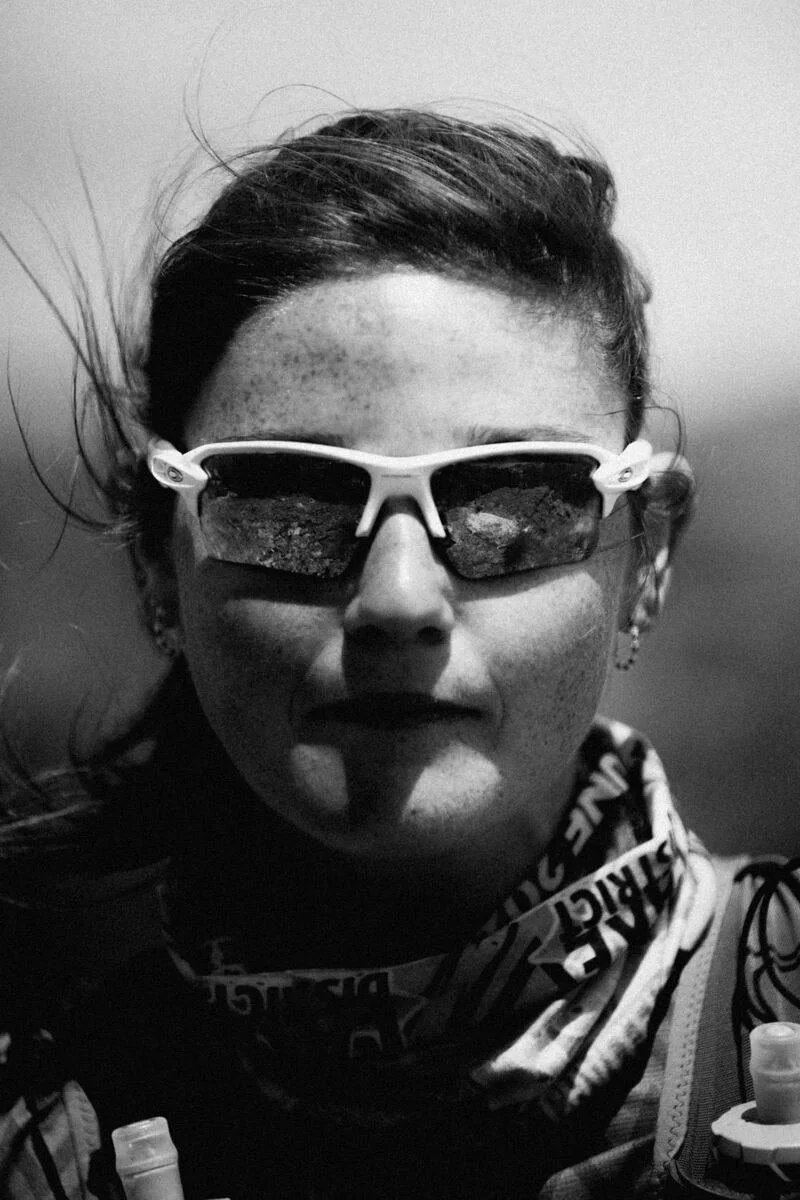
Ultra 1
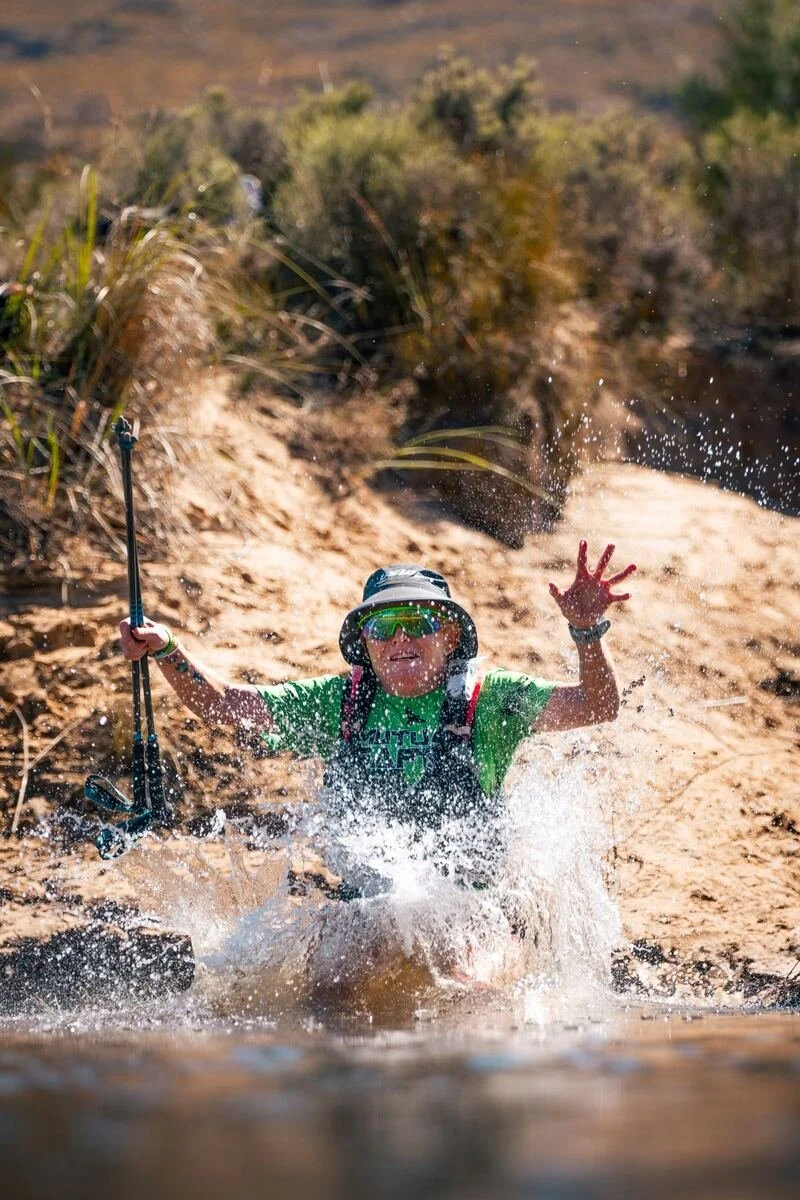
Sport · 1 of 2
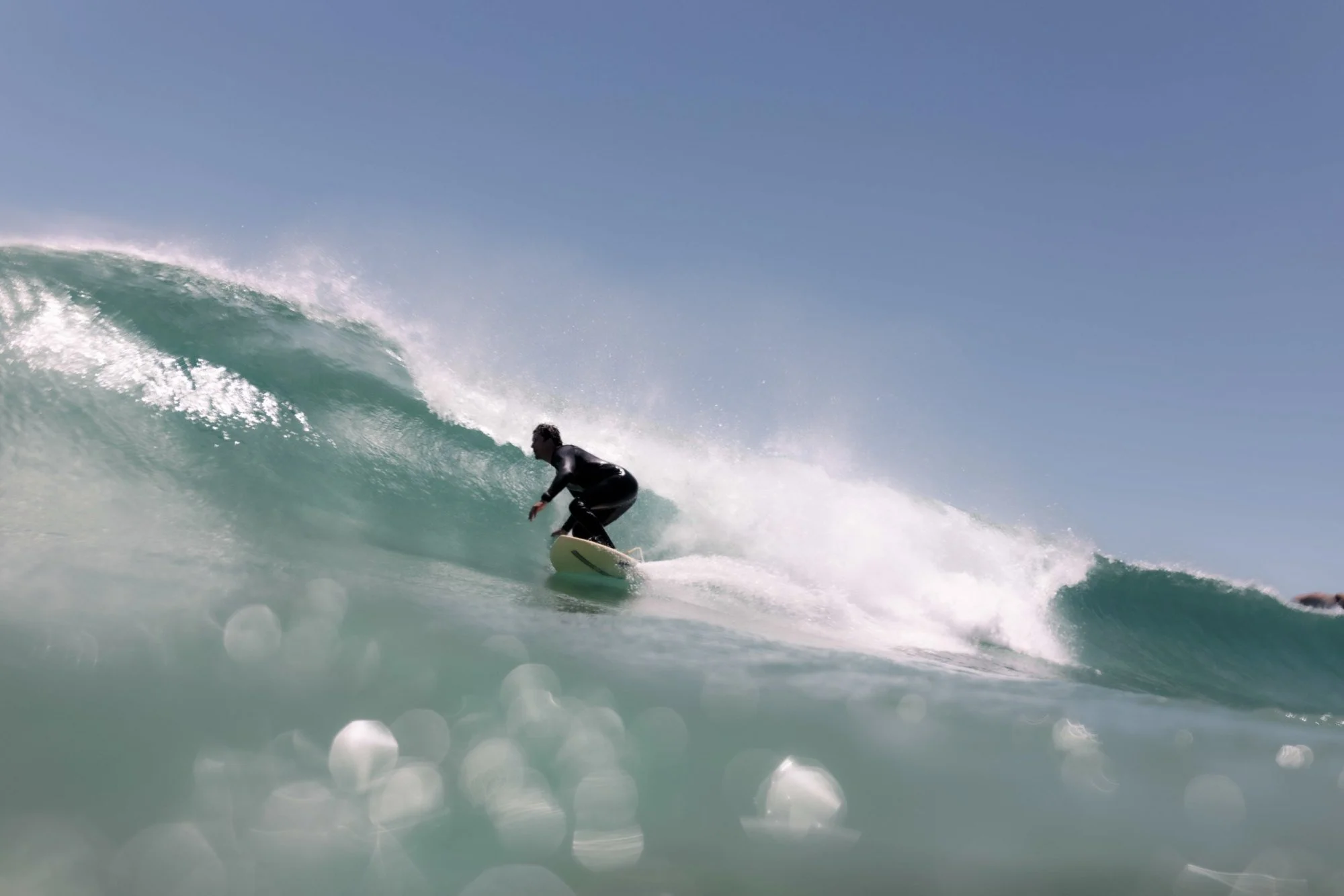
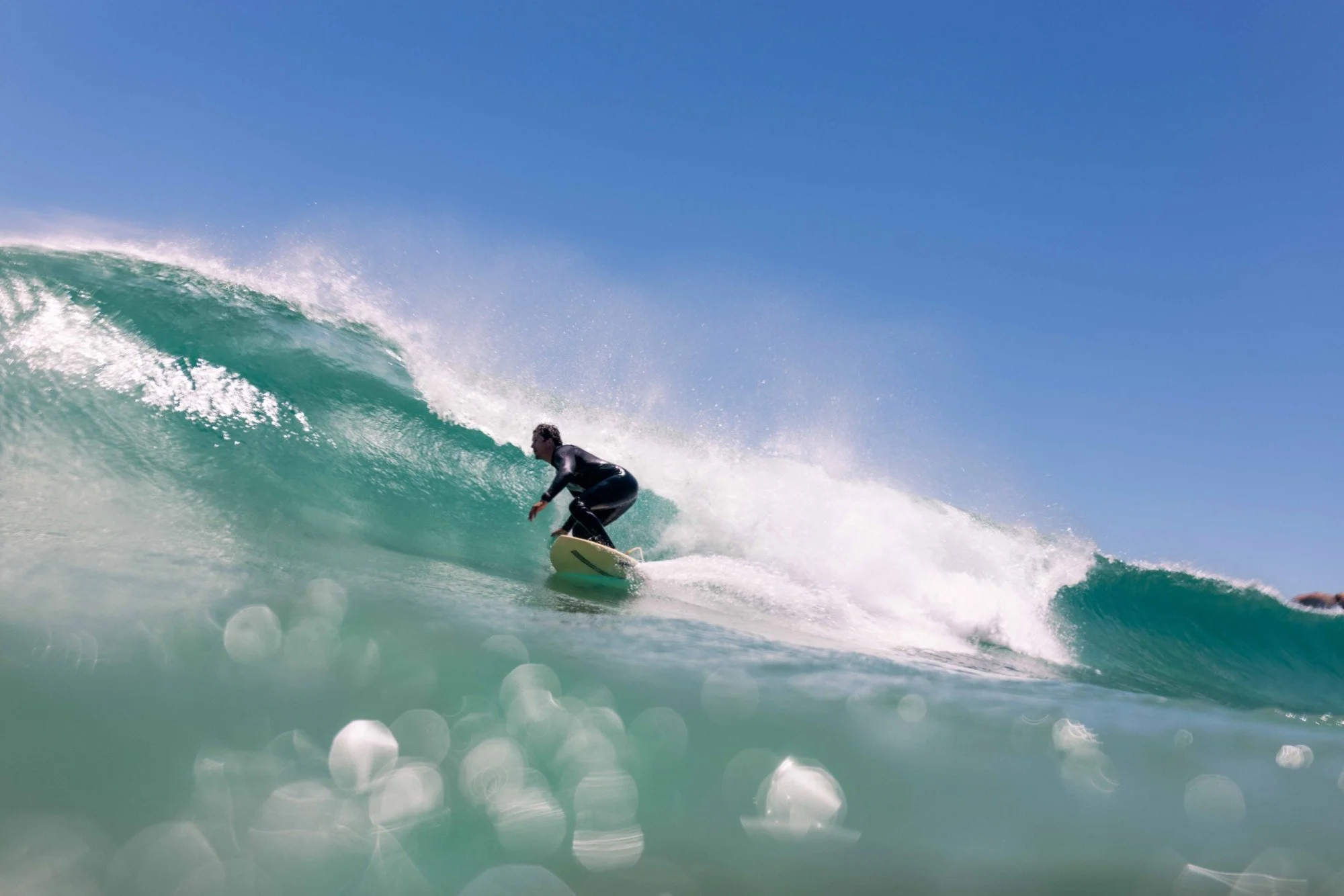
 RawUltra 1
Ultra 1
Sport · 2 of 2
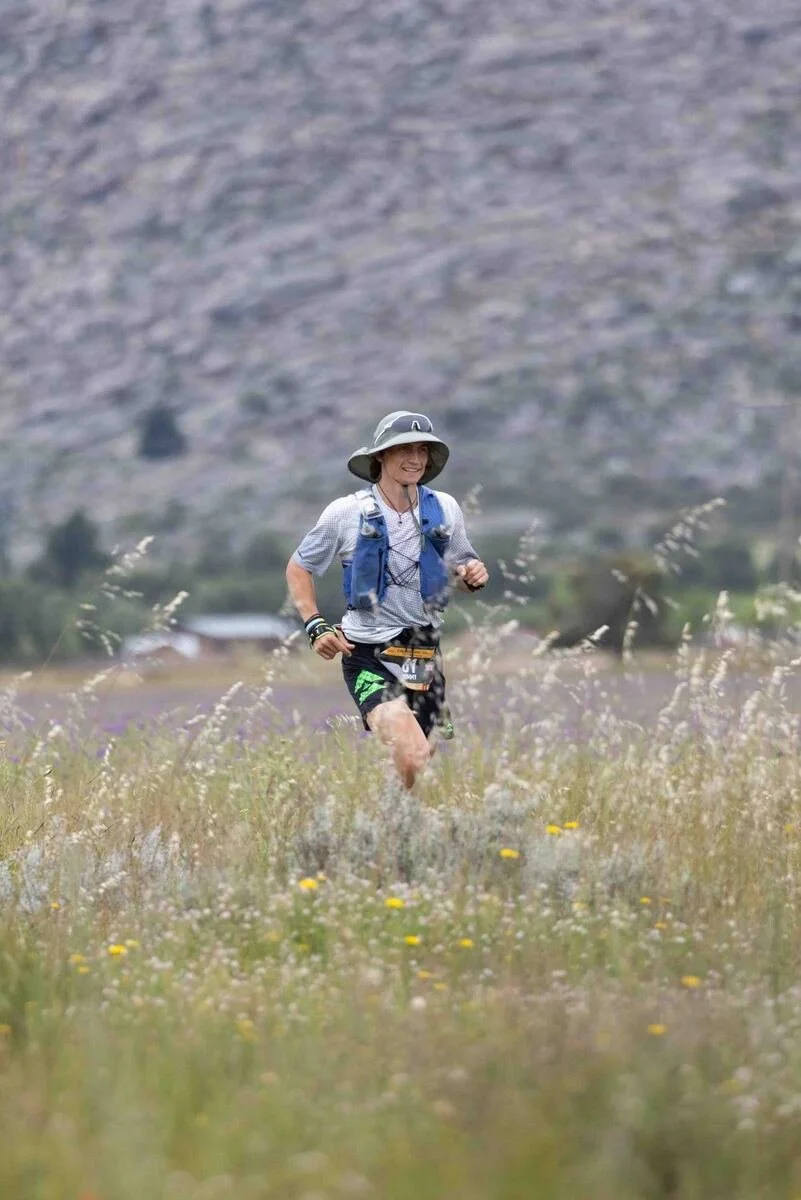
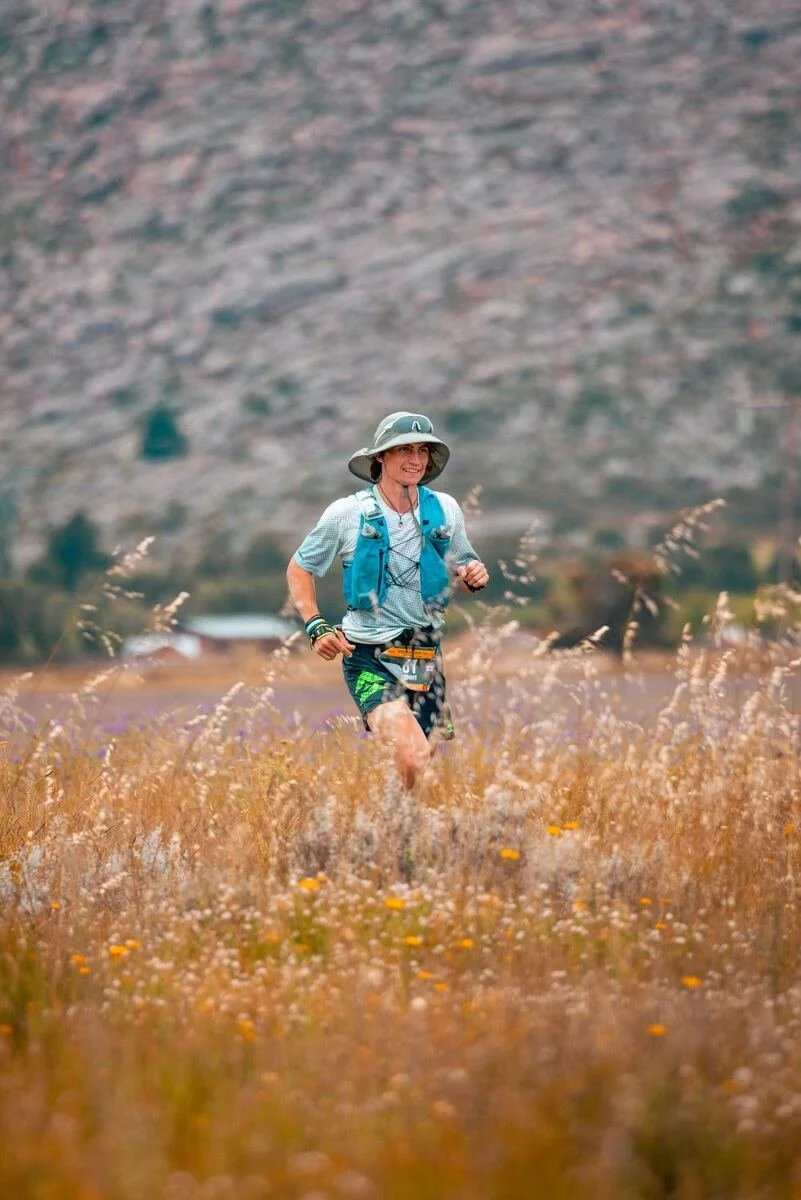
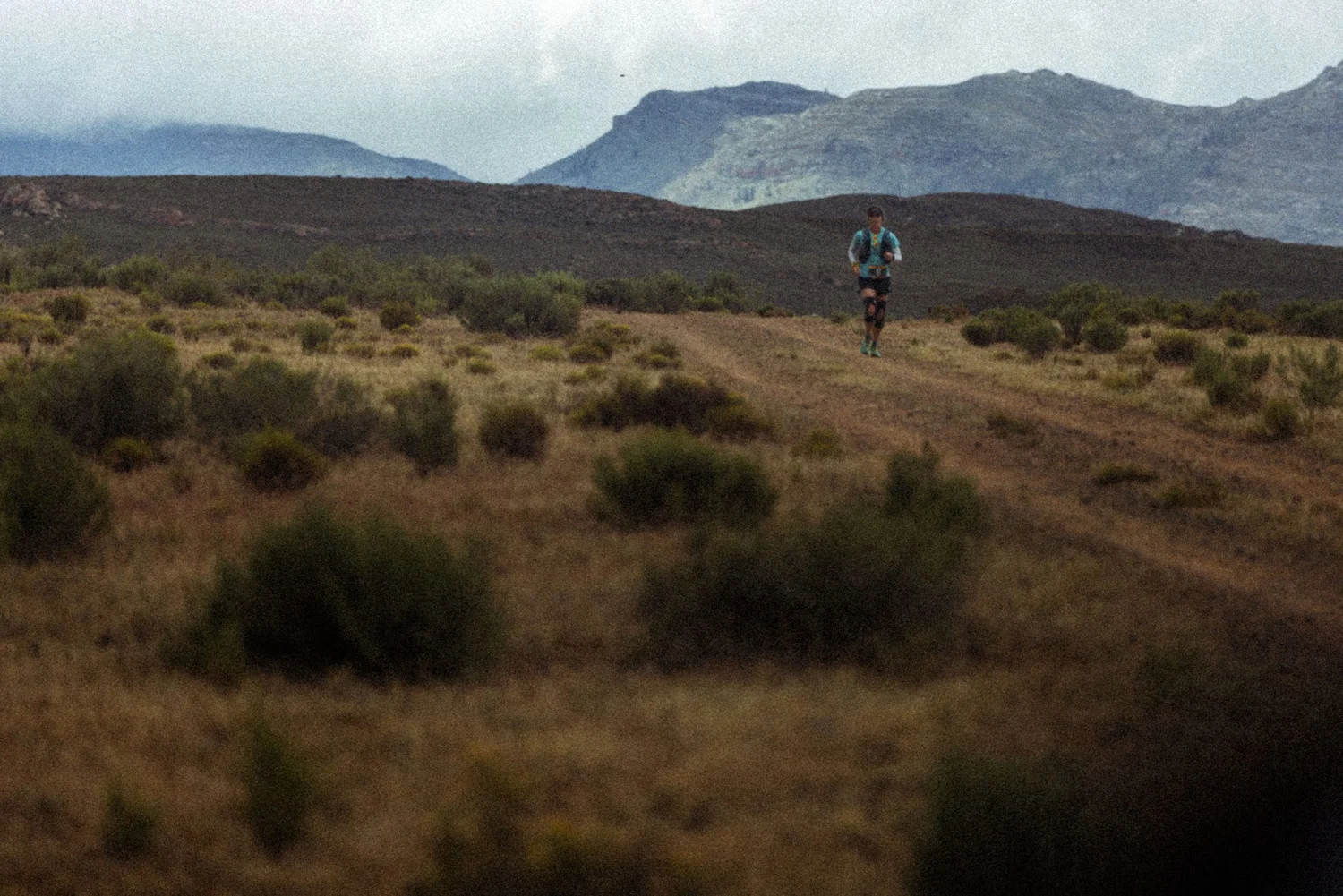
 RawUltra 2
Ultra 2
Sport · 1 of 2
 RawUltra 2
Ultra 2
Sport · 2 of 2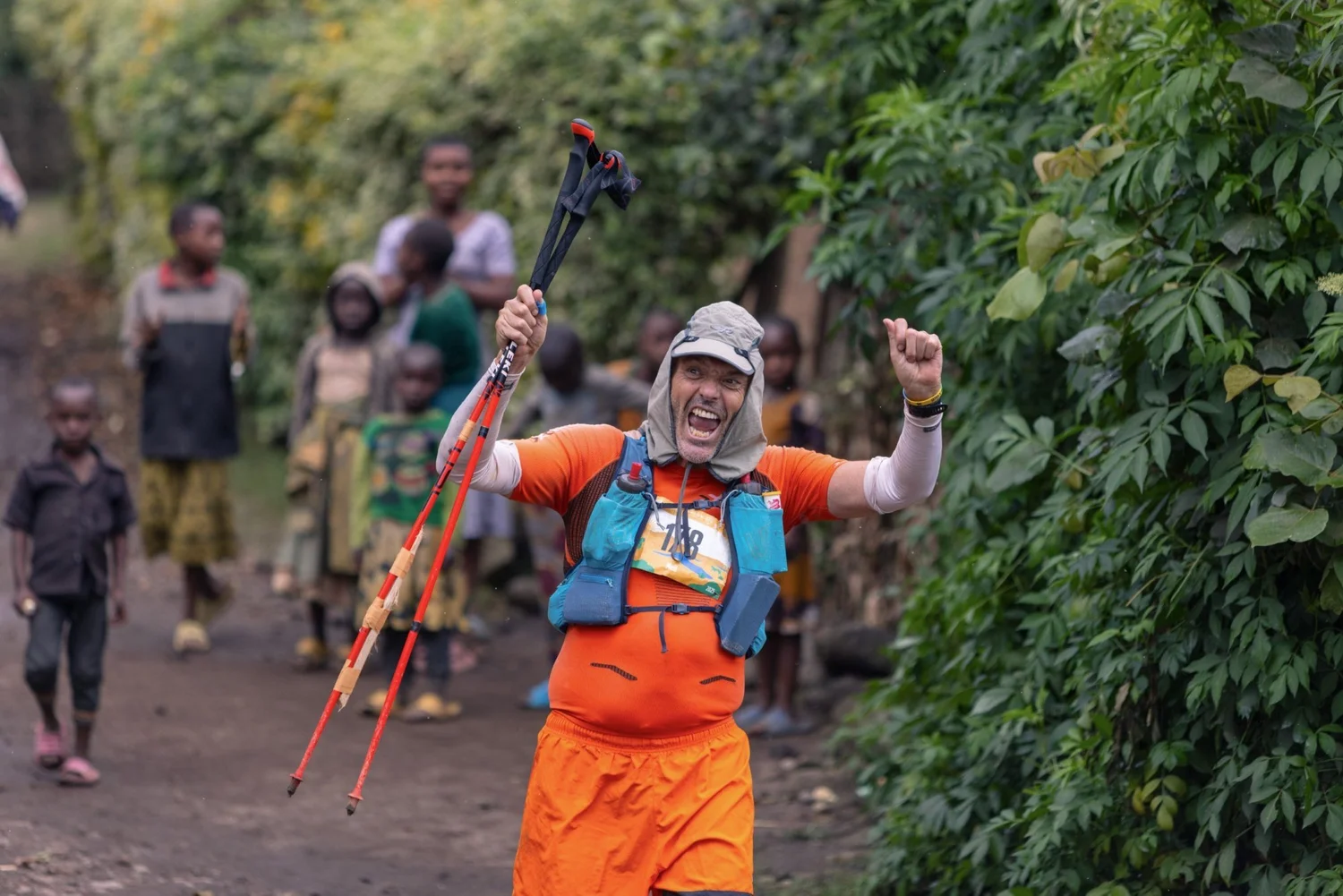
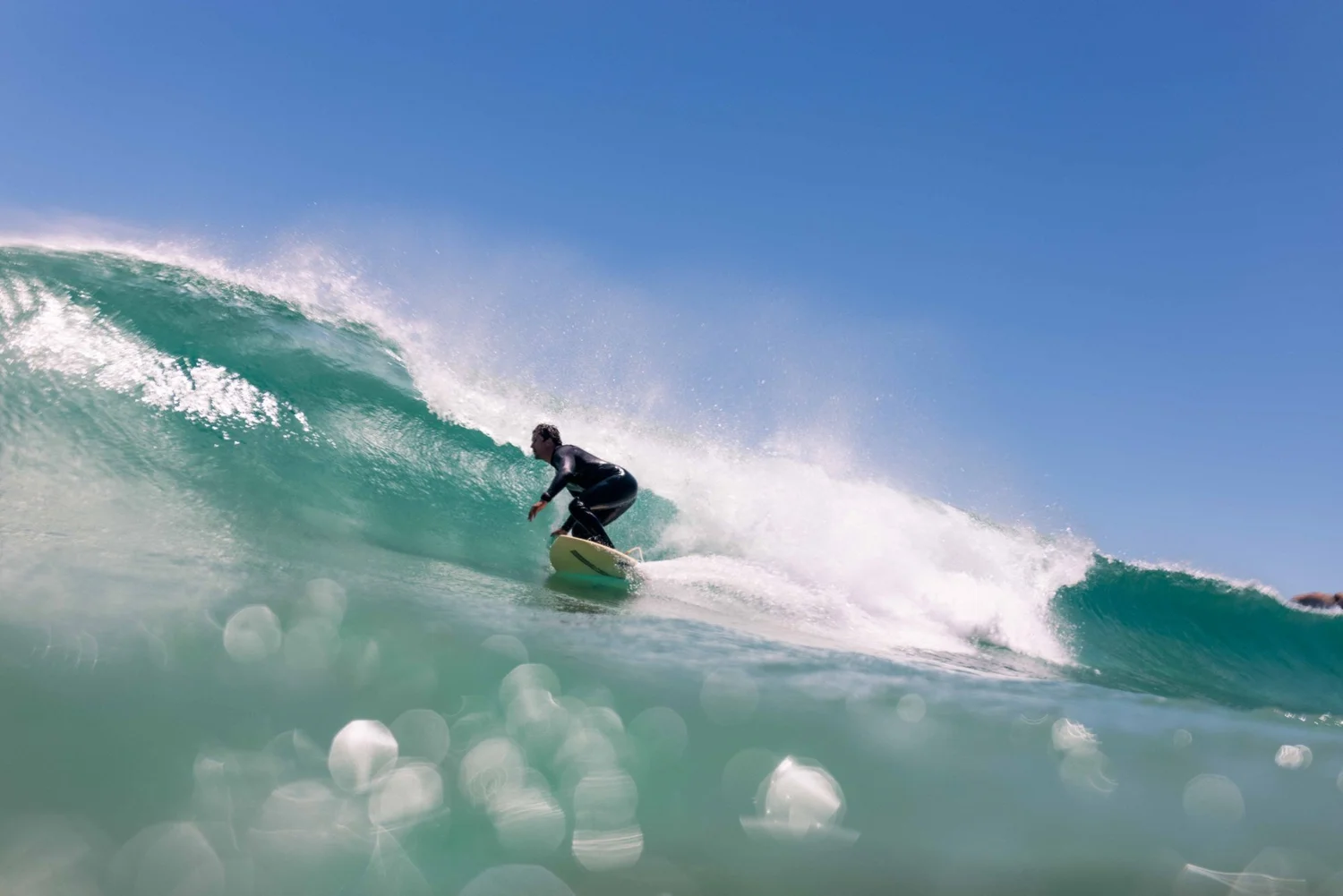
 RawInter
Inter
Sport · 1 of 2
 RawInter
Inter
Sport · 2 of 2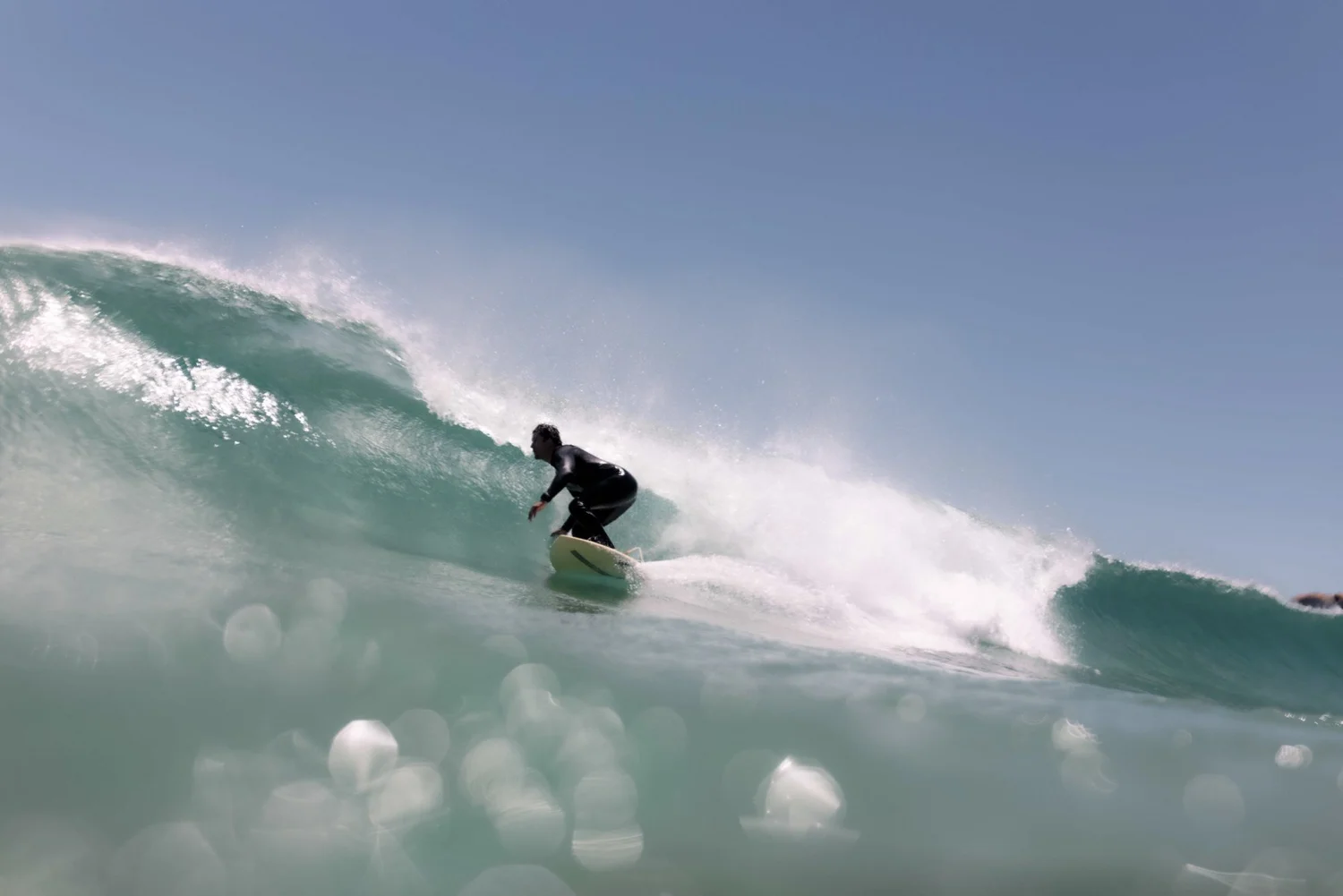
 RawLlandudno
Llandudno
Sport · 1 of 2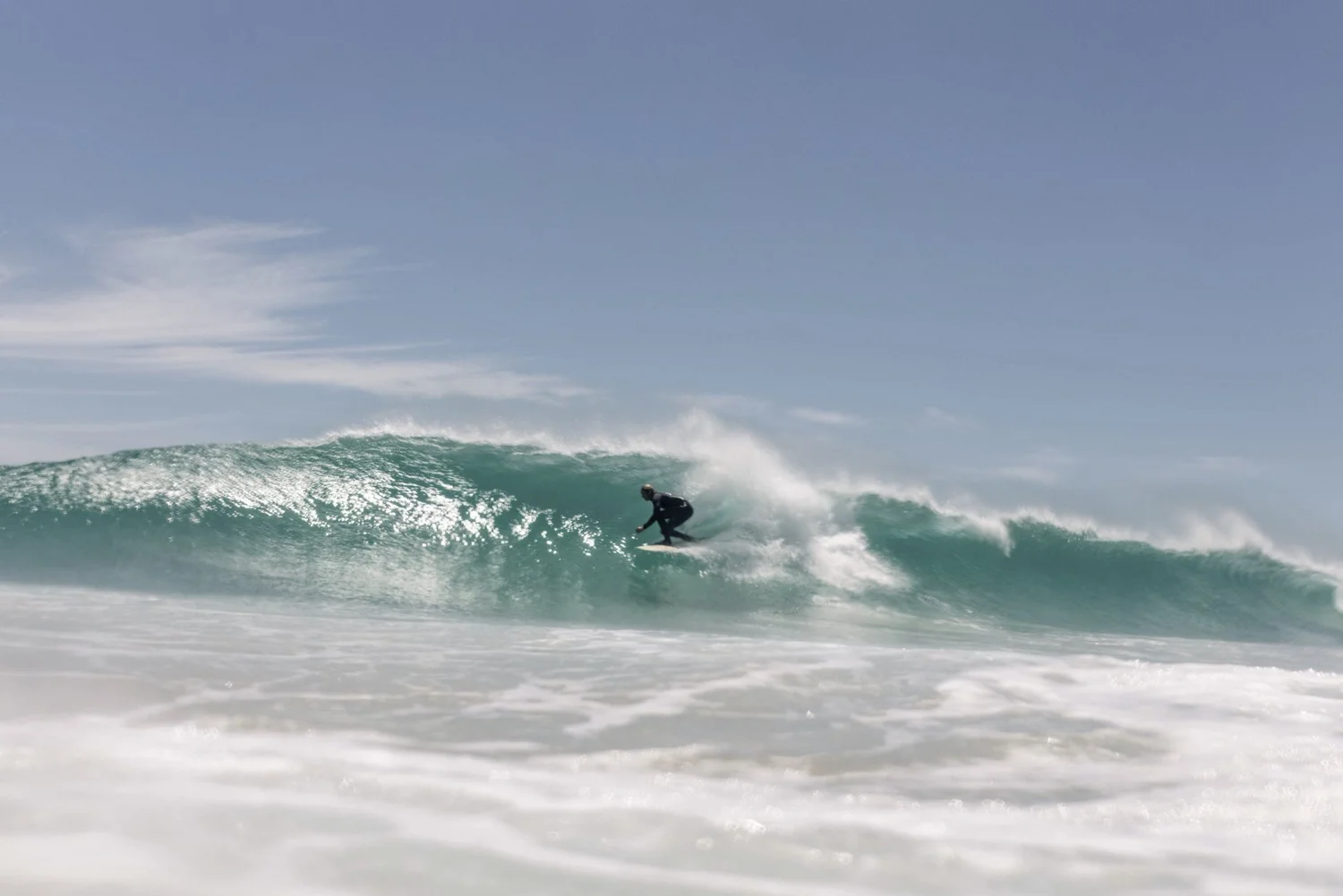
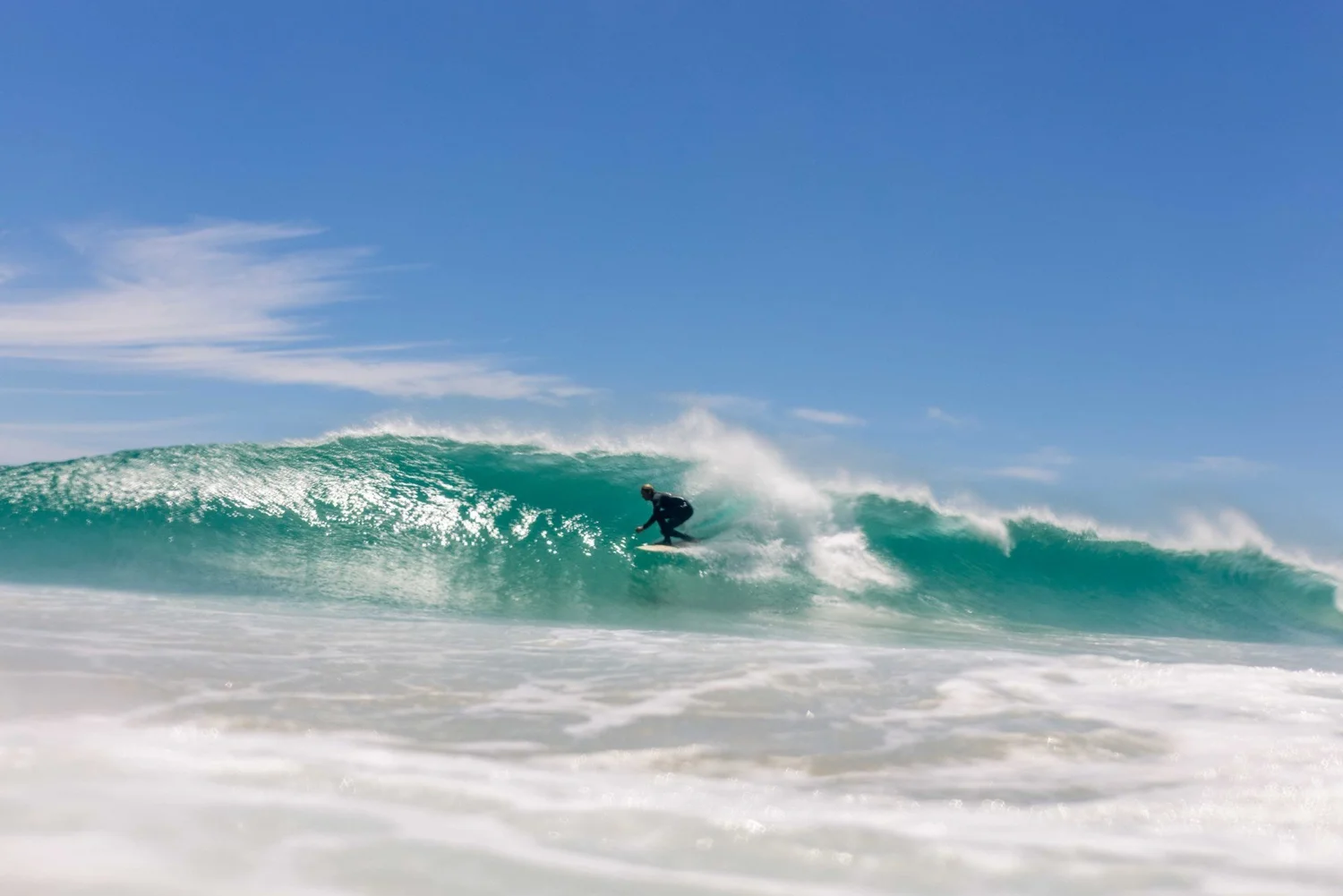 RawLlandudno
Llandudno
Sport · 2 of 2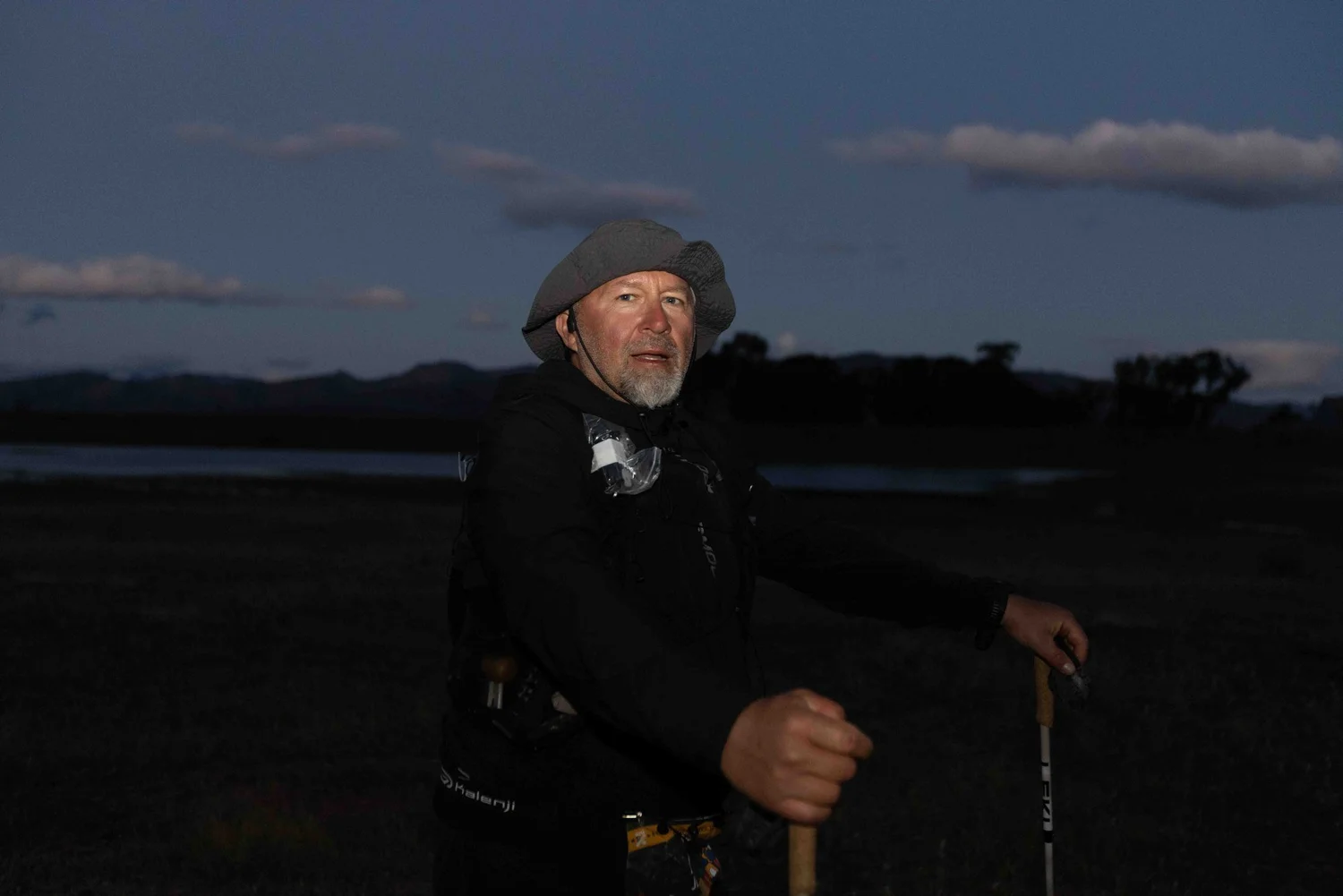
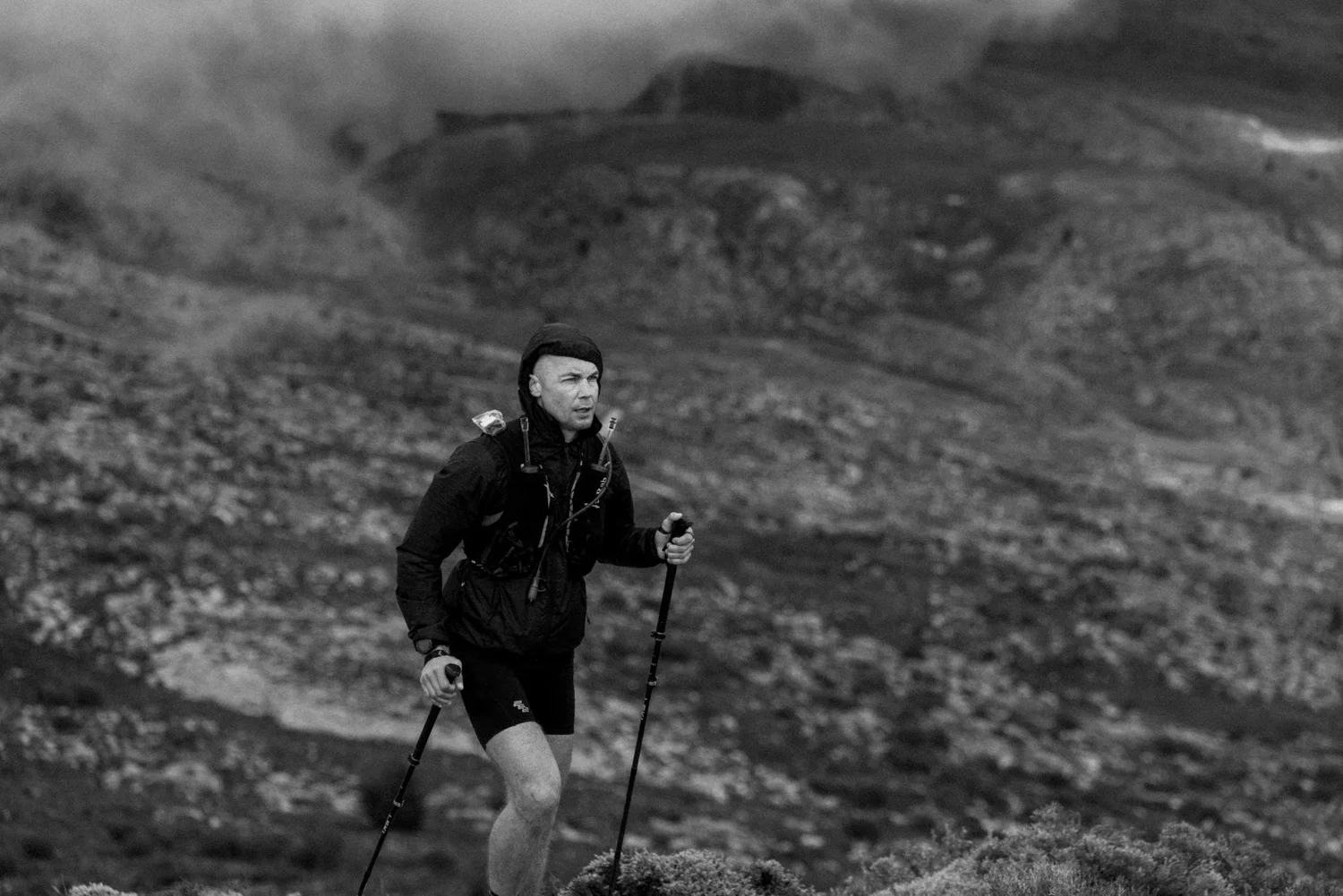
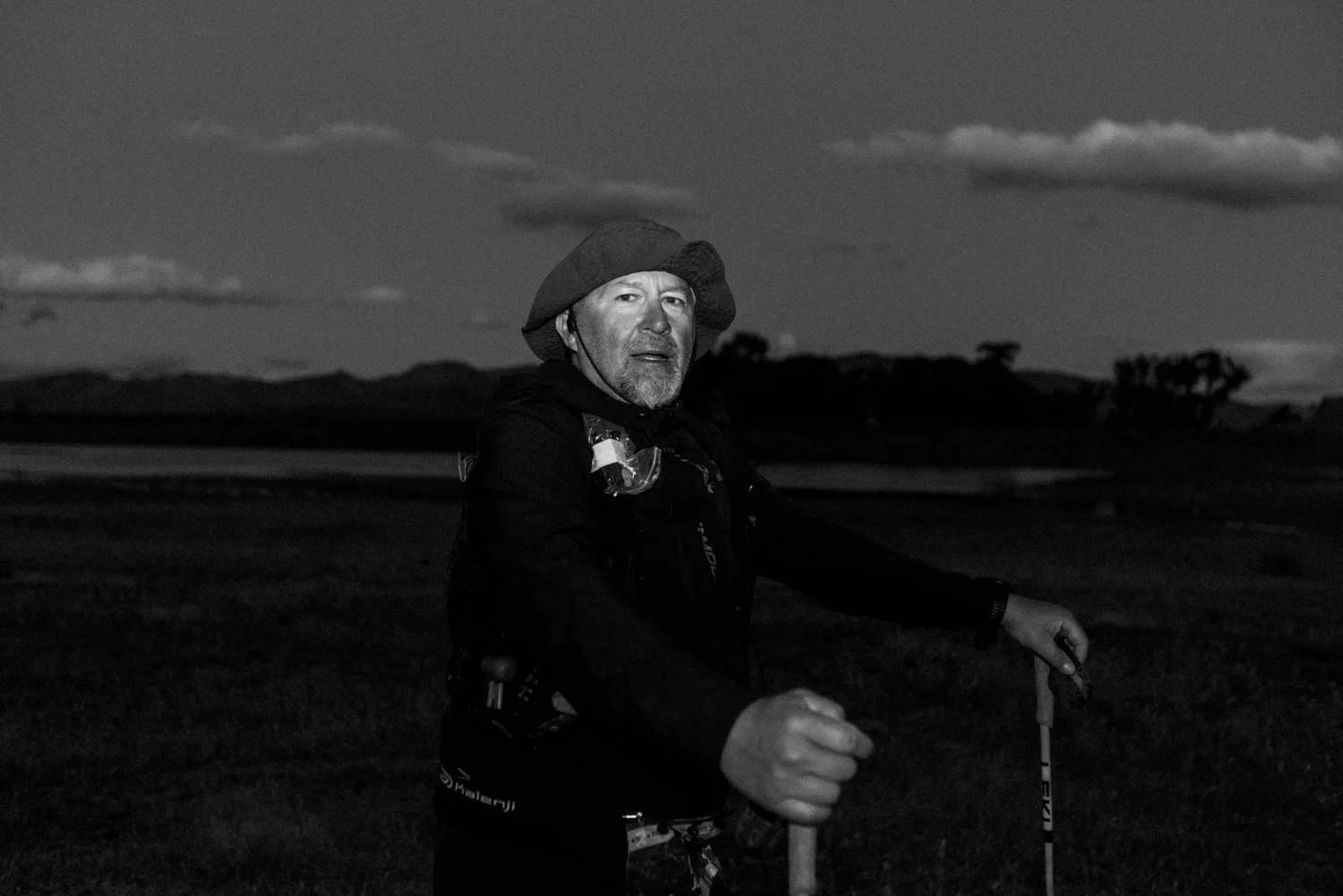 RawB&W 1
B&W 1
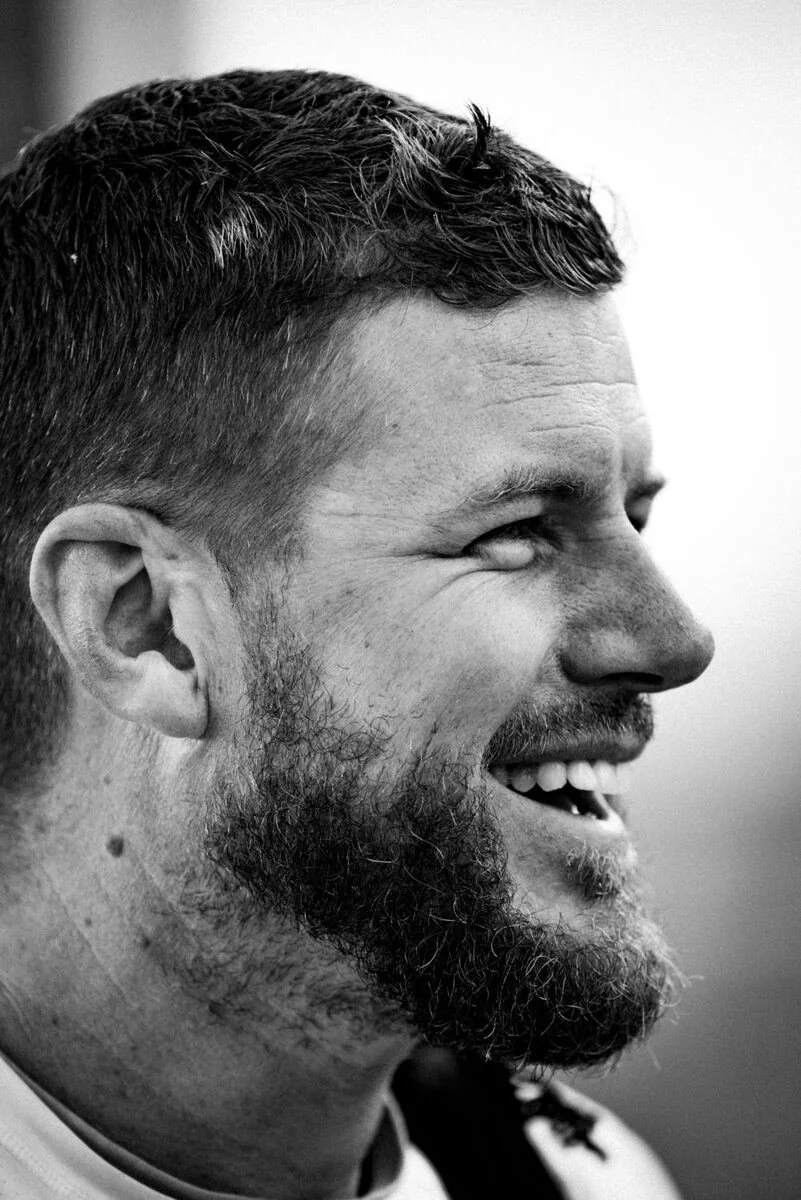
Art · 1 of 2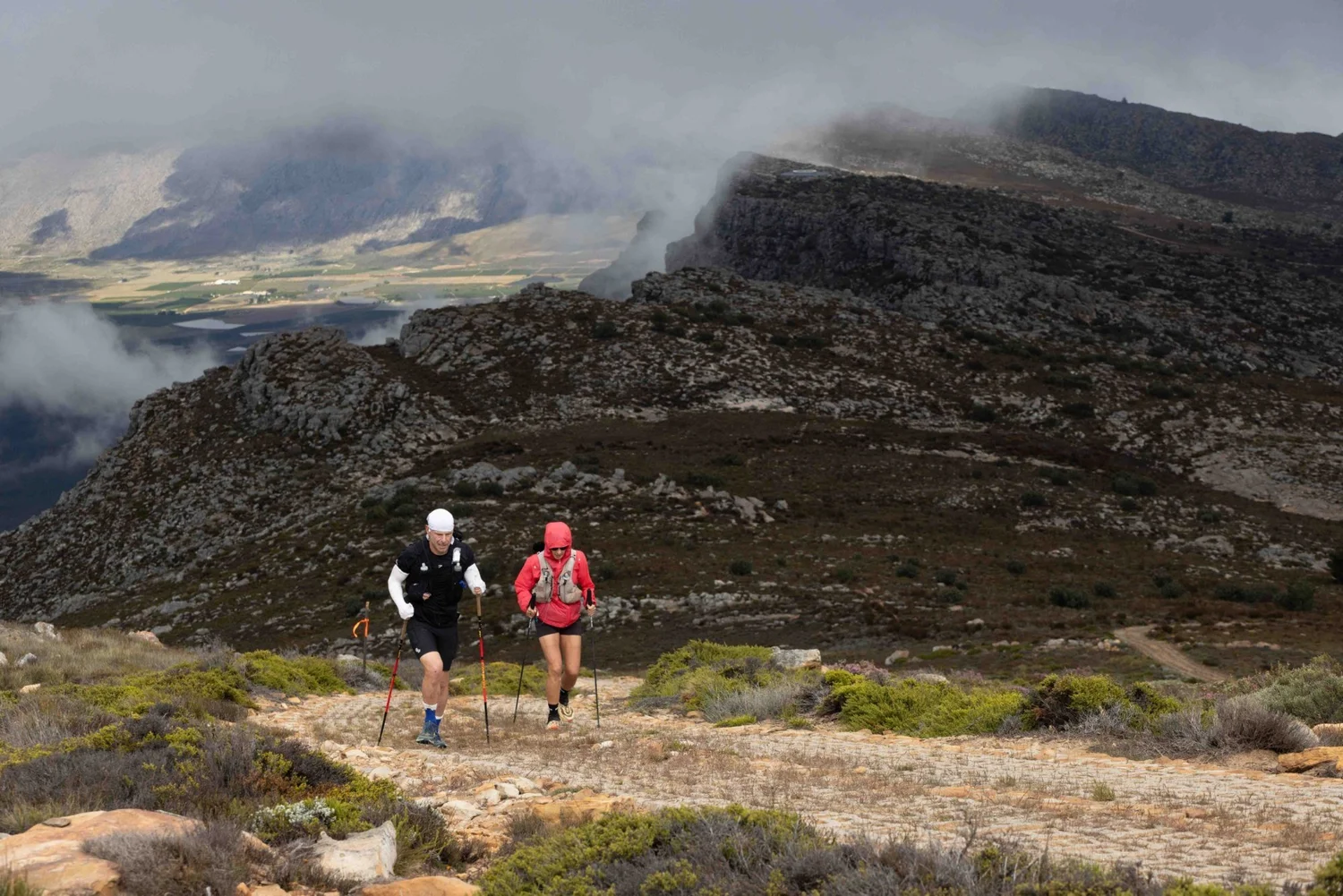
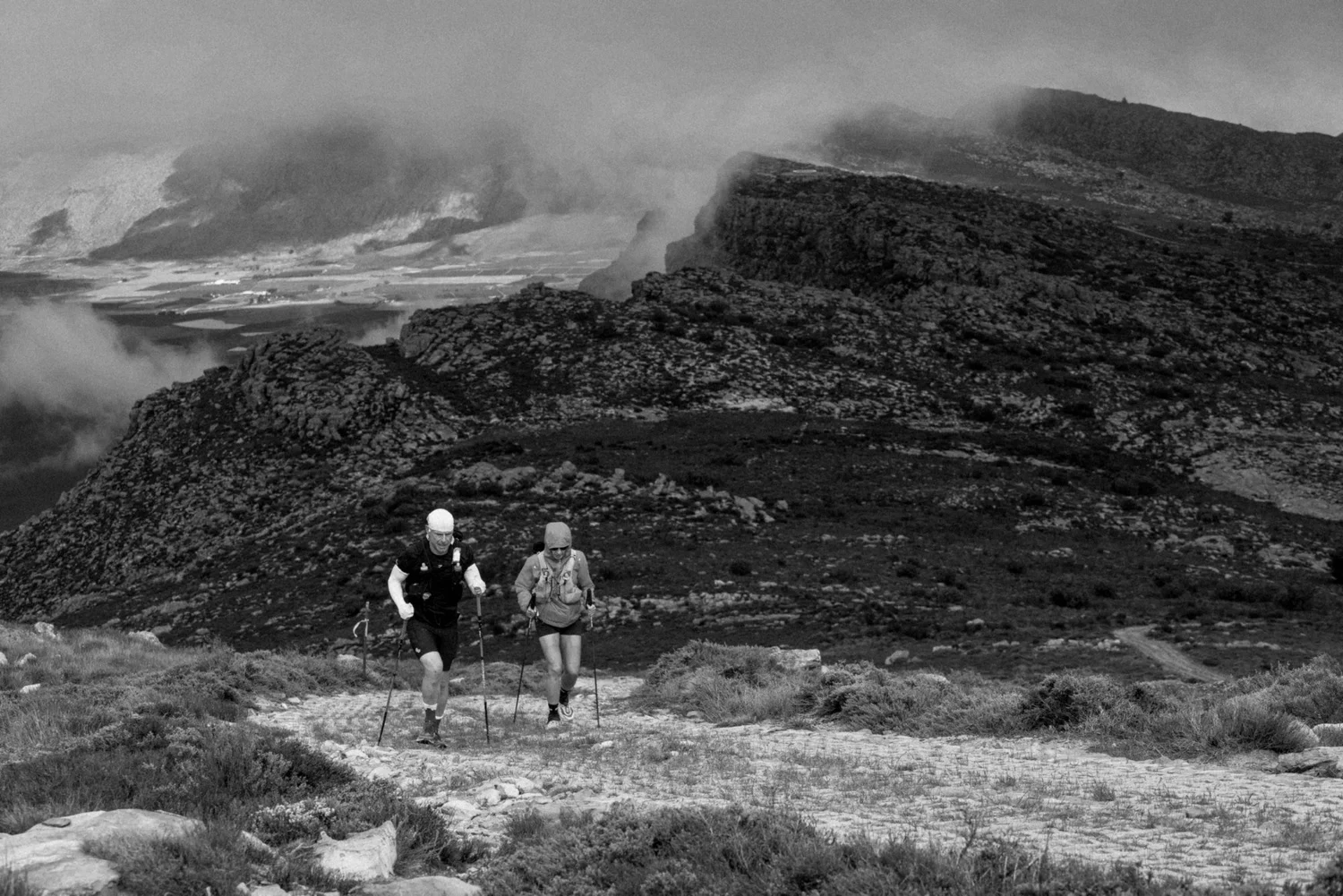 RawB&W 1
B&W 1
Art · 2 of 2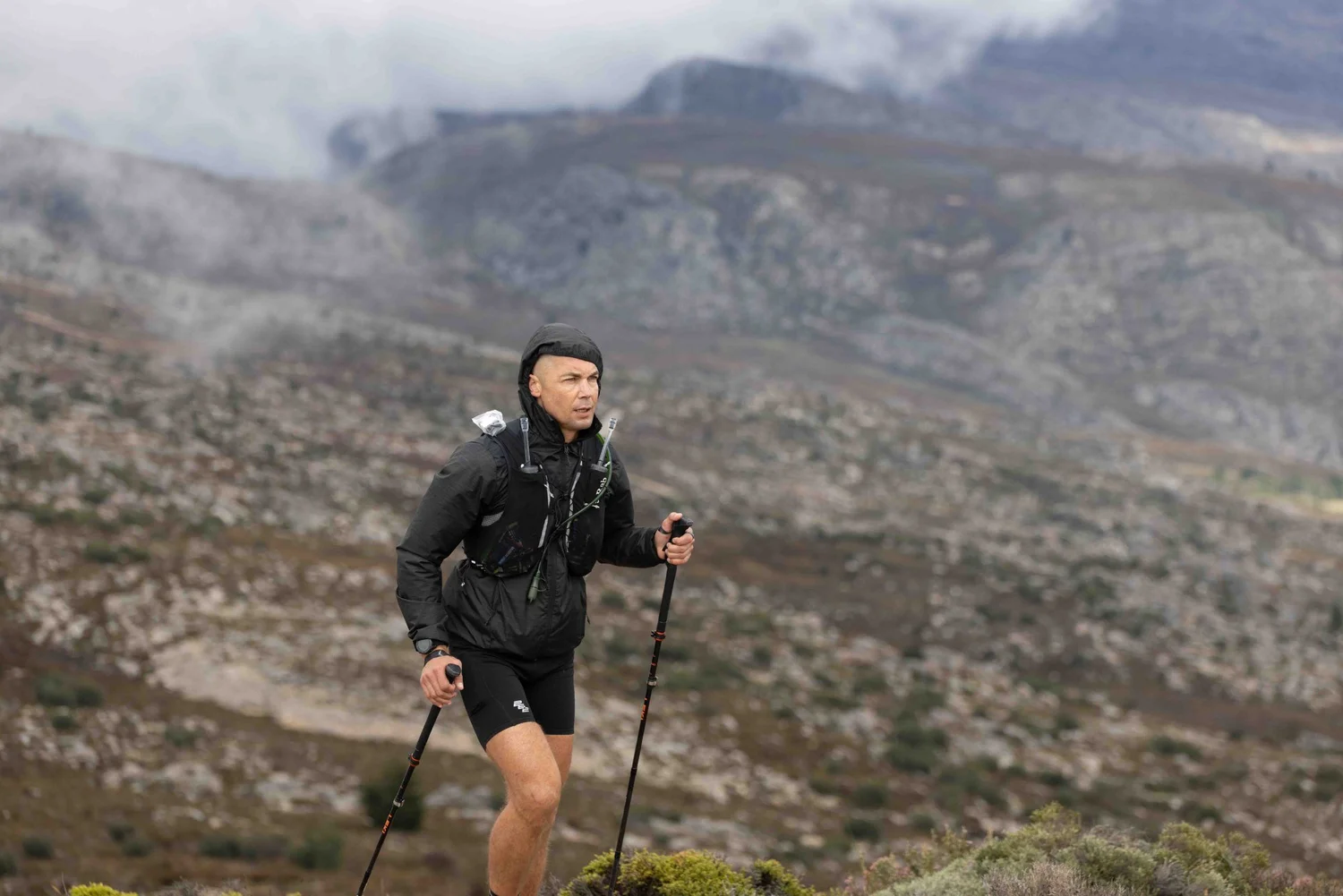
 RawB&W Art
B&W Art
Art · 1 of 2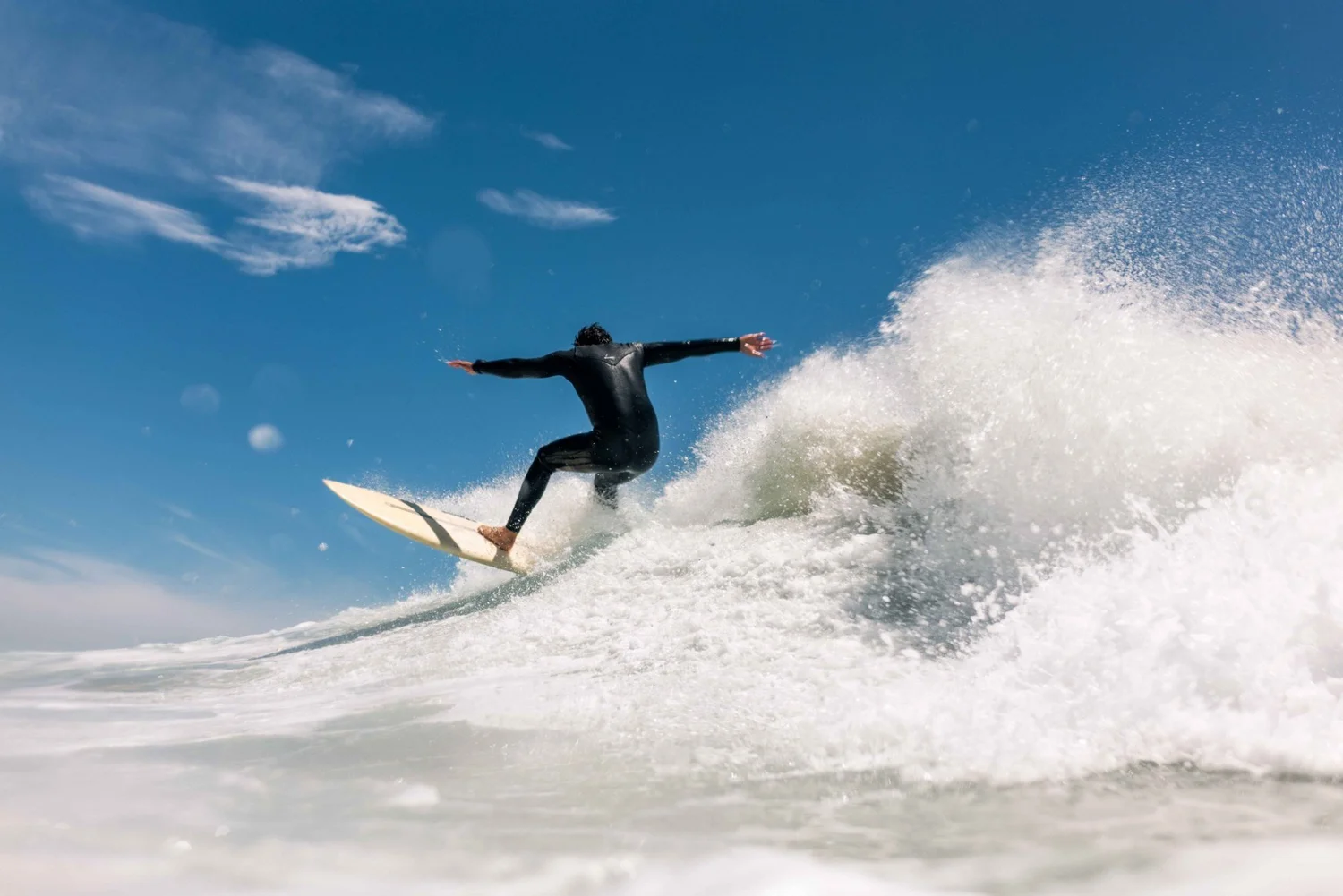
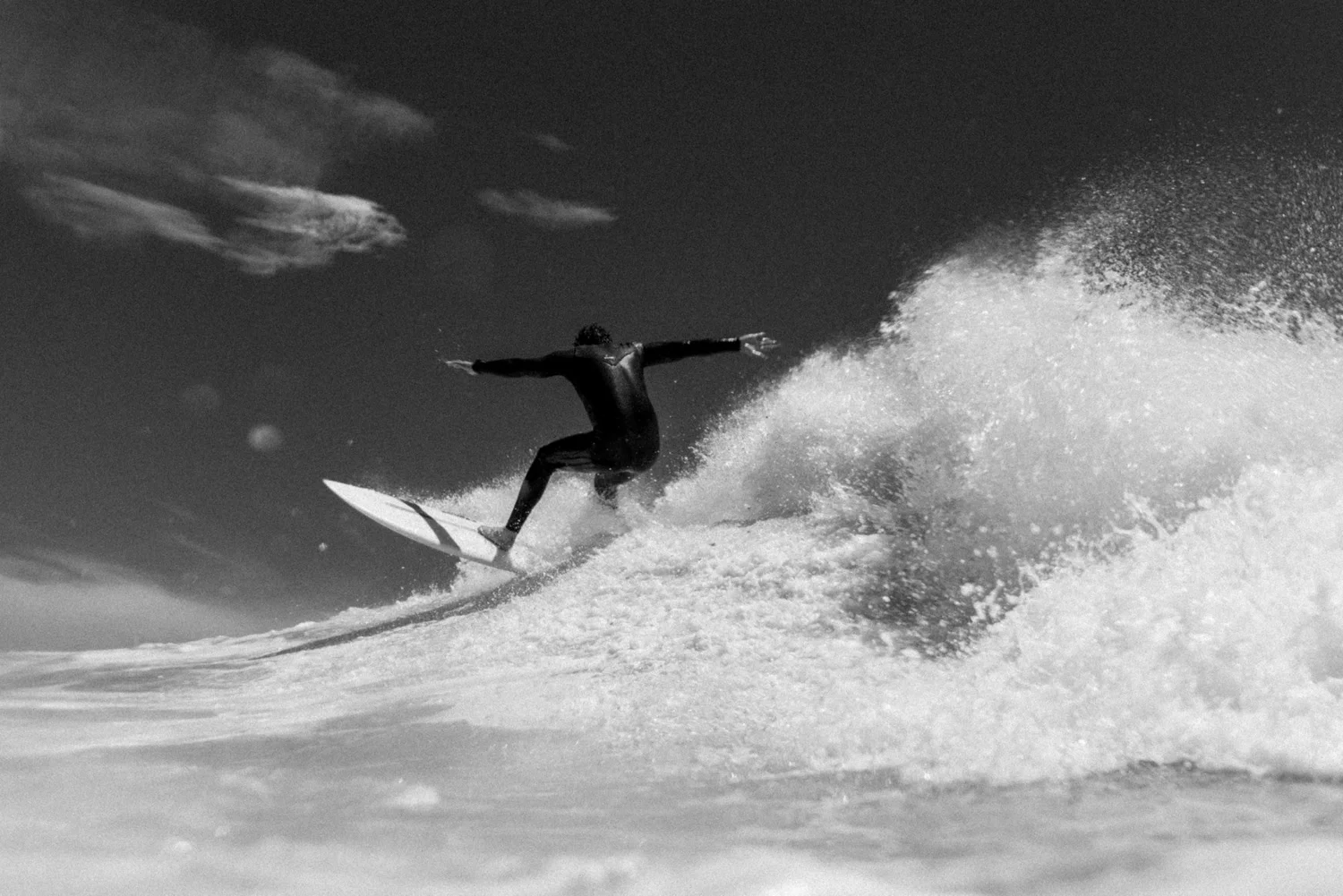 RawB&W Art
B&W Art
Art · 2 of 2
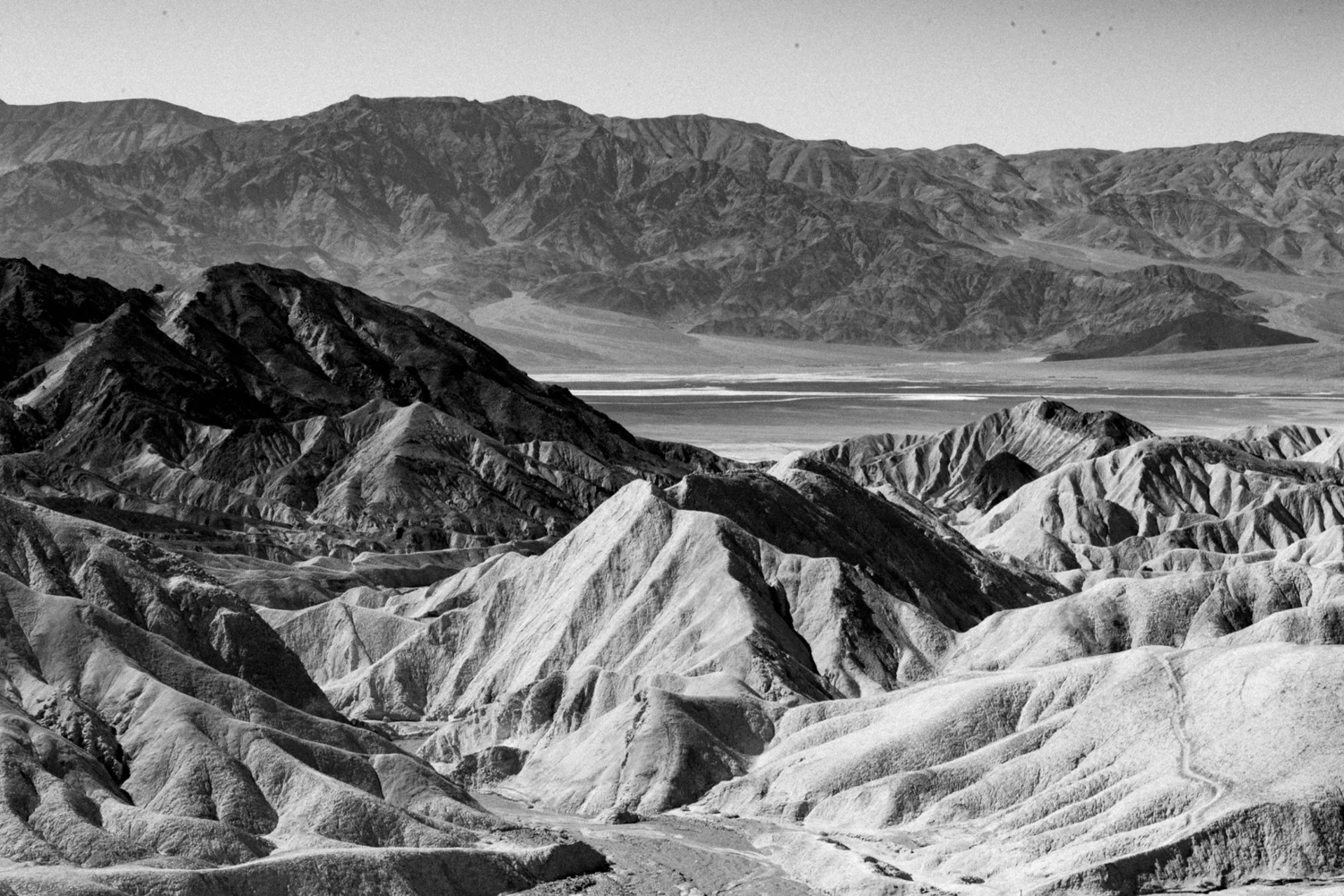
 RawB&W Art 2
B&W Art 2
Art · 1 of 2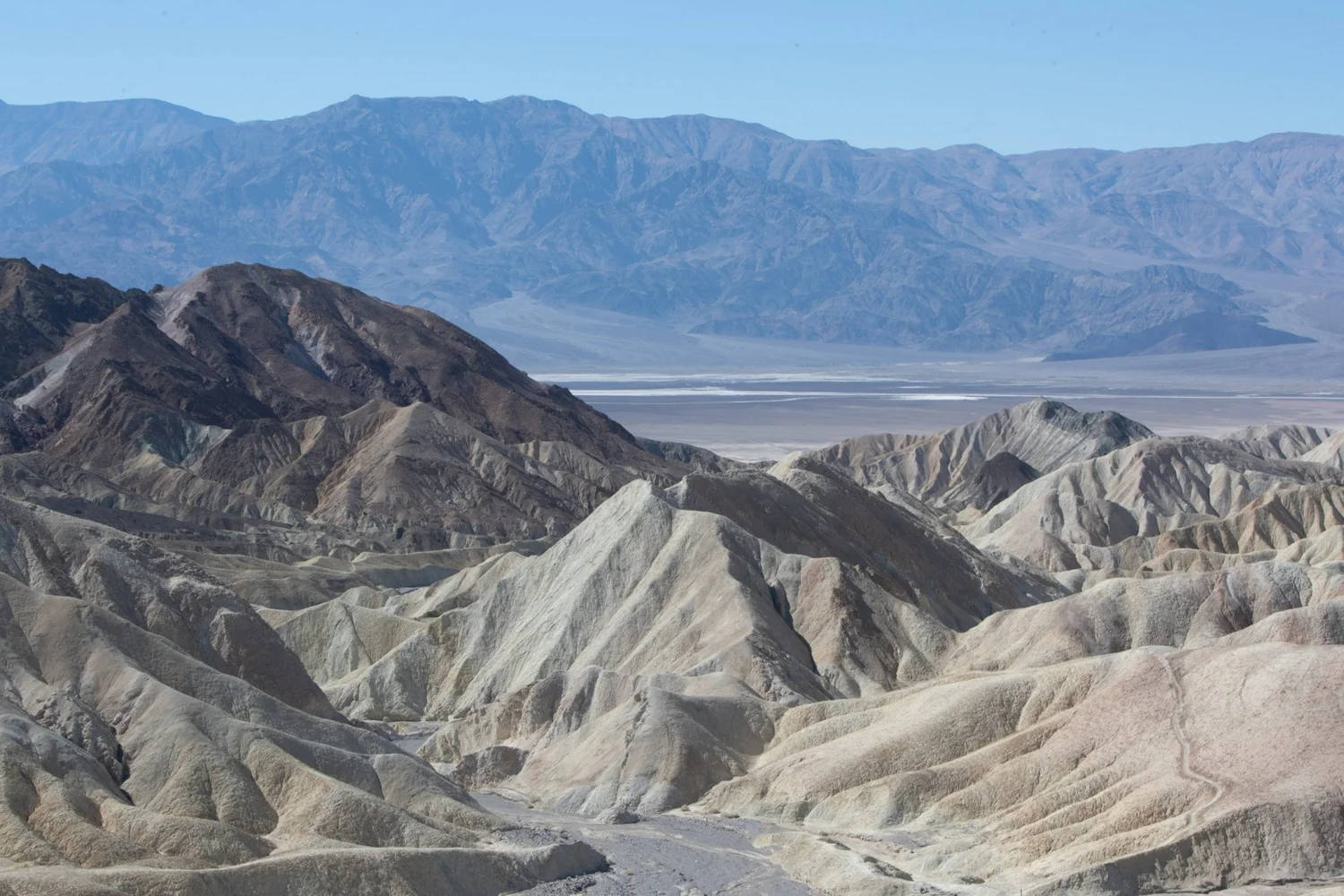
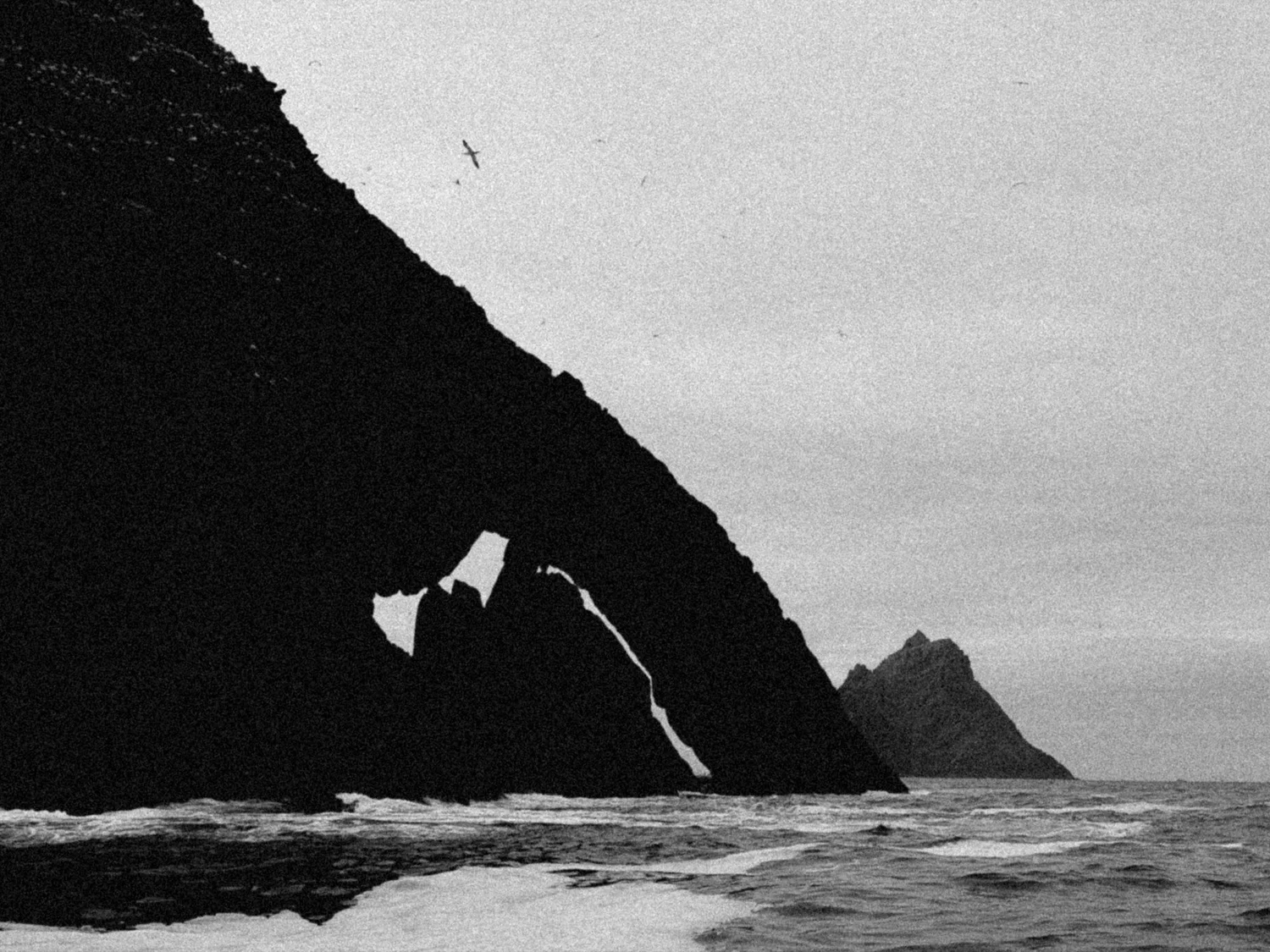
 RawB&W Art 2
B&W Art 2
Art · 2 of 2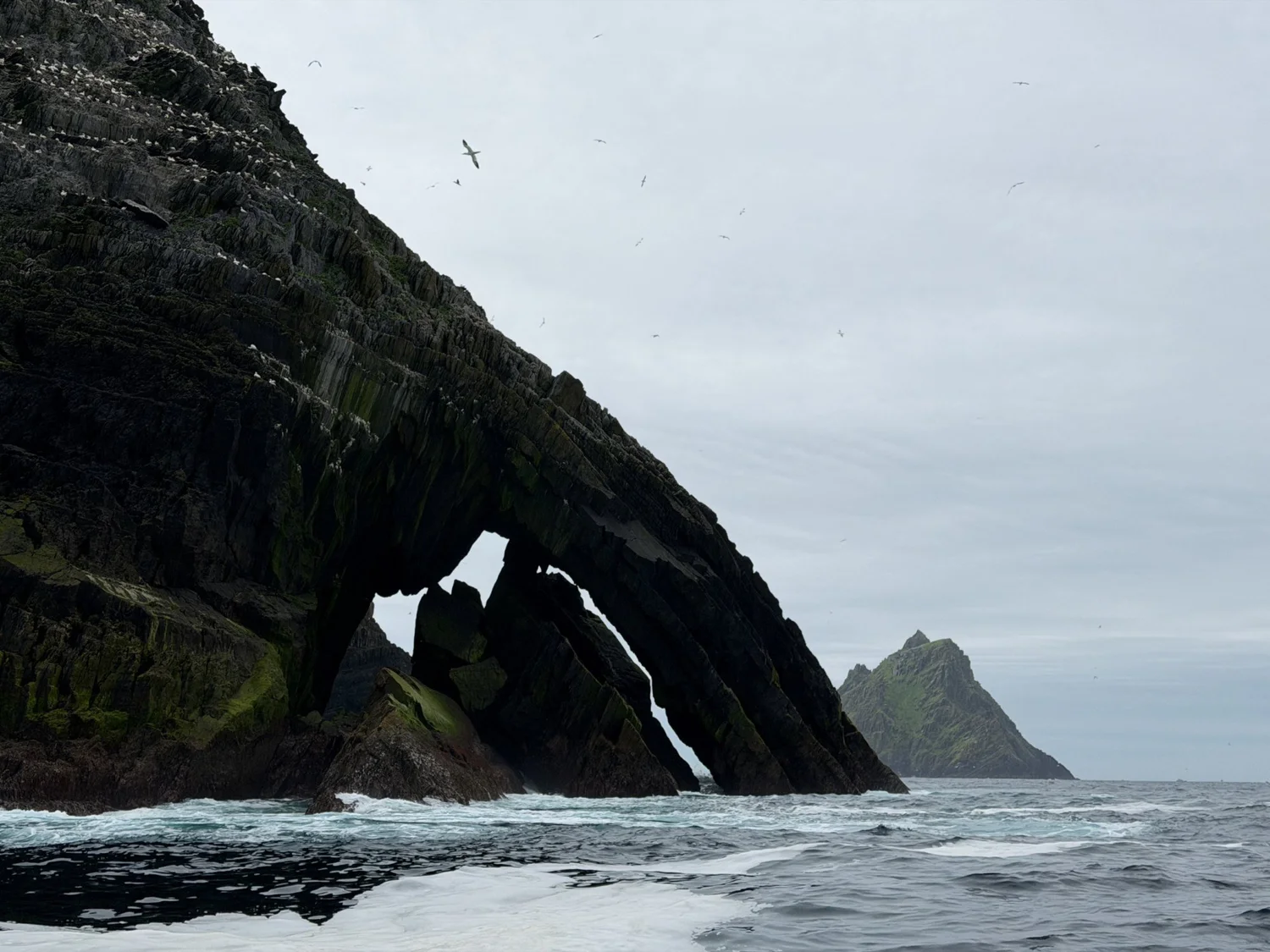
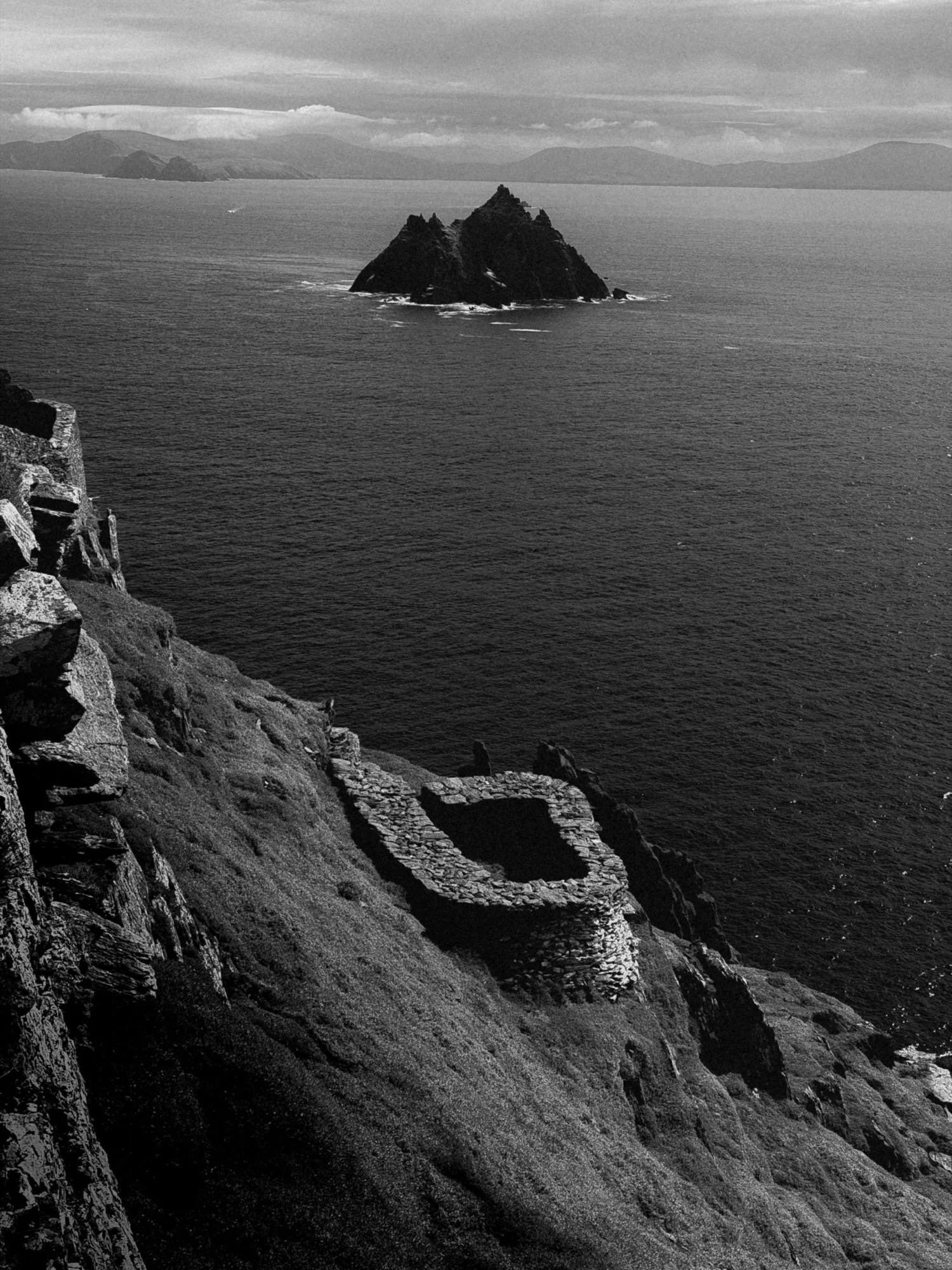
 RawB&W Kerry
B&W Kerry
Art · 1 of 2
 RawB&W Kerry
B&W Kerry
Art · 2 of 2
 RawB&W Heavy
B&W Heavy
Art · 1 of 2
 RawB&W Heavy
B&W Heavy
Art · 2 of 2
 RawB&W Heavy 2
B&W Heavy 2
Art · 1 of 2
 RawB&W Heavy 2
B&W Heavy 2
Art · 2 of 2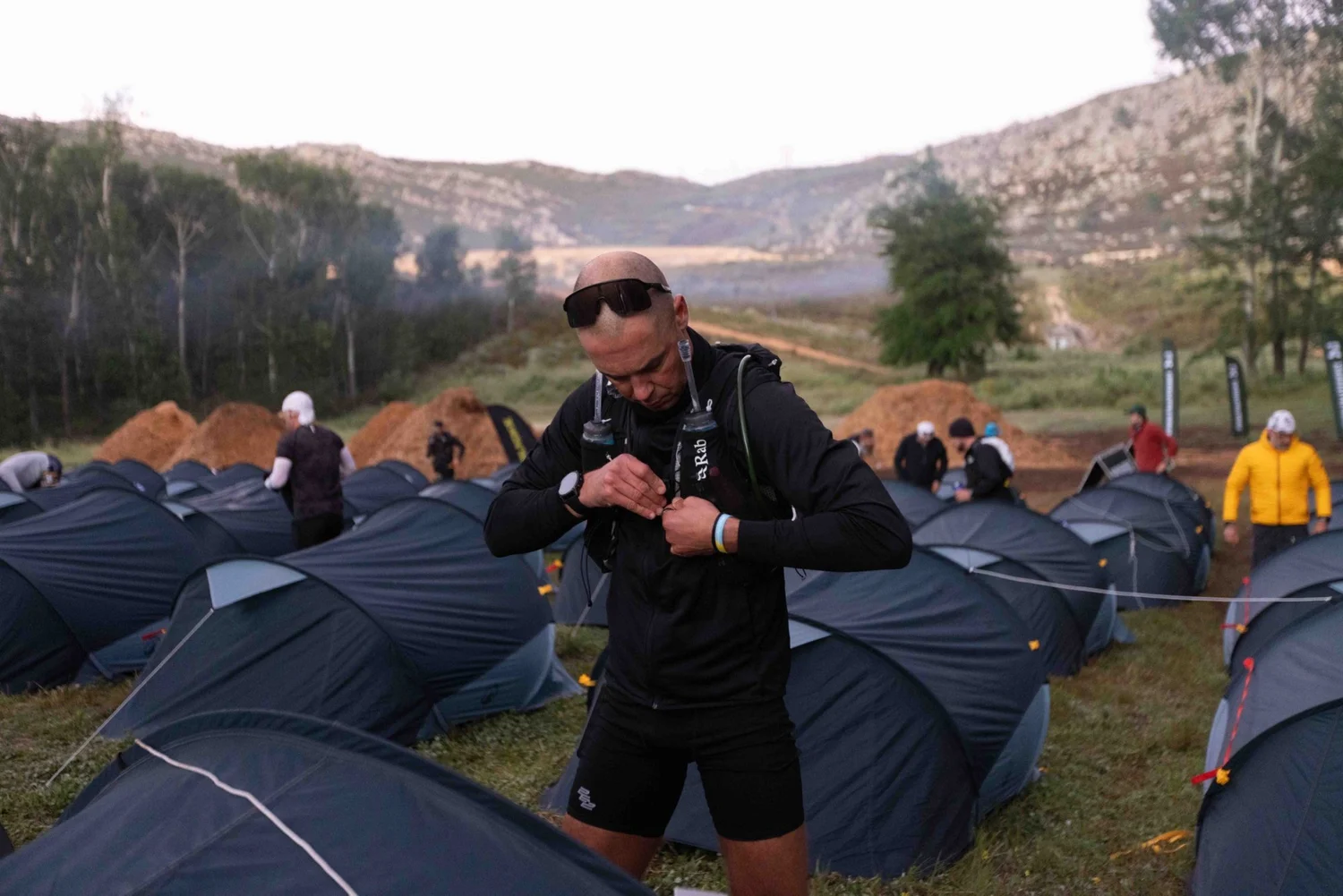
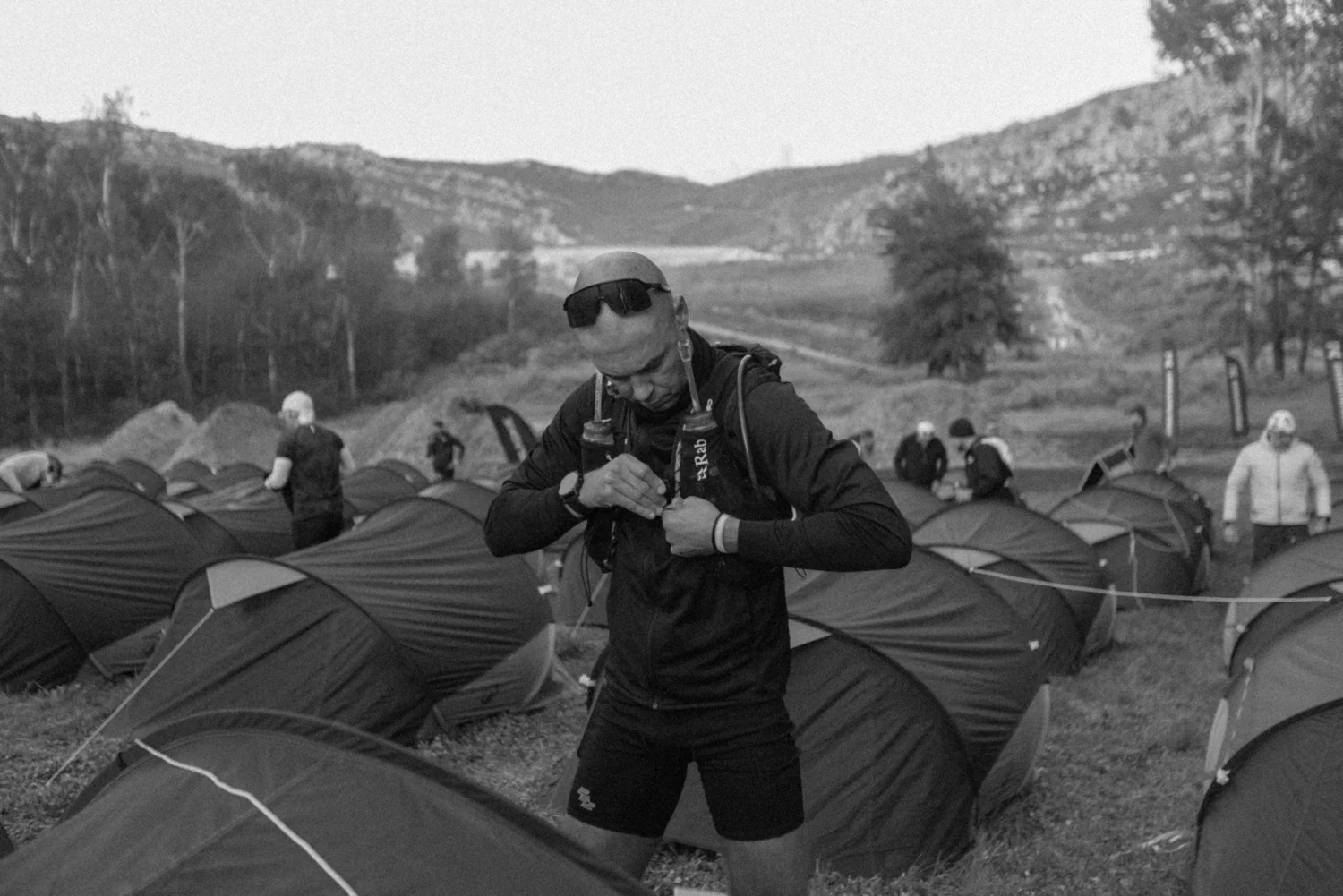 RawB&W Chill
B&W Chill
Art · 1 of 2
 RawB&W Chill
B&W Chill
Art · 2 of 2
 RawB&W Equator
B&W Equator
Art · 1 of 2
 RawB&W Equator
B&W Equator
Art · 2 of 2
 RawAquaduct
Aquaduct
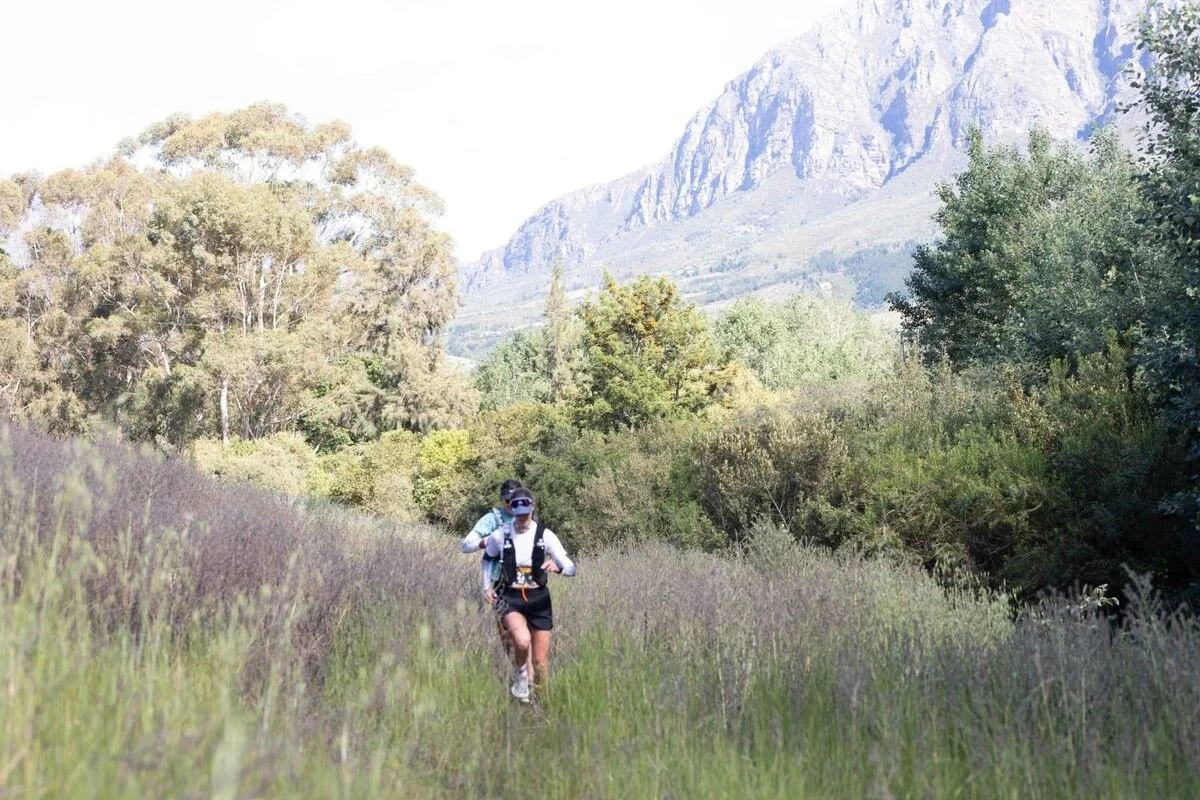
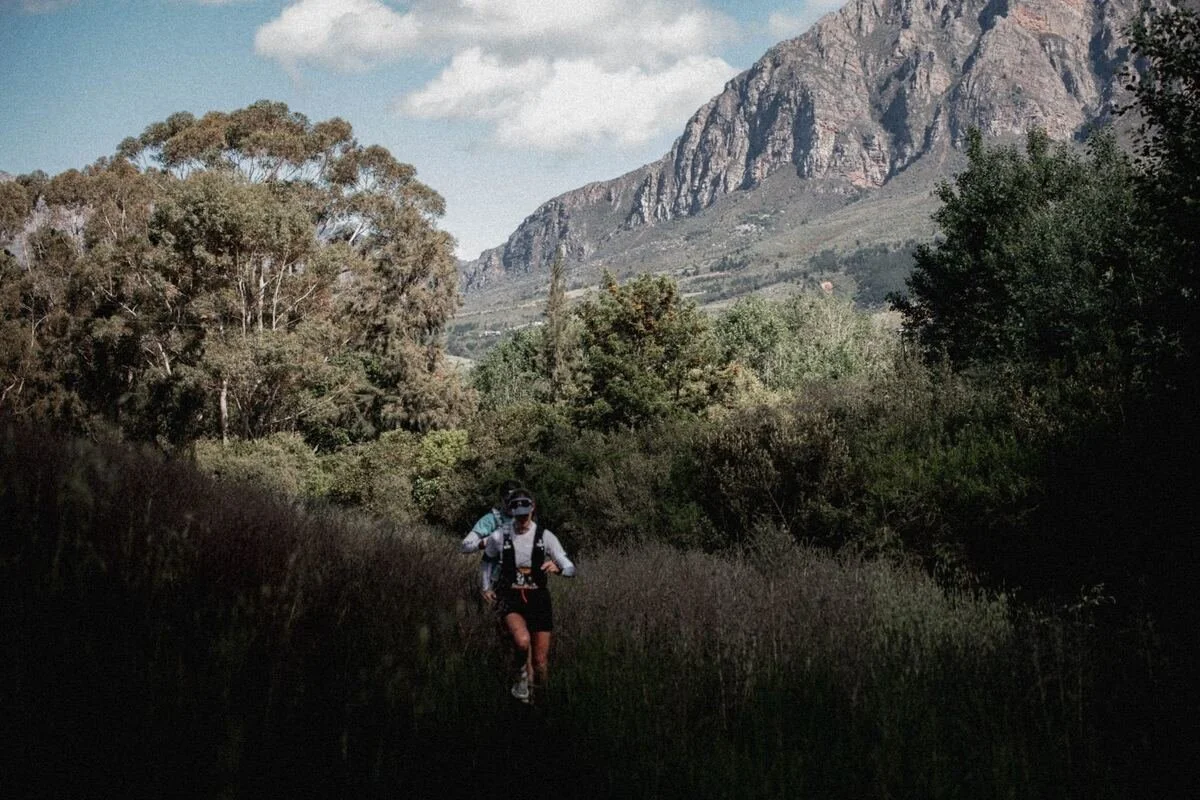
Travel · 1 of 2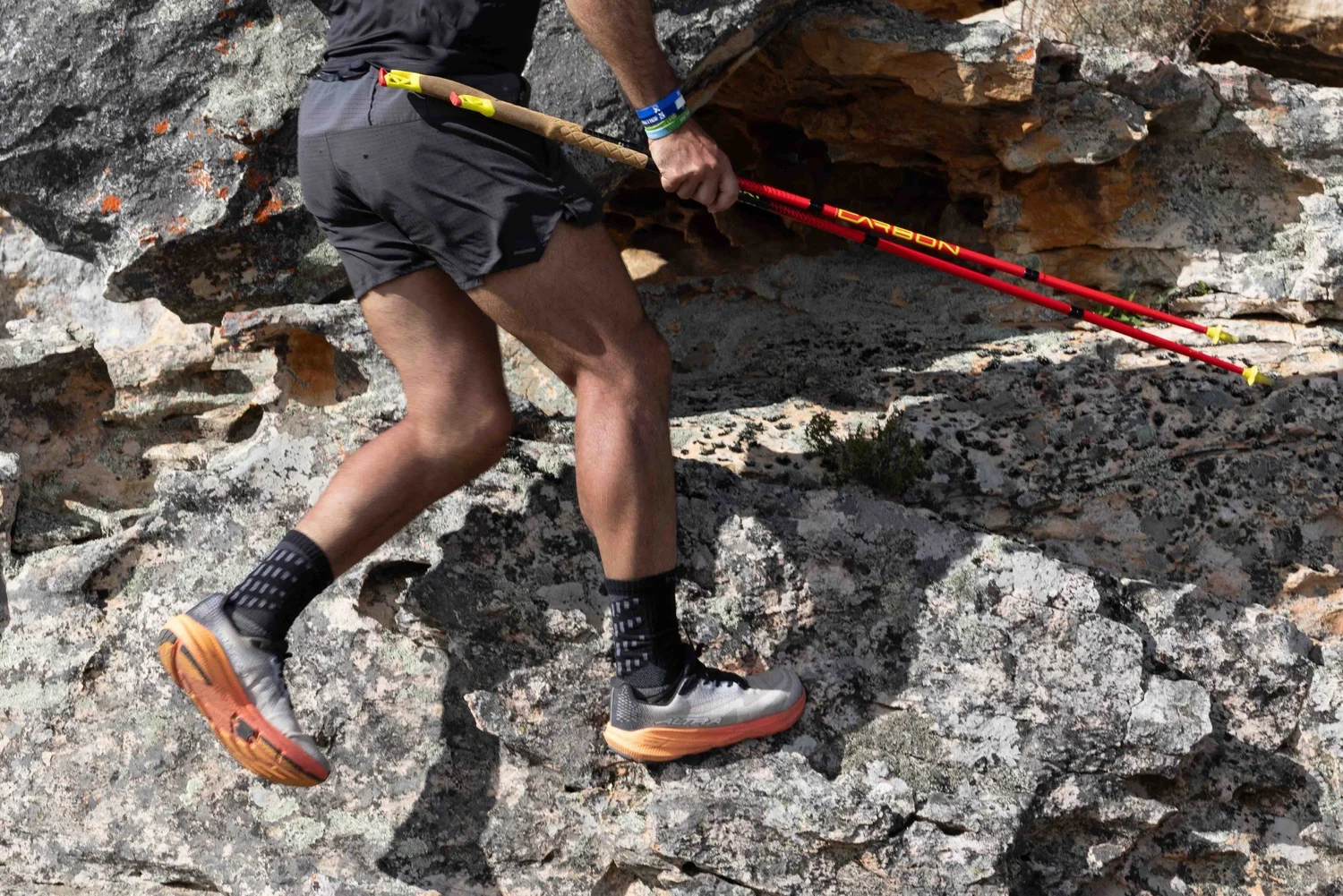
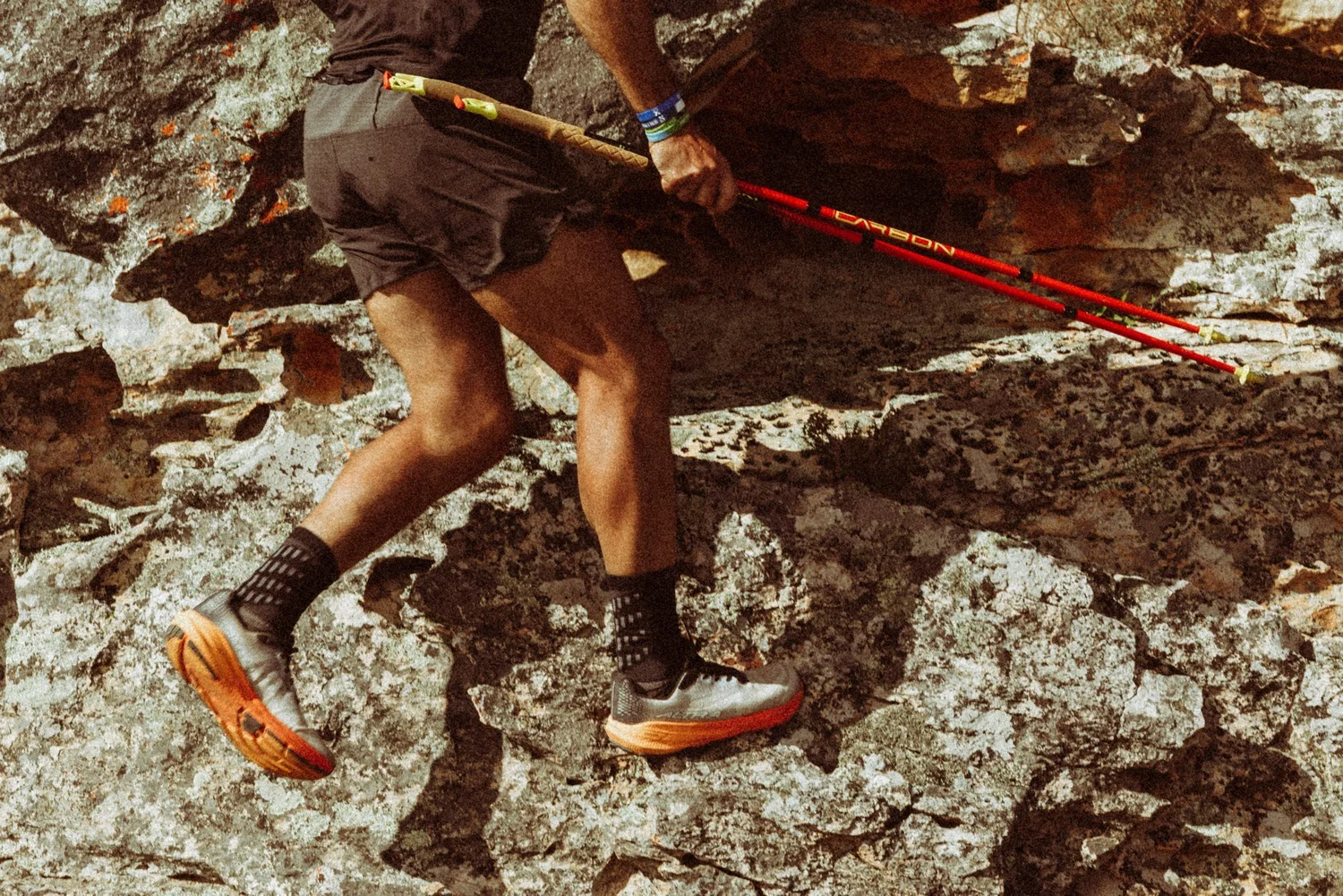 RawAquaduct
Aquaduct
Travel · 2 of 2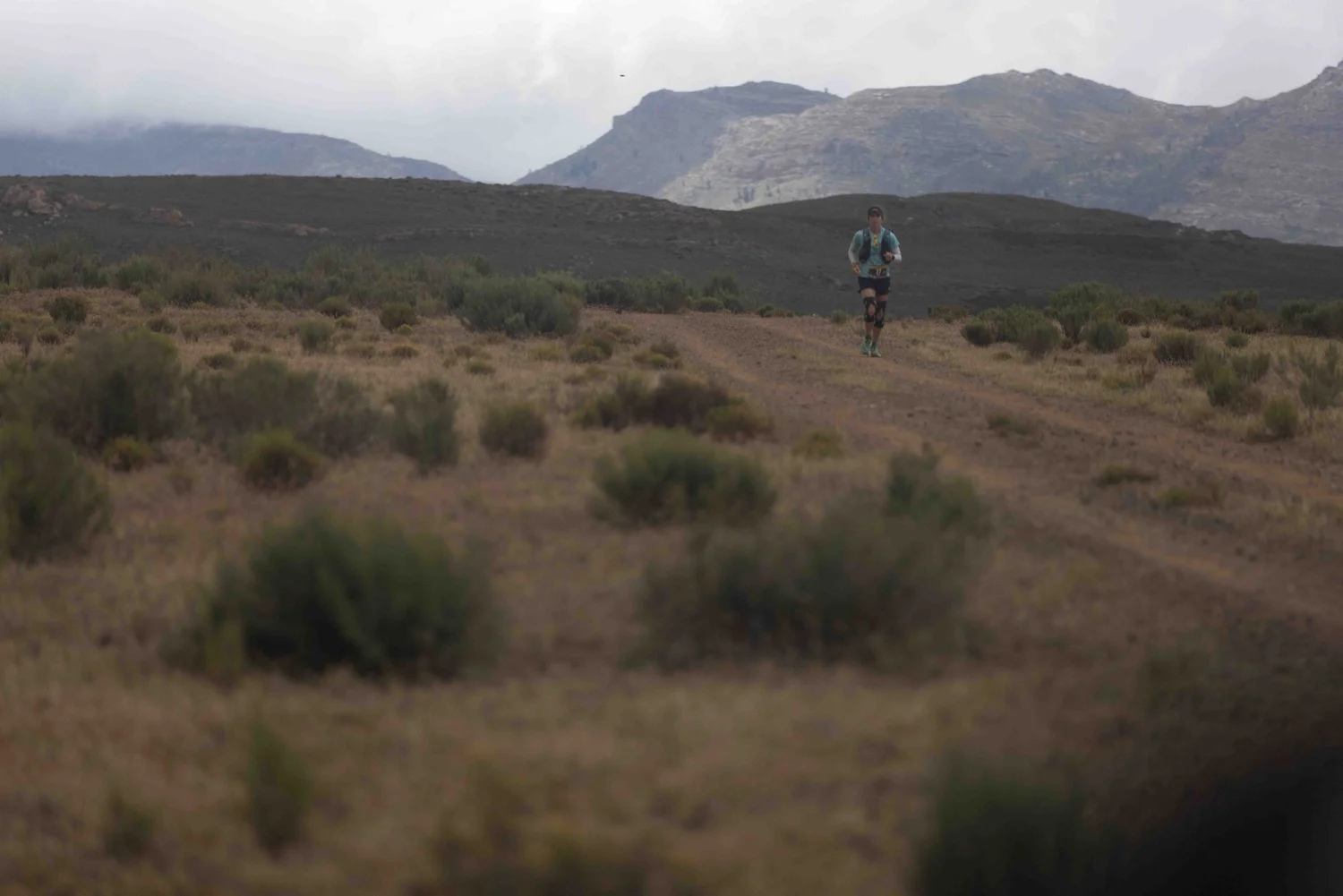
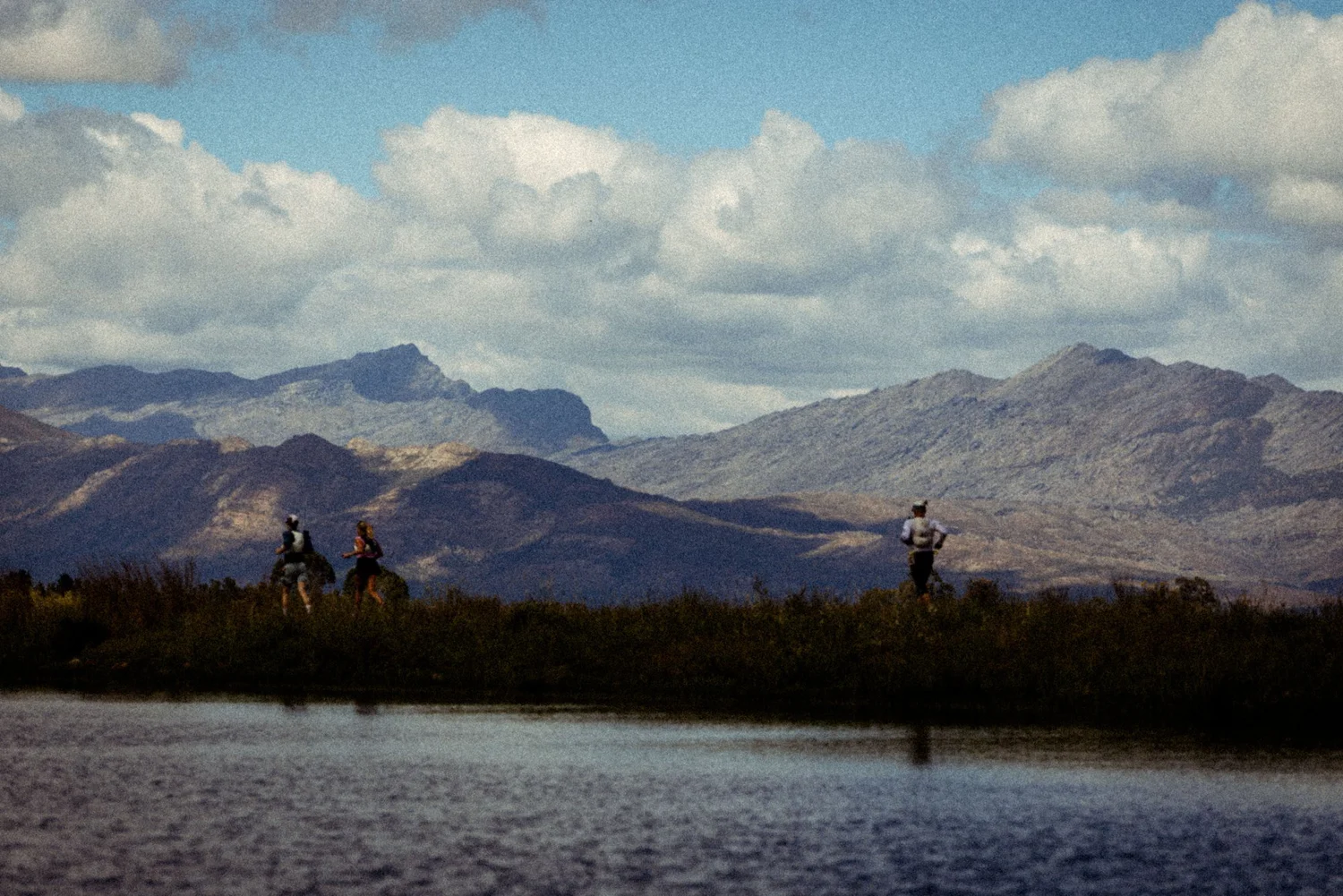
 RawFilmy
Filmy
Travel · 1 of 2
 RawFilmy
Filmy
Travel · 2 of 2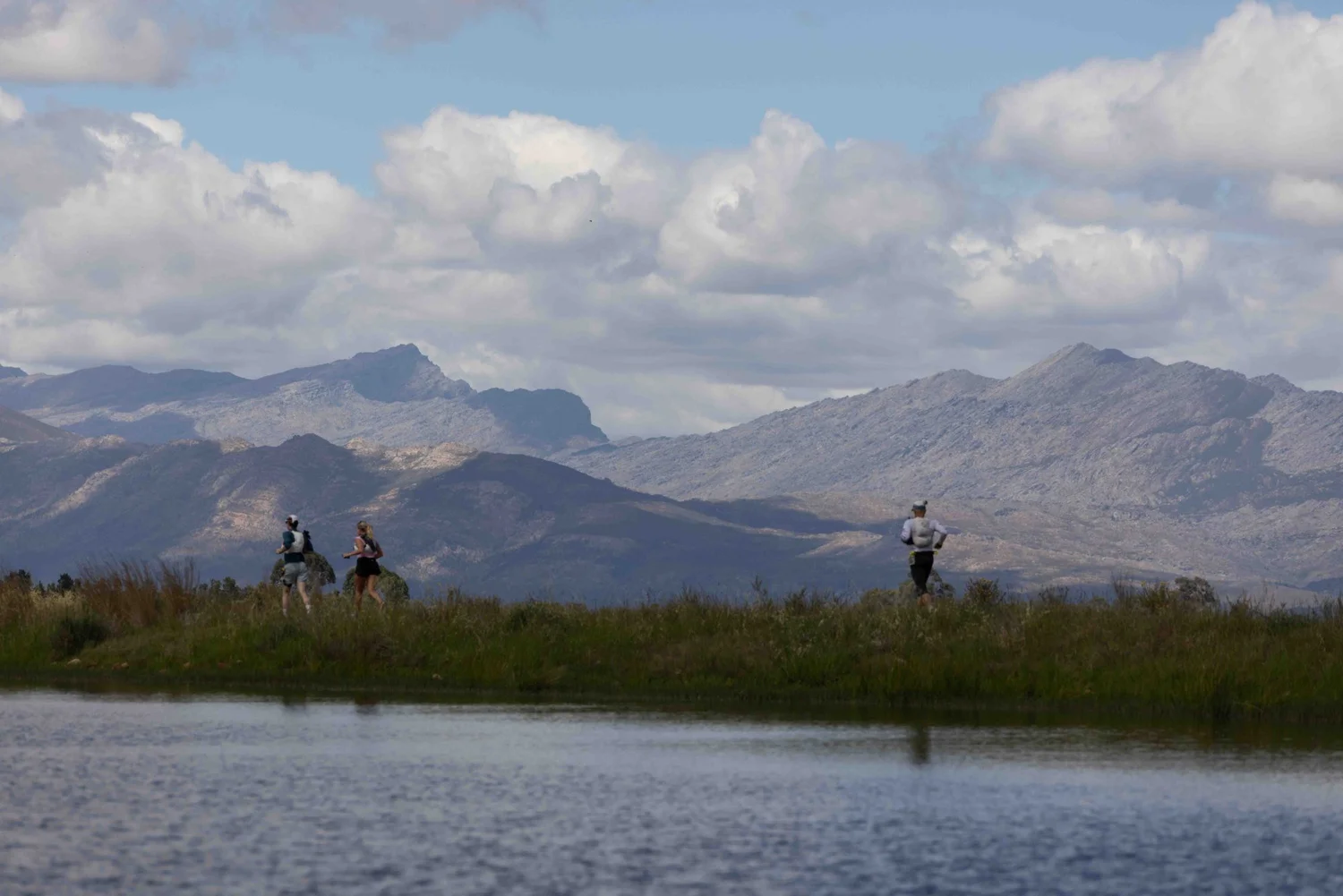
 RawFilmy 2
Filmy 2
Travel · 1 of 2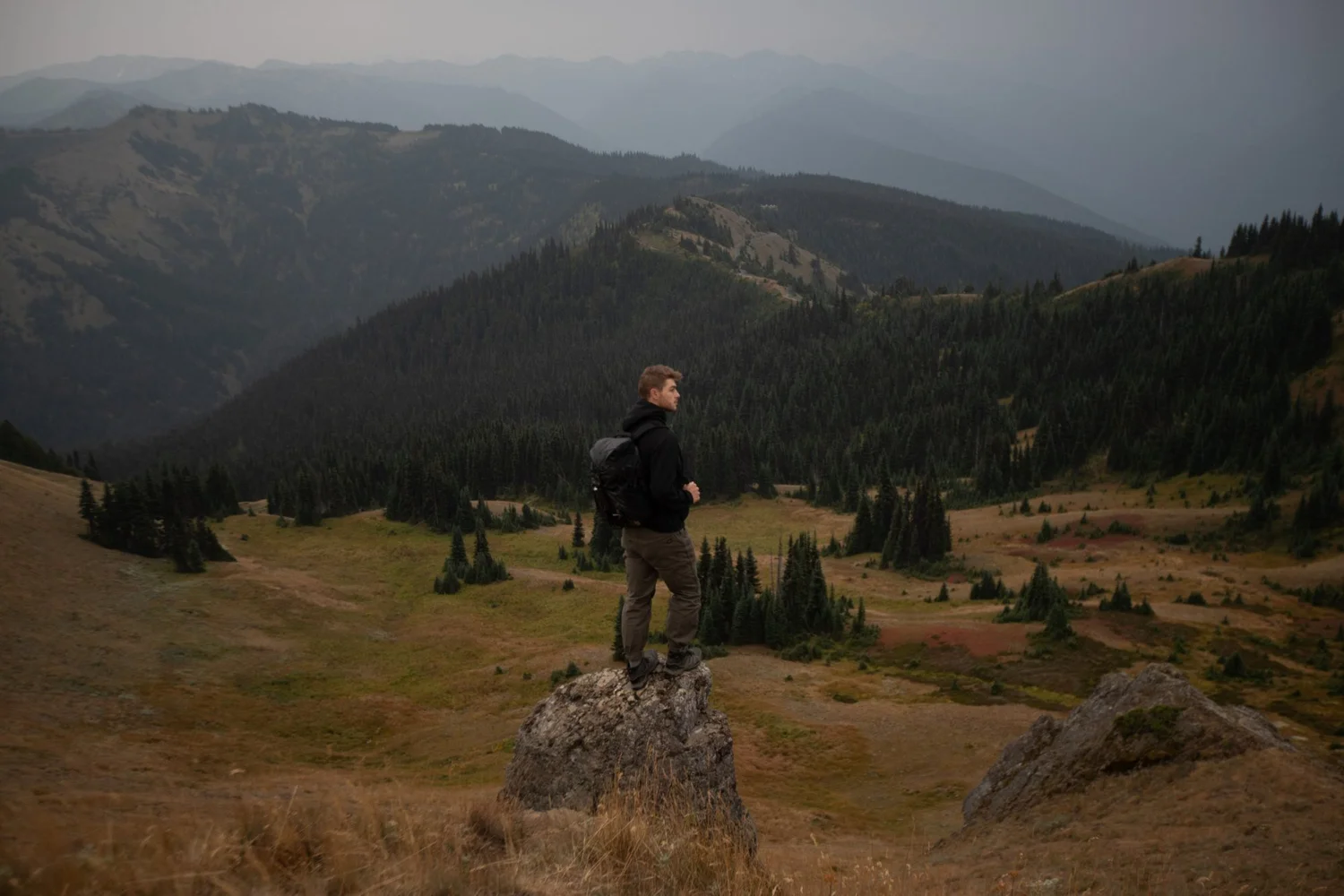
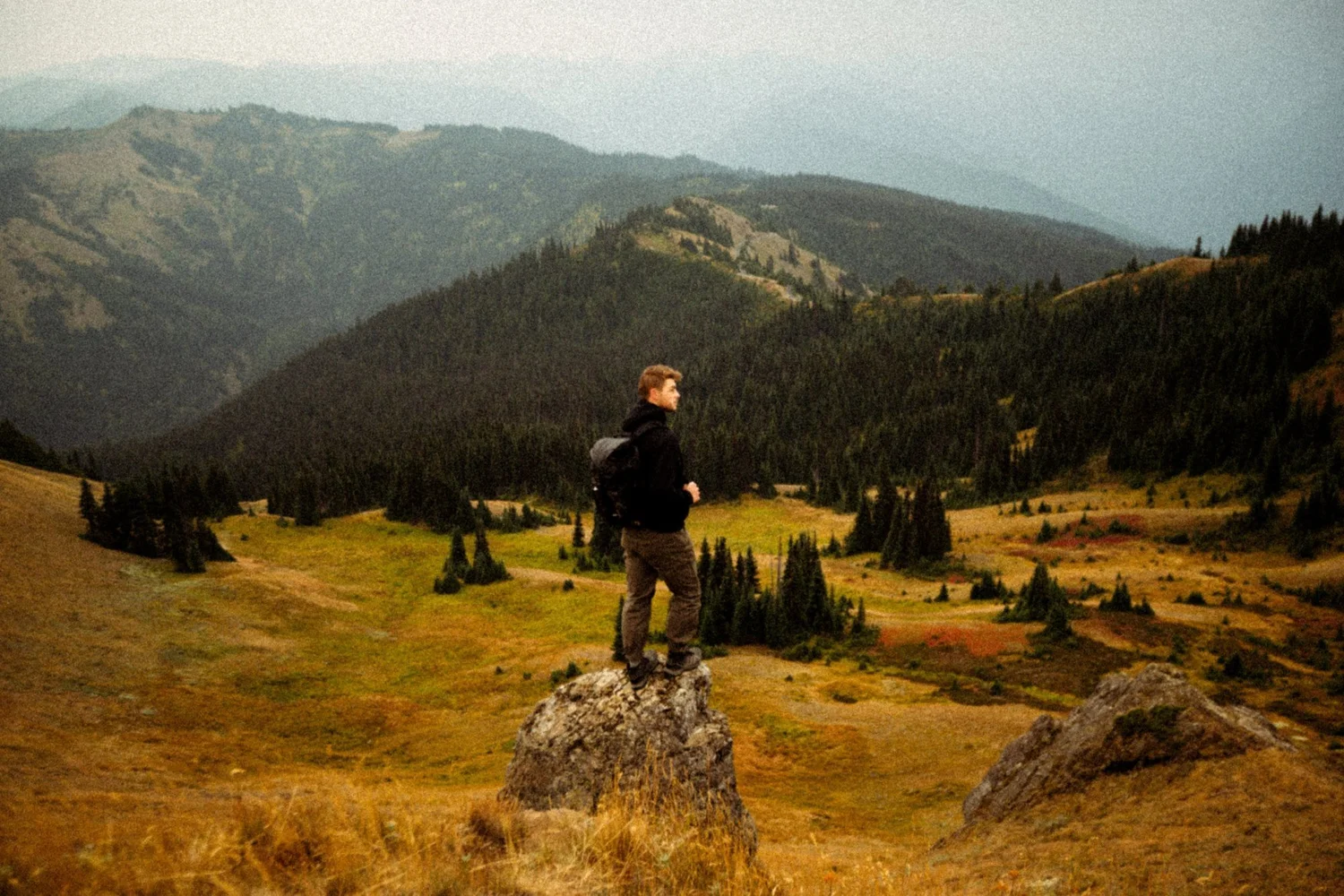 RawFilmy 2
Filmy 2
Travel · 2 of 2
 RawFilmy 3
Filmy 3
Travel · 1 of 2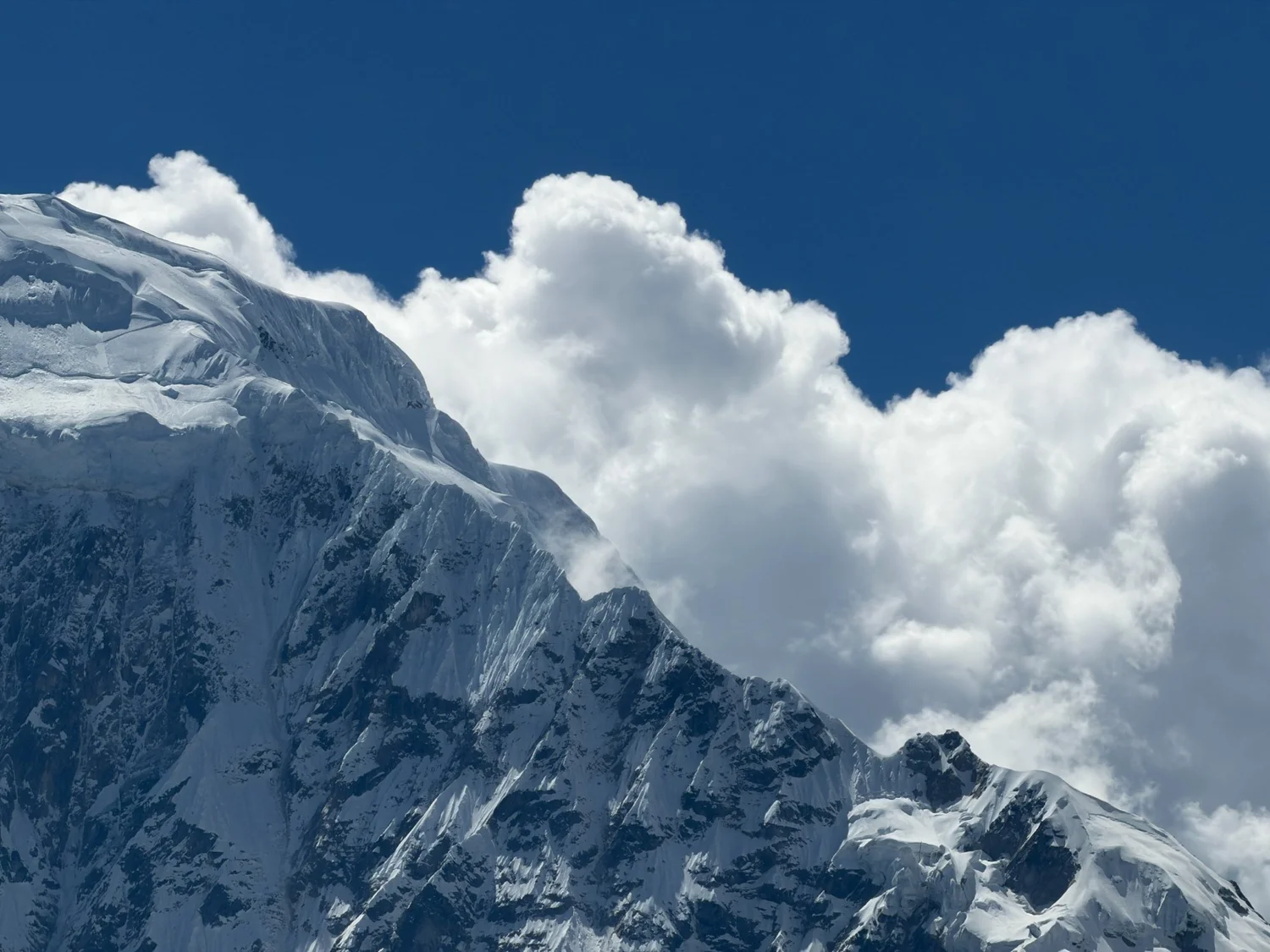
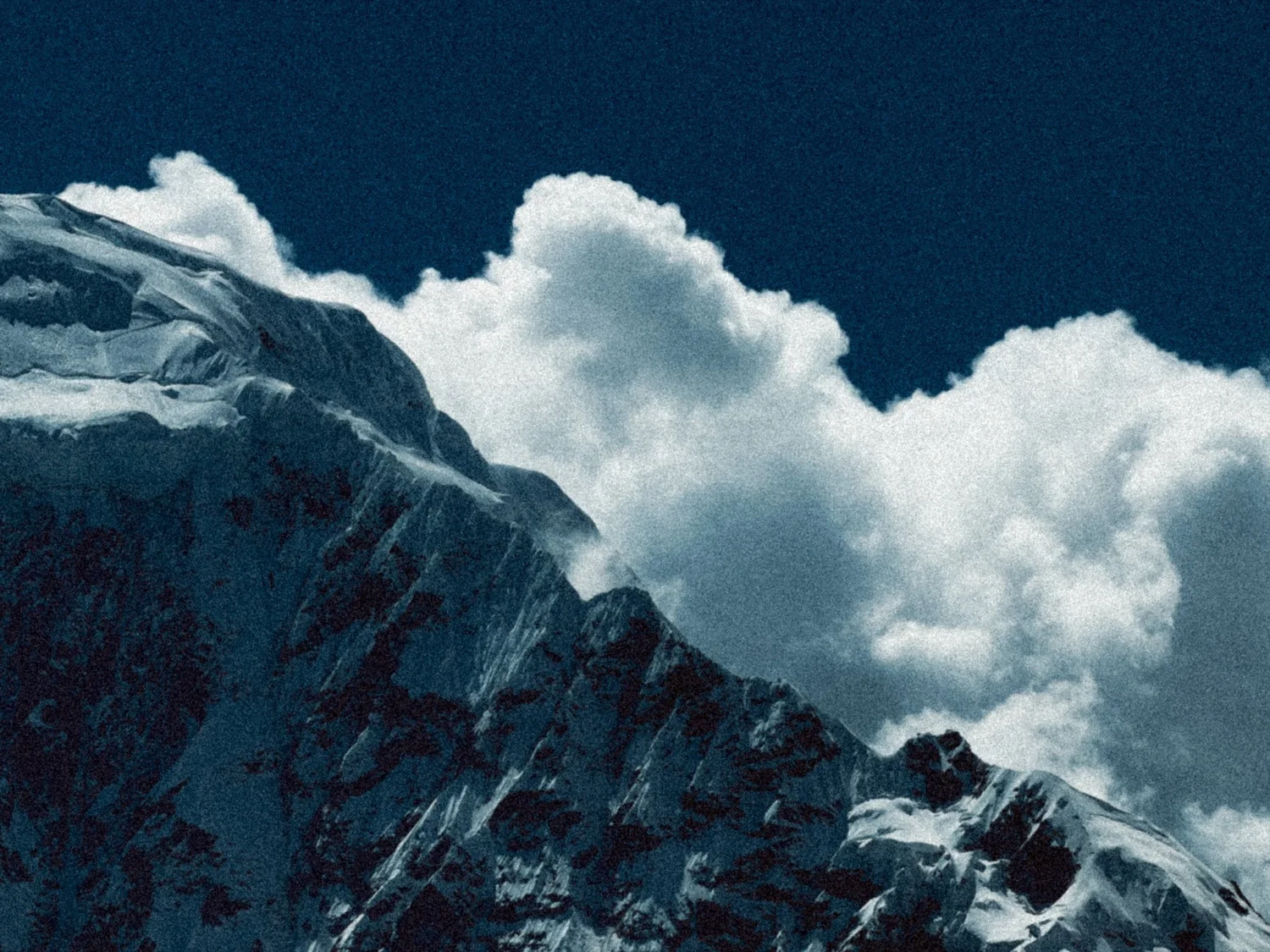 RawFilmy 3
Filmy 3
Travel · 2 of 2
 RawMansfield
Mansfield
Travel · 1 of 2
 RawMansfield
Mansfield
Travel · 2 of 2
 RawEquator
Equator
Travel · 1 of 2
 RawEquator
Equator
Travel · 2 of 2One download
- 18 Lightroom presets (.xmp) in Sport, Art and Travel folders
- RAW files to practise on
- A short read me on installing and tweaking them
- Works in Lightroom Classic, Lightroom desktop and mobile, and Camera Raw
- 1Download and unzip DT27.
- 2In Lightroom, open Presets, click + and choose Import Presets.
- 3Pick the three DT27 folders. They sync to Lightroom mobile on their own.
Questions
Will they look the same on my photos?
Every camera and every light is different. Start with the preset, then adjust exposure and white balance to suit.
Do they work on JPEGs and phone photos?
Yes. They work best on RAW files, but they work on JPEGs and phone photos too.
Edit like I do
18 presets for sport, art and travel, plus RAW files to practise on.
Buy for $19.99Watch the films